Automated Bitwarden vault backup tool with AES-256 encryption, Argon2 key derivation, multi-cloud upload support, and real-time notifications via Discord, Telegram, and Slack.
Lazywarden is a Python automation tool designed to Backup and Restore data from your vault, including Bitwarden attachments. It allows you to upload backups to multiple cloud storage services and receive notifications across multiple platforms. It also offers AES encrypted backups and uses key derivation with Argon2, ensuring maximum security for your data.

Features
Platform Compatibility

System Requirements Operating System: Compatible with major Linux distributions
Installation git clone https://github.com/querylab/lazywarden.git
cd lazywarden
.env file based on the on this .env.sample example file and fill in the necessary variables.#---------------------------------------------------------------------------------------
# These are the 6 variables that are mandatory requirements for Bitwarden Secret Manager
BW_URL=f22bba66-e55d-1111-9a93-abf0dfad069e
BW_USERNAME=5eb0f2bb-1111-4e42-94f8-9333fda803cf
BW_PASSWORD=ba4dc990-1111-4d18-ae6b-0b899d513759
ENCRYPTION_PASSWORD=103c803c-1111-40d4-8578-8b3134c6e93e
ZIP_PASSWORD=2f9fb3a2-96a3-1111-990d-5d6399153e11
ZIP_ATTACHMENT_PASSWORD=b2abc553-1111-4b49-9172-1a94f9072715
#---------------------------------------------------------------------------------------
# TOTP Seed for Aegis,Authy,Ente,GoogleAuth (Optional)
BW_TOTP_SECRET=
# pCloud Credentials (Optional)
PCLOUD_USERNAME=
PCLOUD_PASSWORD=
# Mega Credentials (Optional)
MEGA_EMAIL=
MEGA_PASSWORD=
# Dropbox Credentials (Optional)
DROPBOX_ACCESS_TOKEN=
DROPBOX_REFRESH_TOKEN=
DROPBOX_APP_KEY=
DROPBOX_APP_SECRET=
# Todoist Credentials (Optional)
TODOIST_TOKEN=
# CalDAV Credentials (Optional)
CALDAV_URL=
CALDAV_USERNAME=
CALDAV_PASSWORD=
# Nextcloud Credentials (Optional)
NEXTCLOUD_URL=
NEXTCLOUD_USERNAME=
NEXTCLOUD_PASSWORD=
# Seafile Credentials (Optional)
SEAFILE_SERVER_URL=
SEAFILE_USERNAME=
SEAFILE_PASSWORD=
# Filebase Credentials (Optional)
FILEBASE_ACCESS_KEY=
FILEBASE_SECRET_KEY=
# KeePass Password (Optional)
KEEPASS_PASSWORD=
# Storj Credentials (Optional)
STORJ_ACCESS_KEY=
STORJ_SECRET_KEY=
STORJ_ENDPOINT=
# R2 Credentials (Optional)
R2_ACCESS_KEY_ID=
R2_SECRET_ACCESS_KEY=
R2_ENDPOINT_URL=
# Vikunja Credentials (Optional)
VIKUNJA_API_TOKEN=
VIKUNJA_URL=
# Backblaze B2 Credentials (Optional)
B2_APP_KEY_ID=
B2_APP_KEY=
# Google Drive Settings
GOOGLE_SERVICE_ACCOUNT_FILE=/root/lazywarden/config/bitwarden-drive-backup-google.json
GOOGLE_FOLDER_ID=
# Backup Settings
BACKUP_DIR=/root/lazywarden/backup-drive/
CRON_SCHEDULE="0 0 23 * *"
TIMEZONE=America/New_York
TIMESTAMP=2024_10_31_13_03_29
# API URLs for Bitwarden
API_URL=https://vault.bitwarden.com/api
IDENTITY_URL=https://vault.bitwarden.com/identity
# Organization ID
ORGANIZATION_ID=
# Access Token for Bitwarden Authentication
ACCESS_TOKEN=
# Notifications and Alerts (Optional)
TELEGRAM_TOKEN=
TELEGRAM_CHAT_ID=
DISCORD_WEBHOOK_URL=
SLACK_WEBHOOK_URL=
NTFY_URL=
# SMTP Configuration for Email Notifications (Optional)
SMTP_SERVER=mail.smtp2go.com
SMTP_PORT=8025
SMTP_USERNAME=
SMTP_PASSWORD=
EMAIL_RECIPIENT=
SENDER_EMAIL=
cd lazywarden/scripts
chmod +x setup-ubuntu-env.sh
./setup-ubuntu-env.sh
chmod +x docker-ubuntu.sh
./docker-ubuntu.sh
lazywarden/:cd ..
source venv/bin/activate
bitwarden-cli-install.py script, which will install all CLI dependencies:python3 scripts/bitwarden-cli-install.py
Region/City with the desired timezone (e.g., America/New_York):timedatectl set-timezone Region/City
America/New_York, you would run:timedatectl set-timezone America/New_York
app/ folder and execute main.py:cd app
python3 main.py
main.py, it may be related to missing or outdated libraries. To fix this, I recommend running the following command to install all the necessary dependencies: pip install -r requirements.txt
cd lazywarden/scripts
chmod +x setup-debian-env.sh
./setup-debian-env.sh
chmod +x docker-debian.sh
./docker-debian.sh
lazywarden/:cd ..
source venv/bin/activate
bitwarden-cli-install.py script, which will install all CLI dependencies:python3 scripts/bitwarden-cli-install.py
Region/City with the desired timezone (e.g., America/New_York):timedatectl set-timezone Region/City
America/New_York, you would run:timedatectl set-timezone America/New_York
app/ folder and execute main.py:cd app
python3 main.py
main.py, it may be related to missing or outdated libraries. To fix this, I recommend running the following command to install all the necessary dependencies: pip install -r requirements.txt
lazywarden/
├── app/ # This directory to contain the main application code
│ ├── backup.py # Backup functions
│ ├── bitwarden_client.py # Client to interact with Bitwarden
│ ├── config.py # General application configurations
│ ├── imports.py # Handles common imports
│ ├── main.py # Main entry point of the application
│ ├── notifications.py # Handles notifications
│ ├── secrets_manager.py # Manages secrets
│ ├── import_to_bitwarden.py # Import your bitwarden vault
│ ├── import_to_keepass.py # Create kdbx database
│ ├── schedule_backup.py # For create Schedule Backup
├── config/ # Directory for configuration files
│ ├── bitwarden-drive-backup-google.json # Configuration for Google Drive
├── scripts/ # Directory for installation and setup scripts
│ ├── bitwarden-cli-install.py # Script to install the Bitwarden CLI
│ ├── docker-debian.sh # Setup script for Debian with Docker
│ ├── docker-ubuntu.sh # Setup script for Ubuntu with Docker
│ ├── setup-debian-env.sh # Environment setup for Debian
│ ├── setup-ubuntu-env.sh # Environment setup for Ubuntu
│ ├── alldecrypt-zip.py # Decrypt all zip files
│ ├── json-only-decrypt.py # Decrypt only json files (optional)
├── backup-drive/
│ ├── (This is where the generated backups will be stored local)
├── .env # File for environment variables
├── Dockerfile # Docker configuration file to create an application image
├── docker-compose.yml # Docker Compose Configuration
├── entrypoint.sh # Entrypoint script for Docker
└── requirements.txt # File that lists the project Python dependencies
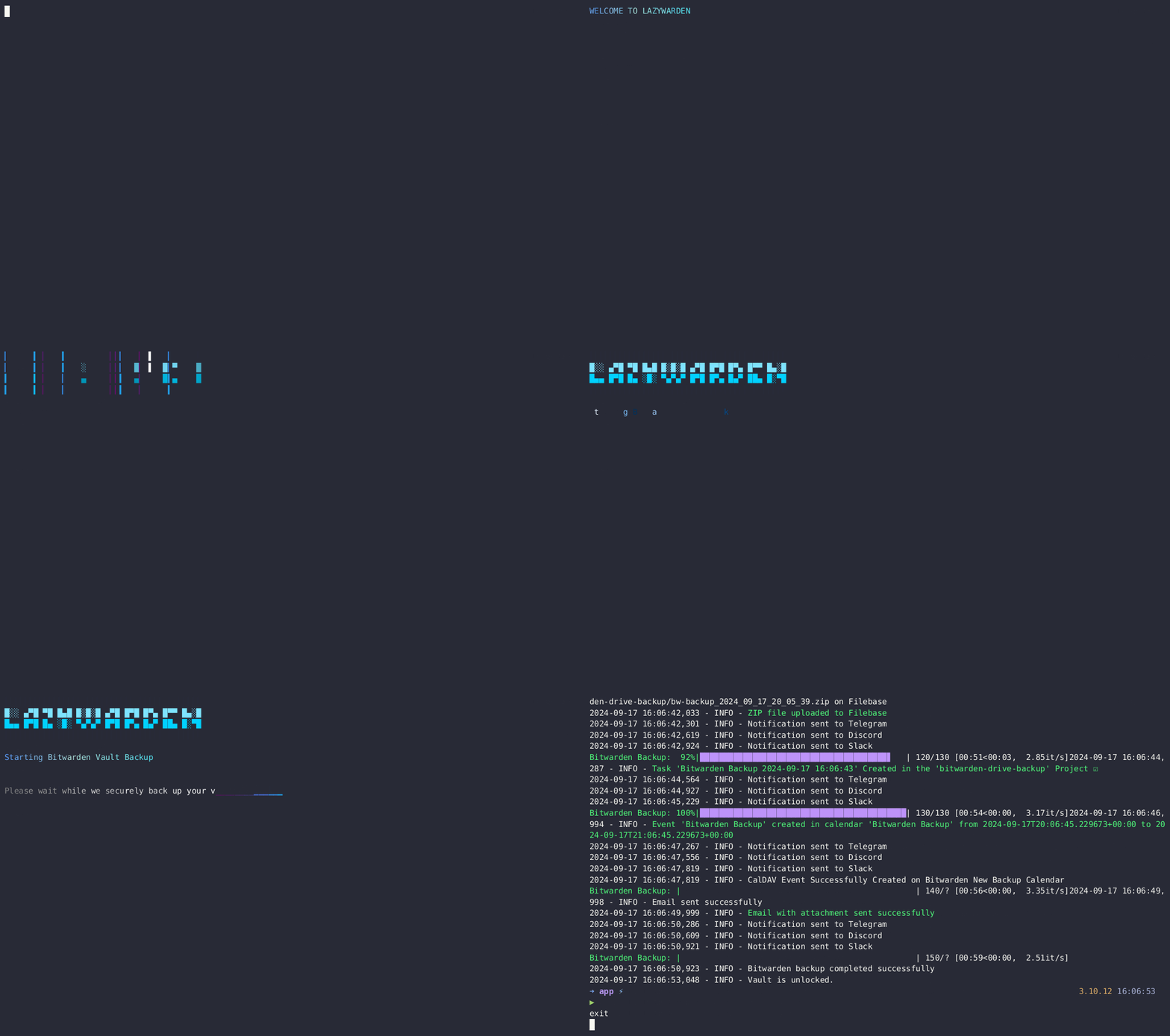
The Docker container will run the main.py script every 24 hours to back up Bitwarden and upload it to the configured cloud services. Notifications will be sent to the specified services in case of success or failure. You can modify the backup frequency according to your needs, such as monthly, daily, or hourly.
services:
lazywarden:
container_name: lazywarden
hostname: lazywarden
image: querylab/lazywarden:latest
env_file:
- .env
environment:
UNLOCK_VAULT: "true"
volumes:
- /root/lazywarden/config:/root/lazywarden/config
- /root/lazywarden/backup-drive:/root/lazywarden/backup-drive/
- /root/lazywarden/.env:/app/.env
restart: unless-stopped
docker compose up -d
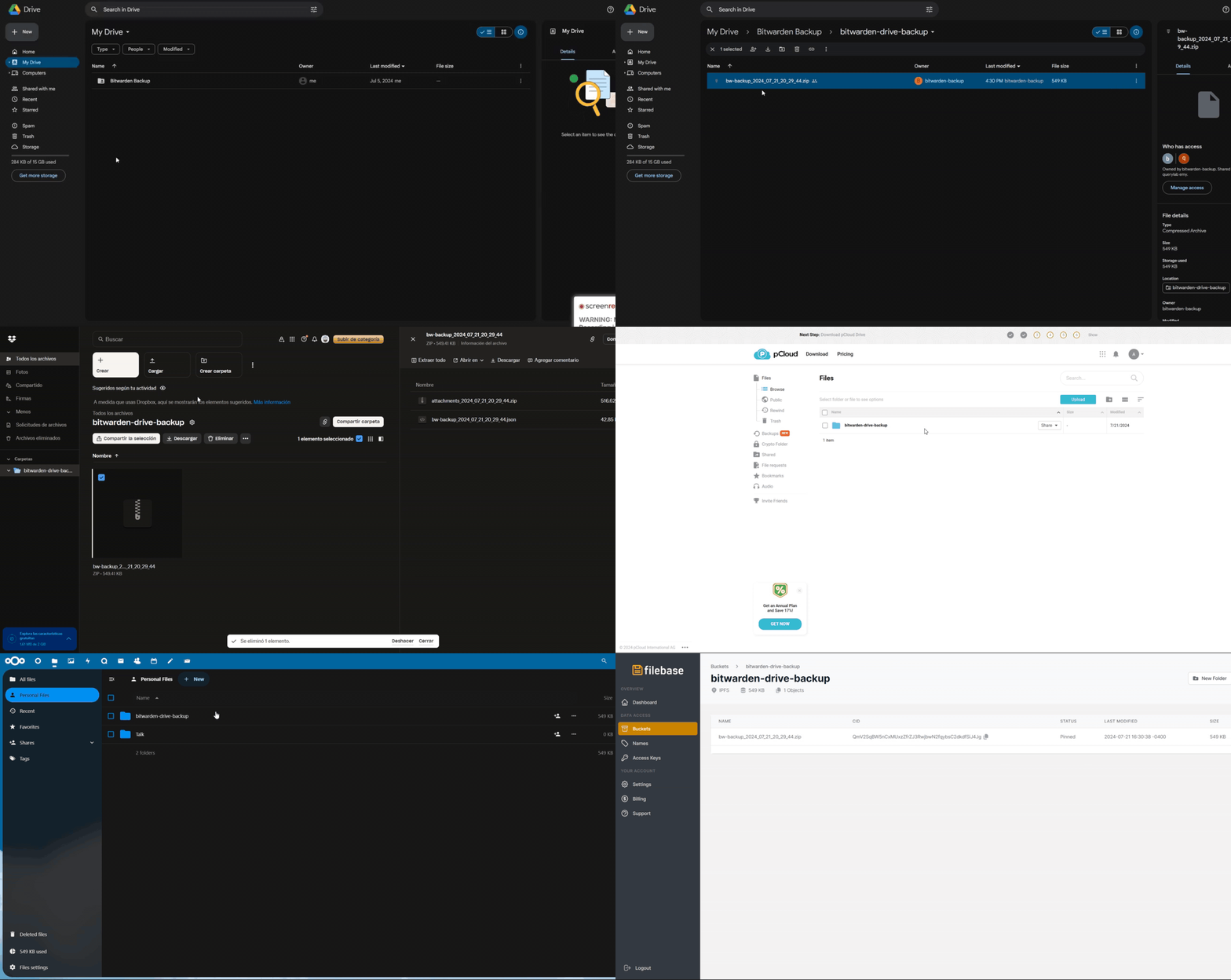
Dockerfile sets up the environment, installs dependencies, and copies necessary files into the container.docker-compose.yml file defines the lazywarden service and sets up environment variables and volumes for persistent storage.bw logout command before logging into a new account.I created Lazywarden to Automate Bitwarden Backups without manual effort or exposing sensitive data. After struggling with complex tools, I leveraged Bitwarden Secret Manager to securely manage secrets. Lazywarden automates backups and uploads them to multiple cloud services (Google Drive, Dropbox, pCloud, MEGA, Seafile, Nextcloud, Filebase, Storj, Cloudflare R2, Backblaze B2), and integrates with Telegram, Discord, Ntfy, Slack, Todoist, Vikunja, and CalDAV for notifications and tracking. Its standout feature is the ability to restore encrypted backups back into Bitwarden, making backup management simple, secure, and efficient.
If you like this project, please consider giving it a ⭐