 pwnfo/mapchar
Generate wordlists using pattern logic and expressions.


Generate wordlists using pattern logic and expressions
Installation • Documentation • Usage • Contributing
[!NOTE] This project was renamed from
fuse/fuse-generatortomapcharstarting from version 7.0.2. The PyPI package, CLI command, and Python package name have all changed accordingly. If you were using the old name, please update your installs and imports.
[!NOTE] It is recommended to install using
pipxorpipfor the PyPI version.
| Method | Notes |
|---|---|
pipx install mapchar | pip may be used in place of pipx |
git clone https://github.com/pwnfo/mapchar.git && cd mapchar && pip install . | Clone and install directly from GitHub |
For a complete guide, feature explanations, and advanced examples, please visit the documentation.

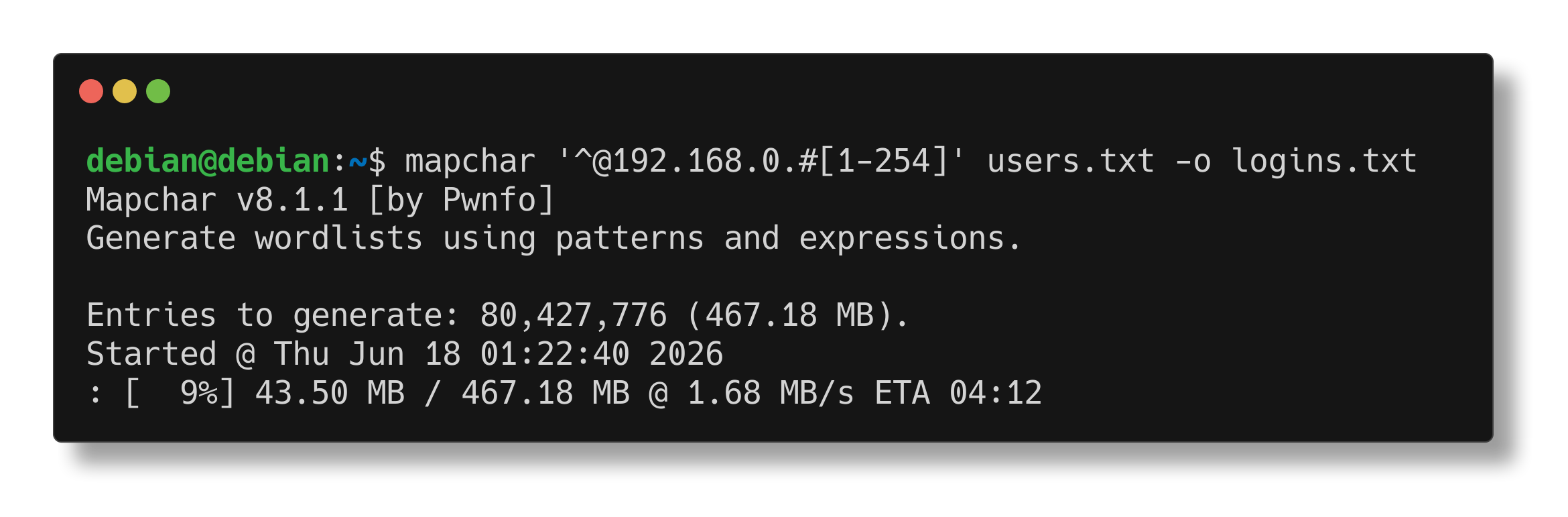
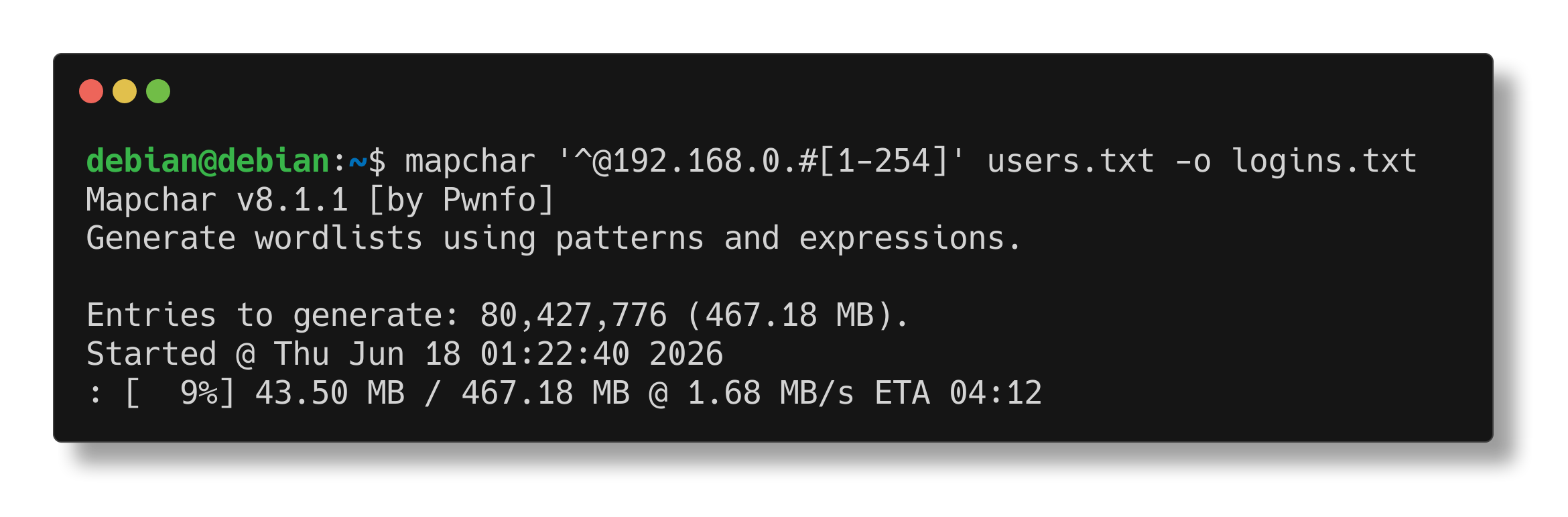
To generate a wordlist from a simple expression:
mapchar '/l{2,4}'
To combine files with generators:
mapchar '^:^' names.txt pass.txt
Outputs can be manipulated, filtered, and saved.
General Options:
  -h, --help            show this help message and exit
  -v, --version         show version information and exit
  -S, --stats           show pattern statistics and exit
  -q, --quiet           suppress non-essential output
  -n, --non-interactive
                        skip the confirmation prompt before execution

Generation Options:
  -d, --delimiter <string>
                        string inserted between generated entries
  -b, --write-buffer <size>
                        output buffer size
  -w, --workers <1-64>  number of worker processes (default: 1)
  -k, --flush-threshold <size>
                        flush output after reaching this byte threshold (default: 512KB)

Input Options:
  -f, --file <path>     load patterns from file
  -s, --start <word>    start writing output from <word>
  -e, --end <word>      stop writing output at <word>

Output Options:
  -o, --output <path>   write output to a file
  -z, --compress <format>
                        compress output (supported: gzip, bzip2, lzma)
  -l, --compresslevel <level>
                        compression level for the selected format
[...] produce one item per position.Example:
$ mapchar '/l{2,3}'
# output: aa, ab, ac, ..., ZY, ZZ
| Symbol | Meaning |
|---|---|
/l | letters (a–z, A–Z) |
/a | lowercase letters (a–z) |
/A | uppercase letters (A–Z) |
/d | digits (0–9) |
/D | non-zero digits (1–9) |
/h | lowercase hexadecimal (0–9, a–f) |
/H | uppercase hexadecimal (0–9, A–F) |
/s | space |
/o | octal digits (0–7) |
/p | special characters |
/b | newline (\n) |
Example: /l/l generates all two-letter combinations (upper and lower case).
[abc] selects one character from a, b, or c.| to separate full-word alternatives inside classes:
[admin|root|123] inserts admin OR root OR 123 at that point.|| to separate top-level expressions:
mapchar 'admin/d||guest/d' chains two independent patterns.You can analyze a pattern before generating it using the -S/--stats flag. This shows token counts, estimated size, and range filtering details.
mapchar -S '/l{3}||/d{3}'
{N} — repeat exactly N times{min,max} — repeat between min and max times (inclusive)? — optional (0 or 1 time)Examples:
$ mapchar '[XYZ]{3}'         # XXX, XXY, ..., ZZZ
$ mapchar '[XYZ]{2,5}'       # XY, XZ, ..., XYZXY
$ mapchar 'Ryan?/d'          # Rya0, Rya1, ..., Ryan9
$ mapchar '[XYZ]?Ryan'       # Ryan, XRyan, YRyan, ZRyan
#[1-10] → generates 1,2,3,4,5,6,7,8,9,10#[1-10:2] → generates 1,3,5,7,9#[2-10:2] → generates 2,4,6,8,10These numeric ranges can be used in any position of an expression.
Use ^ in an expression as a placeholder for the next file argument. Each ^ consumes one file and iterates over its lines:
$ mapchar '^/d' names.txt
# output: Bob0, Bob1, ..., Ana0, Ana1, ...

$ mapchar '^-^' names.txt years.txt
# output: Bob-1990, Ana-1991, Ryan-1992, ...
Prefix a filename with // to treat it as an inline expression instead of a file path.
Use <@name=expr> to evaluate an expression once per output line and store it, then reuse it with <@name>.
Unlike concatenation, this introduces a dependency, so no cartesian product is created between the definition and its references.
$ mapchar '<@d=/d>-<@d>'
# output: 0-0, 1-1, ..., 9-9

$ mapchar '<@x=^>:<@x>' words.txt
# output: foo:foo, bar:bar, ...

$ mapchar '<@n=/d{2}>_<@n>'
# output: 00_00, 01_01, ..., 99_99
Mapchar supports on-the-fly compression when writing output files.
# gzip (fast, balanced)
mapchar '/l{5}' -z gzip -o wordlist.txt.gz

# lzma (best compression)
mapchar '/l{5}' -z lzma -o wordlist.txt.xz

# bzip2 (middle ground)
mapchar '/l{5}' -z bzip2 -o wordlist.txt.bz2
Use \ to escape special characters.
$ mapchar '\/d/d'
# output: /d/0, /d/1, ..., /d/9
We welcome contributions to Mapchar! Whether it's adding new features, improving documentation, or fixing bugs, your help is appreciated.
Feel free to open an issue or submit a pull request on our GitHub repository at pwnfo/mapchar.
MIT © Ryan R. <[email protected]>
