 pvharmo2/gha-lab-9b5e3ccfbe
Security-research lab: reproduction of CVE-2026-33475 (GitHub Actions script injection via PR branch name in deploy-docs-draft.yml), snapshot of langflow-ai/langflow

Automated research artifact — not the upstream project.
This repository is a disposable lab built by an automated harness for a master's thesis at Université Laval on reproducing published GitHub Actions workflow vulnerabilities. It is a verbatim snapshot of
langflow-ai/langflowat commit7d4ffbcbf5a86843c15daf5faade974a5fe15f9d(2026-03-19), redistributed under that project's own licence, whose file is included unchanged in this snapshot.The upstream project is not involved, is never targeted, and the vulnerability studied here is already public. Every secret and variable in this repository is a randomly generated dummy value — no real credential is present. Action references and runner images are pinned to what they resolved to on 2026-03-19; see
pinning.mdin the harness output for every change made to the snapshot.Questions or objections: [email protected]







Langflow is a powerful platform for building and deploying AI-powered agents and workflows. It provides developers with both a visual authoring experience and built-in API and MCP servers that turn every workflow into a tool that can be integrated into applications built on any framework or stack. Langflow comes with batteries included and supports all major LLMs, vector databases and a growing library of AI tools.
Langflow Desktop is the easiest way to get started with Langflow. All dependencies are included, so you don't need to manage Python environments or install packages manually. Available for Windows and macOS.
Requires Python 3.10–3.13 and uv (recommended package manager).
From a fresh directory, run:
uv pip install langflow -U
The latest Langflow package is installed. For more information, see Install and run the Langflow OSS Python package.
To start Langflow, run:
uv run langflow run
Langflow starts at http://127.0.0.1:7860.
That's it! You're ready to build with Langflow! 🎉
If you've cloned this repository and want to contribute, run this command from the repository root:
make run_cli
For more information, see DEVELOPMENT.md.
Start a Langflow container with default settings:
docker run -p 7860:7860 langflowai/langflow:latest
Langflow is available at http://localhost:7860/. For configuration options, see the Docker deployment guide.
[!CAUTION]
- Users must update to Langflow >= 1.7.1 to protect against CVE-2025-68477 and CVE-2025-68478.
- Langflow version 1.7.0 has a critical bug where persisted state (flows, projects, and global variables) cannot be found when upgrading. Version 1.7.0 was yanked and replaced with version 1.7.1, which includes a fix for this bug. DO NOT upgrade to version 1.7.0. Instead, upgrade directly to version 1.7.1.
- Langflow versions 1.6.0 through 1.6.3 have a critical bug where
.envfiles are not read, potentially causing security vulnerabilities. DO NOT upgrade to these versions if you use.envfiles for configuration. Instead, upgrade to 1.6.4, which includes a fix for this bug.- Windows users of Langflow Desktop should not use the in-app update feature to upgrade to Langflow version 1.6.0. For upgrade instructions, see Windows Desktop update issue.
- Users must update to Langflow >= 1.3 to protect against CVE-2025-3248
- Users must update to Langflow >= 1.5.1 to protect against CVE-2025-57760
For security information, see our Security Policy and Security Advisories.
Langflow is completely open source and you can deploy it to all major deployment clouds. To learn how to deploy Langflow, see our Langflow deployment guides.
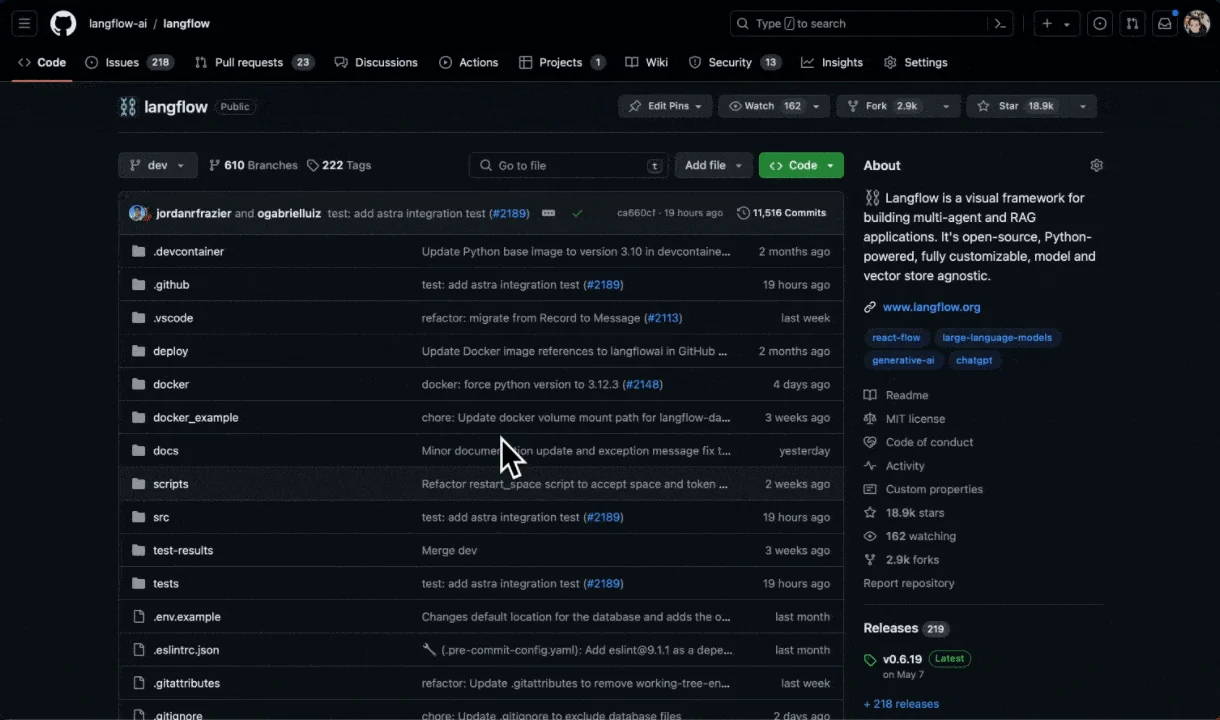
Star Langflow on GitHub to be instantly notified of new releases.
We welcome contributions from developers of all levels. If you'd like to contribute, please check our contributing guidelines and help make Langflow more accessible.
