 ptswarm/reflutter
Flutter Reverse Engineering Framework



This framework helps with Flutter apps reverse engineering using the patched version of the Flutter library which is already compiled and ready for app repacking. This library has snapshot deserialization process modified to allow you perform dynamic analysis in a convenient way.
Key features:
socket.cc is patched for traffic monitoring and interception;dart.cc is modified to print classes, functions and some fields;Dockerfile# Linux, Windows, MacOS
pip3 install reflutter
impact@f:~$ reflutter main.apk

Please enter your Burp Suite IP: <input_ip>

SnapshotHash: 8ee4ef7a67df9845fba331734198a953
The resulting apk file: ./release.RE.apk
Please sign the apk file

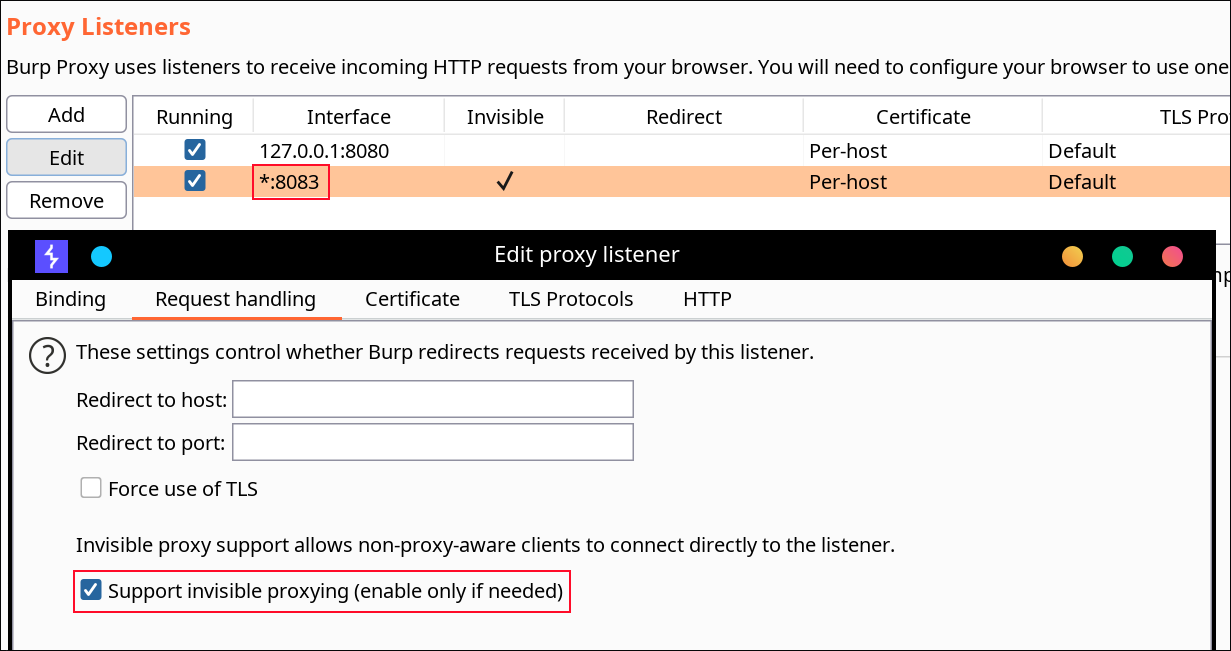
Configure Burp Suite proxy server to listen on *:8083
Proxy Tab -> Options -> Proxy Listeners -> Edit -> Binding Tab

Then enable invisible proxying in Request Handling Tab
Support Invisible Proxying -> true

impact@f:~$ reflutter main.ipa
You need to specify the IP of your Burp Suite Proxy Server located in the same network where the device with the flutter application is. Next, you should configure the Proxy in BurpSuite -> Listener Proxy -> Options tab
8083All interfacesTrue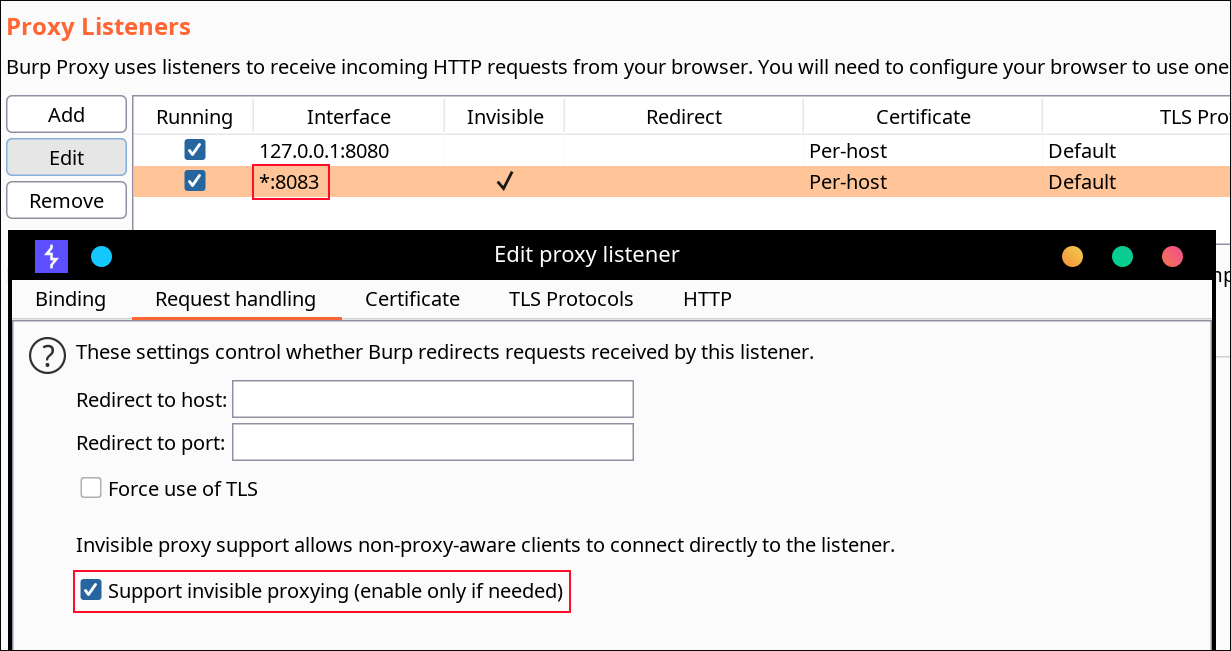
You don't need to install any certificates. On an Android device, you don't need root access as well. reFlutter also allows to bypass some of the flutter certificate pinning implementations.
The resulting apk must be aligned and signed. I use uber-apk-signer
java -jar uber-apk-signer.jar --allowResign -a release.RE.apk.
To see which code is loaded through DartVM, you need to run the application on the device. Note that you must manually find what _kDartIsolateSnapshotInstructions (ex. 0xB000 ) equals to using a binary search. reFlutter writes the dump to the root folder of the application and sets 777 permissions to the file and folder. You can pull the file with adb command
impact@f:~$ adb -d shell "cat /data/data/<PACKAGE_NAME>/dump.dart" > dump.dart
Library:'package:anyapp/navigation/DeepLinkImpl.dart' Class: Navigation extends Object {

String* DeepUrl = anyapp://evil.com/ ;

 Function 'Navigation.': constructor. (dynamic, dynamic, dynamic, dynamic) => NavigationInteractor {

              Code Offset: _kDartIsolateSnapshotInstructions + 0x0000000000009270

                   }

 Function 'initDeepLinkHandle':. (dynamic) => Future<void>* {

              Code Offset: _kDartIsolateSnapshotInstructions + 0x0000000000412fe8

                   }

 Function '_navigateDeepLink@547106886':. (dynamic, dynamic, {dynamic navigator}) => void {

              Code Offset: _kDartIsolateSnapshotInstructions + 0x0000000000002638

                   }

       }

Library:'package:anyapp/auth/navigation/AuthAccount.dart' Class: AuthAccount extends Account {

PlainNotificationToken* _instance = sentinel;

 Function 'getAuthToken':. (dynamic, dynamic, dynamic, dynamic) => Future<AccessToken*>* {

               Code Offset: _kDartIsolateSnapshotInstructions + 0x00000000003ee548

                   }

 Function 'checkEmail':. (dynamic, dynamic) => Future<bool*>* {

               Code Offset: _kDartIsolateSnapshotInstructions + 0x0000000000448a08

                   }

 Function 'validateRestoreCode':. (dynamic, dynamic, dynamic) => Future<bool*>* {

               Code Offset: _kDartIsolateSnapshotInstructions + 0x0000000000412c34

                   }

 Function 'sendSmsRestorePassword':. (dynamic, dynamic) => Future<bool*>* {

               Code Offset: _kDartIsolateSnapshotInstructions + 0x00000000003efb88

                   }
       }
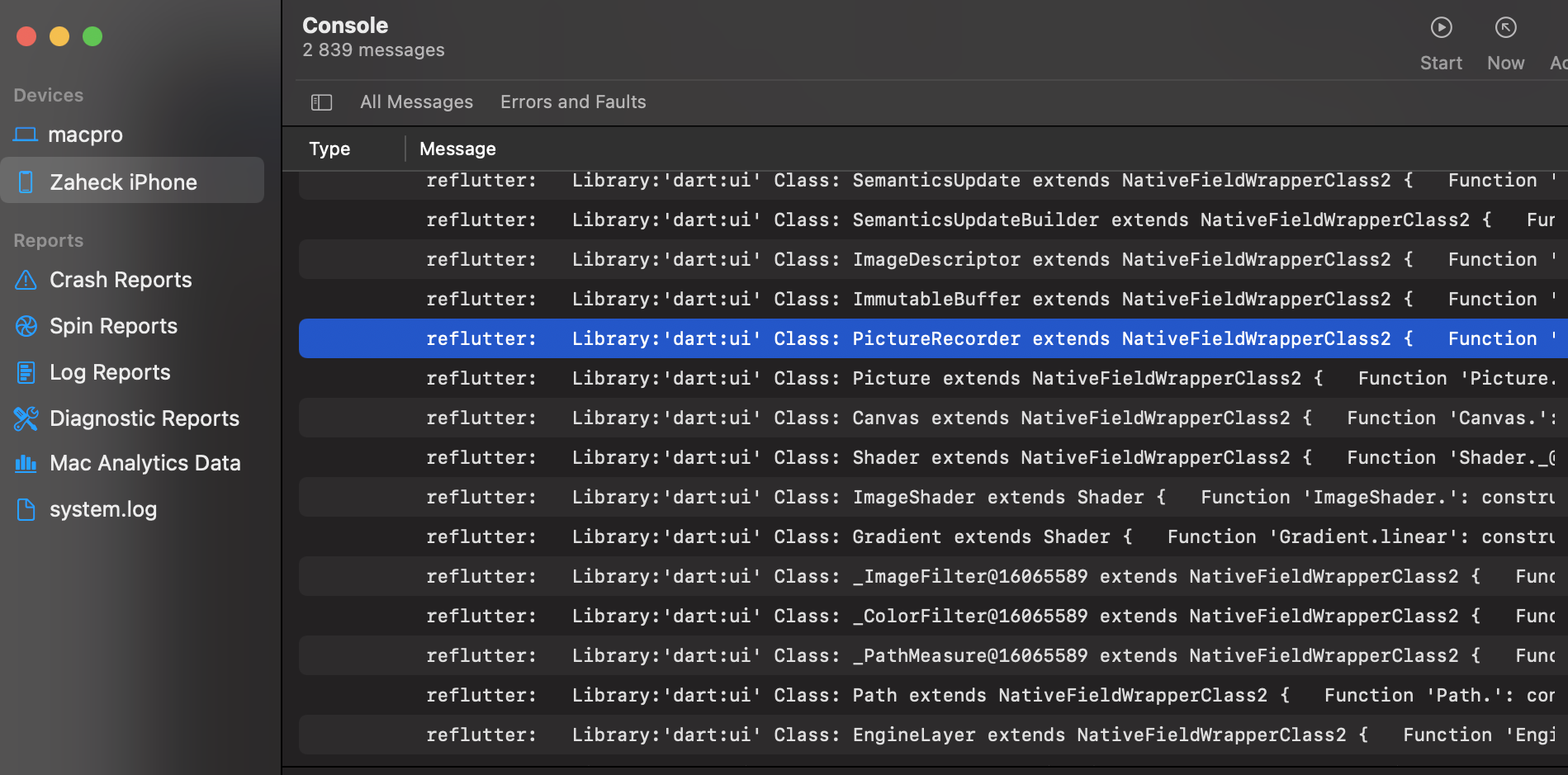
Use the IPA file created after the execution of reflutter main.ipa command. To see which code is loaded through DartVM, you need to run the application on the device. reFlutter prints its output in console logs in XCode with the reflutter tag.
App.framework and libapp.so inside zip archiveThe engines are built using reFlutter in Github Actions to build the desired version, commits and snapshot hashes are used from this table.
The hash of the snapshot is extracted from storage.googleapis.com/flutter_infra_release/flutter/<hash>/android-arm64-release/linux-x64.zip
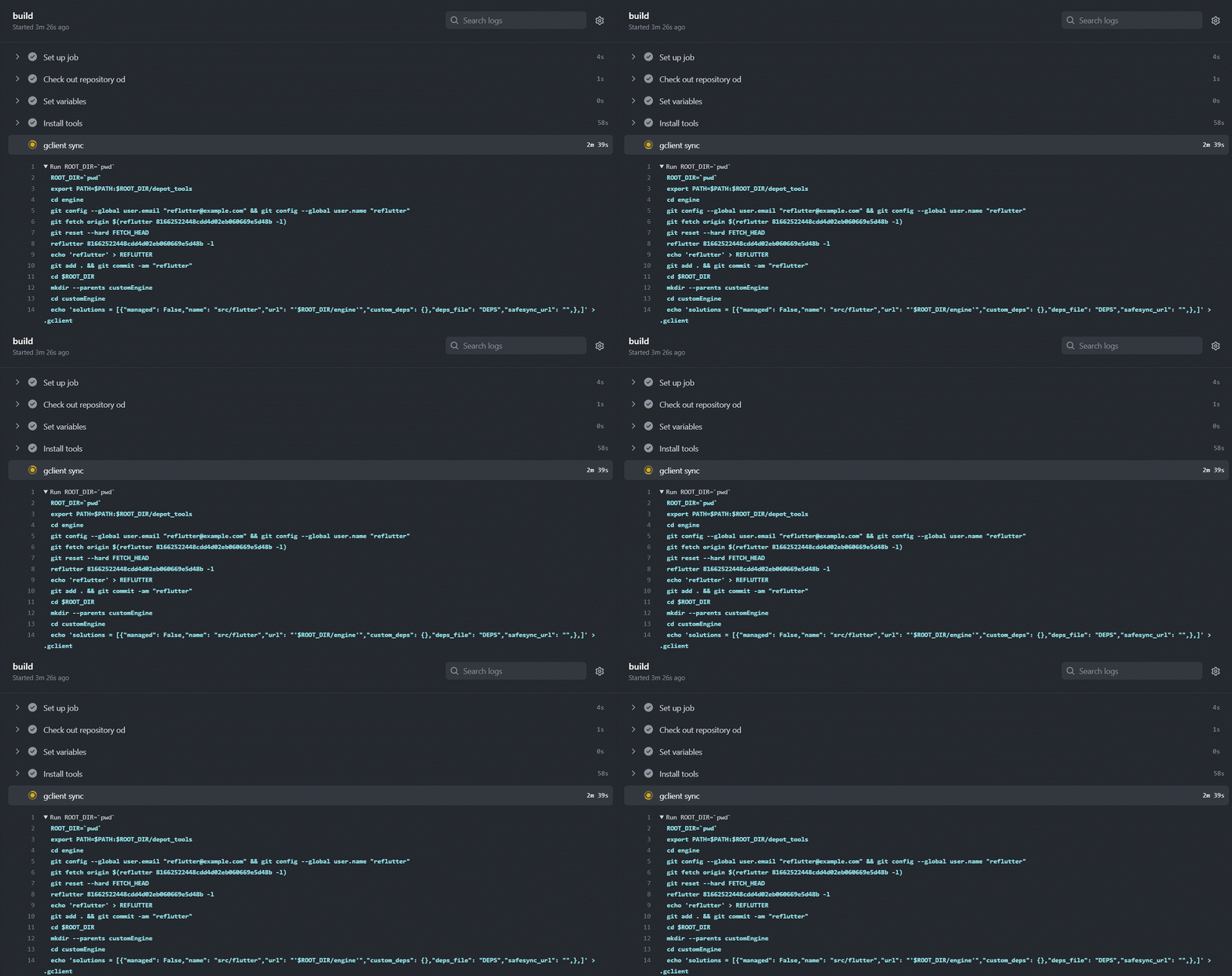
If you would like to implement your own patches, manual Flutter code change is supported using specially crafted Docker
sudo docker pull ptswarm/reflutter
# Linux, Windows
EXAMPLE BUILD ANDROID ARM64:
    sudo docker run -e WAIT=300 -e x64=0 -e arm=0 -e HASH_PATCH=<Snapshot_Hash> -e COMMIT=<Engine_commit> --rm -iv${PWD}:/t ptswarm/reflutter

FLAGS:
    -e x64=0                         <disables building for x64 archiitechture, use to reduce building time>
    -e arm=0                         <disables building for arm archiitechture, use to reduce building time>
    -e WAIT=300                      <the amount of time in seconds you need to edit source code>
    -e HASH_PATCH=[Snapshot_Hash]    <here you need to specify snapshot hash which matches the engine_commit line of enginehash.csv table best. It is used for proper patch search in reFlutter and for successfull compilation>
    -e COMMIT=[Engine_commit]        <here you specify commit for your engine version, take it from enginehash.csv table or from flutter/engine repo>

