

 protectai/modelscan
Protection against Model Serialization Attacks









Machine Learning (ML) models are shared publicly over the internet, within teams and across teams. The rise of Foundation Models have resulted in public ML models being increasingly consumed for further training/fine tuning. ML Models are increasingly used to make critical decisions and power mission-critical applications. Despite this, models are not yet scanned with the rigor of a PDF file in your inbox.
This needs to change, and proper tooling is the first step.
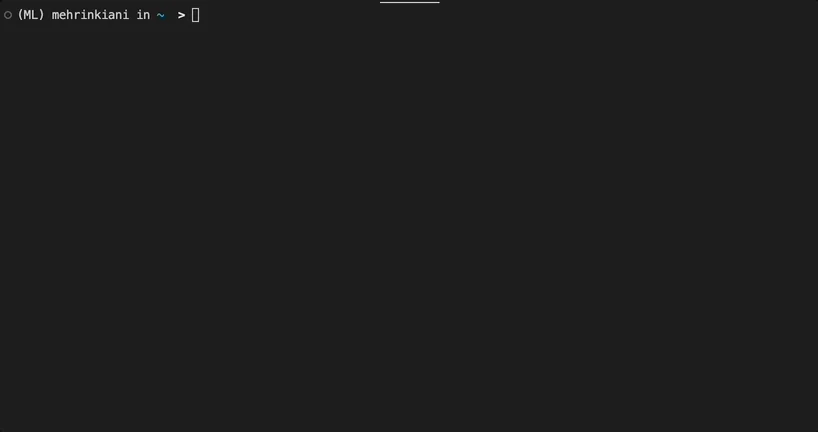
ModelScan is an open source project from Protect AI that scans models to determine if they contain unsafe code. It is the first model scanning tool to support multiple model formats. ModelScan currently supports: H5, Pickle, and SavedModel formats. This protects you when using PyTorch, TensorFlow, Keras, Sklearn, XGBoost, with more on the way.
If you are ready to get started scanning your models, it is simple:
pip install modelscan
With it installed, scan a model:
modelscan -p /path/to/model_file.pkl
Models are often created from automated pipelines, others may come from a data scientist’s laptop. In either case the model needs to move from one machine to another before it is used. That process of saving a model to disk is called serialization.
A Model Serialization Attack is where malicious code is added to the contents of a model during serialization(saving) before distribution — a modern version of the Trojan Horse.
The attack functions by exploiting the saving and loading process of models. When you load a model with model = torch.load(PATH), PyTorch opens the contents of the file and begins to running the code within. The second you load the model the exploit has executed.
A Model Serialization Attack can be used to execute:
These attacks are incredibly simple to execute and you can view working examples in our 📓notebooks folder.
ModelScan offers robust open-source scanning. If you need comprehensive AI security, consider Guardian. It is our enterprise-grade model scanning product.
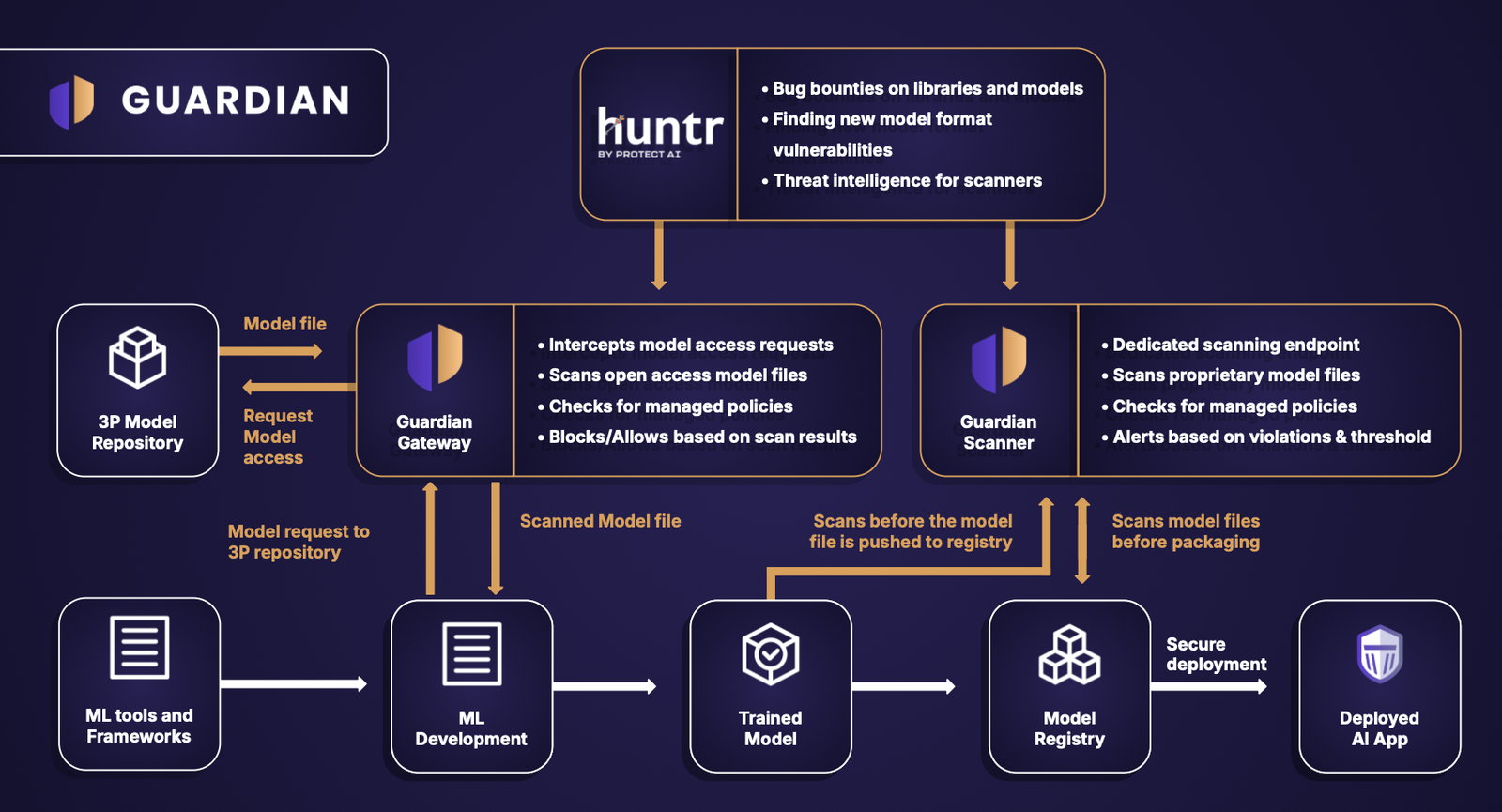
If loading a model with your machine learning framework automatically executes the attack, how does ModelScan check the content without loading the malicious code?
Simple, it reads the content of the file one byte at a time just like a string, looking for code signatures that are unsafe. This makes it incredibly fast, scanning models in the time it takes for your computer to process the total filesize from disk(seconds in most cases). It also secure.
ModelScan ranks the unsafe code as:
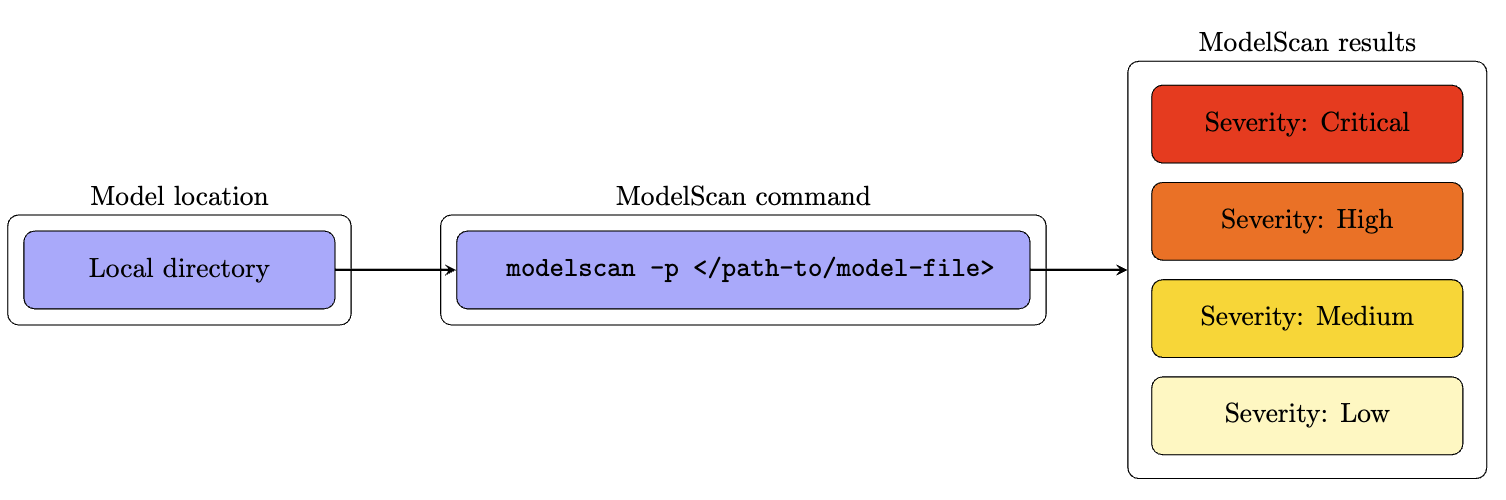
If an issue is detected, reach out to the author's of the model immediately to determine the cause.
In some cases, code may be embedded in the model to make things easier to reproduce as a data scientist, but it opens you up for attack. Use your discretion to determine if that is appropriate for your workloads.
This will be expanding continually, so look out for changes in our release notes.
At present, ModelScan supports any Pickle derived format and many others:

