 projectdiscovery/uncover
Quickly discover exposed hosts on the internet using multiple search engines.







Features • Installation • Usage • Configuration • Running Uncover • Join Discord
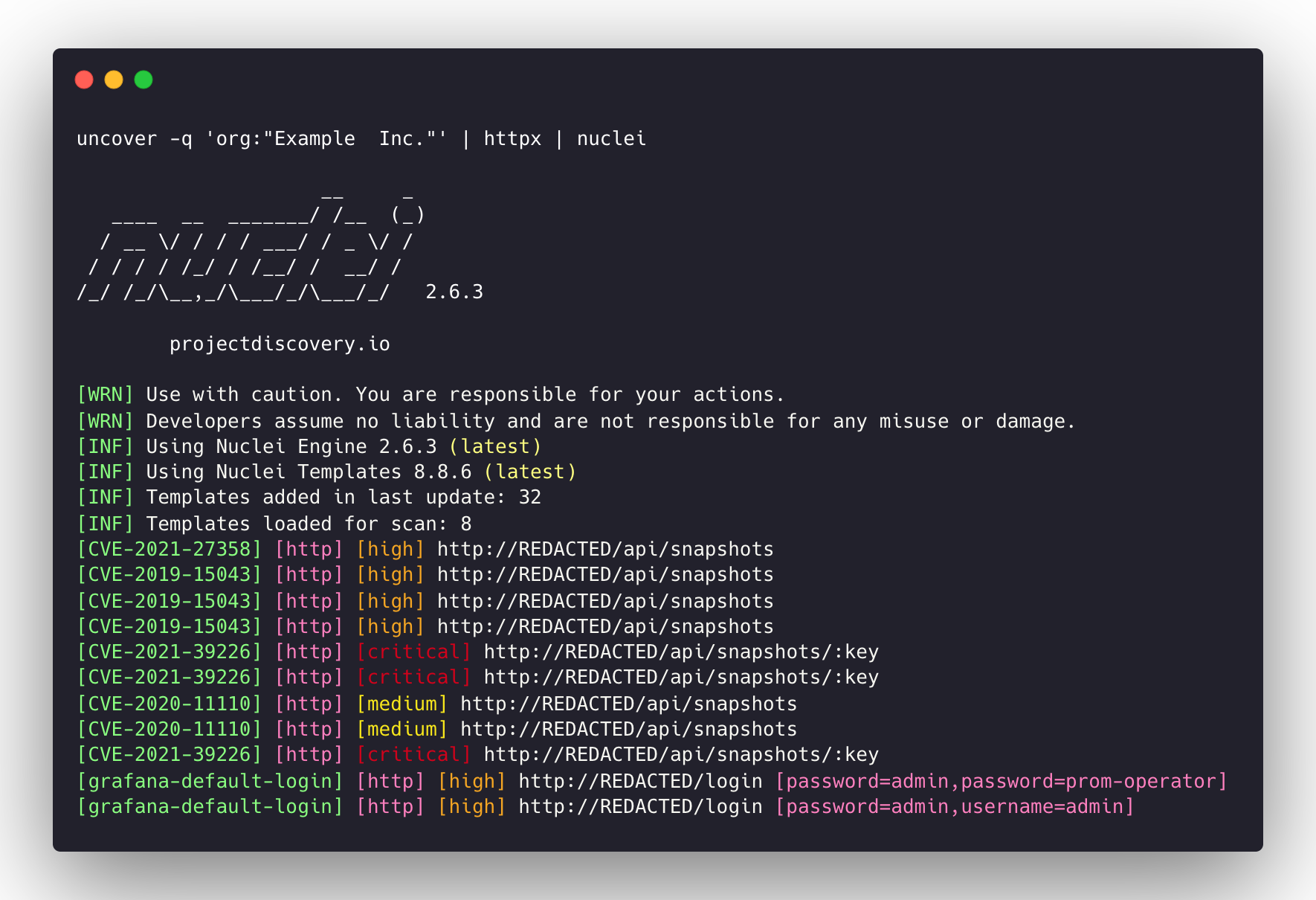
uncover is a go wrapper using APIs of well known search engines to quickly discover exposed hosts on the internet. It is built with automation in mind, so you can query it and utilize the results with your current pipeline tools.
uncover requires go1.21 to install successfully. Run the following command to get the repo -
go install -v github.com/projectdiscovery/uncover/cmd/uncover@latest
uncover -h
This will display help for the tool. Here are all the flags it supports:
Usage:
  ./uncover [flags]

Flags:
INPUT:
   -q, -query string[]   search query, supports: stdin,file,config input (example: -q 'example query', -q 'query.txt')
   -e, -engine string[]  search engine to query (shodan,shodan-idb,fofa,censys,quake,hunter,zoomeye,netlas,criminalip,publicwww,hunterhow,google,driftnet,daydaymap) (default shodan)
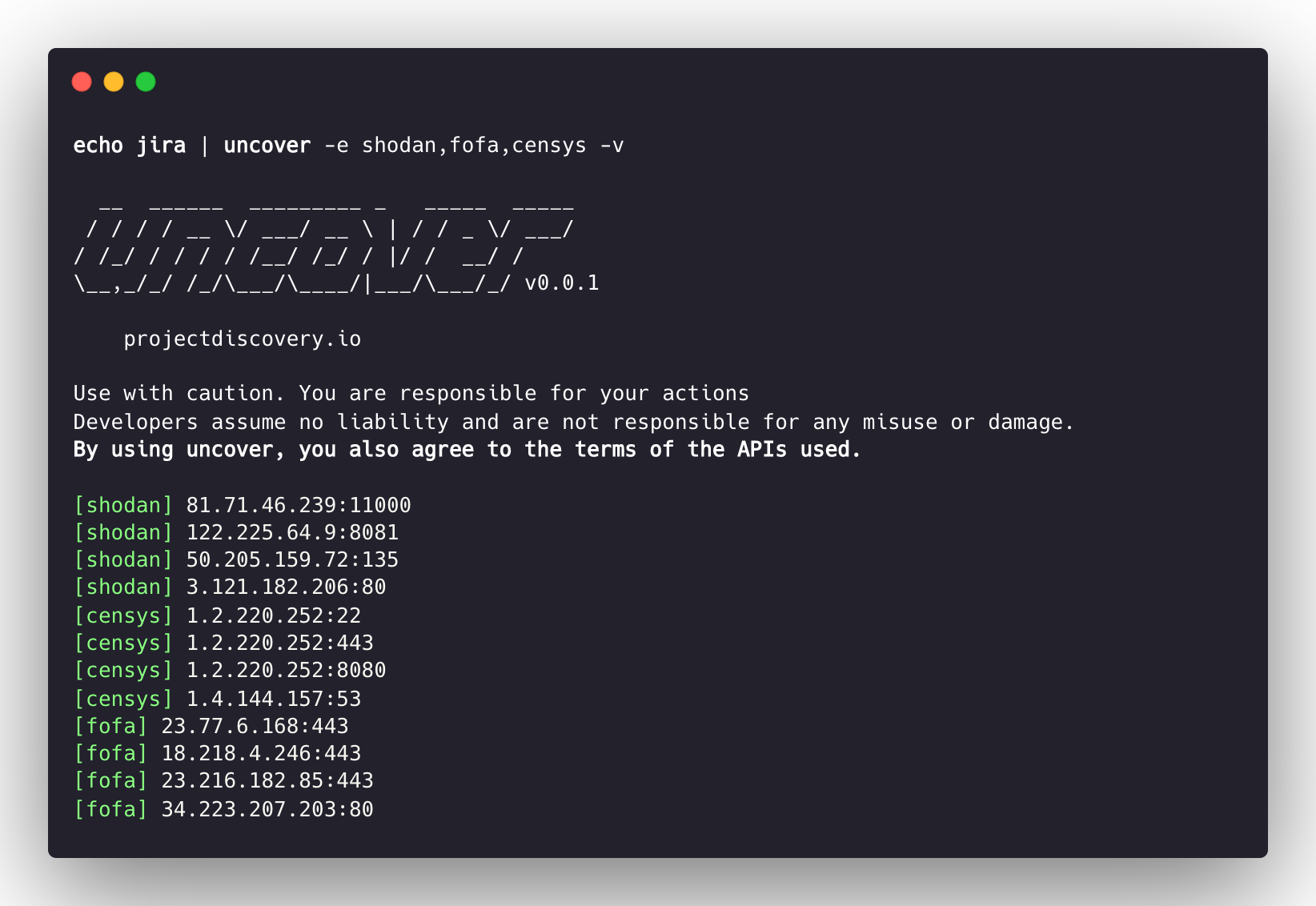
   -asq, -awesome-search-queries string[]  use awesome search queries to discover exposed assets on the internet (example: -asq 'jira')

SEARCH-ENGINE:
   -s, -shodan string[]       search query for shodan (example: -shodan 'query.txt')
   -sd, -shodan-idb string[]  search query for shodan-idb (example: -shodan-idb 'query.txt')
   -ff, -fofa string[]        search query for fofa (example: -fofa 'query.txt')
   -cs, -censys string[]      search query for censys (example: -censys 'query.txt')
   -qk, -quake string[]       search query for quake (example: -quake 'query.txt')
   -ht, -hunter string[]      search query for hunter (example: -hunter 'query.txt')
   -ze, -zoomeye string[]     search query for zoomeye (example: -zoomeye 'query.txt')
   -ne, -netlas string[]      search query for netlas (example: -netlas 'query.txt')
   -cl, -criminalip string[]  search query for criminalip (example: -criminalip 'query.txt')
   -pw, -publicwww string[]   search query for publicwww (example: -publicwww 'query.txt')
   -hh, -hunterhow string[]   search query for hunterhow (example: -hunterhow 'query.txt')
   -gg, -google string[]       search query for google (example: -google 'query.txt')
   -on, -onyphe string[]      search query for onyphe (example: -onyphe 'query.txt')
   -df, -driftnet string[]    search query for driftnet (example: -driftnet 'query.txt')
   -ddm, -daydaymap string[]  search query for daydaymap (example: -daydaymap 'query.txt')

CONFIG:
   -pc, -provider string         provider configuration file (default "$CONFIG/uncover/provider-config.yaml")
   -config string                flag configuration file (default "$CONFIG/uncover/config.yaml")
   -timeout int                  timeout in seconds (default 30)
   -rl, -rate-limit int          maximum number of http requests to send per second
   -rlm, -rate-limit-minute int  maximum number of requests to send per minute
   -retry int                    number of times to retry a failed request (default 2)
   -proxy string                 http proxy to use with uncover

OUTPUT:
   -o, -output string  output file to write found results
   -f, -field string   field to display in output (ip,port,host) (default "ip:port")
   -j, -json           write output in JSONL(ines) format
   -r, -raw            write raw output as received by the remote api
   -l, -limit int      limit the number of results to return (default 100)
   -nc, -no-color      disable colors in output

DEBUG:
   -silent   show only results in output
   -version  show version of the project
   -v        show verbose output
Example of using uncover as library is provided in examples directory.
The default provider configuration file should be located at $CONFIG/uncover/provider-config.yaml and has the following contents as an example.
Note: API keys are required and must be configured before running uncover.
shodan:
  - SHODAN_API_KEY_1
  - SHODAN_API_KEY_2
censys:
  - CENSYS_API_TOKEN_1:CENSYS_ORGANIZATION_ID_1
  - CENSYS_API_TOKEN_2:CENSYS_ORGANIZATION_ID_2
fofa:
  - FOFA_EMAIL_1:FOFA_KEY_1
  - FOFA_EMAIL_2:FOFA_KEY_2
quake:
  - QUAKE_TOKEN_1
  - QUAKE_TOKEN_2
hunter:
  - HUNTER_API_KEY_1
  - HUNTER_API_KEY_2
zoomeye:
  - ZOOMEYE_API_KEY_1
  - ZOOMEYE_API_KEY_2
netlas:
  - NETLAS_API_KEY_1
  - NETLAS_API_KEY_2
criminalip:
  - CRIMINALIP_API_KEY_1
  - CRIMINALIP_API_KEY_2
publicwww:
  - PUBLICWWW_API_KEY_1
  - PUBLICWWW_API_KEY_2
hunterhow:
  - HUNTERHOW_API_KEY_1
  - HUNTERHOW_API_KEY_2
google:
  - GOOGLE_API_KEY_1:Google_API_CX_1
  - GOOGLE_API_KEY_2:Google_API_CX_2
onyphe:
  - ONYPHE_API_KEY_1
  - ONYPHE_API_KEY_2
driftnet:
  - DRIFTNET_API_KEY_1
  - DRIFTNET_API_KEY_2
daydaymap:
  - DAYDAYMAP_API_KEY_1
  - DAYDAYMAP_API_KEY_2
nerdydata:
  - NERDYDATA_API_KEY_1
  - NERDYDATA_API_KEY_2
When multiple keys/credentials are specified for same provider in the config file, random key will be used for each execution.
alternatively you can also set the API key as environment variable in your bash profile.
export SHODAN_API_KEY=xxx
export CENSYS_API_TOKEN=xxx
export CENSYS_ORGANIZATION_ID=xxx
export FOFA_EMAIL=xxx
export FOFA_KEY=xxx
export QUAKE_TOKEN=xxx
export HUNTER_API_KEY=xxx
export ZOOMEYE_API_KEY=xxx
export NETLAS_API_KEY=xxx
export CRIMINALIP_API_KEY=xxx
export PUBLICWWW_API_KEY=xxx
export HUNTERHOW_API_KEY=xxx
export GOOGLE_API_KEY=xxx
export GOOGLE_API_CX=xxx
export ONYPHE_API_KEY=xxx
export DRIFTNET_API_KEY=xxx
export DAYDAYMAP_API_KEY=xxx
export NERDYDATA_API_KEY=xxx
