 projectdiscovery/mapcidr
Utility program to perform multiple operations for a given subnet/CIDR ranges.






Features • Install • Usage • Library • Join Discord
mapCIDR is developed to ease load distribution for mass scanning operations; it can be used both as a library and as an independent CLI tool.
sbh, sbc)a, aa)match-ip)filter-ip)s, sr)count)ip-format)si, sp)t4, t6)go install -v github.com/projectdiscovery/mapcidr/cmd/mapcidr@latest
mapcidr -h
This will display help for the tool. Here are all the switches it supports.
INPUT:
   -cl, -cidr string[]  CIDR/IP/File containing list of CIDR/IP to process

PROCESS:
   -sbc int                  Slice CIDRs by given CIDR count
   -sbh int                  Slice CIDRs by given HOST count
   -a, -aggregate            Aggregate IPs/CIDRs into minimum subnet
   -aa, -aggregate-approx    Aggregate sparse IPs/CIDRs into minimum approximated subnet
   -c, -count                Count number of IPs in given CIDR
   -t4, -to-ipv4             Convert IPs to IPv4 format
   -t6, -to-ipv6             Convert IPs to IPv6 format
   -ip-format, -if string[]  IP formats (0,1,2,3,4,5,6,7,8,9,10,11)
   -zpn, -zero-pad-n int     number of padded zero to use (default 3)
   -zpp, -zero-pad-permute   enable permutations from 0 to zero-pad-n for each octets

FILTER:
   -f4, -filter-ipv4         Filter IPv4 IPs from input
   -f6, -filter-ipv6         Filter IPv6 IPs from input
   -skip-base                Skip base IPs (ending in .0) in output
   -skip-broadcast           Skip broadcast IPs (ending in .255) in output
   -mi, -match-ip string[]   IP/CIDR/FILE containing list of IP/CIDR to match (comma-separated, file input)
   -fi, -filter-ip string[]  IP/CIDR/FILE containing list of IP/CIDR to filter (comma-separated, file input)

MISCELLANEOUS:
   -s, -sort                  Sort input IPs/CIDRs in ascending order
   -sr, -sort-reverse         Sort input IPs/CIDRs in descending order
   -si, -shuffle-ip           Shuffle Input IPs in random order
   -sp, -shuffle-port string  Shuffle Input IP:Port in random order

UPDATE:
   -up, -update                 update mapcidr to latest version
   -duc, -disable-update-check  disable automatic mapcidr update check

OUTPUT:
   -verbose            Verbose mode
   -o, -output string  File to write output to
   -silent             Silent mode
   -version            Show version of the project
To get a list of IPs for a given CIDR, use the following command:
mapcidr -cidr 173.0.84.0/24
                   ____________  ___
  __ _  ___ ____  / ___/  _/ _ \/ _ \
 /  ' \/ _ '/ _ \/ /___/ // // / , _/
/_/_/_/\_,_/ .__/\___/___/____/_/|_| v0.5
          /_/

		projectdiscovery.io

[WRN] Use with caution. You are responsible for your actions
[WRN] Developers assume no liability and are not responsible for any misuse or damage.

173.0.84.0
173.0.84.1
173.0.84.2
173.0.84.3
173.0.84.4
173.0.84.5
173.0.84.13
173.0.84.14
173.0.84.15
173.0.84.16
It is also possible to get a list of IPs for a given IP range, using the following command:
$ echo "192.168.0.0-192.168.0.5" | mapcidr
192.168.0.0
192.168.0.1
192.168.0.2
192.168.0.3
192.168.0.4
192.168.0.5
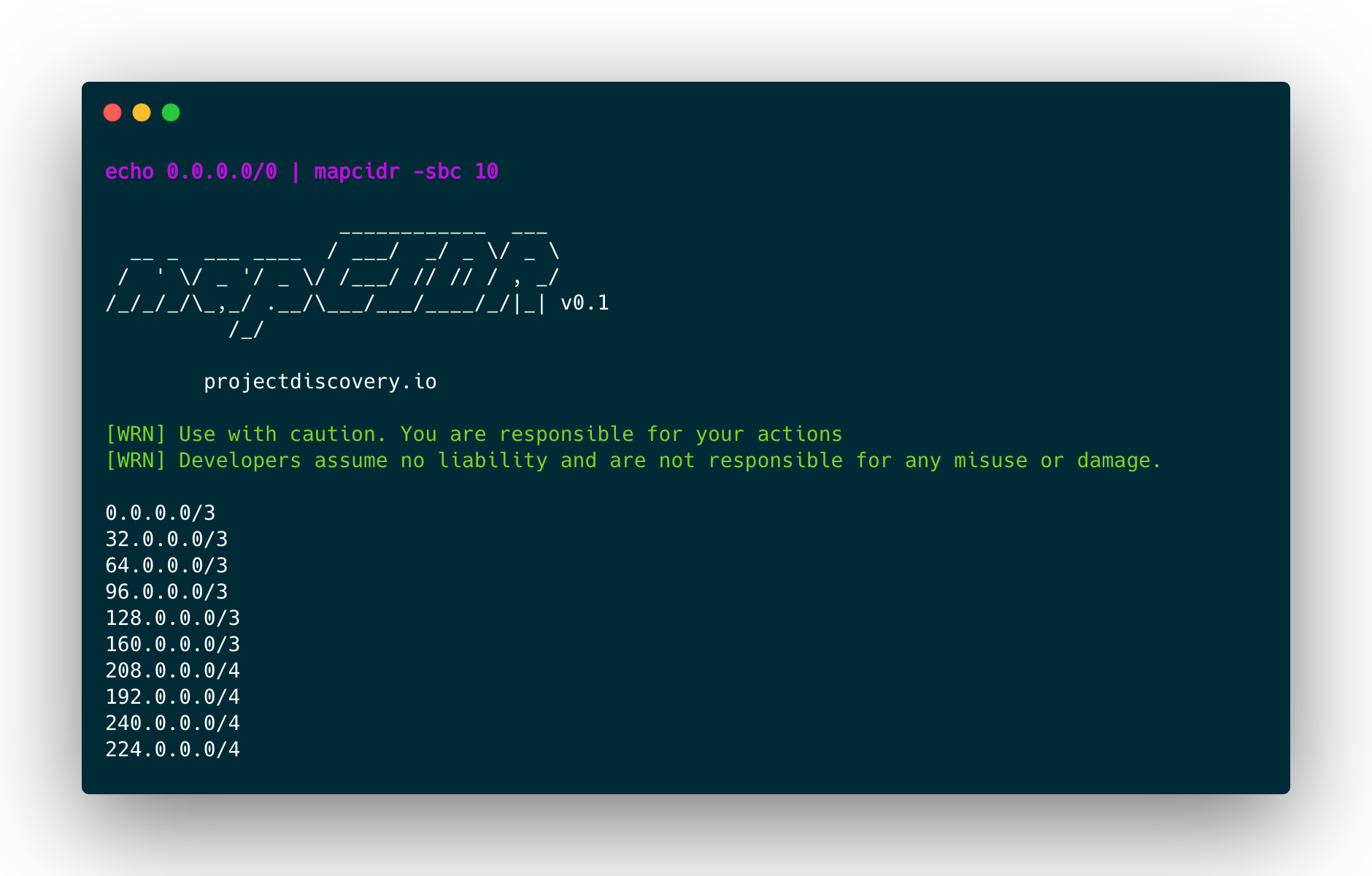
To slice given CIDR or list of CIDRs by CIDR count or slice into multiple and equal smaller subnets, use the following command:
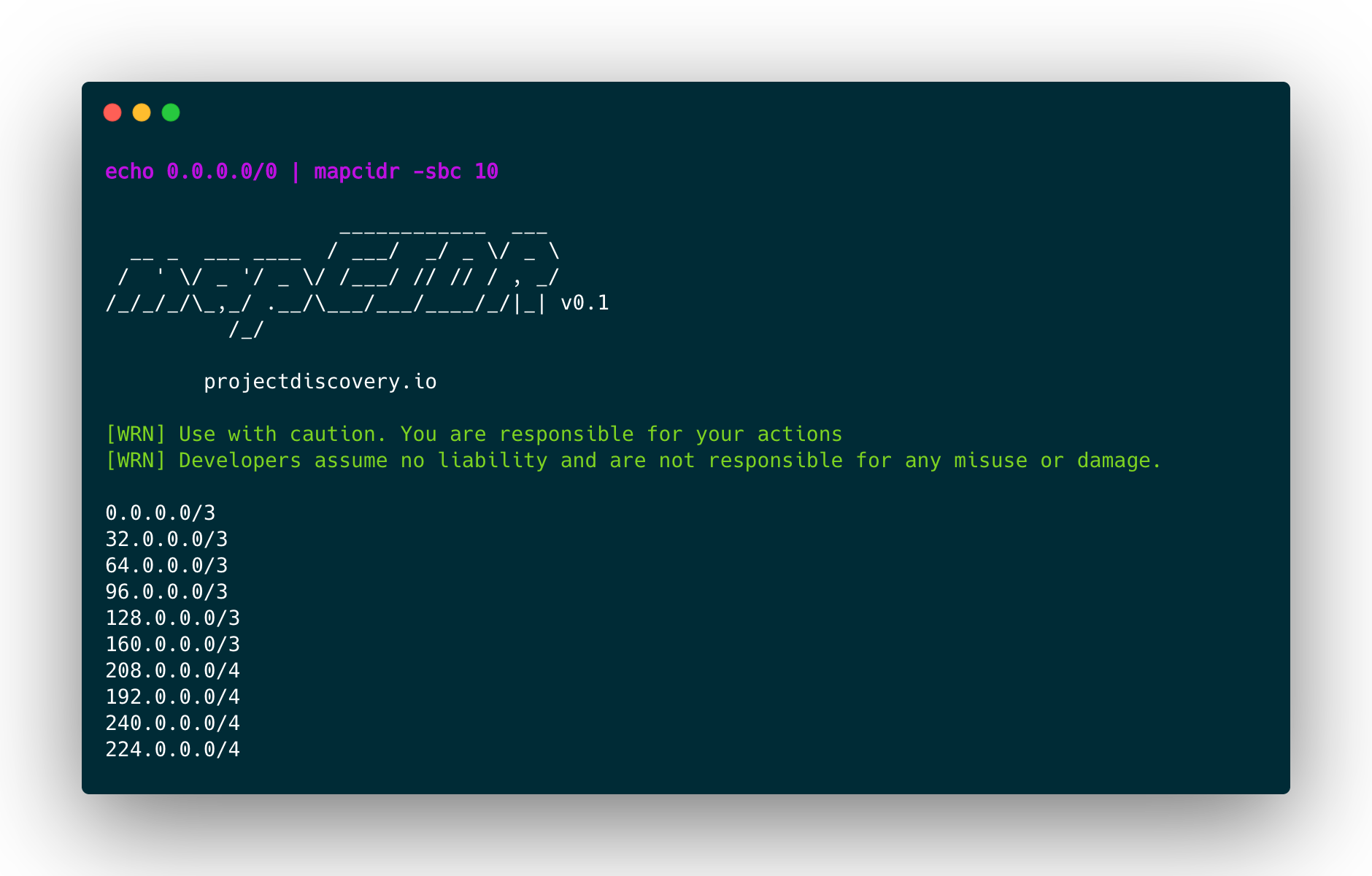
mapcidr -cidr 173.0.84.0/24 -sbc 10 -silent
173.0.84.0/27
173.0.84.32/27
173.0.84.64/27
173.0.84.96/27
173.0.84.128/27
173.0.84.160/27
173.0.84.208/28
173.0.84.192/28
173.0.84.240/28
173.0.84.224/28
To slice the given CIDR for an equal number of hosts in each CIDR, use the following command:
mapcidr -cidr 173.0.84.0/16 -sbh 20000 -silent
173.0.0.0/18
173.0.64.0/18
173.0.128.0/18
173.0.192.0/18
Note: It's possible to obtain a perfect split only when the desired number of slices or hosts per subnet is a power of two. Otherwise, the tool will attempt to automatically find the best split strategy to obtain the desired outcome.
To merge multiple CIDR ranges into a smaller subnet block, use the following command:
$ mapcidr -cl cidrs.txt -aggregate
To list CIDR blocks for a given list of IPs, use the following command:
$ mapcidr -il ips.txt -aggregate
It's also possible to perform approximated aggregations for sparse IP groups (only version 4). The final interval will contain contiguous IPs not belonging to the input:
$ cat ips.txt

1.1.1.1
1.1.1.16
1.1.1.31
$ cat ips.txt | mapcidr -aggregate-approx

1.1.1.0/27
To list CIDR blocks for a given IP Range (IPv4 | IPv6), use the following command:
 $ mapcidr  -cl 192.168.0.1-192.168.0.255 -aggregate
 OR
 $ echo 192.168.0.1-192.168.0.255 | mapcidr -aggregate
192.168.0.1/32
192.168.0.2/31
192.168.0.4/30
192.168.0.8/29
192.168.0.16/28
192.168.0.32/27
192.168.0.64/26
192.168.0.128/25
To match IPs from the given list of CIDR ranges, use the following command:
$ mapcidr -cidr 192.168.1.0/24 -mi 192.168.1.253,192.168.1.252
$ mapcidr -cidr 192.168.1.0/24 -mi ip_list_to_match.txt
To filter IPs from the given list of CIDR ranges, use the following command:
$ mapcidr -cidr 192.168.1.224/28 -fi 192.168.1.233,192.168.1.234
$ mapcidr -cidr 192.168.1.224/28 -fi ip_list_to_filter.txt
To represent given IP into multiple formats, the -if 0 flag can be used to display all the supported format values, and a specific type of format can be displayed using a specific index number as listed here. Currently, 10 unique formats are supported.
$ echo 127.0.1.0 | mapcidr -if 0 -silent

127.0.1.0
127.1
0177.0.01.0
0x7f.0x0.0x1.0x0
0x7f000100
0xabfa659dfa7f000100
281472812450048
111111111111111101111111000000000000000100000000
0x7f.0.01.0x0
::ffff:7f00:0100
%31%32%37%2E%30%2E%31%2E%30
127.000.001.000
