 pielco11/doge
Darknet Osint Graph Explorer

Darknet Osint Graph Explorer
Still in dev, works right.
You should use this in addtion to Darknet OSINT Transform
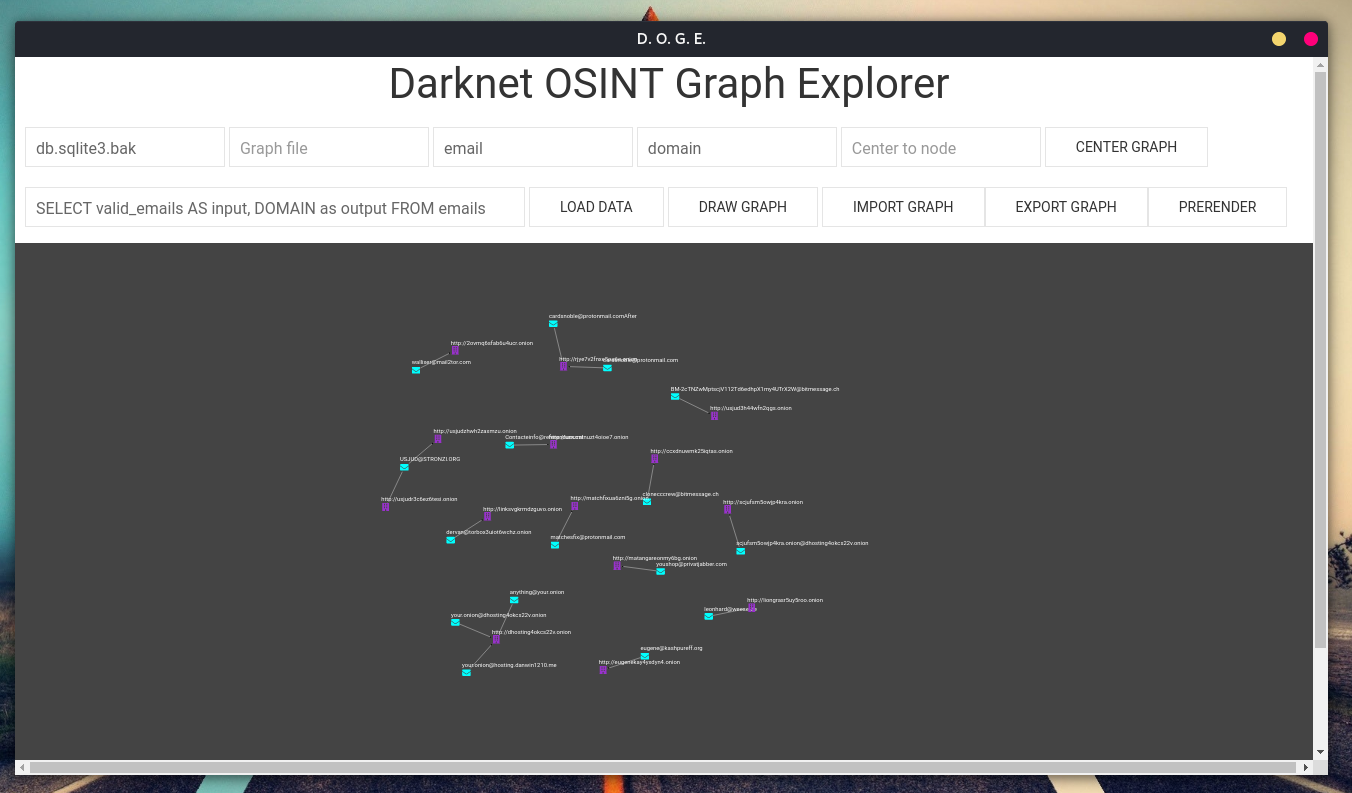
Query prototype: SELECT DISTINCT custom_column_name AS input, another_custom_name AS output FROM some_table, obviously you can add other options as WHERE, ORDER BY, etc.
Database file: the filename of the database (sqlite3), ex: db.sqlite3
Graph file: useless (now as now)
Icon From: the type of the "from" entity (email -> domain, email is "from", domain is "to"), so the same as Icon To
Center to node: put node id here, then click on Center Graph to center the graph to that specific node id
Query: write here the query that you'll use to retrieve data from the database, follow the prototype above
Load Data: add data but don't draw, you could use this to import stuff from various databases and when everyting is imported, draw
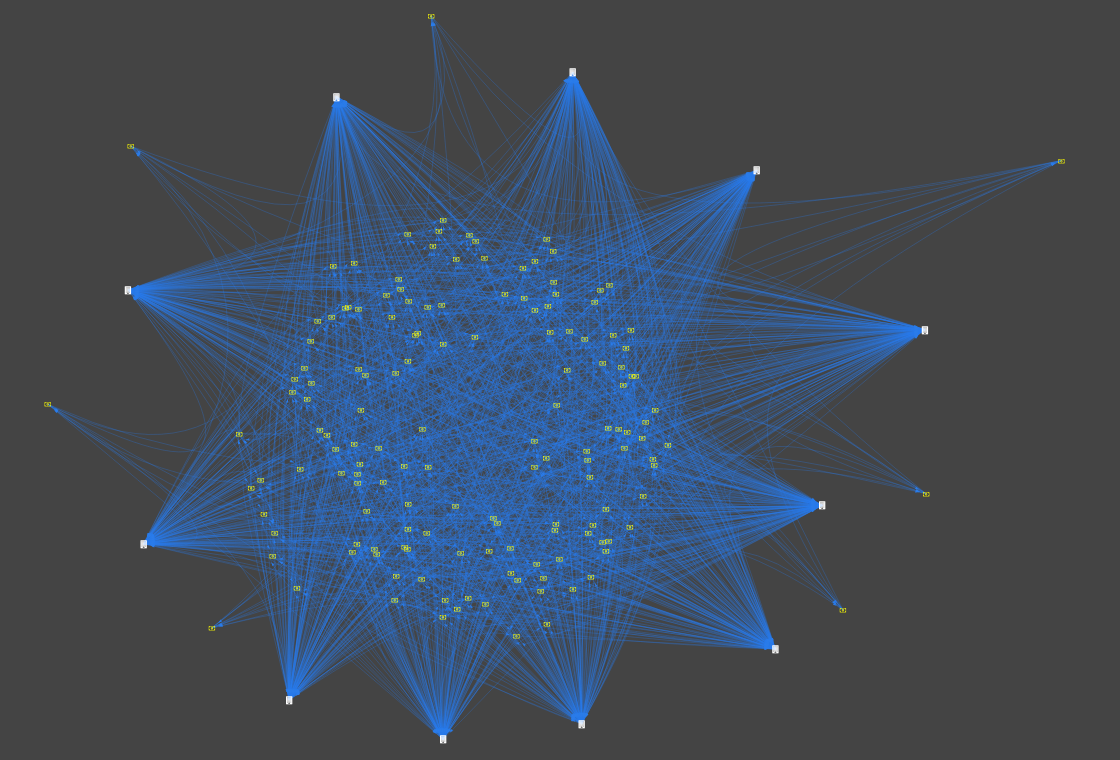
Draw Graph: draws nodes with edges
Import Graph: useless (now as now)
Export Graph: useless (now as now)
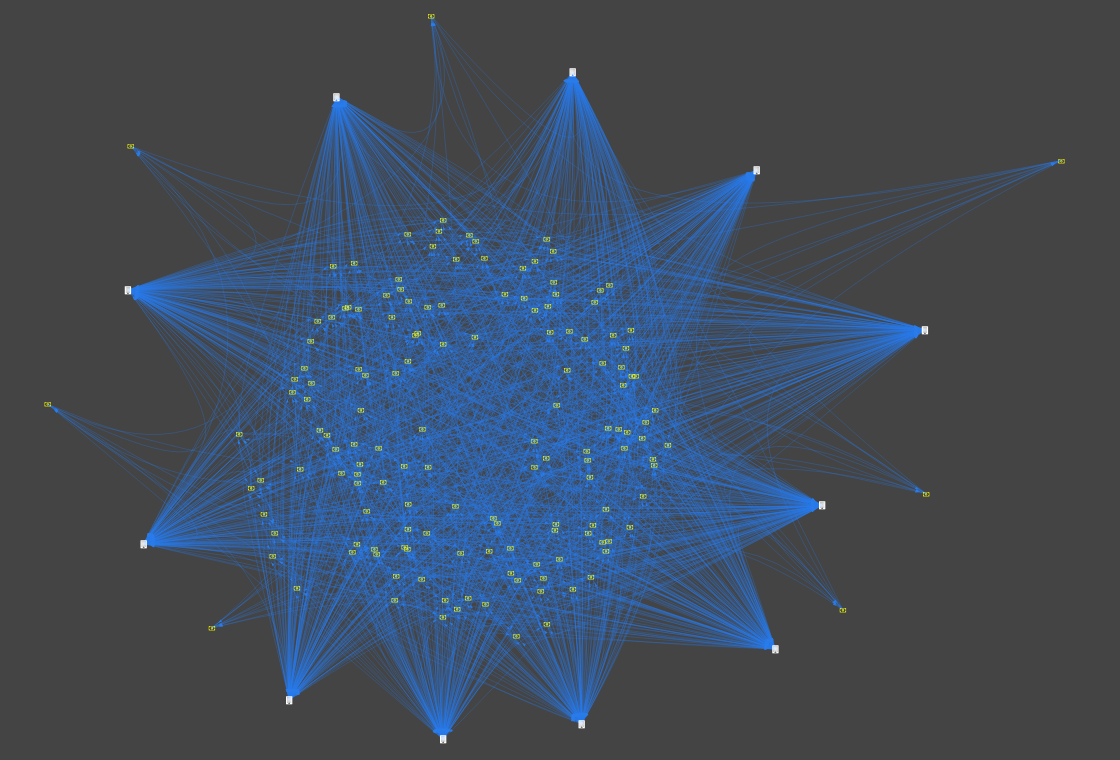
Prerender: does not display the graph until the "pre-rendering" process is done, this should be used when you have to graph 100s of nodes, feel free to change parameters:
precomputeGraph(), in pages/graph_1.html;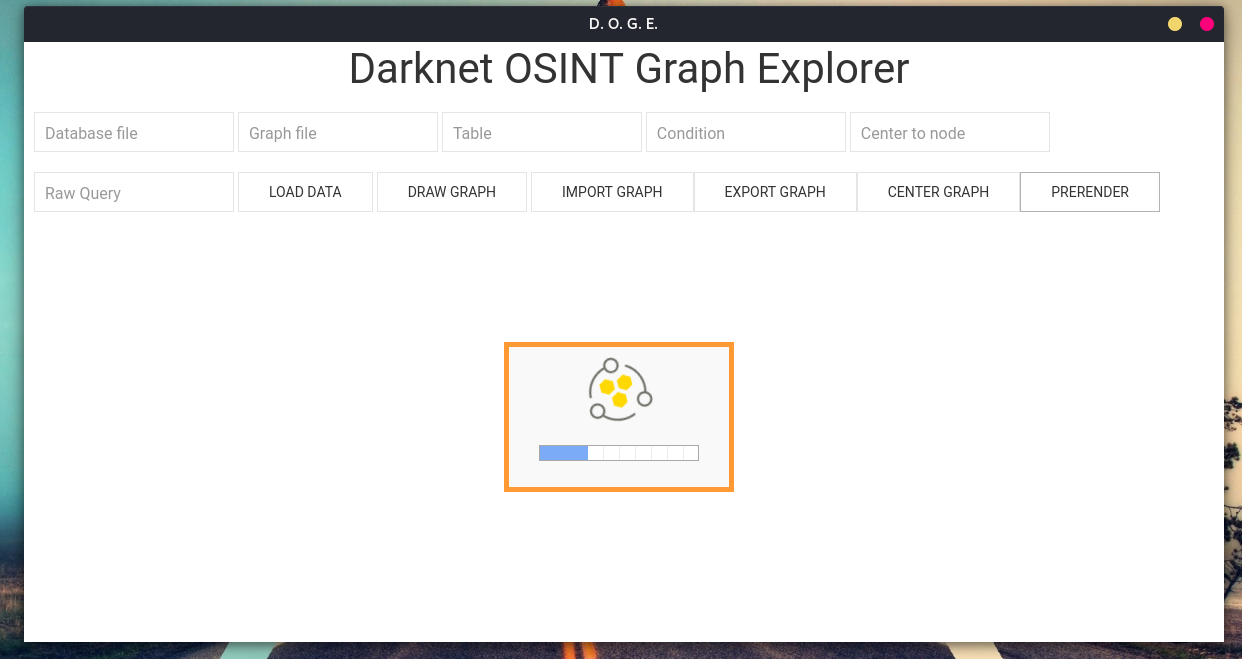
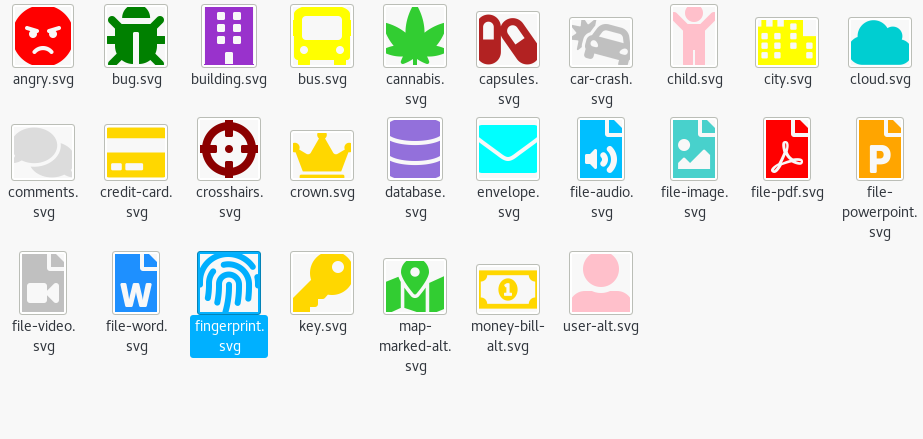
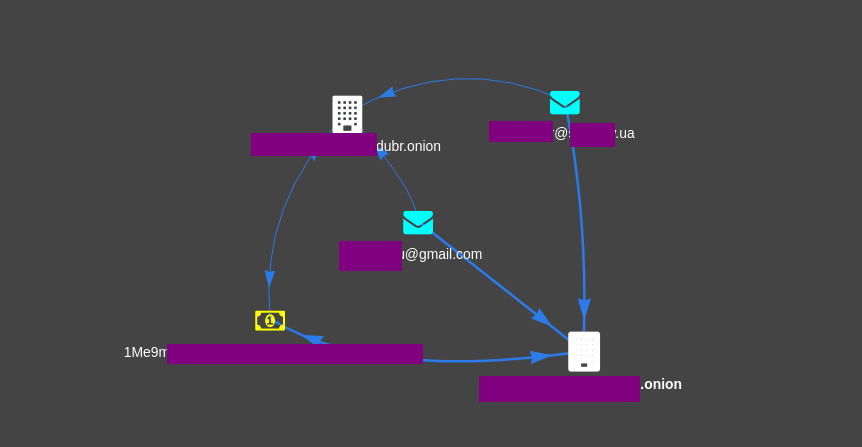
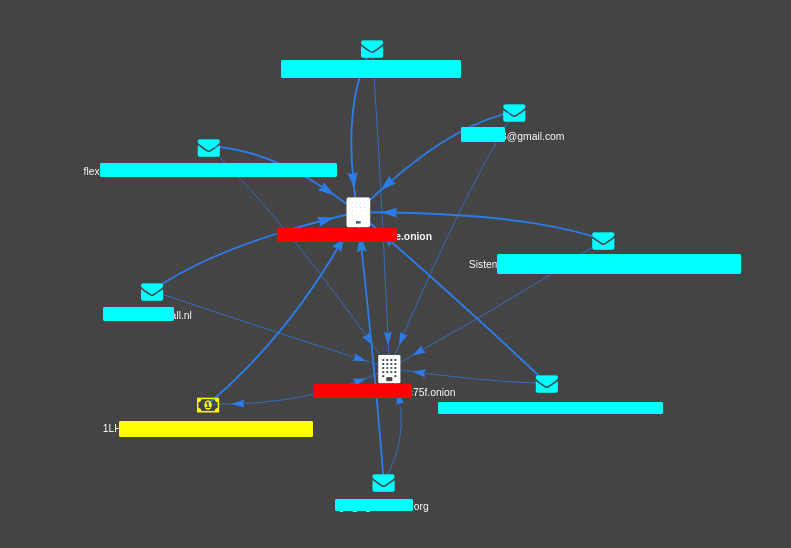
Every icon comes from Font Awesome, I just changed colors.
Stay tuned.
