 philparzer/nextjs-react2shell-detect
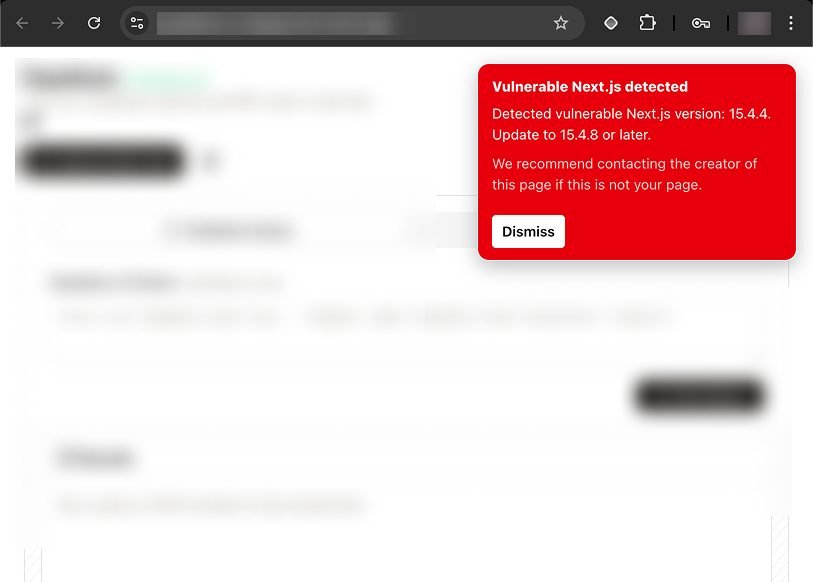
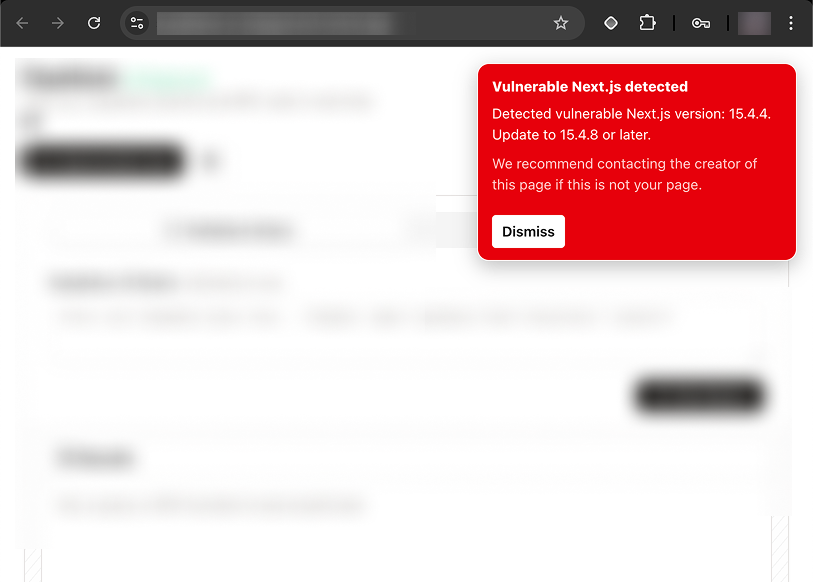
chrome extension to detect next.js sites vulnerable to CVE-2025-55182 (react2shell)

Chrome extension that runs next.version locally and injects a warning popover if the site runs a next version vulnerable to react2shell
This is a Plasmo extension project bootstrapped with plasmo init.
First, run the development server:
bun dev
Open your browser and load the appropriate development build. For example, if you are developing for the chrome browser, using manifest v3, use: build/chrome-mv3-dev.
You can start editing the popup by modifying popup.tsx. It should auto-update as you make changes. To add an options page, simply add a options.tsx file to the root of the project, with a react component default exported. Likewise to add a content page, add a content.ts file to the root of the project, importing some module and do some logic, then reload the extension on your browser.
For further guidance, visit our Documentation
Run the following:
bun run build
This should create a production bundle for your extension, ready to be zipped and published to the stores.
The easiest way to deploy your Plasmo extension is to use the built-in bpp GitHub action. Prior to using this action however, make sure to build your extension and upload the first version to the store to establish the basic credentials. Then, simply follow this setup instruction and you should be on your way for automated submission!
