 petrusviet/cve-2019-3396
Confluence unauthorize template injection

confluence.home to the confluence home path in the file ./confluence/WEB-INF/classes/confluence-init.propertiesCATALINA_OPTS value so the program can run in remote debug modeFor Windows, file ./bin/setenv.bat
set CATALINA_OPTS=-agentlib:jdwp=transport=dt_socket,server=y,suspend=n,address=5005
for Linux, file ./bin/setenv.sh
CATALINA_OPTS="-Xrunjdwp:transport=dt_socket,suspend=n,server=y,address=5005 ${CATALINA_OPTS}"
Remote JVM Debug with host and port set to localhost:5005 and Command line arguments for remote JVM-agentlib:jdwp=transport=dt_socket,server=y,suspend=n,address=*:5005
$ su - postgres
postgres@ubuntu:~$ psql -U postgres
postgres@ubuntu:~$ psql -U postgres
psql (10.6 (Ubuntu 10.6-0ubuntu0.18.04.1))
Type "help" for help.

postgres=# CREATE USER wiki WITH PASSWORD 'wiki';
CREATE ROLE
postgres=# CREATE DATABASE wiki OWNER wiki;
CREATE DATABASE
postgres=# GRANT ALL PRIVILEGES ON DATABASE jira TO wiki;
GRANT
You need to add the jars: ./confluence/WEB-INF/atlassian-bundled-plugins/widgetconnector-x.x.x.jar, ./confluence/WEB-INF/lib/confluence-x.x.x.jar, ./confluence/WEB-INF/lib/velocity-x.x.x-atlassian-x.jar to the lib so that when debugging you can see the necessary source.
Run the file ./bin/start-confluence.bat and you can refer to this guide to install from source.
After reading the Description, we can know that this bug starts from the Widget Connector feature, so I immediately Google it to know what this feature is and how to use it:
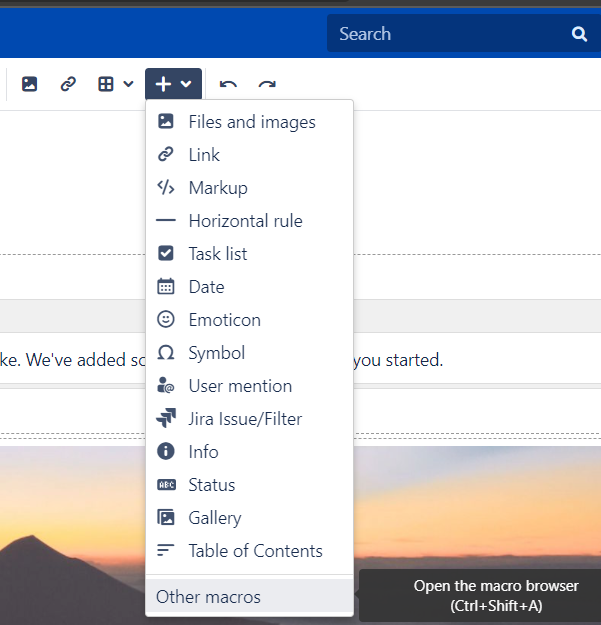
 Edit a page
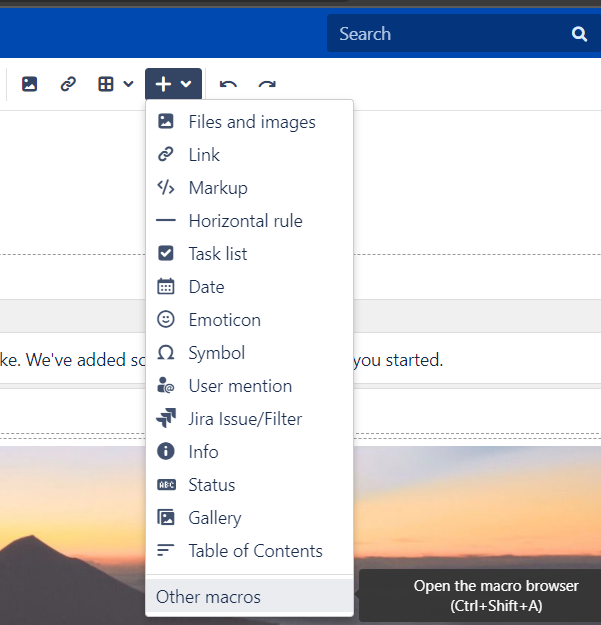
Choose Other macros
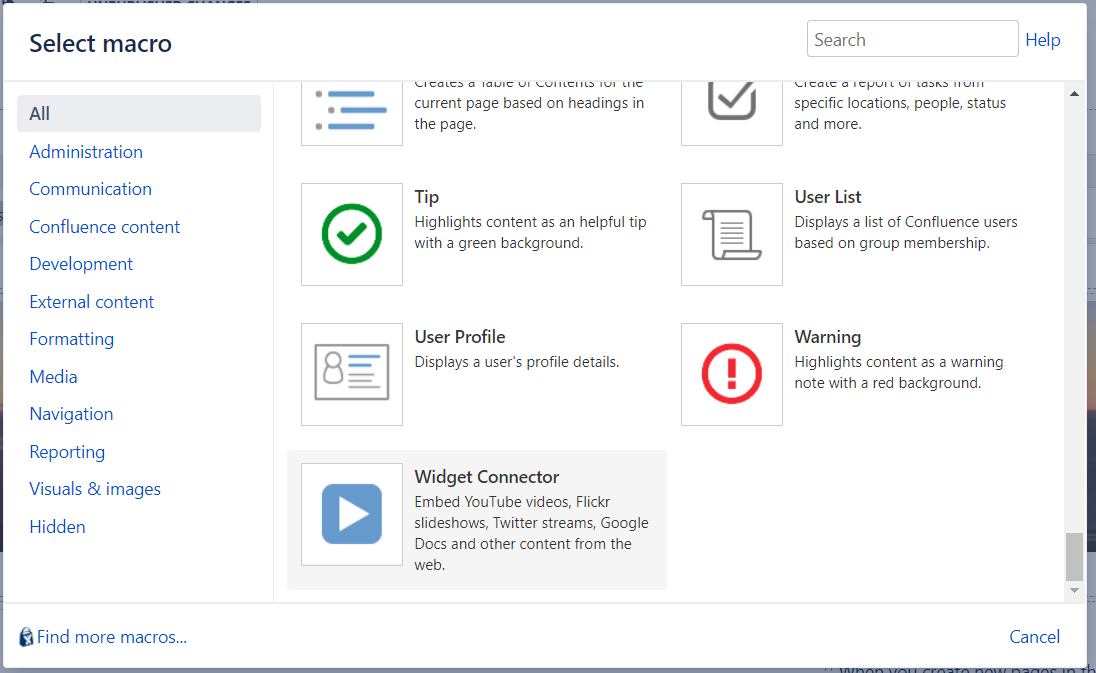 Choose Widget connector
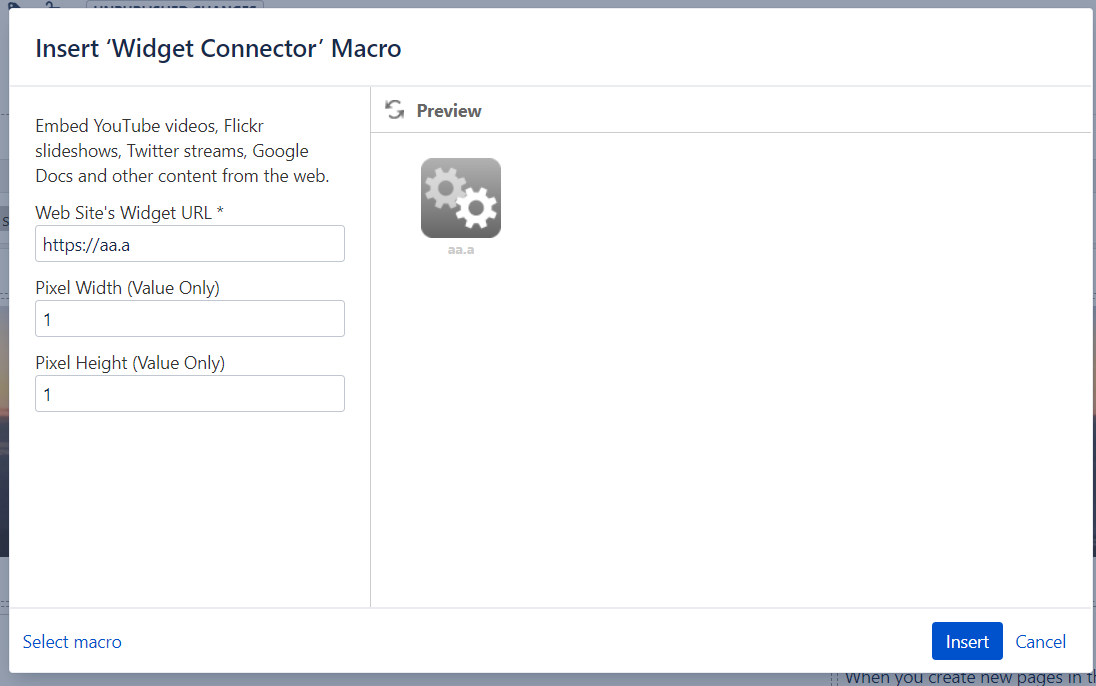
I randomly chose some parameters and then clicked preview, then switched to Burp to see if anything interesting.
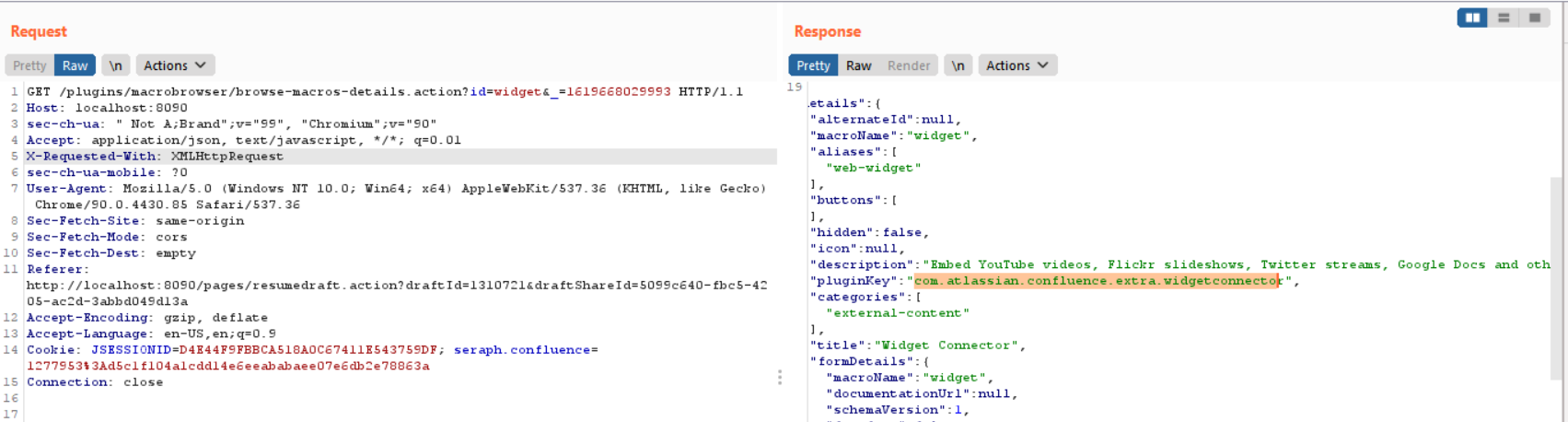
In this packet, I saw a parameter "pluginKey":"com.atlassian.confluence.extra.widgetconnector", so I guessed that the Widget Connector feature is defined in class com.atlassian.confluence.extra.widgetconnector. Therefore, I searched in the path to see if there was any suspicious jar package.
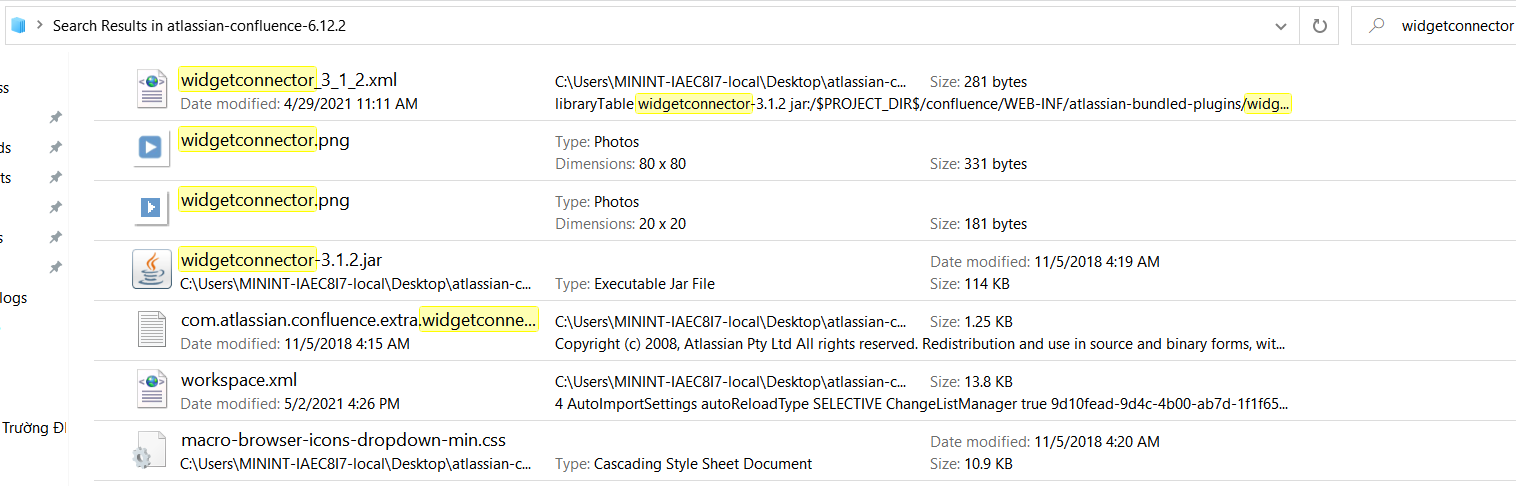
I tried adding the file ./confluence/WEB-INF/atlassian-bundled-plugins/widgetconnector-x.x.x.jar to the project's lib to read the source code and debug.
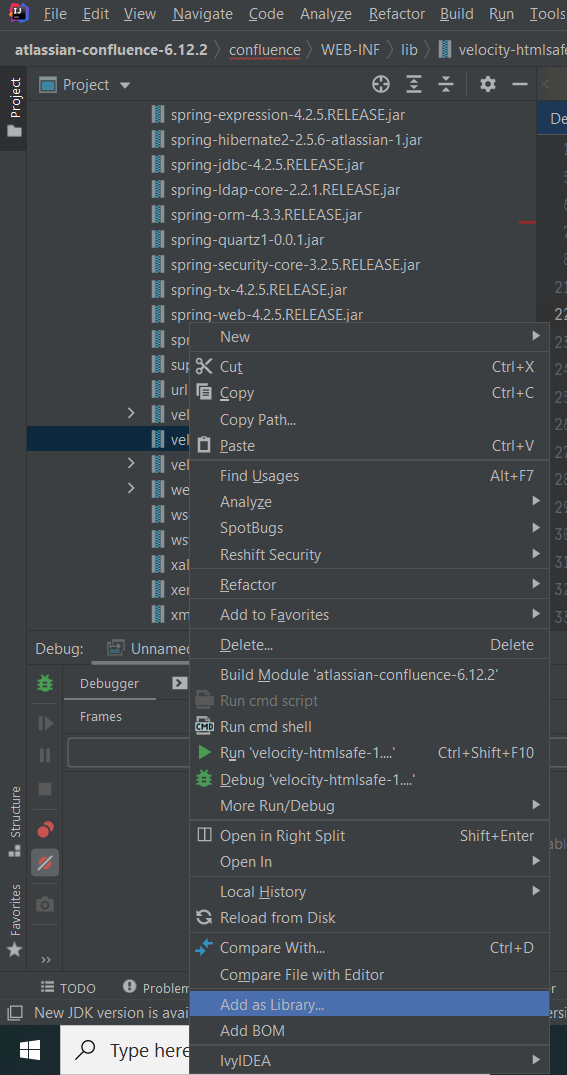
How to add jar file to lib
Opening the widgetconnector package, I felt inclined towards class WidgetMacro, so I set breakpoints at the constructor and the execute function of this class to see if this class is called when I use the Preview feature 🕵️

execute function was called, then the program called DefaultRenderManager.getEmbeddedHtml
