 pelock/total-commander-ftp-password-recovery-tool-python
Total Commander FTP Password Recovery Tool for Python allows you to decrypt the FTP account password information for all Total Commander versions with the FTP plug-in.




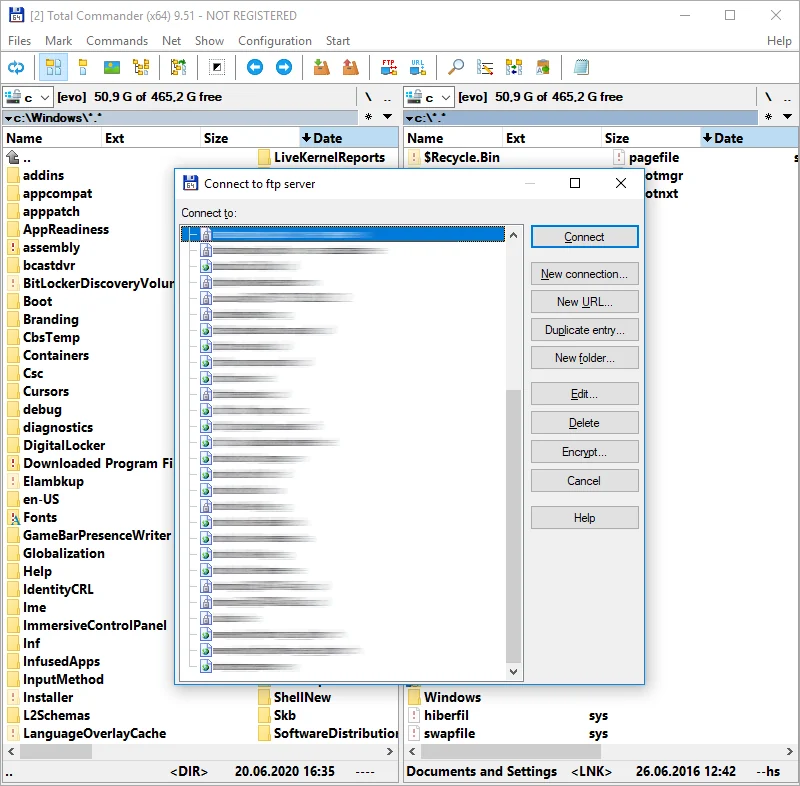
Total Commander (formerly known as Windows Commander) is a classic file manager for Windows, Windows CE, Windows Phone, and now also Android.
Total Commander has a built-in FTP/FXP client and it keeps the FTP logins and encrypted passwords in wcx_ftp.ini configuration file.
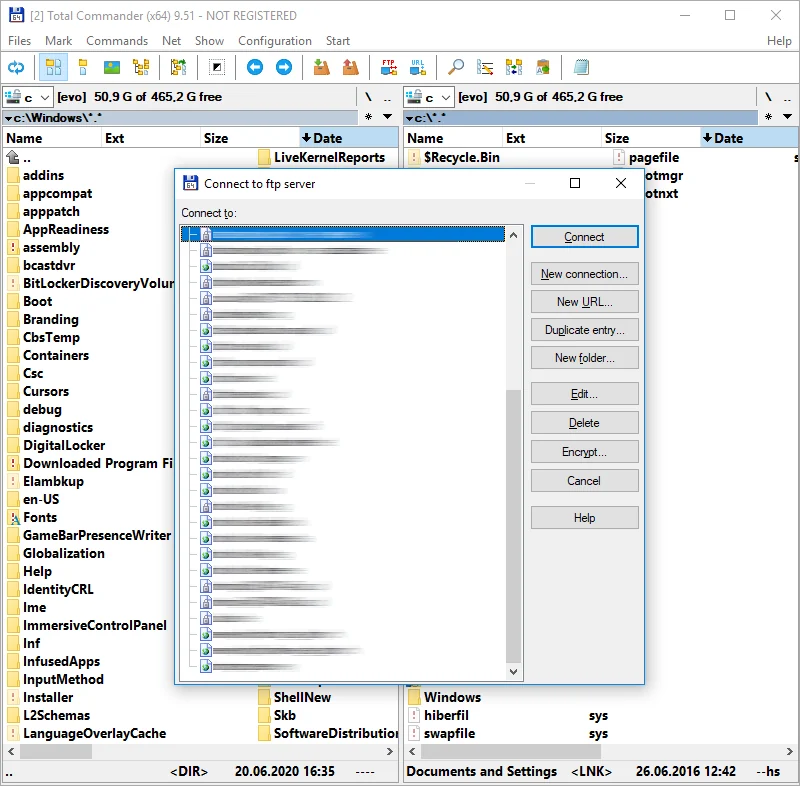
I have reverse engineered and recreated the password decoding algorithm years ago.
It was made available by me to another FlashFXP software to import FTP connection profiles from Total Commander.
I give you source codes for both the original assembly decoding algorithm and a Python implementation of this algorithm.
You can either use one of the provided source codes or use my own online implementation to make things faster:
https://www.pelock.com/products/total-commander-ftp-password-recovery
pip install total-commander-ftp-password-recovery
For local development from a git checkout:
pip install -e ".[dev]"
from binascii import hexlify

from total_commander_ftp_password import TotalCommanderPasswordDecoder

cipher_hex = "00112233445566778899aabbccddeeff"

decoder = TotalCommanderPasswordDecoder()
plain = decoder.decrypt_password(cipher_hex)

if plain is None:
    raise RuntimeError("Invalid ciphertext (bad hex, odd length, or too short).")

print(plain)  # decoded bytes
print(hexlify(plain).decode("ascii"))  # optional hex view
decrypt_password() accepts flexible hex input: ASCII case is ignored and whitespace between byte pairs is allowed (useful when pasting from an .ini file).
After installation via pip, use the console script:
tc-ftp-password-decode 00112233445566778899aabbccddeeff
From a git checkout (after pip install -e .), you can also run:
python -m total_commander_ftp_password.cli 00112233445566778899aabbccddeeff
examples/basic_usage.py — minimal decrypt script.pip install -e ".[dev]"
pytest
Bartosz Wójcik

