 p0dalirius/smbclient-ng
smbclient-ng, a fast and user friendly way to interact with SMB shares.


smbclient-ng, a fast and user friendly way to interact with SMB shares.



[!NOTE] Check out the new smbclient-ng written in Go, faster and cross platform by default!
acls: List ACLs of files and folders in cwd. Syntax: aclsbat: Pretty prints the contents of a file. Syntax: bat <file>bhead: Pretty prints the first n lines of a file. Syntax: bhead <file>btail: Pretty prints the last n lines of a file. Syntax: btail <file>cat: Get the contents of a file. Syntax: cat <file>cd: Change the current working directory. Syntax: cd <directory>close: Closes the SMB connection to the remote machine. Syntax: closeconnect: Connect to the remote machine (useful if connection timed out). Syntax: connectdir: List the contents of the current working directory. Syntax: direxit: Exits the smbclient-ng script. Syntax: exitget: Get a remote file. Syntax: get [-r] <directory or file>help: Displays this help message. Syntax: helphead: Get the first n lines of a remote file. Syntax: head <file>history: Displays the command history. Syntax: historyinfo: Get information about the server and or the share. Syntax: info [server|share]lbat: Pretty prints the contents of a local file. Syntax: lbat <file>lcat: Print the contents of a local file. Syntax: lcat <file>lcd: Changes the current local directory. Syntax: lcd <directory>lcp: Create a copy of a local file. Syntax: lcp <srcfile> <dstfile>lls: Lists the contents of the current local directory. Syntax: llslmkdir: Creates a new local directory. Syntax: lmkdir <directory>lpwd: Shows the current local directory. Syntax: lpwdlrename: Renames a local file. Syntax: lrename <oldfilename> <newfilename>lrm: Removes a local file. Syntax: lrm <file>lrmdir: Removes a local directory. Syntax: lrmdir <directory>ls: List the contents of the current remote working directory. Syntax: lsltree: Displays a tree view of the local directories. Syntax: ltree [directory]metadata: Get metadata about a file or directory. Syntax: metadata <file|directory>mkdir: Creates a new remote directory. Syntax: mkdir <directory>module: Loads a specific module for additional functionalities. Syntax: module <name>mount: Creates a mount point of the remote share on the local machine. Syntax: mount <remote_path> <local_mountpoint>put: Put a local file or directory in a remote directory. Syntax: put [-r] <directory or file>reconnect: Reconnect to the remote machine (useful if connection timed out). Syntax: reconnectreset: Reset the TTY output, useful if it was broken after printing a binary file on stdout. Syntax: resetrm: Removes a remote file. Syntax: rm <file>rmdir: Removes a remote directory. Syntax: rmdir <directory>sessions: Manage the SMB sessions. Syntax: sessions [interact|create|delete|execute|list]shares: Lists the SMB shares served by the remote machine. Syntax: sharessizeof: Recursively compute the size of a folder. Syntax: sizeof [directory|file]tail: Get the last n lines of a remote file. Syntax: tail <file>tree: Displays a tree view of the remote directories. Syntax: tree [directory]umount: Removes a mount point of the remote share on the local machine. Syntax: umount <local_mount_point>use: Use a SMB share. Syntax: use <sharename>To install smbclient-ng, you can use pip, pip3 or pipx. You can run any of the following command in your terminal to install smbclient-ng :
With pip:
python3 -m pip install smbclientng
With pip3:
pip3 install smbclientng
With pipx:
pipx install smbclientng
$ ./smbclient-ng.py
               _          _ _            _
 ___ _ __ ___ | |__   ___| (_) ___ _ __ | |_      _ __   __ _
/ __| '_ ` _ \| '_ \ / __| | |/ _ \ '_ \| __|____| '_ \ / _` |
\__ \ | | | | | |_) | (__| | |  __/ | | | ||_____| | | | (_| |
|___/_| |_| |_|_.__/ \___|_|_|\___|_| |_|\__|    |_| |_|\__, |
    by @podalirius_                             v2.1.8  |___/

usage: smbclientng [-h] [--debug] [--no-colors] [-l LOGFILE] [-T TIMEOUT] [-a ADVERTISED_NAME] [-C COMMAND] [-S STARTUP_SCRIPT] [-N] -H HOST [-P PORT] [-d DOMAIN] [-u USER]
                   [-p [PASSWORD] | --no-pass | --hashes [LMHASH:]NTHASH | --aes-key HEXKEY | -k | --kdcHost KDCHOST]

smbclient-ng, a fast and user-friendly way to interact with SMB shares.

options:
  -h, --help            show this help message and exit

Config:
  --debug               Enable debug mode.
  --no-colors           Disable colored output.
  -l LOGFILE, --logfile LOGFILE
                        Log file path.
  -T TIMEOUT, --timeout TIMEOUT
                        Timeout for SMB connections (default: 3s)
  -a ADVERTISED_NAME, --advertised-name ADVERTISED_NAME
                        Advertised machine name.

Commands:
  -C COMMAND, --command COMMAND
                        smbclient-ng commands to execute.
  -S STARTUP_SCRIPT, --startup-script STARTUP_SCRIPT
                        Startup script with commands.
  -N, --not-interactive
                        Non-interactive mode.

Target:
  -H HOST, --host HOST  Target SMB Server IP or hostname.
  -P PORT, --port PORT  Target SMB Server port (default: 445).

Authentication & Connection:
  -d DOMAIN, --domain DOMAIN
                        Authentication domain.
  -u USER, --user USER  Username for authentication.

Secrets:
  -p [PASSWORD], --password [PASSWORD]
                        Password.
  --no-pass             Do not prompt for a password.
  --hashes [LMHASH:]NTHASH
                        NT/LM hashes.
  --aes-key HEXKEY      AES key for Kerberos authentication.
  -k, --kerberos        Use Kerberos authentication.
  --kdcHost KDCHOST     Fully qualified domain name (FQDN) of key distribution center (KDC) for Kerberos.
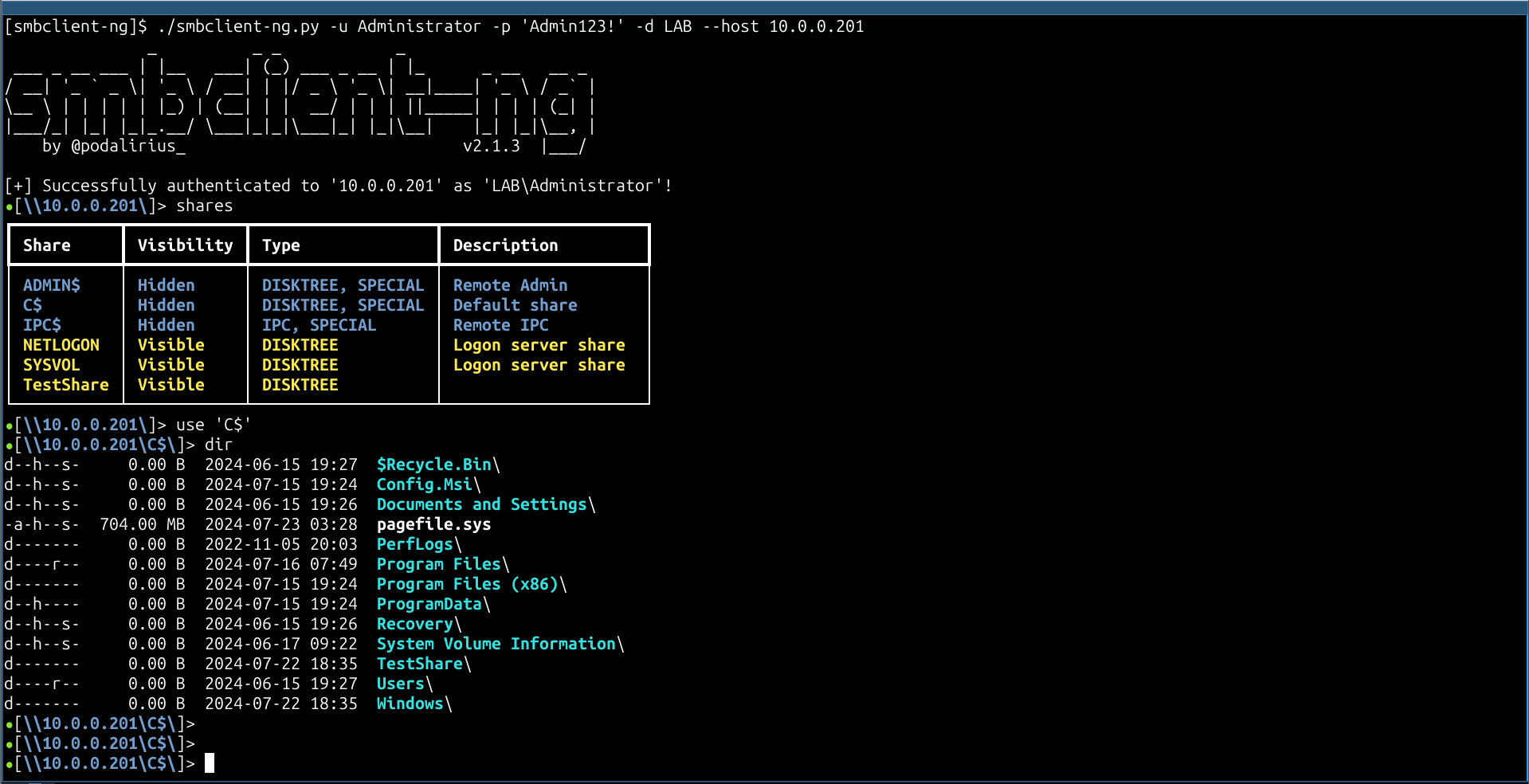
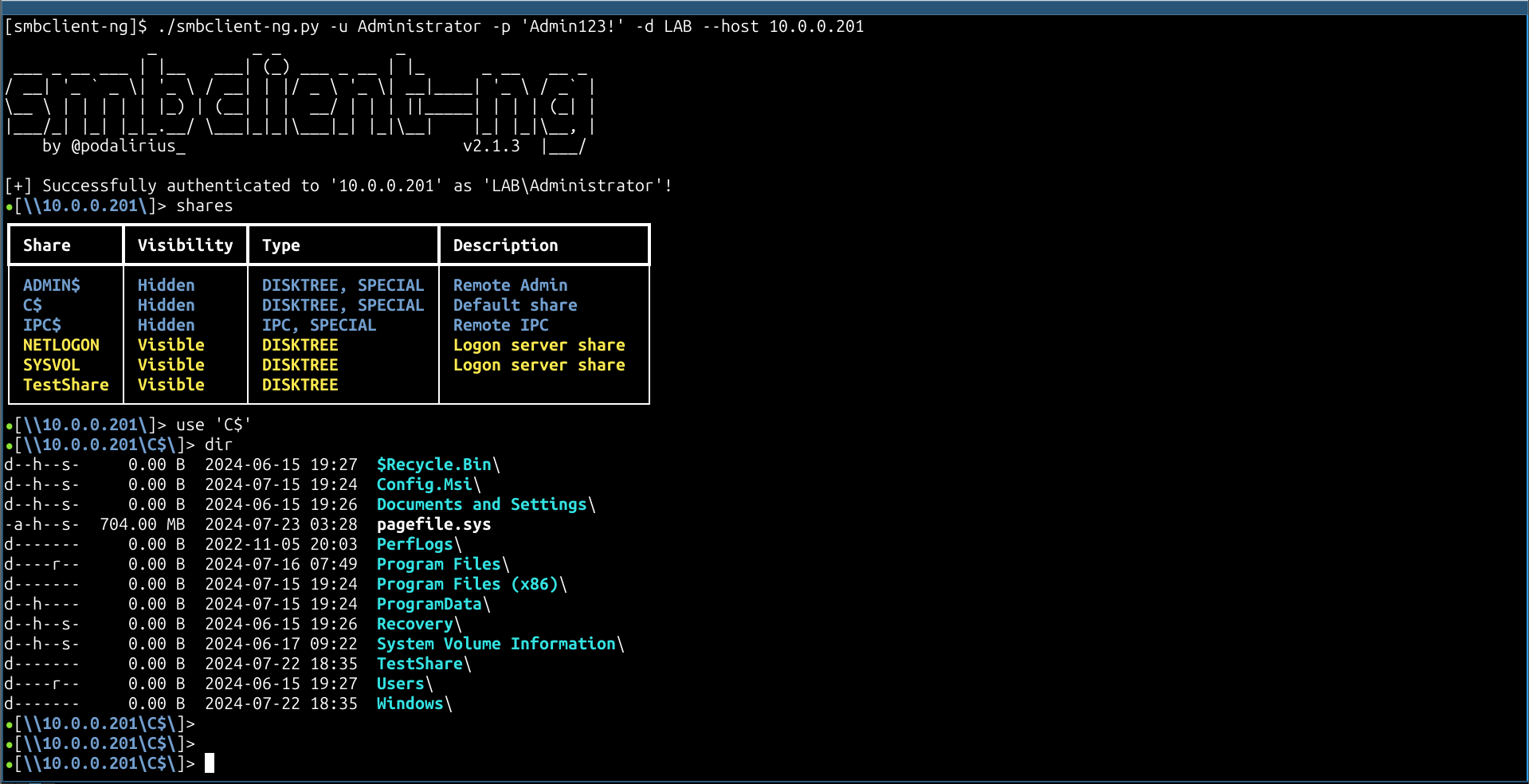
smbclient-ng -d "LAB" -u "Administrator" -p 'Admin123!' --host "10.0.0.201"
Pull requests are welcome. Feel free to open an issue if you want to add other features.
