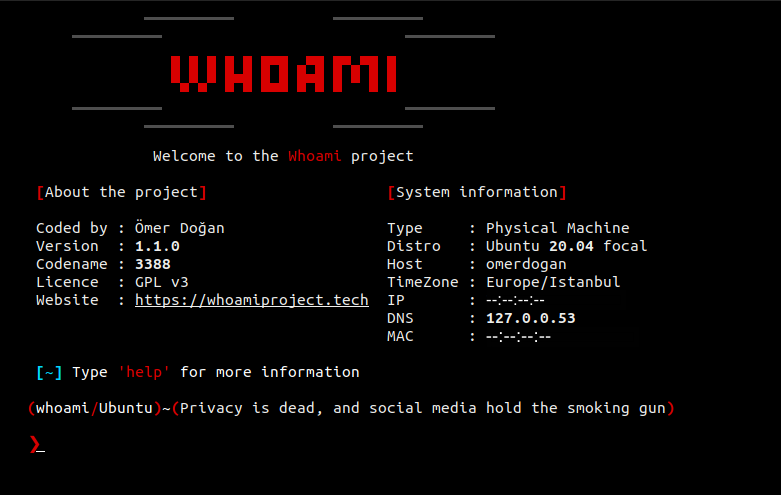
 owerdogan/whoami-project
Whoami provides enhanced privacy, anonymity for Debian and Arch based linux distributions


Feature Request | Report a Bug


Whoami is a user-friendly privacy and anonymity tool designed for Debian and Arch-based Linux distributions. With its simple interface and ease of use, it leverages 9+ powerful modules to ensure the highest level of anonymity. The tool also includes a Bug Fixer module (currently in development) to solve issues without user intervention.
Note: While Whoami enhances your anonymity, remember there is no such thing as 100% security on the internet!
For detailed documentation, visit the official website: Whoami Project.
| Module Name | Description |
|---|---|
| Anti MITM | Automatically bans attackers during Man-In-The-Middle (MITM) attacks. |
| Log Killer | Securely deletes system log files using the overwrite method. |
| IP Changer | Redirects all network traffic through a Tor transparent proxy. |
| DNS Changer | Replaces default ISP DNS servers with privacy-focused alternatives. |
| MAC Changer | Randomizes the MAC address for all network interfaces. |
| Anti Cold Boot | Prevents RAM dumps by securely deleting sensitive traces. |
| Timezone Changer | Sets system time to UTC to avoid location leaks through timestamps. |
| Hostname Changer | Randomizes the hostname to hide system identity. |
| Browser Anonymization | Configures your browser for maximum privacy. |
For an in-depth explanation of each module, see the Documentation.
Before installing Whoami, ensure your system is updated and has the required dependencies installed. Use the following command to update your system and install the necessary packages:
sudo apt update && sudo apt install tar tor curl python3 python3-scapy network-manager
Clone the repository:
git clone https://github.com/owerdogan/whoami-project
Install the tool using the Makefile:
sudo make install
That's it! You're now ready to use Whoami.
You can start using the tool via the GUI or the terminal. Run the following command for a list of available options:
sudo kali-whoami --help
| Parameter | Description |
|---|---|
--start | Makes backups and starts the program. |
--stop | Closes the program and restores backups. |
--status | Displays the current working status. |
--fix | Repairs the system in case of a bug. |
--help | Shows the help menu with all commands. |
Distributed under the GPL v3 License. See the LICENSE file for more information.
