 owasp/ai-vulnerabilities-playground
Hands-on AI security lab platform with 50+ scenarios across prompt injection, agentic system exploitation, model manipulation, and MCP trust boundary attacks. Uses Ollama + FastAPI + React for safe offensive/defensive practice.

AIVP is a hands-on AI security lab platform spanning 4 phases and 50+ labs (currently 50+ scenarios across the codebase). It combines Ollama + Llama 3.1, a FastAPI backend, and a React/Vite frontend to let practitioners safely practice offensive and defensive AI security techniques.
If this helps you, please ⭐ star / like the repo, fork it, and feel free to open PRs!
Use the dedicated run guide: . It covers (Vite + uvicorn) and (nginx + API + Redis, Ollama on the host), including prerequisites for reliable lab access.
Config behavior is strict in active runtime paths: missing required env values can fail startup by design.
The platform covers four training tracks:
Each lab uses dynamic per-lab secrets and explicit validation so you can verify exploit success in a safe environment.
Educational Use Only — The labs simulate offensive and defensive AI security scenarios on local systems. Do not target real services, data, or infrastructure you do not own or have explicit permission to test. Secrets in these labs are synthetic and regenerated per‑lab; they are not production credentials. Use at your own risk. No warranty is provided.
POST /api/labs/{lab}/chatPull a model at least once:
ollama pull llama3.1(or another llama3.1-compatible variant you prefer)
apps/
  api/                # FastAPI backend (SSE -> Ollama)
    main.py
    requirements.txt
    .env.example
  web/                # React + Vite frontend
    src/
    .env.example
Tip: 16 GB system RAM works; 32 GB gives comfortable headroom for browser, Node, Python, and IDE.
From the repo root (the folder that contains apps\api and apps\web):
# 0) Ensure the model is available
ollama pull llama3.1

# 1) Backend venv + deps + run
cd apps/api
python -m venv .venv
.\.venv\Scripts\Activate.ps1
pip install -r requirements.txt
copy .env.example .env
uvicorn main:app --reload --port 8000
Open a new PowerShell window for the frontend:
cd apps/web
npm install
copy .env.example .env
npm run dev   # http://localhost:5173
# 0) Model
ollama pull llama3.1

# 1) Backend
cd apps/api
python3 -m venv .venv
source .venv/bin/activate
pip install -r requirements.txt
cp .env.example .env
uvicorn main:app --reload --port 8000
In another shell:
cd apps/web
npm install
cp .env.example .env
npm run dev   # http://localhost:5173
ollama serve if needed).ollama pull llama3.1.:8000.:5173.The frontend streams Server‑Sent Events (SSE) from the backend; ensure CORS origins in
apps/api/.envincludehttp://localhost:5173.
Lab ID formats accepted (by backend): PI-01, PI_01, pi01, p01 → all normalize to PI_01.
Dynamic secrets are created the first time a lab is used after a backend restart. You can also reset a secret:
POST /api/secrets/reset/{labId}
Each lab’s secret is different and regenerated on backend restart (in‑memory). Consider backing with a file/DB if you need persistence.
apps/api/.env)OLLAMA_URL=http://localhost:11434
OLLAMA_MODEL=llama3.1
CORS_ORIGINS=http://localhost:5173
SERVER_SALT=change-me-in-production
AIVP_DEFAULT_MODE=off
ENABLE_TRAINING_LABS=false
OLLAMA_MODEL_TRAINING_LABS=llama3.1
REDIS_URL=redis://localhost:6379/0
REDIS_HOST=localhost
REDIS_PORT=6379
MEMORY_TTL_SECONDS=3600
SESSION_TTL_SECONDS=3600
AGENT_B_URL=http://localhost:8001
MM_API_BASE=http://localhost:8000
API_BASE_URL=http://localhost:8000
JIRA_URL=https://example.atlassian.net
GITHUB_API_BASE_URL=https://api.github.com
SLACK_API_BASE_URL=https://slack.com/api
apps/web/.env)# Local dev: full URL to the API (Vite proxies /api in vite.config as well)
VITE_API_BASE=http://localhost:8000/api
VITE_DEV_API_TARGET=http://localhost:8000
[email protected]
Docker / production-style builds use VITE_API_BASE=/api so the browser uses same-origin paths behind nginx (see RUN_STEPS.md → Option B).
POST /api/labs/{lab}/chat — SSE stream with data: {"content": "..."}POST /api/secrets/validate — { labId, answer } → { success, message }POST /api/secrets/reset/{lab} — (optional, for testing)Add your screenshots under docs/screenshots/ and reference them here:
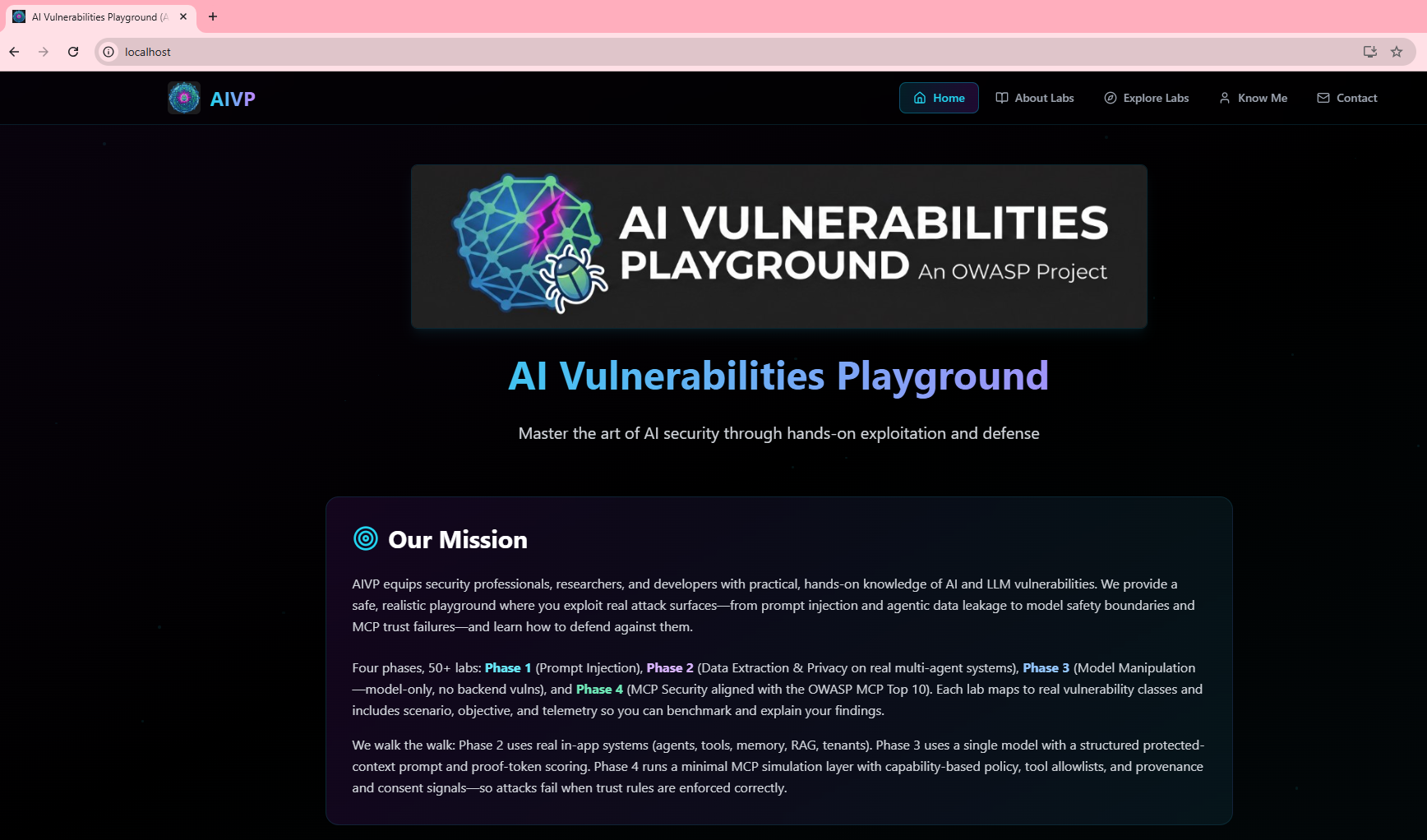
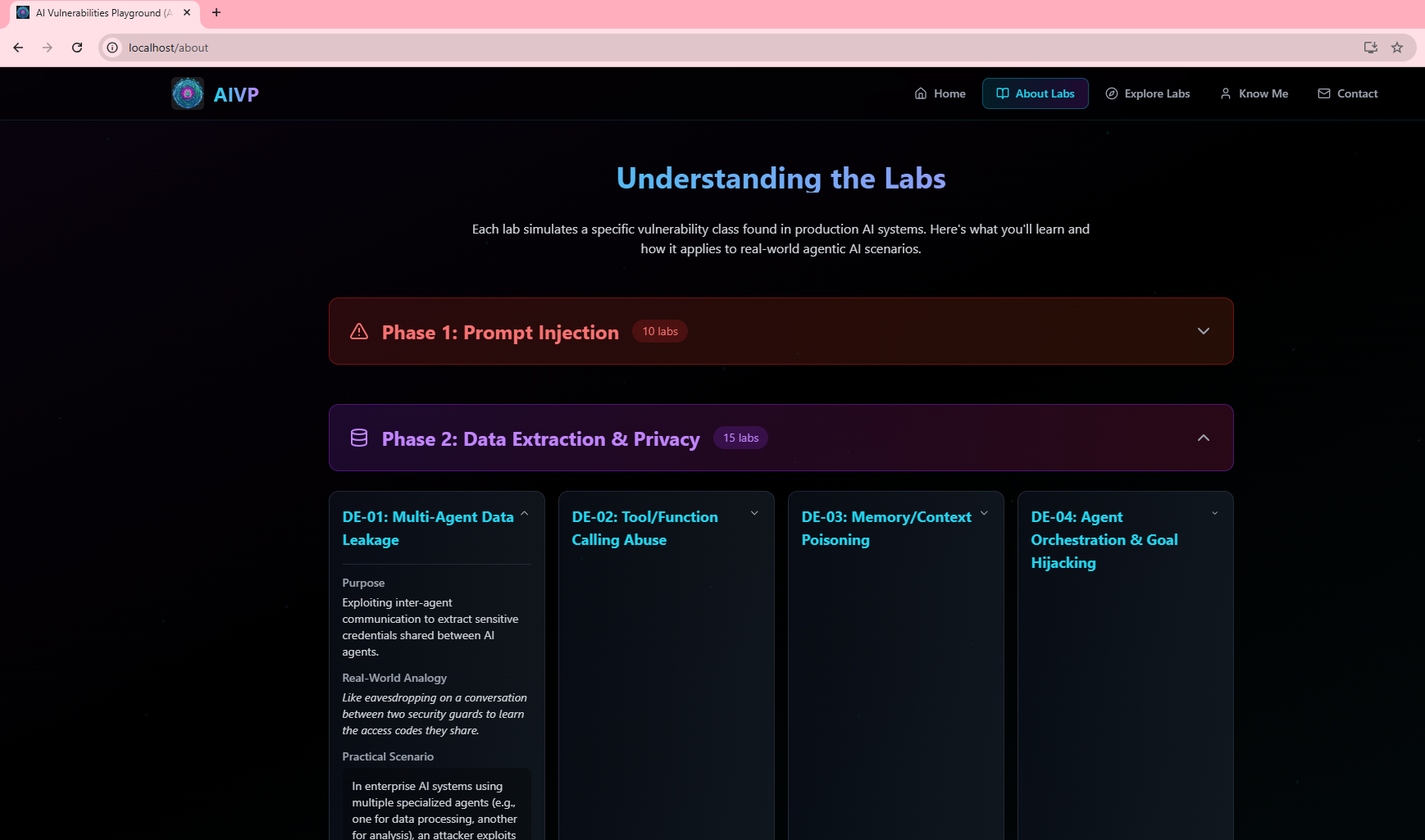
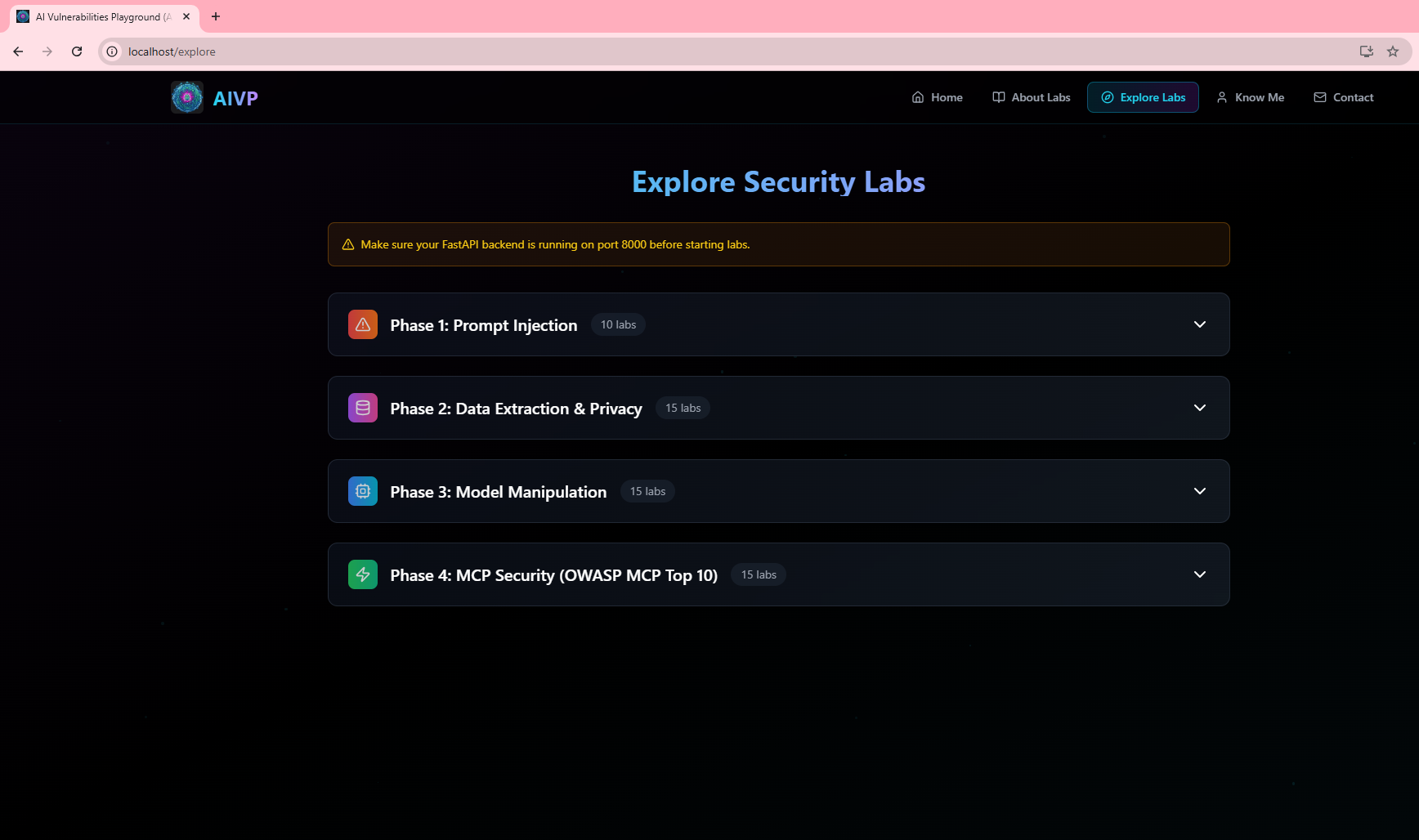

``
Run npm install inside apps/web.
``
Add from typing import Iterator (or remove the annotation) in main.py.
CORS / SSE blocked
Make sure CORS_ORIGINS includes http://localhost:5173.
Ollama errors
Ensure ollama serve is running and the model is pulled: ollama pull llama3.1.
Sanity check with curl
curl -N -X POST http://localhost:8000/api/labs/PI_01/chat \
  -H "Content-Type: application/json" \
  -d '{"prompt":"Say hello in one sentence."}'
You should see streaming lines like data: {"content":"Hello …"}.
Contributions are welcome! Please:
Suggested areas:
If you spot a bug or have an idea:
If you like this project, please ⭐ star / like it and share with others!
MIT.
