
 ovh/the-bastion
Authentication, authorization, traceability and auditability for SSH accesses.


Bastions are a cluster of machines used as the unique entry point by operational teams (such as sysadmins, developers, database admins, ...) to securely connect to devices (servers, virtual machines, cloud instances, network equipment, ...), usually using ssh.
The Bastion provides mechanisms for authentication, authorization, traceability and auditability for your whole infrastructure.
Being between your users and your infrastructure, The Bastion adds a layer of abstraction in-between so that your infrastructure doesn't need to know your operational team members individually.
Each of your team member has an individual account on The Bastion, and may be a member of one or several bastion groups that may give them access to one or more infrastructures. The infrastructure devices only need to know and trust the bastion group(s) they may be a part of.
The Bastion fine-grained RBAC makes it possible to delegate some responsibilities to any account, group-scoped or bastion-wide, including to accounts that might be used by your automation to e.g. manage the lifecycle of the accounts (linked to your human resources management system, your LDAP or AD), ensure a group's ACL is up to date (linked to your CMDB), etc. Automated processes are easy to implement through the JSON API over SSH.
Want to know more while viewing some nice drawings? Here is a series of blog posts that dig more into the core functionalities and principles of The Bastion:
Other resources that might be of interest:
Nothing fancy is needed either on the ingress or the egress side of The Bastion to make it work.
Only your good old ssh client is needed to connect through it, and on the other side, any standard sshd server will do the trick. This includes, for example, network devices on which you may not have the possibility to install any custom software.
Ancient devices that only support low-security cryptography algorithms or telnet can be hidden from the Internet by firewalling them and only allowing The Bastion, hereby avoiding a low-security trade-off by still allowing only high-security grade connections on the bastion ingress side.
Please see the online documentation, or the corresponding text-based version found in the doc/ folder.
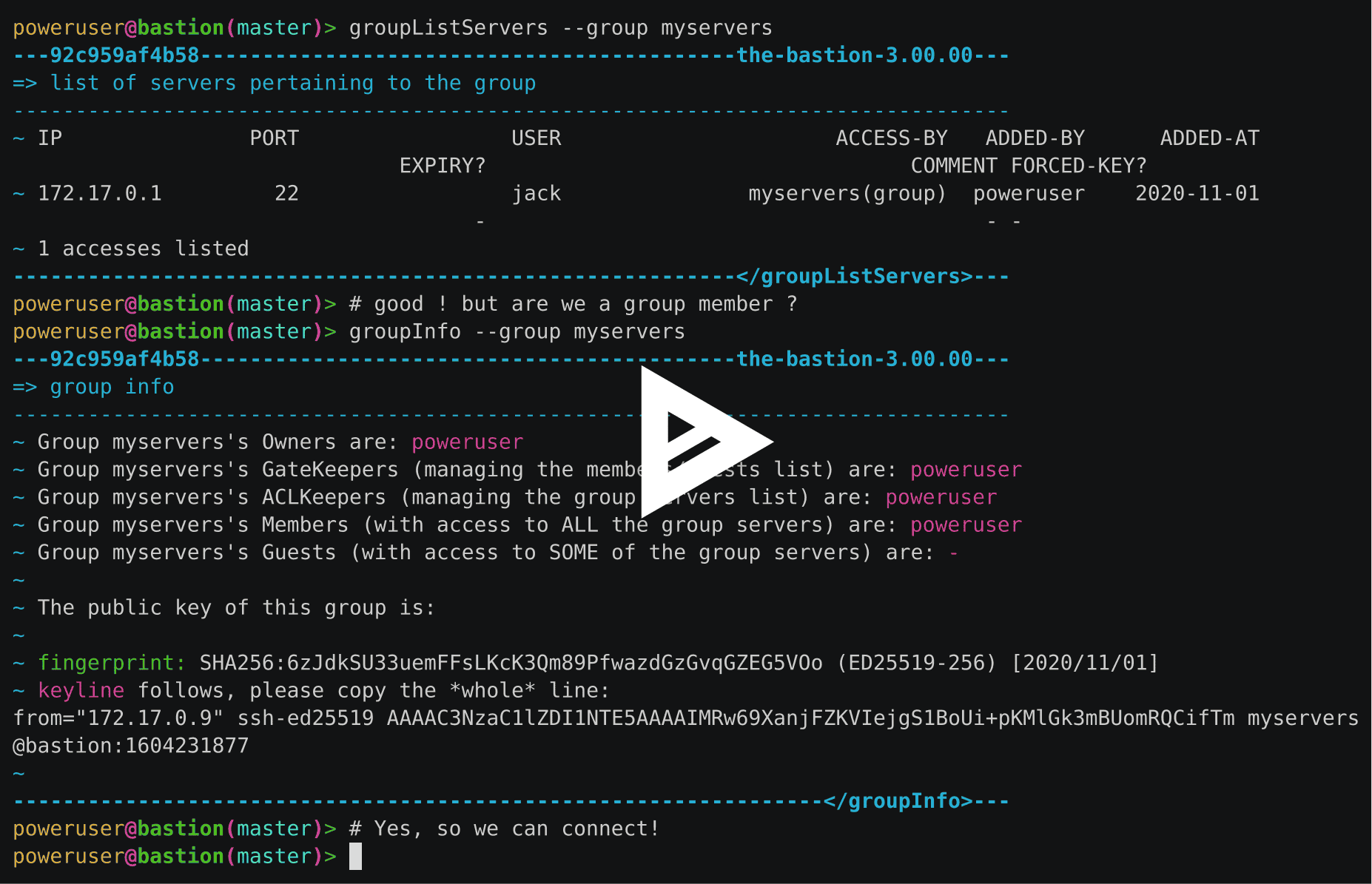
This is a good way to test The Bastion within seconds, but read the FAQ if you're serious about using containerization in production.
The sandbox image is available for the following architectures: linux/386, linux/amd64, linux/arm/v6, linux/arm/v7, linux/arm64, linux/ppc64le, linux/s390x.
Let's run the docker image:
docker run -d -p 22 --name bastiontest ovhcom/the-bastion:sandbox
Get your public SSH key at hand, then configure the first administrator account:
docker exec -it bastiontest /opt/bastion/bin/admin/setup-first-admin-account.sh poweruser auto
We're now up and running with the default configuration! Let's setup a handy bastion alias, and test the info command:
PORT=$(docker port bastiontest | cut -d: -f2)
alias bastion="ssh [email protected] -tp $PORT -- "
bastion --osh info
It should greet you as being a bastion admin, which means you have access to all commands. Let's enter interactive mode:
bastion -i
This is useful to call several --osh plugins in a row. Now we can ask for help to see all plugins:
$> help
If you have a remote machine you want to try to connect to through the bastion, fetch your egress key:
$> selfListEgressKeys
