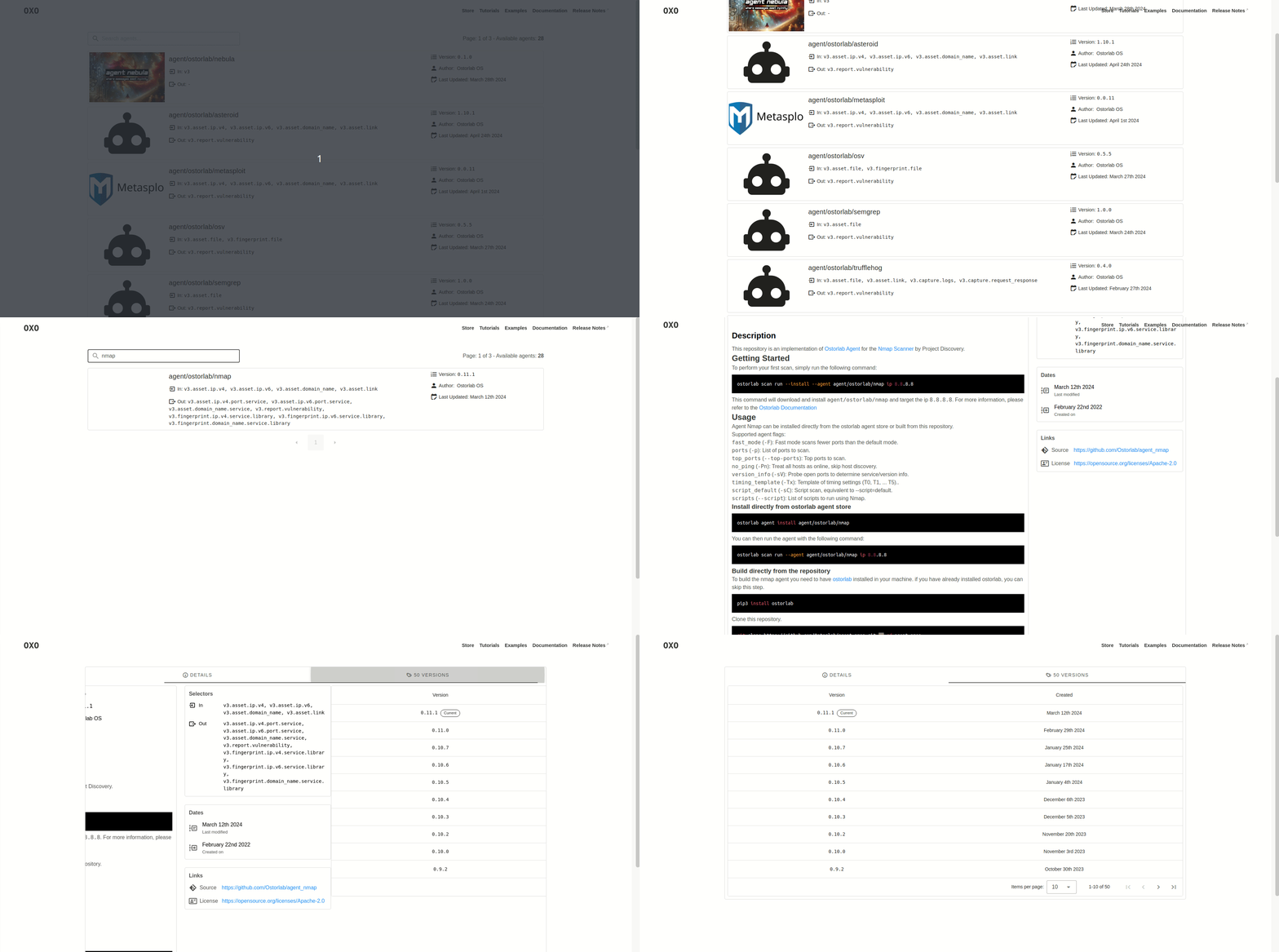
 ostorlab/oxo
Modular security scanning orchestrator that combines specialized agents for vulnerability detection, reconnaissance, and fingerprinting across networks, web apps, mobile apps, and APIs.





OXO is a security scanning framework built for modularity, scalability, and simplicity. It is open source and maintained by Ostorlab.
OXO Engine combines specialized tools to work cohesively to find vulnerabilities and perform actions like recon, enumeration, and fingerprinting.
Docker is required to run scans locally. To install Docker, please follow these instructions.
OXO ships as a Python package on PyPI. To install it, simply run the following command if you have pip already
installed.
pip install -U ostorlab
OXO ships with a store that boasts dozens of agents, from network scanning agents like Nmap, Nuclei, or Tsunami, web scanners like ZAP, web fingerprinting tools like WhatWeb and Wappalyzer, DNS brute-forcing tools like Subfinder and Dnsx, malware file scanning like VirusTotal, and much more.
To run any of these tools combined, simply run the following command:
OXO CLI is accessible using the
oxoorostorlabcommands.
oxo scan run --install --agent agent/ostorlab/nmap --agent agent/ostorlab/tsunami --agent agent/ostorlab/nuclei ip 8.8.8.8
This command will download and install the following scanning agents:
It will scan the target IP address 8.8.8.8.
Agents are shipped as standard Docker images.
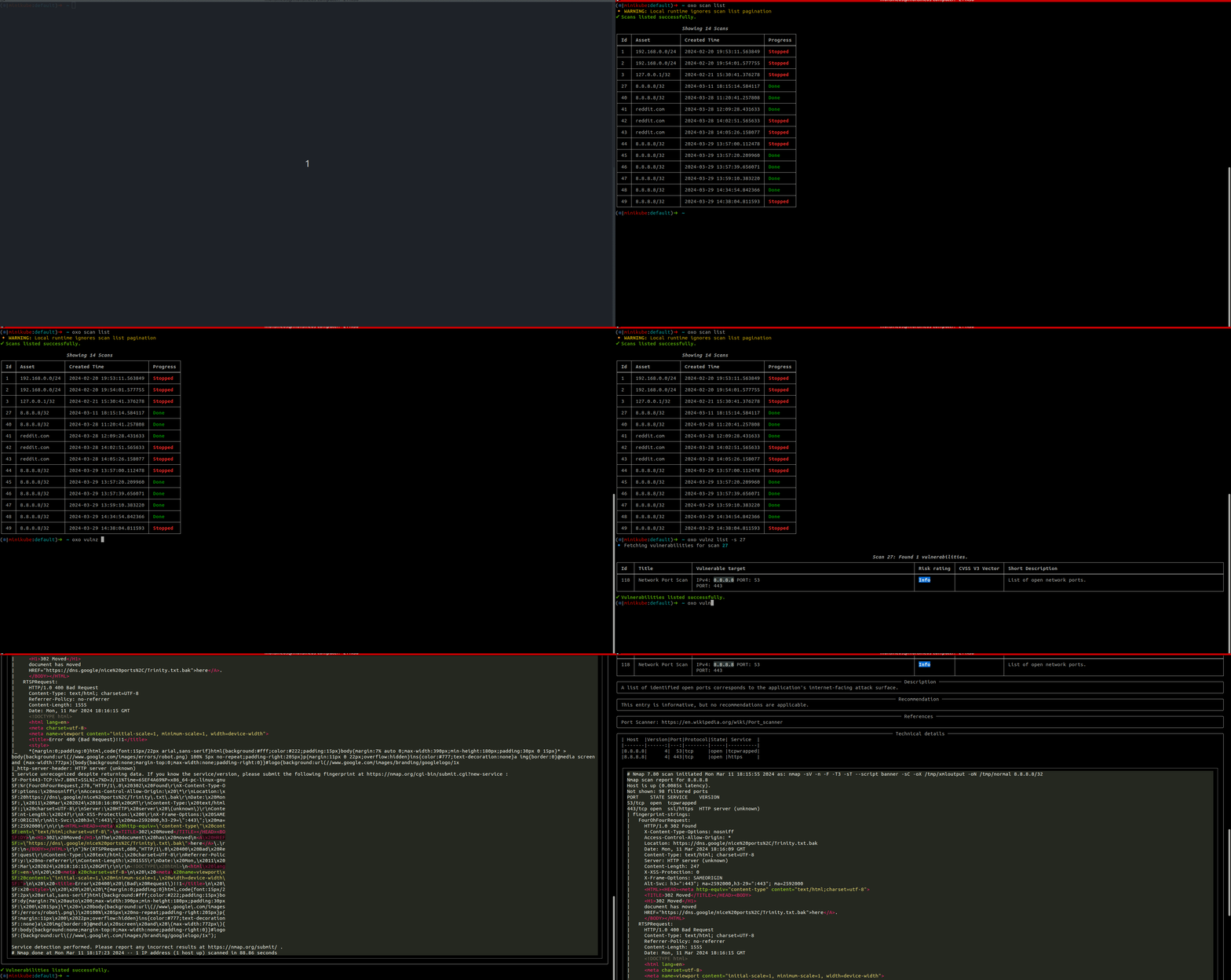
To check the scan status, run:
oxo scan list
Once the scan has completed, to access the scan results, run:
oxo vulnz list --scan-id <scan-id>
oxo vulnz describe --vuln-id <vuln-id>
To stop a running scan, run:
oxo scan stop --scan-id <scan-id>
To run oxo in a container, you may use the publicly available image and run the following command:
docker run -v /var/run/docker.sock:/var/run/docker.sock ostorlab/oxo:latest scan run --install --agent agent/ostorlab/nmap ip 8.8.8.8
Notes:
scan run, this is because the ostorlab/oxo image has oxo as an entrypoint.When running OXO as an on-prem scanner, use --persist-logs to write scanner logs to disk:
oxo scanner --scanner-id <scanner-uuid> --persist-logs
By default, logs are written to ~/.ostorlab/scanner.log. To choose another file:
oxo scanner --scanner-id <scanner-uuid> --persist-logs --log-file /var/log/ostorlab/scanner.log
To change the persisted log verbosity:
oxo scanner --scanner-id <scanner-uuid> --persist-logs --log-level DEBUG
OXO supports scanning multiple asset types, allowing for comprehensive security coverage across different platforms and protocols.
| Category | Asset | Description |
|---|---|---|
| Network | ip | IP address or IP range (v4 and v6). |
domain-name | Domain name. | |
| Web | link | Web link, accepting a URL, method, headers, and request body. |
api-schema | API schema (OpenAPI, GraphQL, etc.). | |
| Mobile | android-apk / android-aab | Android package files (.APK, .AAB). |
android-store | Android app in the Google Play Store. | |
ios-ipa | iOS package file (.IPA). | |
ios-store | iOS app in the Apple App Store. | |
ios-testflight | iOS app in TestFlight. | |
harmonyos-apk / harmonyos-hap | HarmonyOS package files. | |
| Other | file | Generic file. |
phone-number | Phone number. | |
agent | Meta-scanning of an agent. |
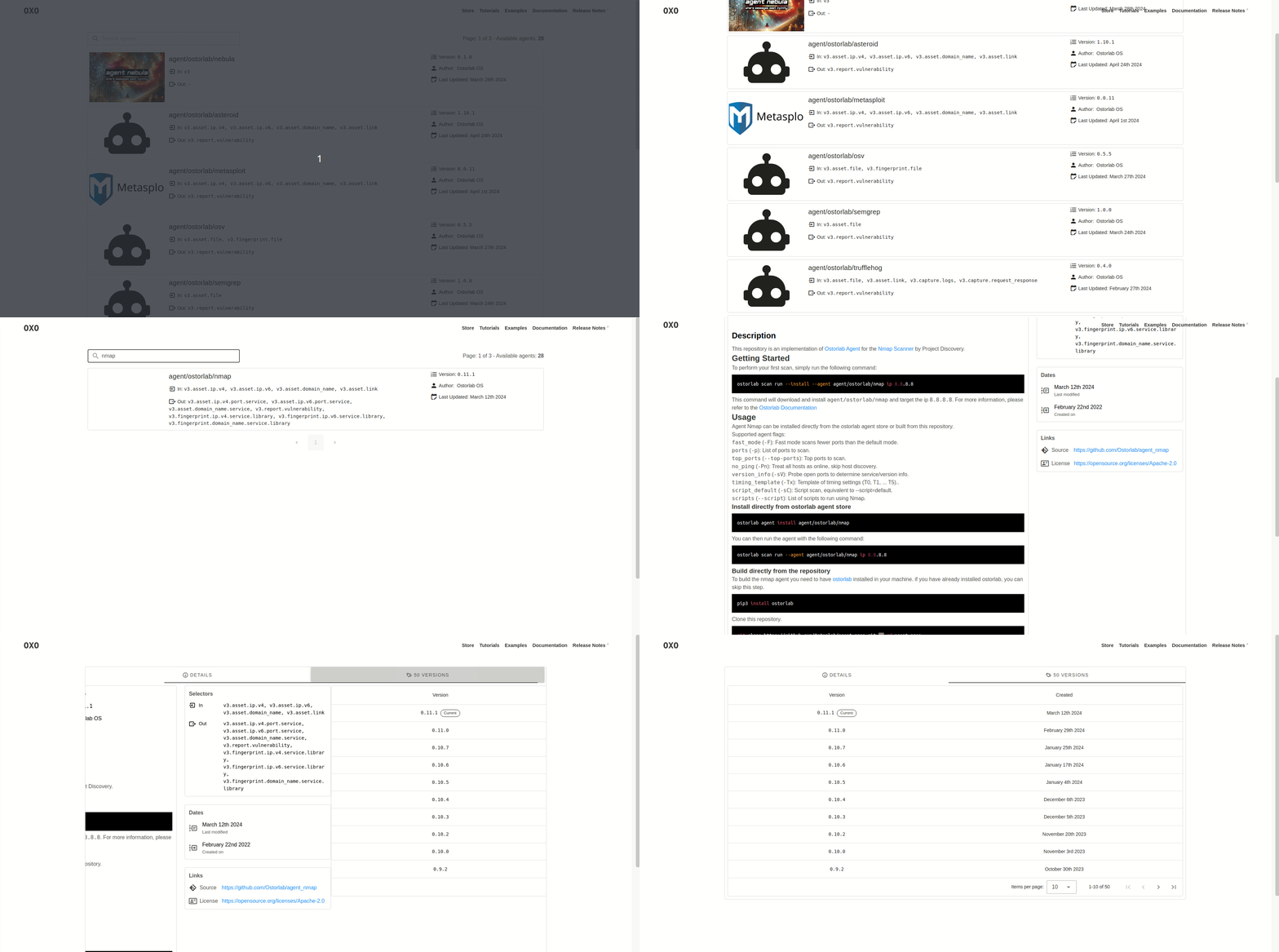
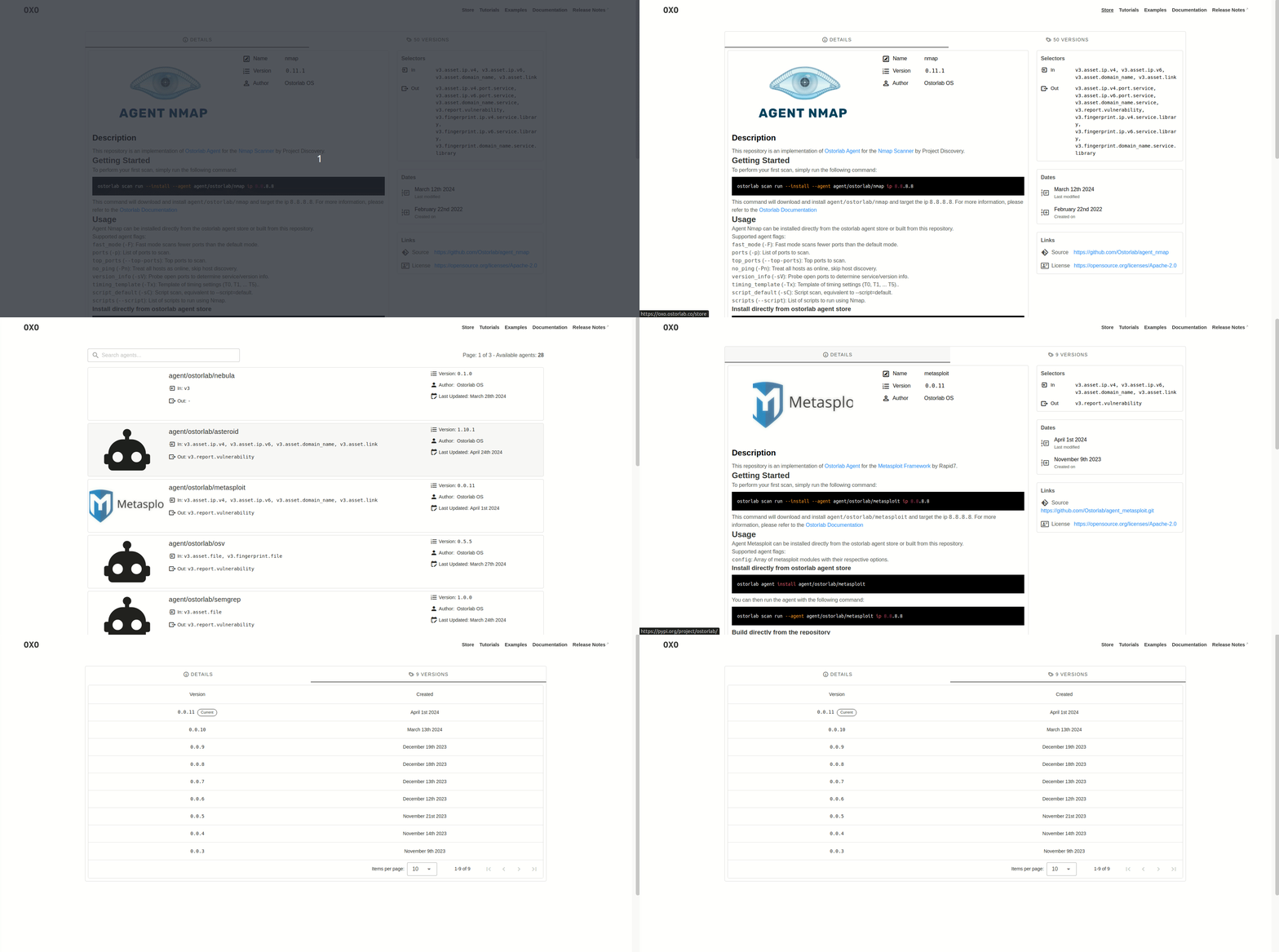
OXO lists all agents on a public store where you can search and also publish your own agents.
To write your first agent, you can check out a full tutorial here.
The steps are basically as follows:
template_agent.py file to add your logic.Dockerfile by adding any extra building steps.ostorlab.yaml by adding selectors, documentation, image, and license.Once you have written your agent, you can publish it on the store for others to use and discover it. The store will handle agent building and will automatically pick up new releases from your Git repo.
Implementations of popular tools such as:
