
Skip to content
KitploitKITPLOIT
ToolsBlog
Submit
ToolsBlog
Submit

Hacking, PenTest, and Cybersecurity Tools for Your Security Arsenal!

Kitploit is a directory of hacking, cybersecurity, and pentesting tools. Discover the latest project updates to find vulnerabilities, analyze systems, automate testing, and strengthen your security.

··Feeds·Contact·Privacy·© 2026 Kitploit

Tool Directory

Categories

View all categories
Loading categories
-CVE-2021-44790 — Thực nghiệm CVE-2021-44790 | Kitploit
Tools/GitHubGitHub/nupacachi/-cve-2021-44790
Vulnerability AnalysisExploitationWeb Application ExploitationLearning & EducationLabs & Practice
GitHubnupacachi/-cve-2021-44790

-CVE-2021-44790

Thực nghiệm CVE-2021-44790

View Repository
4332 years agoNot yet reviewed

Most Popular

View all →

Discover the most used tools by our community.

Explore all tools

Browse our collection of tools

View all tools →
Share

CVE-2021-44790

Description of CVE-2021-44790

  • CVE-2021-44790 describes a system-level security vulnerability in the mod_lua of the Apache HTTP Server, specifically in version 2.4.51 and earlier versions. This vulnerability is triggered when the r:parsebody() function improperly handles HTTP multipart/form-data requests, often due to the sending of non-standard form data.
  • This issue not only increases the likelihood of a denial-of-service incident but also opens the door to remote code execution through carefully crafted requests.

Experiment CVE-2023-25690

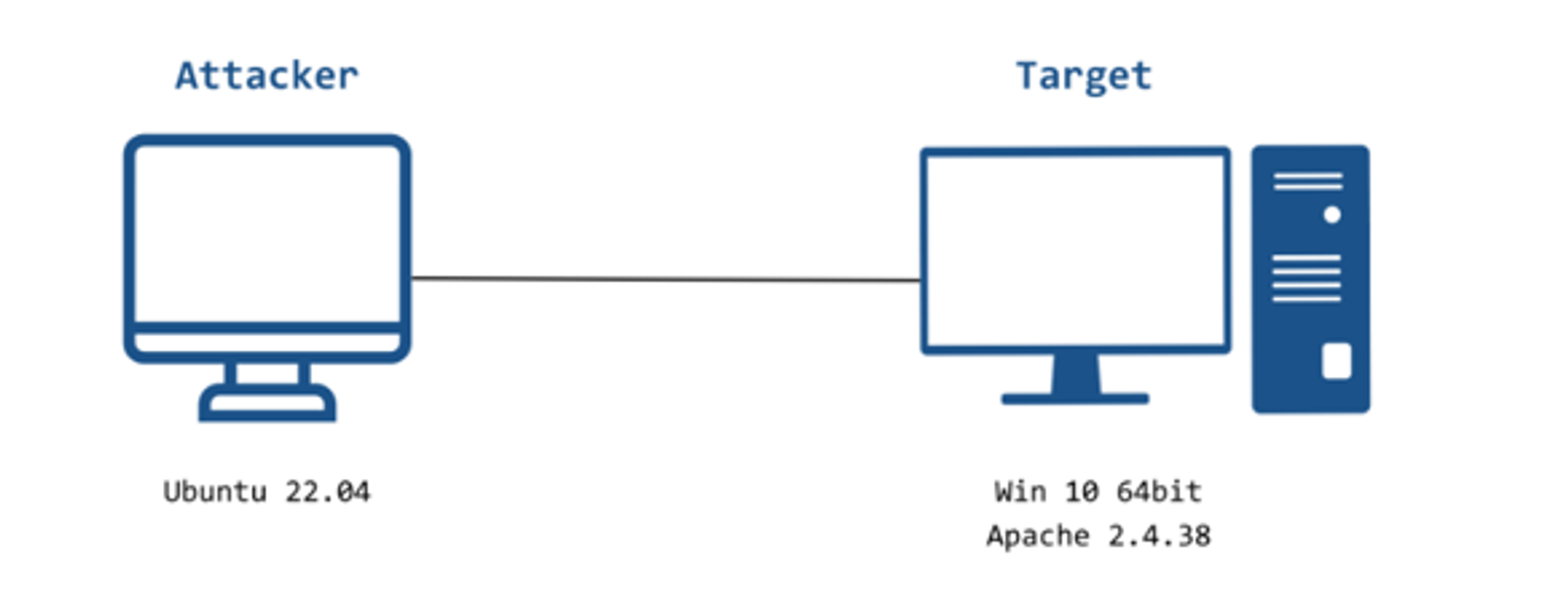
  • Use an Ubuntu 22.04 machine as the attacker
  • Use Windows 10 64bit as the server
    • Install Apache server VC11 2.4.38 software

Description of the experimental setup

image

  • Attacker machine: Ubuntu 22.04 - IP: 10.6.10.130
  • Victim machine: Windows 10 64bit -IP: 10.6.10.131

System Requirements

  • Attacker machine:
    • Ubuntu 22.04 operating system
    • Install Python, Curl.
Download Tool
  • Victim machine requirements:
    • Windows 10 64bit operating system
    • Install Apache 2.4.38
    • Configure httpd.conf to be able to use the Lua module ( see appendix)
  • Exploitation objective: Exploit the Buffer Overflow vulnerability to carry out DoS on the target.

    Experiment Deployment

    • B1: On the victim machine:

      • Download apache 2.4.38 to the machine.
      • Proceed to configure httpd.conf ( Appendix I ).
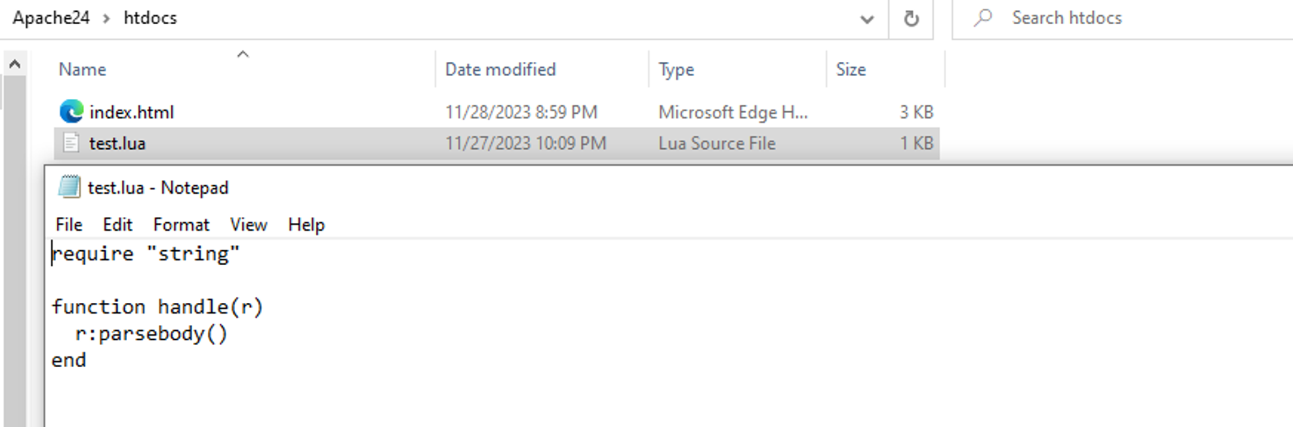
      • Create the file test.lua in the htdocs folder ( Appendix I).
      • Before using the attacker machine, we need to turn off the victim machine's firewall.
      • Use cmd to navigate to the directory :
      root@kitploit:~
      **Apache24/bin**  để tiến hành chạy **httpd.exe.**
      
    • B2: On the attacker machine:

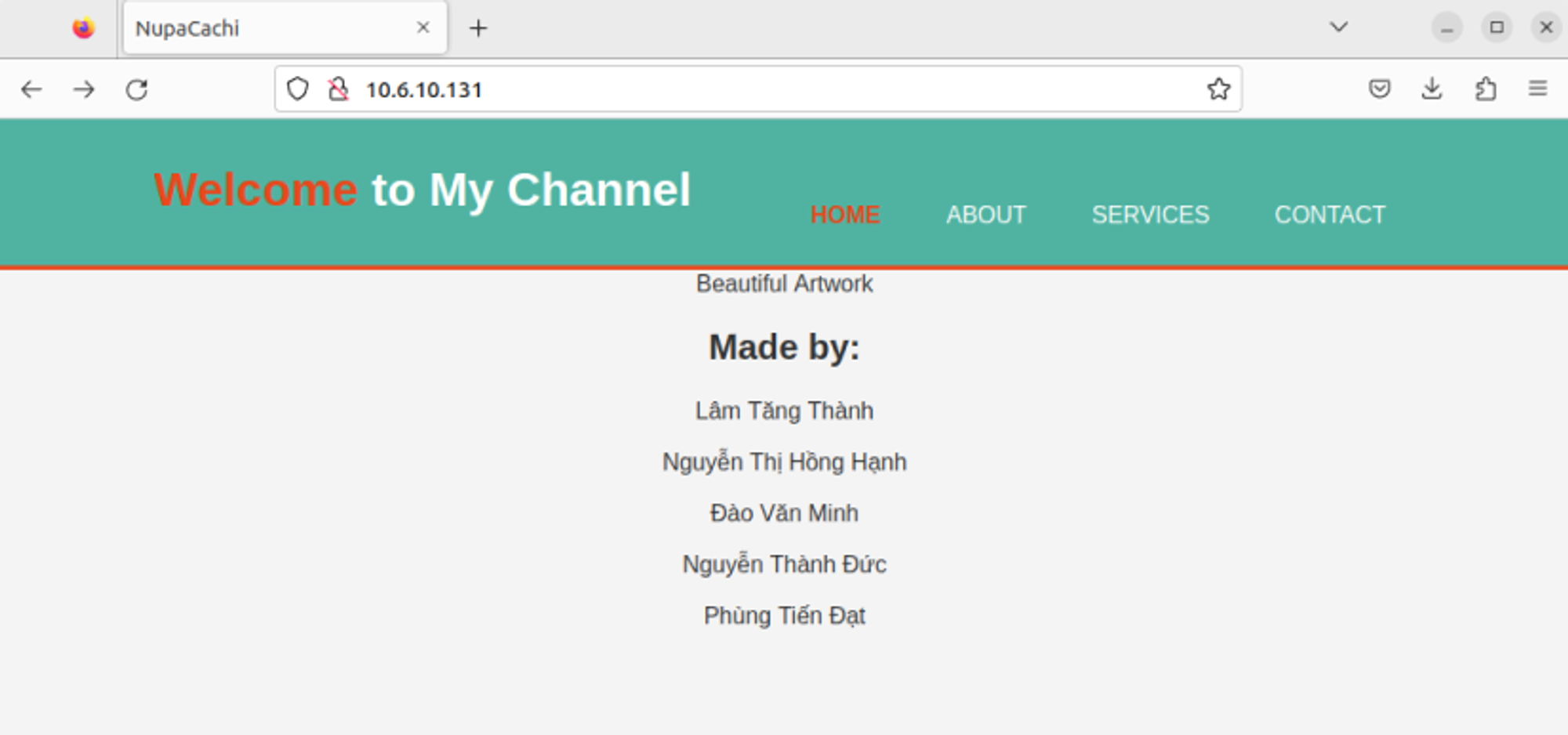
      • Try to connect to the victim's website ( since in the experiment it is a local network ⇒ connect to the victim machine's IP: 10.6.10.131 ).

      image

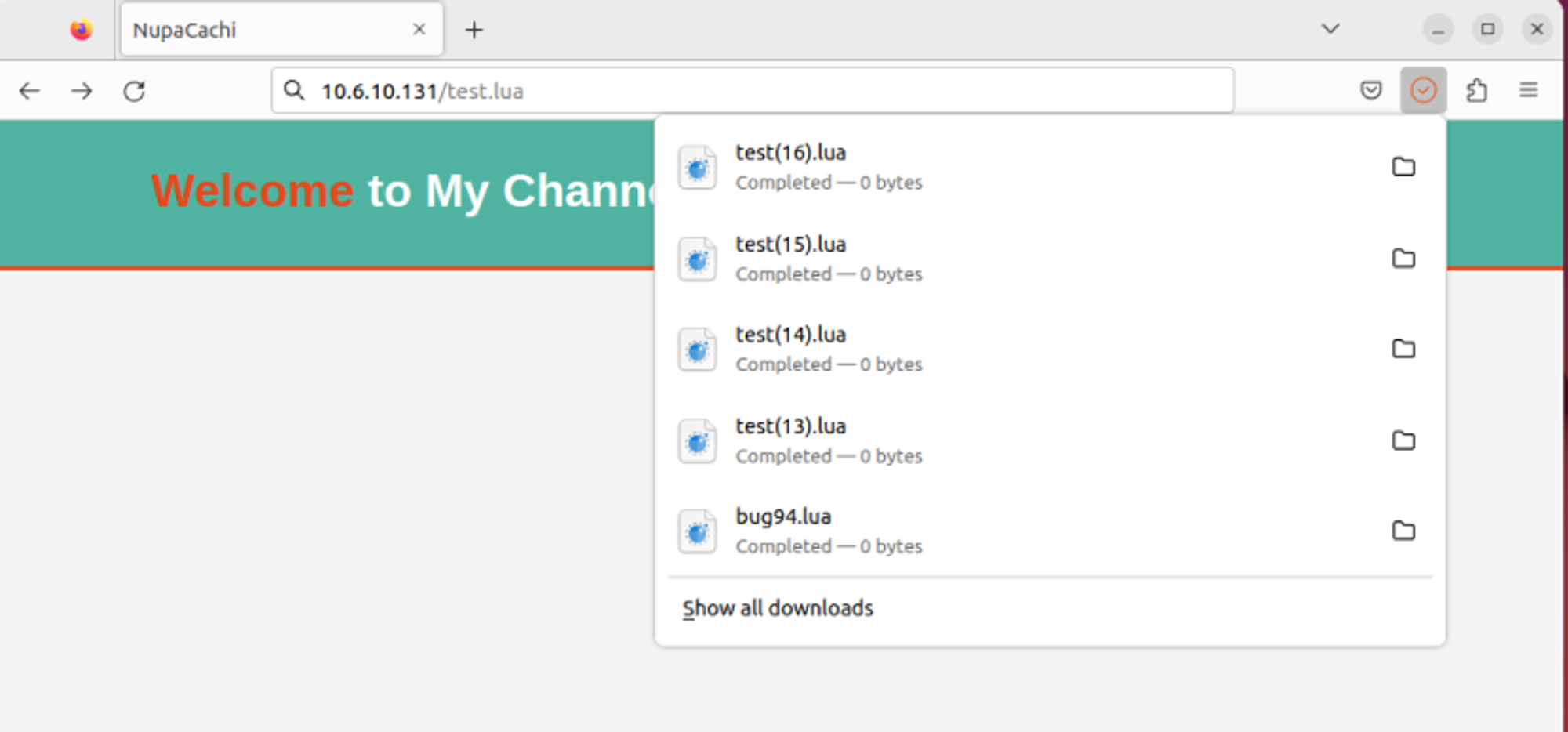
      • When you can connect, find the location of the Lua file ( in the experiment it will be : 10.6.10.131/test.lua ).

      image

      • Send the exploit request to that location and observe the results:
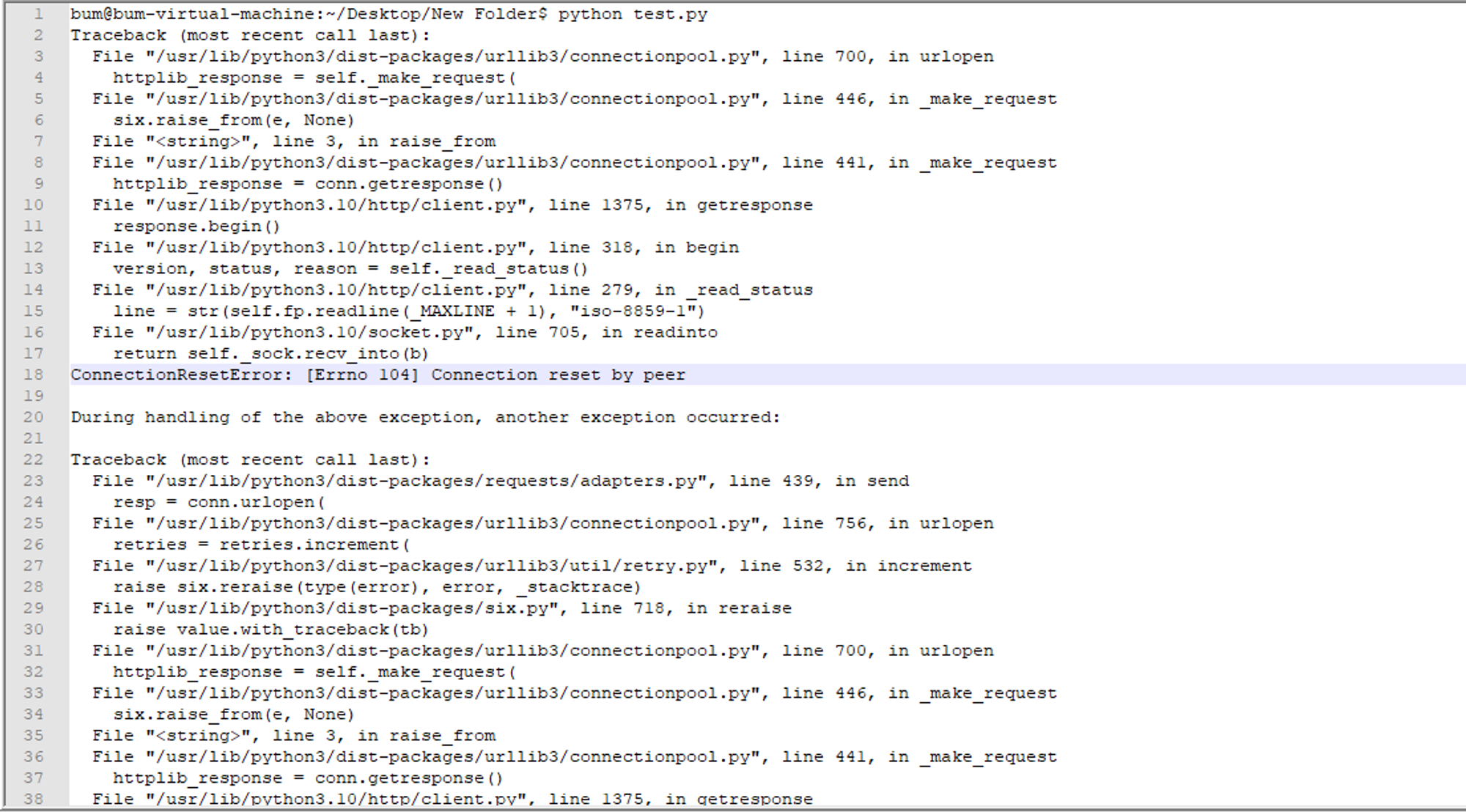
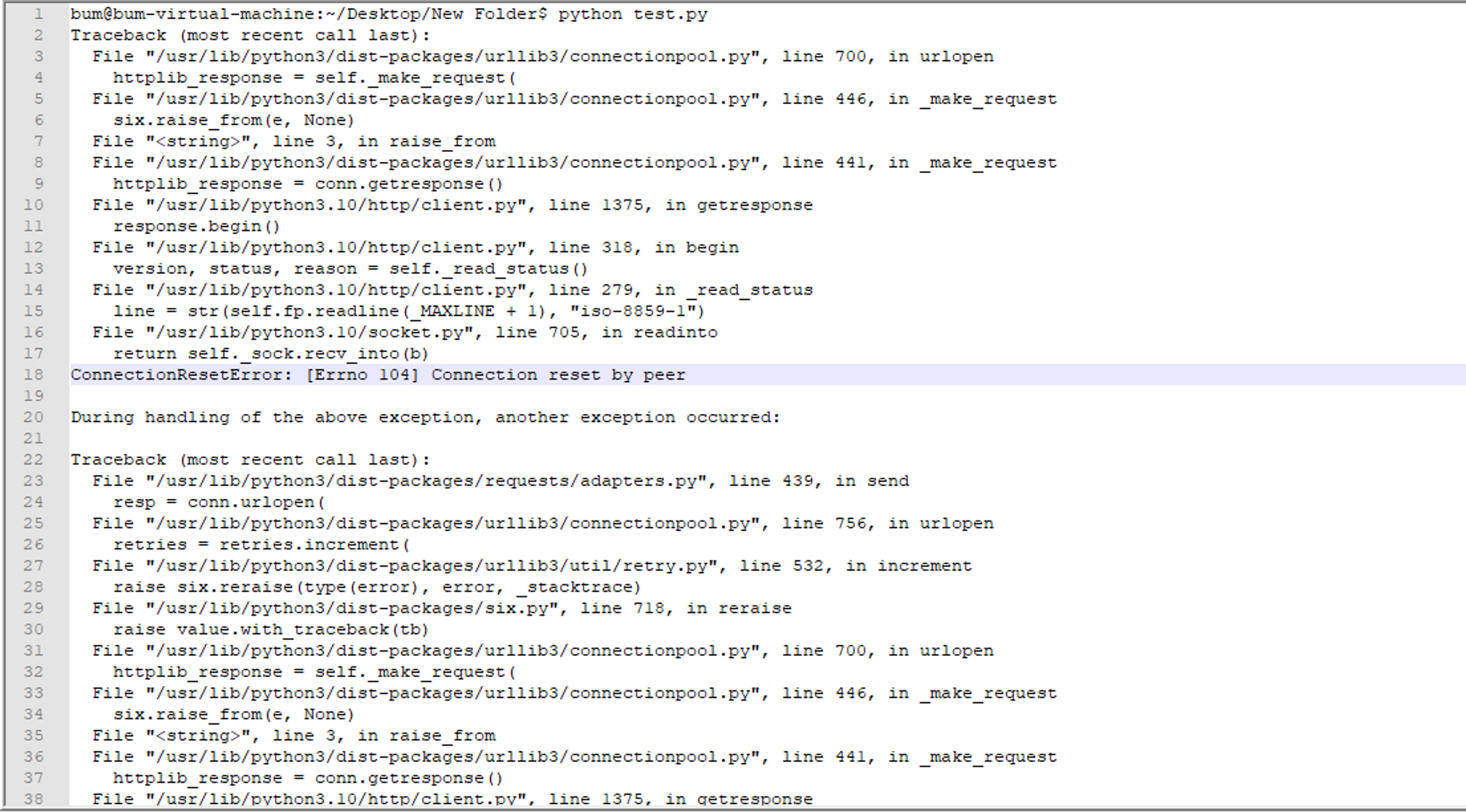
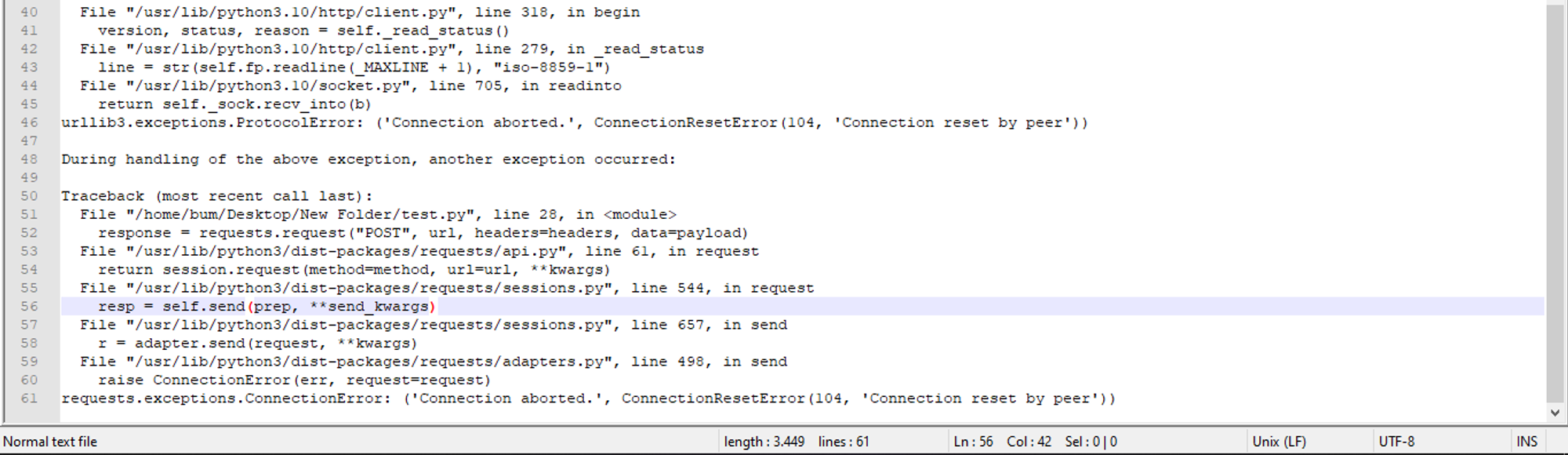
        1. Initial connection reset error:

          • The first part of the log shows ConnectionResetError104

            an issue occurred with the specific error number

            , which means "Connection reset by peer". This usually happens when the remote server ("peer") receives your connection request but then abruptly closes the connection.

        2. The Urllib3 library and the request:

          • The script appears to be using requestsurllib3

            library, thus relying on it

            to create the HTTP connection.

          • The urllib3

            library is trying to open a connection and make a request but fails due to the connection being reset.

        3. Exception handling in the library:

          • Both urllib3requestsurllib3

            are

            catching and re-raising exceptions. The lib

            rary is trying to increase the number of retries for the request, indicating that it may be configured to retry on failure, but eventually gives up after exhausting the retries.

        4. Final connection error in the request:

          • The final exception is raised by requestsConnectionError

            library raises, that is the file

            . This is a generic exception raised when a connection to the server cannot be made, which can happen if the server resets the connection.
    image

    image

    • B3: On the victim machine:

      • Check the log:
      • [Wed Nov 29 15:11:58.320403 2023] [mpm_winnt:notice] [pid 6224:tid 732] AH00428: Parent: child process 7220 exited with status 3221225477 -- Restarting.
      • Child process 7220 exited with error code 3221225477. This may be an error caused by invalid memory access or a similar error. Apache then attempts to restart the process.

      image

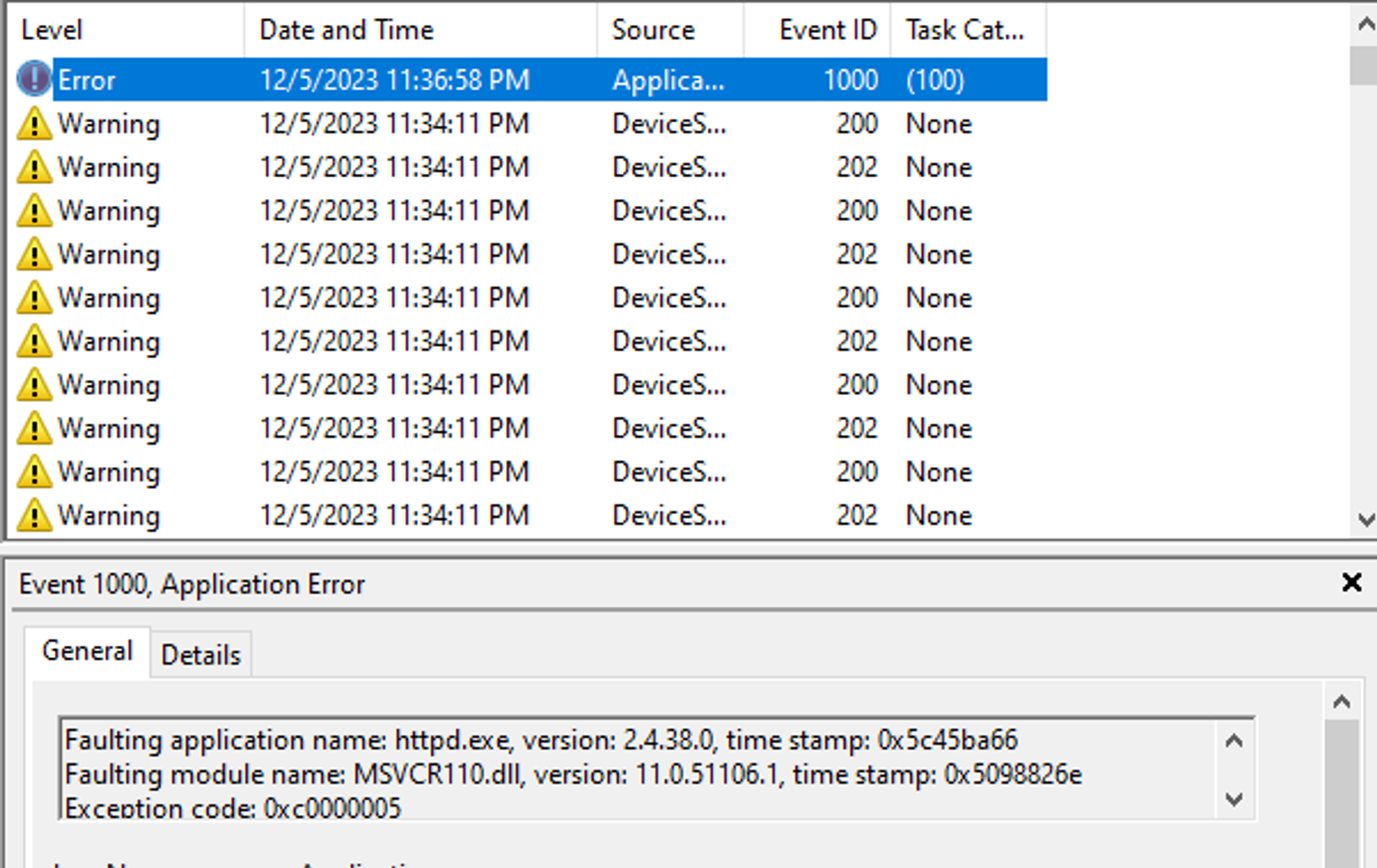
      • Check the service:
        • The error details state that the failing application name is httpd.exe, which is the executable file of the Apache HTTP server. The failing module name is MSVCR110.dll11.0.51106.1 The exception code is 0xc0000005, which usually indicates an access violation error. This means the program tried to read or write to a memory location it should not have, which is a common cause of application crashes.
      image

    Appendix I

    • Configure httpd.conf :

      • Edit the path

        image

      • Launch the Lua module

        image

      • Add Handler for the Lua module

        image

    • Content of test.lua and path:

      image