
Skip to content
KitploitKITPLOIT
ToolsExploitsBlog
Log in
Submit
ToolsExploitsBlog
Submit

Hacking, PenTest, and Cybersecurity Tools for Your Security Arsenal!

Kitploit is a directory of hacking, cybersecurity, and pentesting tools. Discover the latest project updates to find vulnerabilities, analyze systems, automate testing, and strengthen your security.

··Feeds·Contact·Privacy·© 2026 Kitploit

Tool Directory

Categories

View all categories
Loading categories
Tools/GitHubGitHub/noraj/oscp-exam-report-template-markdown
Penetration TestingUtilities & FrameworksLearning & Education
GitHubnoraj/oscp-exam-report-template-markdown

OSCP-Exam-Report-Template-Markdown

📙 Markdown Templates for Offensive Security OSCP, OSWE, OSCE, OSEE, OSWP exam report

View Repository
Website
4.2k837981 month agoReviewed by Kitploit

Most Popular

View all →

Discover the most used tools by our community.

Explore all tools

Browse our collection of tools

View all tools →
Share

Offensive Security Exam Report Template in Markdown

Rawsec's CyberSecurity Inventory GitHub stars GitHub forks GitHub license

I created an Offensive Security Exam Report Template in Markdown so LaTeX, Microsoft Office Word, LibreOffice Writer are no longer needed during your Offensive Security OSCP, OSWE, OSEE, OSWP, OSEP, OSED, OSWA, OSDA, OSMR, OSTH, OSIR exam!

Now you can be efficient and faster during your exam report redaction!
  • 🚀 Speed up writing, don't lose time during the 24 hours of exam report redaction
  • ⭐ No formatting hassle with WYSIWYG editors, byebye unwanted whitespaces and linefeeds from Microsoft Office Word and LibreOffice Writer
  • 📝 Re-use your Markdown notes, you'll be so glad not having to reformat the bold and italic from your Markdown notes into the report
  • 🔒 Version control ready, save your markdown template into a PRIVATE git repository, you now have an incremental backup, version control works with Markdown (.md) as it's text but not with binaries (.doc, .odt)
  • 🖊️ Use your favorite editor or note taking app, with Markdown you'll be able to use your favorite editor (VSCode, Atom, etc.) or note taking app (Vnote, QOwnNotes, Boostnote, etc.) to write your exam report, you won't have to switch to Windows to use MS Word.
  • 🎩 Clean & professional style, a professional looking report for your professional certification
  • 👌 Error free, use the generation script to generate the report and archive, you won't do any submission format and name mistake that way

Examples:

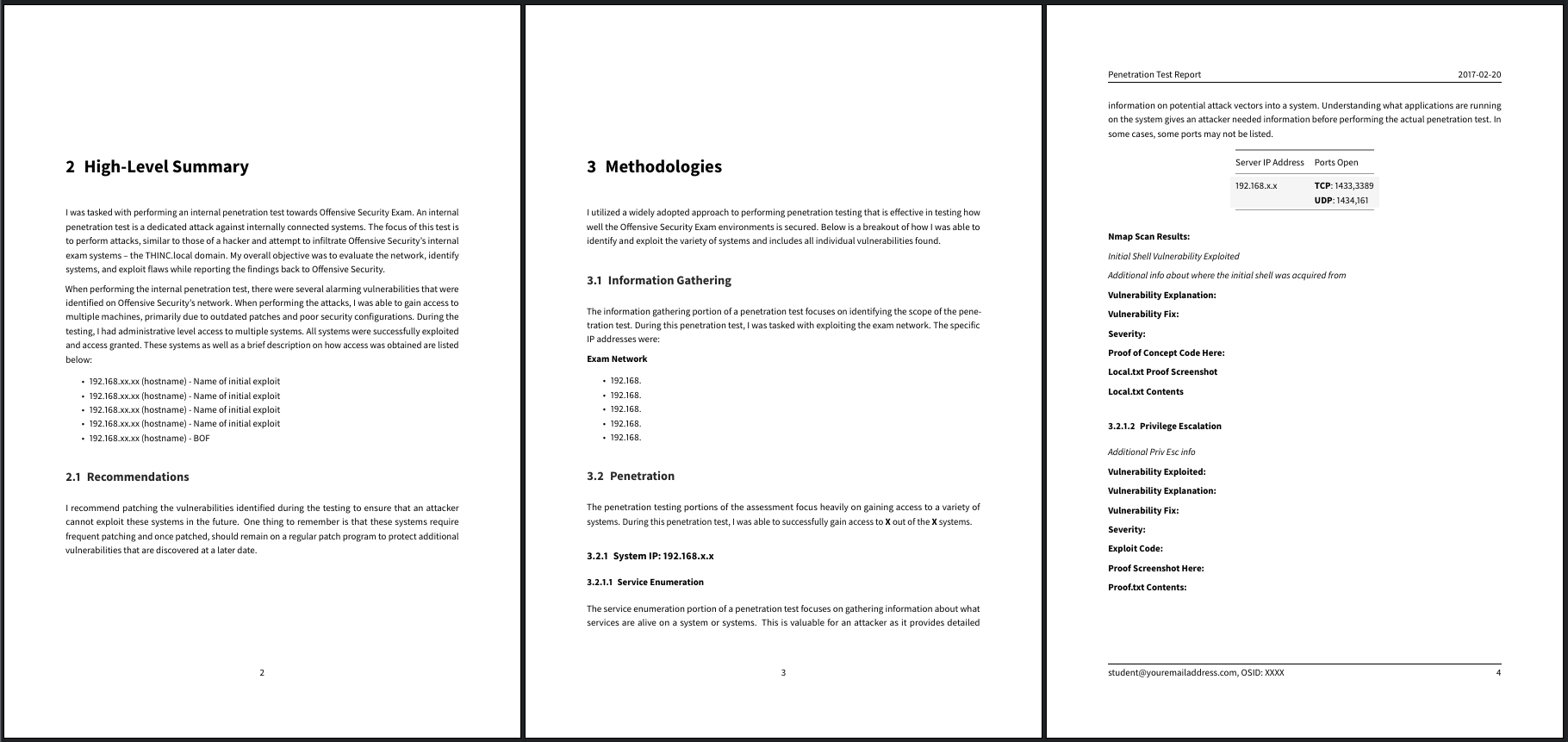
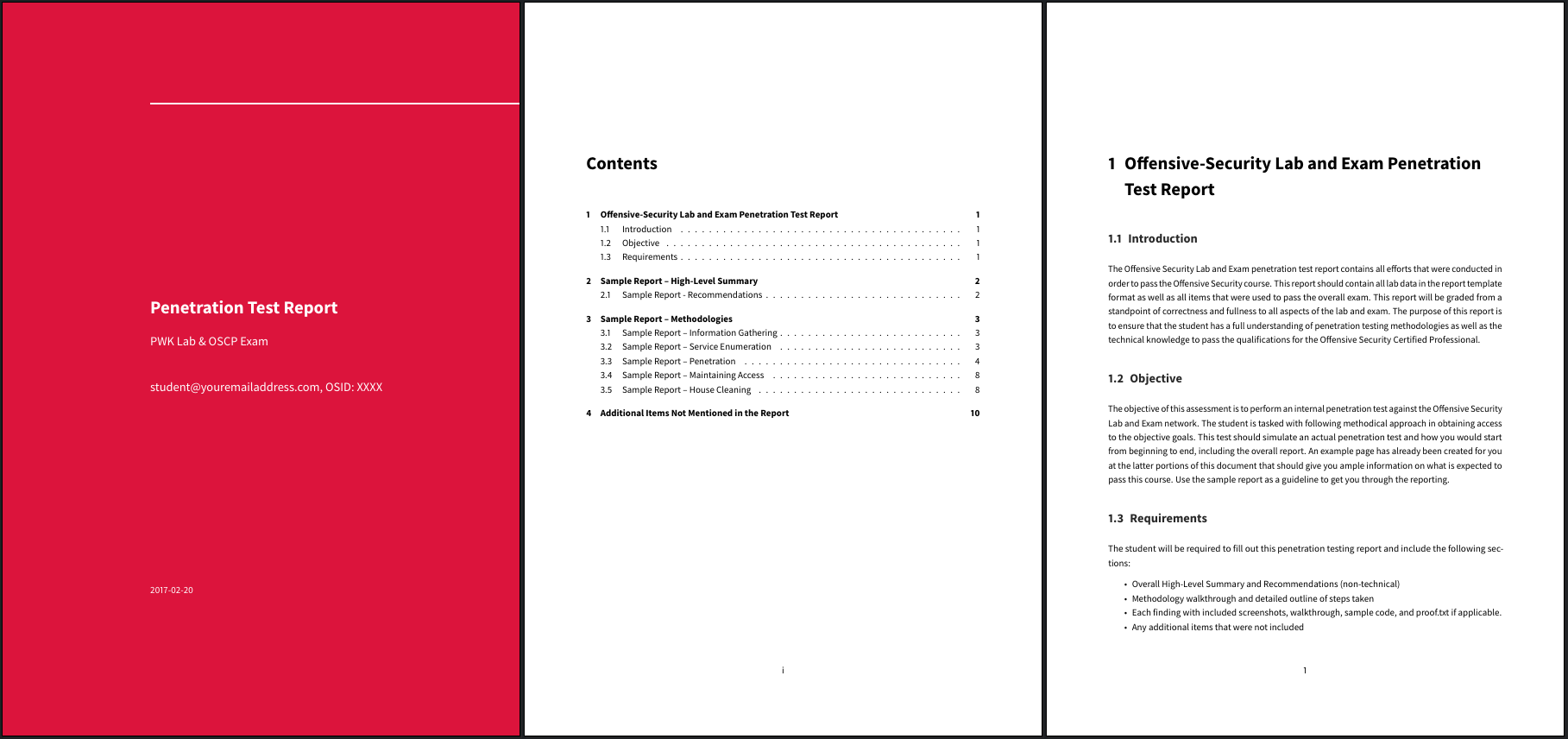
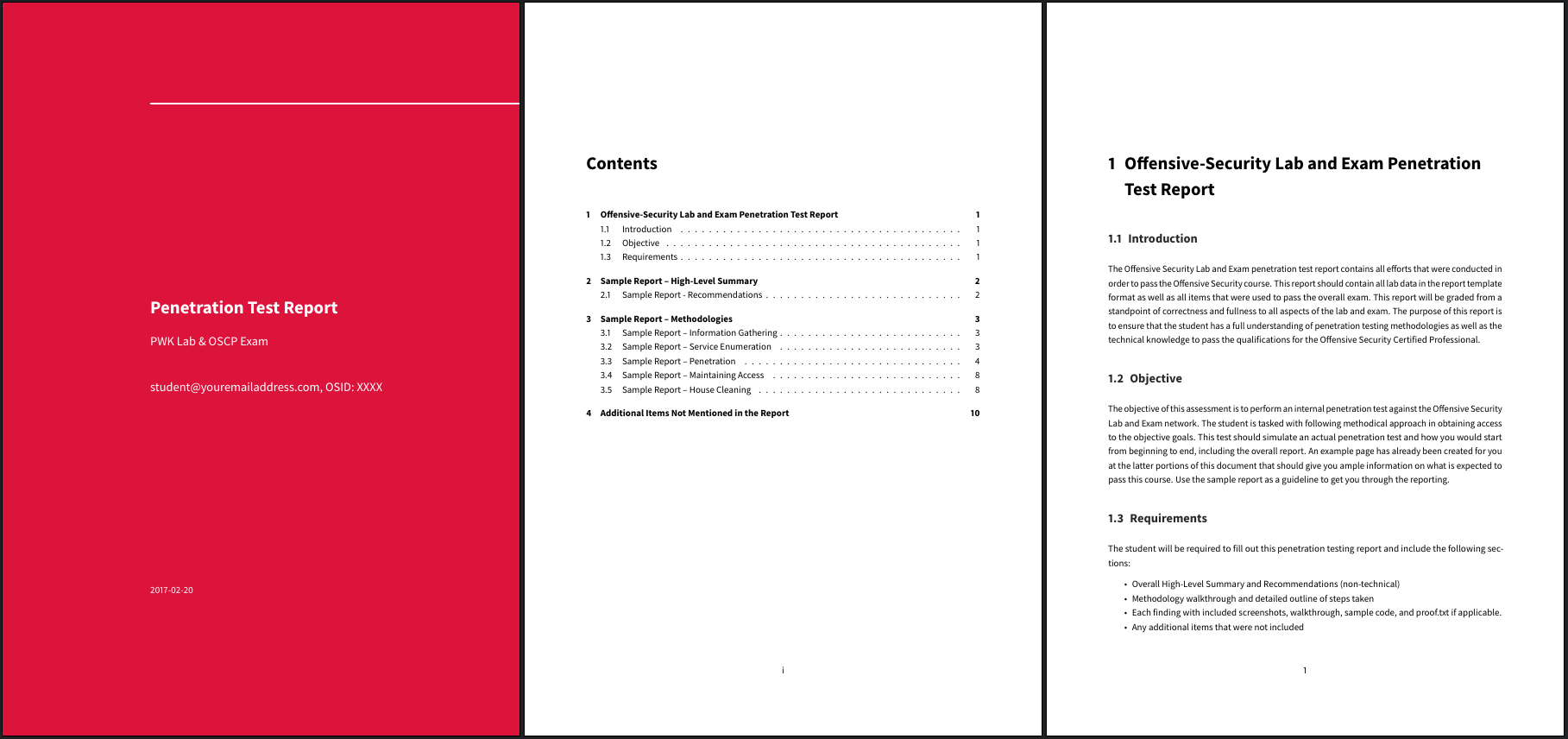
OSCP whoisflynn improved template v3.2
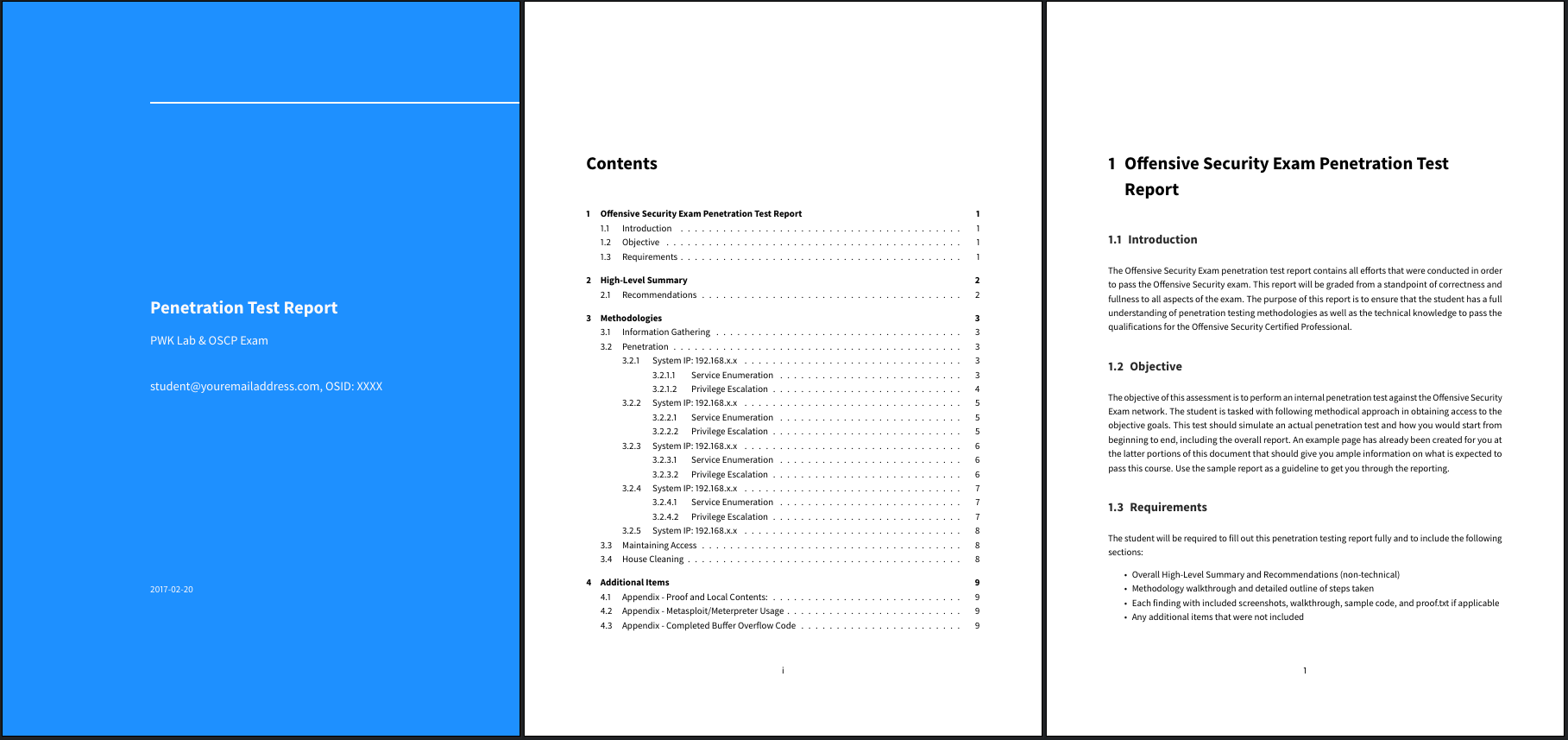
OSCP Official Offensive Security Template v1
Requirements

  • Pandoc
  • LaTeX (eg. TeX Live) in order to get pdflatex or xelatex
  • Eisvogel Pandoc LaTeX PDF Template
  • p7zip (if you want to use the script, for generating the archive)

Examples for common distros:

  • ArchLinux: pacman -S p7zip haskell-pandoc texlive-basic texlive-fontsextra texlive-fontsrecommended texlive-latexextra
  • openSUSE: zypper in texlive-scheme-medium pandoc p7zip-full
  • Ubuntu: apt install texlive-latex-recommended texlive-fonts-extra texlive-latex-extra pandoc p7zip-full

Usage

Write your report in markdown.

Automatic

There is a script that will:

  1. Let you choose the template
  2. Let you choose the syntax highlight style
  3. Generate the PDF (+ preview option)
  4. Generate the 7z archive
  5. Output MD5 hash for verification after uploading

Choose and copy a template that you will use to write your report:

ruby osert.rb init

Generate your PDF report and 7z archive

ruby osert.rb generate

[!TIP] If you run the generation several times, you may want to check the options (ruby osert.rb generate -h) to save time on the interactive prompt.

[!NOTE] osert is available as an official package on BlackArch Linux: pacman -S osert.

BlackArch package

Manual

Generate the report PDF from the markdown template:

pandoc src/OSCP-exam-report-template_whoisflynn_v3.2.md \
-o output/OSCP-OS-XXXXX-Exam-Report.pdf \
--from markdown+yaml_metadata_block+raw_html \
--template eisvogel \
--table-of-contents \
--toc-depth 6 \
--number-sections \
--top-level-division=chapter \
--highlight-style breezedark \
--resource-path=.:src

You can change the code syntax highlight theme with --highlight-style.

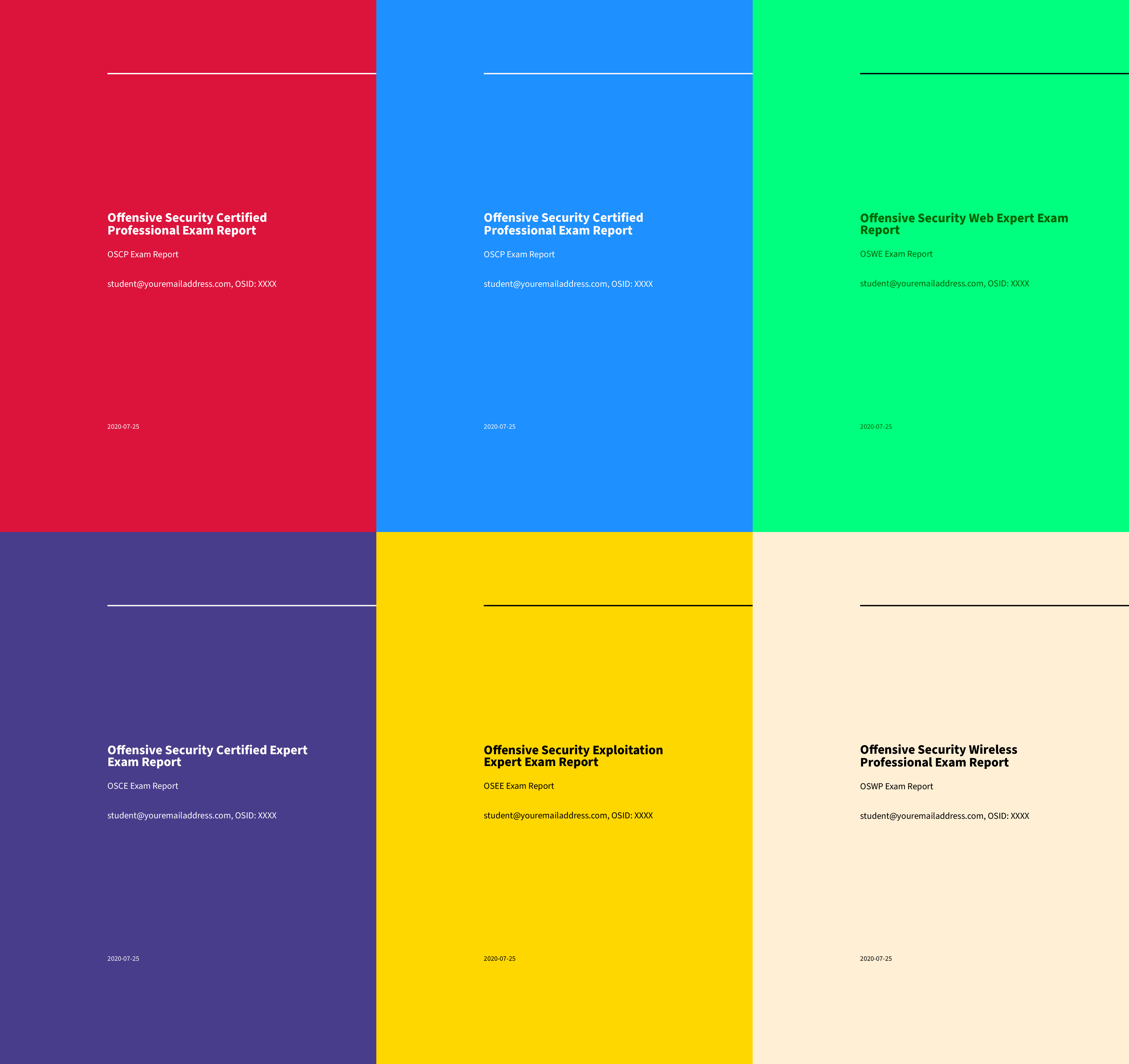
Color sets

Well rendering color sets you can use in the template YAML frontmatter:

titlepage-colortitlepage-text-colortitlepage-rule-color
DC143C (Crimson)FFFFFF (White)FFFFFF (White)
00FF7F (SpringGreen)006400 DarkGreen000000 (Black)
1E90FF (DodgerBlue)FFFAFA (Snow)FFFAFA (Snow)
483D8B (DarkSlateBlue)FFFAFA (Snow)FFFAFA (Snow)
FFD700 (Gold)000000 (Black)000000 (Black)
FFEFD5 (PapayaWhip)000000 (Black)000000 (Black)
FF8C00 (DarkOrange)000000 (Black)000000 (Black)
FFEF96 (no name)50394C (no name)50394C (no name)

Syntax highlight themes can be listed with pandoc --list-highlight-styles.

Available templates

Report Templates:

Network Penetration Testing:

  • OSCP
    • Official Offensive Security Template v1
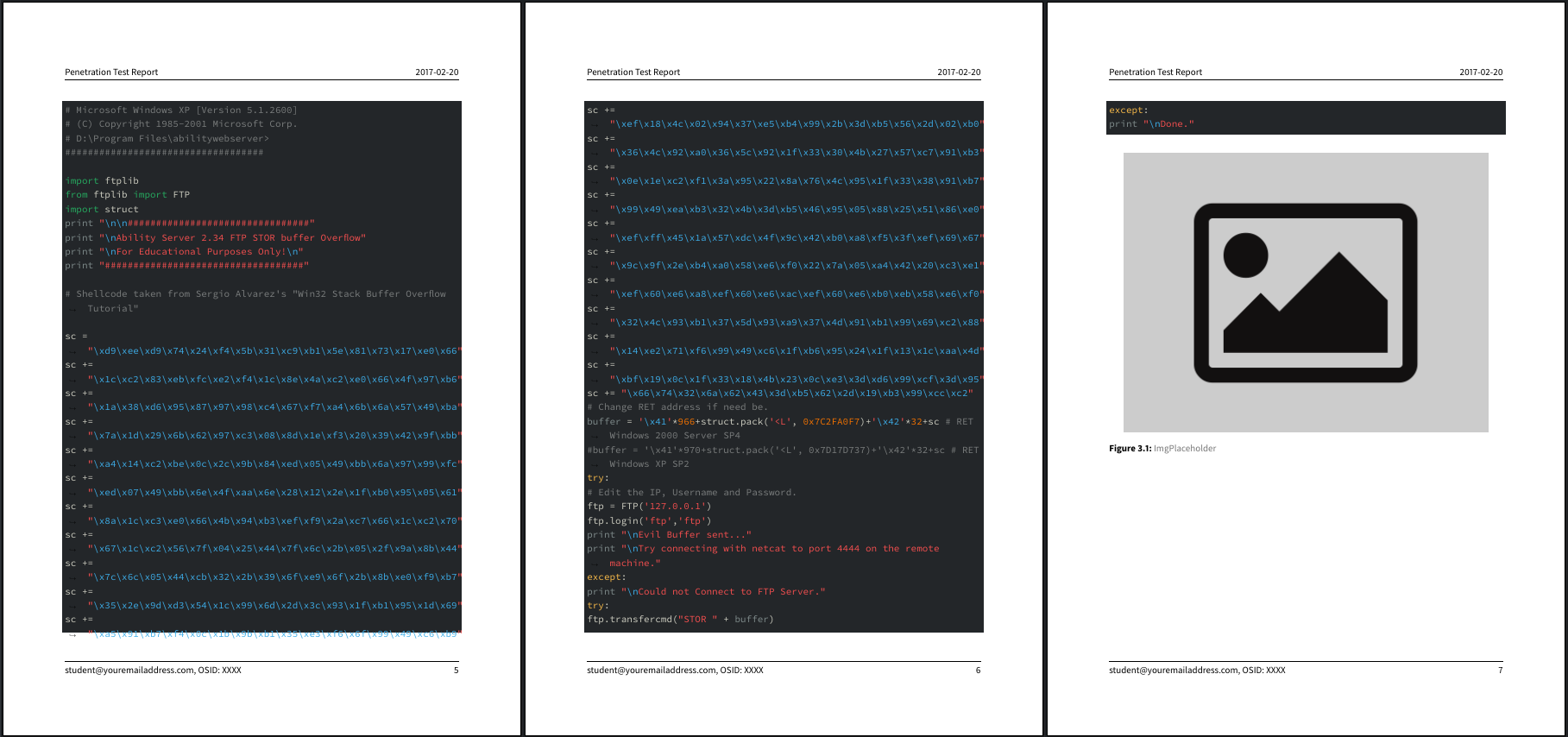
    • Official Offensive Security Template v2
    • [whoisflynn][whoisflynn] improved template v3.2
  • OSWP
    • Official Offensive Security Template v1
  • OSEP
    • Official Offensive Security Template v1
    • [ceso][ceso] improved template v1

Web Application:

  • OSWA
    • Official Offensive Security Template v1
  • OSWE
    • Official Offensive Security Template v1
    • [noraj][noraj] improved template v1
    • [xl-sec][XL-SEC] improved template v1

Exploit Development:

Download Tool