FileInsight-plugins: decoding toolbox of McAfee FileInsight hex editor for malware analysis

FileInsight-plugins is a large set of plugins for McAfee FileInsight hex editor.
It adds many capabilities such as decryption, decompression, searching XOR-ed text strings, scanning with a YARA rule, code emulation, disassembly, and more!
It is useful for various kinds of decoding tasks in malware analysis (e.g. extracting malware executables and decoy documents from malicious document files).
Please execute the following command. The latest release version of FileInsight-plugins and pre-requisites including FileInsight and Python 3.12.x (x64) will be installed.
There are a few Python modules that is necessary manual installation. Please follow installation instructions displayed by plugins.
How to use
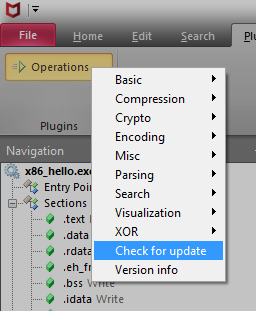
Please click "Operations" in the "Plugins" tab then select a plugin.
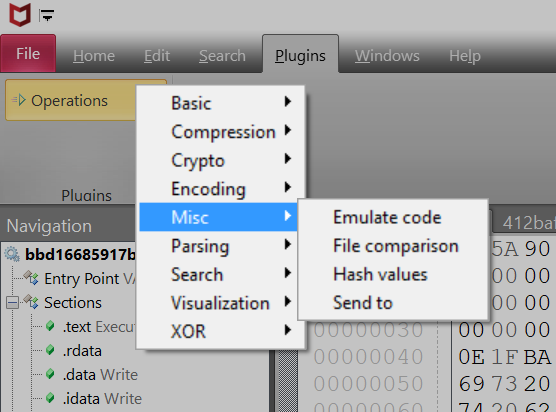
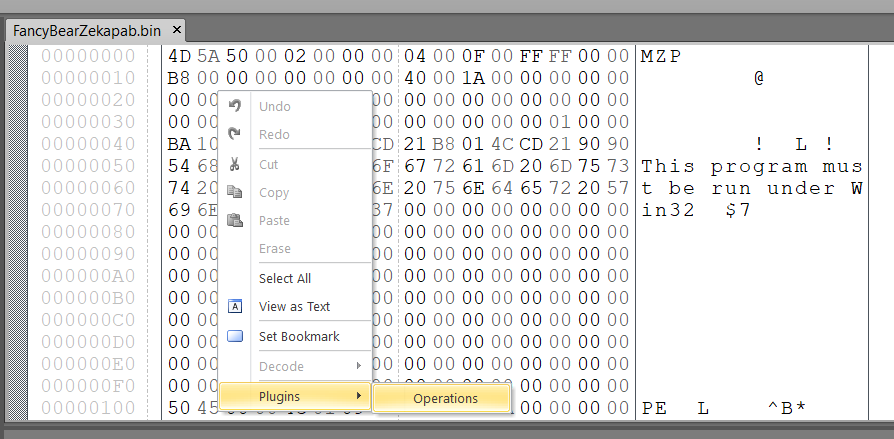
You can also use plugins from the right-click menu.
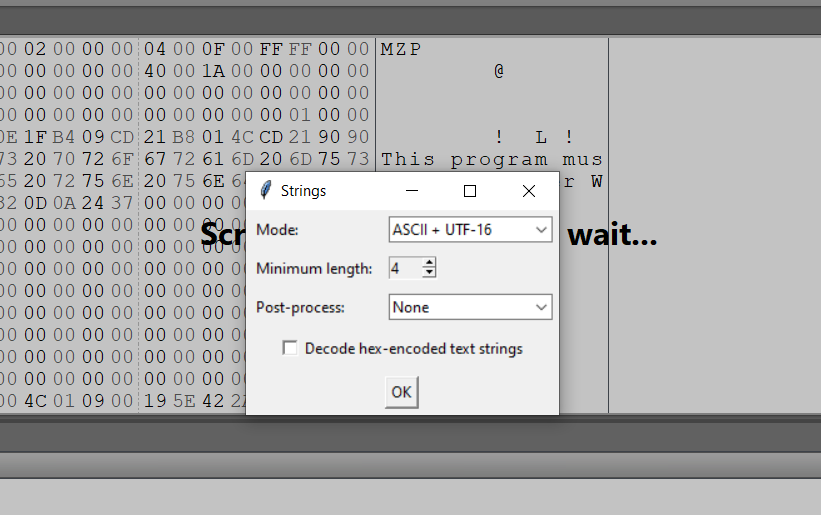
Some plugins show an additional dialog for plugin settings at the point of use.
How to update
If you would like to update FileInsight-plugins to the latest release version,
please click "Check for update" of the plugin menu. The installation
PowerShell script (https://raw.githubusercontent.com/nmantani/FileInsight-plugins/master/install.ps1)
will be executed if new version is available.
Existing files will be overwritten.
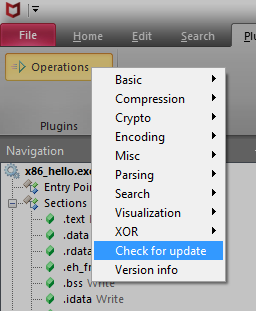
You can also update with the following command ("Check for update"
executes this command).
For the "Send to (CLI)" plugin and the "Send to (GUI)" plugin, you can open files with your favorite programs.
Please click "Customize menu" of the plugin menu.
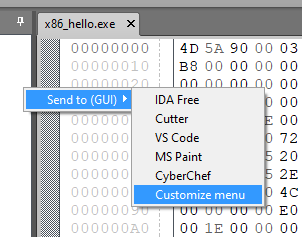
"plugins\Operations\Misc\send_to_cli.json" (for the "Send to (CLI)" plugin) or "plugins\Operations\Misc\send_to.json" (for the "Send to (GUI)" plugin) will be opened with your default text editor.
Please edit and save it.
Your customization will be reflected in menu items.
List of plugins (155 plugins)
Basic operations
Copy to new file
Copy selected region (the whole file if not selected) to a new file
Switch file tabs
Switch file tabs with a listbox
Bookmark
Bookmark selected region with specified comment and color
Cut binary to clipboard
Cut binary data of selected region to clipboard as hex-encoded text
Copy binary to clipboard
Copy binary data of selected region to clipboard as hex-encoded text
Paste binary from clipboard
Paste binary data (converted from hex-encoded text) from clipboard
Delete before
Delete all region before the current cursor position
Delete after
Delete all region after the current cursor position
Fill
Fill selected region with specified hex pattern
Invert
Invert bits of selected region
Reverse order
Reverse order of selected region
Change endianness
Change endianness of selected region
Swap nibbles
Swap each pair of nibbles of selected region
Swap two bytes
Swap each pair of bytes of selected region
To upper case
Convert text to upper case of selected region
To lower case
Convert text to lower case of selected region
Swap case
Swap case of selected region
Compression operations
Compress
aPLib
Compress selected region with aPLib compression library
Brotli
Compress selected region with Brotli algorithm
Bzip2
Compress selected region with bzip2 algorithm
Gzip
Compress selected region with gzip format
LZ4
Compress selected region with LZ4 algorithm
LZF
Compress selected region with LZF algorithm
LZFSE
Compress selected region with LZFSE algorithm
lzip
Compress selected region with lzip format
LZJB
Compress selected region with LZJB algorithm
LZMA
Compress selected region with LZMA algorithm
LZNT1
Compress selected region with LZNT1 algorithm
LZO
Compress selected region with LZO algorithm
LZRW1/KH
Compress selected region with LZRW1/KH algorithm
PPMd
Compress selected region with PPMd algorithm
QuickLZ
Compress selected region with QuickLZ compression library
Raw deflate
Compress selected region with Deflate algorithm without header and checksum (equivalent to gzdeflate() in PHP language)
Snappy
Compress selected region with Snappy compression library
XZ
Compress selected region with XZ format
zlib (deflate)
Compress selected region with zlib (Deflate algorithm)
Zstandard
Compress selected region with Zstandard algorithm
Decompress
aPLib
Decompress selected region with aPLib compression library
Brotli
Decompress selected region with Brotli algorithm
Bzip2
Decompress selected region with bzip2 algorithm
Gzip
Decompress selected gzip-compressed region
LZ4
Decompress selected region with LZ4 algorithm
LZF
Decompress selected region with LZF algorithm
LZFSE
Decompress selected region with LZFSE algorithm
lzip
Decompress selected lzip compressed region
LZJB
Decompress selected region with LZJB algorithm
LZMA
Decompress selected region with LZMA algorithm
LZNT1
Decompress selected region with LZNT1 algorithm
LZO
Decompress selected region with LZO algorithm
LZRW1/KH
Decompress selected region with LZRW1/KH algorithm
PPMd
Decompress selected region with PPMd algorithm
QuickLZ
Decompress selected region with QuickLZ compression library
Raw inflate
Decompress selected Deflate compressed region that does not have header and checksum (equivalent to gzinflate() in PHP language)
Snappy
Decompress selected region with Snappy compression library
XZ
Decompress selected XZ compressed region
zlib (inflate)
Decompress selected region with zlib (Deflate algorithm)
Zstandard
Decompress selected region with Zstandard algorithm
Crypto operations
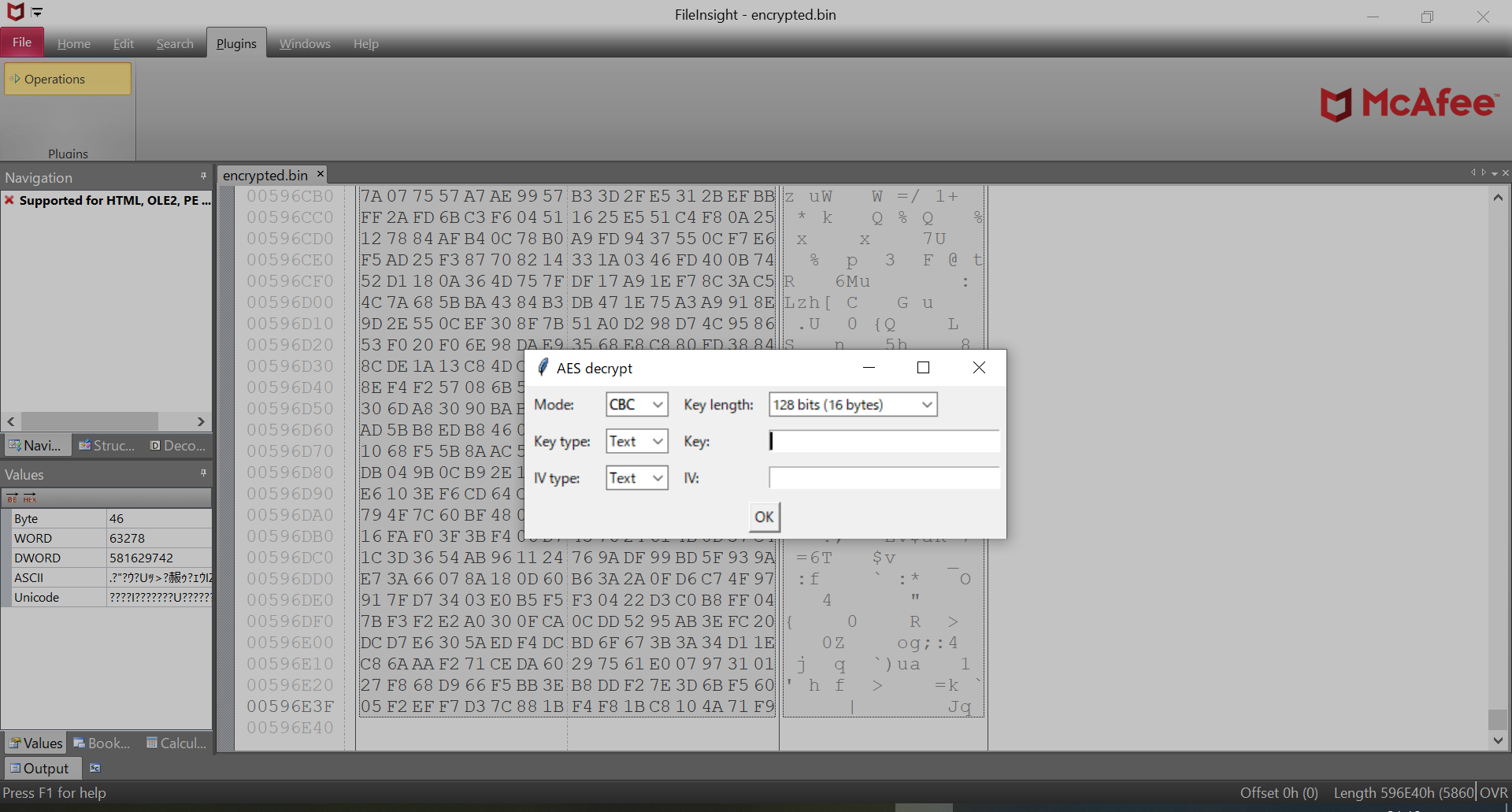
Decrypt
AES
Decrypt selected region with AES
Blowfish
Decrypt selected region with Blowfish
CAST-128
Decrypt selected region with CAST-128
Camellia
Decrypt selected region with Camellia
ChaCha20
Decrypt selected region with ChaCha20
DES
Decrypt selected region with DES
RC2
Decrypt selected region with RC2
RC4
Decrypt selected region with RC4
RC5
Decrypt selected region with RC5
RC6
Decrypt selected region with RC6
Salsa20
Decrypt selected region with Salsa20
TEA
Decrypt selected region with TEA (Tiny Encryption Algorithm)
Triple DES
Decrypt selected region with Triple DES
XTEA
Decrypt selected region with XTEA (eXtended Tiny Encryption Algorithm)
XXTEA
Decrypt selected region with XXTEA (Corrected Block Tiny Encryption Algorithm)
Encrypt
AES
Encrypt selected region with AES
Blowfish
Encrypt selected region with Blowfish
CAST-128
Encrypt selected region with CAST-128
Camellia
Encrypt selected region with Camellia
ChaCha20
Encrypt selected region with ChaCha20
DES
Encrypt selected region with DES
RC2
Encrypt selected region with RC2
RC4
Encrypt selected region with RC4
RC5
Encrypt selected region with RC5
RC6
Encrypt selected region with RC6
Salsa20
Encrypt selected region with Salsa20
TEA
Encrypt selected region with TEA (Tiny Encryption Algorithm)
Triple DES
Encrypt selected region with Triple DES
XTEA
Encrypt selected region with XTEA (eXtended Tiny Encryption Algorithm)
XXTEA
Decrypt selected region with XXTEA (Corrected Block Tiny Encryption Algorithm)
Encoding operations
Decode
Hex text to binary data
Convert hex text of selected region into binary
Decimal text to binary data
Convert decimal text of selected region into binary data
Octal text to binary data
Convert octal text of selected region into binary data
Binary text to binary data
Convert binary text of selected region into binary data
Custom base16 decode
Decode selected region with custom base16 table
Custom base32 decode
Decode selected region with custom base32 table
Custom base58 decode
Decode selected region with custom base58 table
Custom base62 decode
Decode selected region with custom base62 table
Custom base64 decode
Decode selected region with custom base64 table
Custom base85 decode
Decode selected region with custom base85 table
Custom base91 decode
Decode selected region with custom base91 table
Custom base92 decode
Decode selected region with custom base92 table
gob decode
Decode selected region as gob (serialization format for golang) serialized data into Python notation
MessagePack decode
Decode selected region as MessagePack serialized data into JSON
Protobuf decode
Decode selected region as Protocol Buffers serialized data into JSON without .proto files
From quoted printable
Decode selected region as quoted printable text
Unicode unescape
Unescape Unicode escape sequence of selected region
URL decode
Decode selected region as percent-encoded text that is used by URL
Encode
Binary data to hex text
Convert binary of selected region into hex text
Binary data to decimal text
Convert binary of selected region into decimal text
Binary data to octal text
Convert binary of selected region into octal text
Binary data to binary text
Convert binary of selected region into binary text
Custom base16 encode
Encode selected region with custom base16 table
Custom base32 encode
Encode selected region with custom base32 table
Custom base58 encode
Encode selected region with custom base58 table
Custom base62 encode
Encode selected region with custom base62 table
Custom base64 encode
Encode selected region with custom base64 table
Custom base85 encode
Encode selected region with custom base85 table
Custom base91 encode
Encode selected region with custom base91 table
Custom base92 encode
Encode selected region with custom base92 table
MessagePack encode
Encode JSON of selected region into MessagePack serialized data
ROT13
Rotate alphabet characters in selected region by the specified amount (default: 13)
To quoted printable
Encode selected region into quoted printable text
Unicode escape
Escape Unicode characters of selected region
URL encode
Encode selected region into percent-encoded text that is used by URL
Misc operations
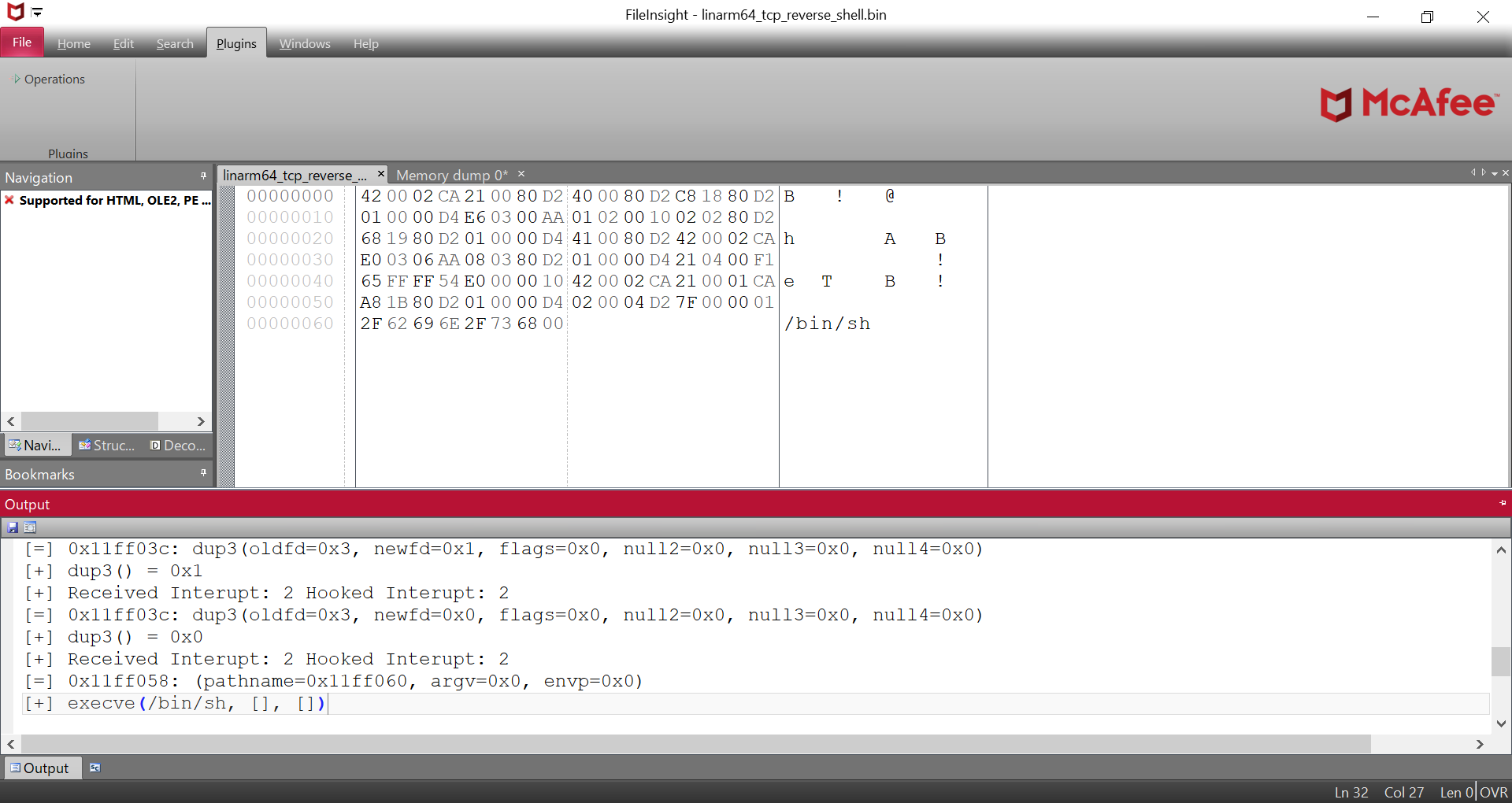
Emulate code
Emulate selected region as an executable or shellcode (the whole file if not selected)
File comparison
Compare contents of two files
Hash values
Calculate CRC32, MD5, SHA1, SHA256, ssdeep, TLSH, imphash, impfuzzy, exphash, Rich PE header hash, authentihash, icon MD5, icon dhash, gimphash, and telfhash values of selected region (the whole file if not selected)
Send to (CLI)
Send selected region (the whole file if not selected) to other CLI program and get output
Send to (GUI)
Send selected region (the whole file if not selected) to other GUI program
Parsing operations
Binwalk scan
Scan selected region (the whole file if not selected) to find embedded files
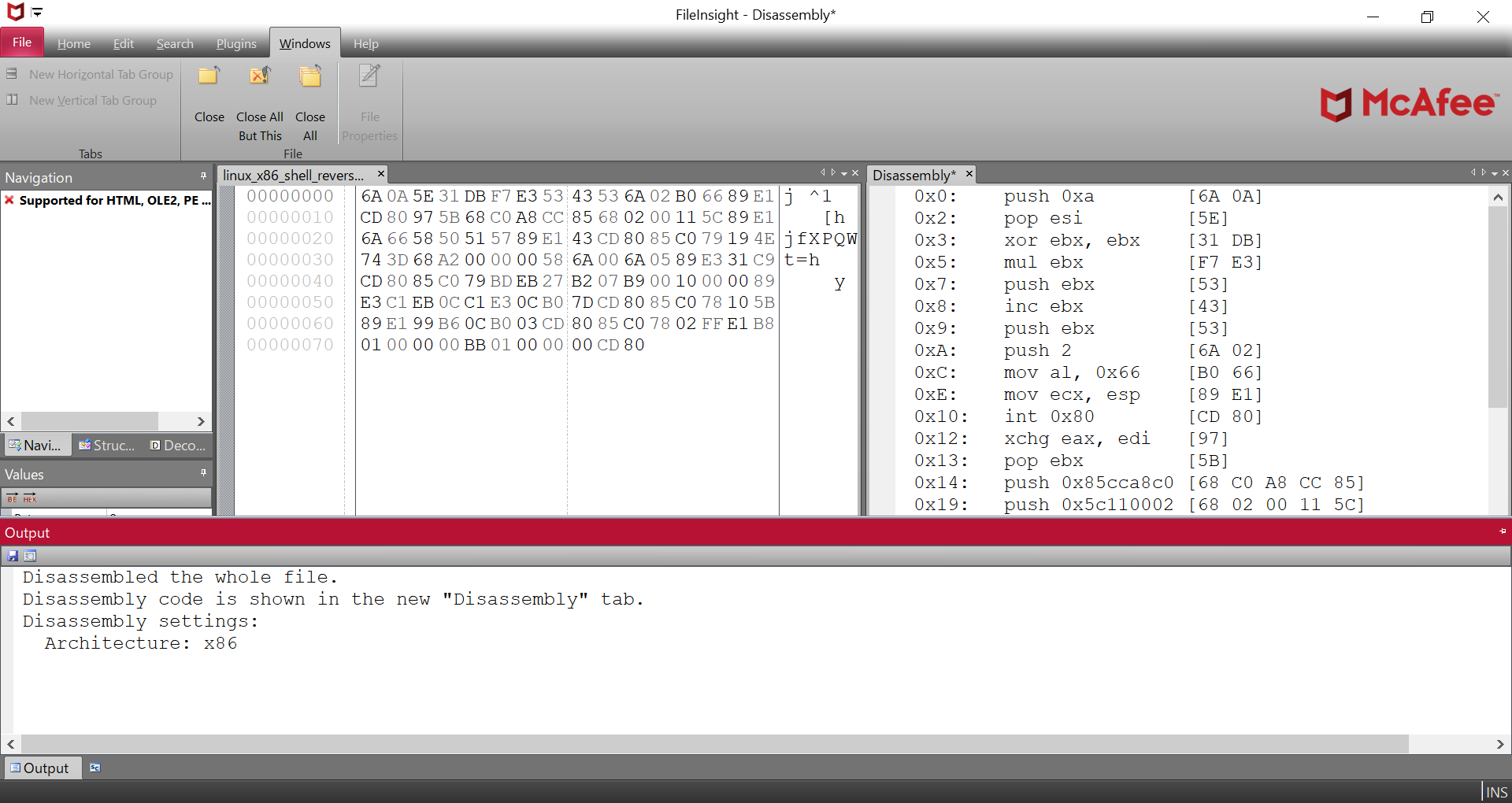
Disassemble
Disassemble selected region (the whole file if not selected)
Extract VBA macro
Extract Microsoft Office VBA macro from selected region (the whole file if not selected)
File type
Identify file type of selected region (the whole file if not selected)
Find PE file
Find PE file from selected region (the whole file if not selected) based on PE header information
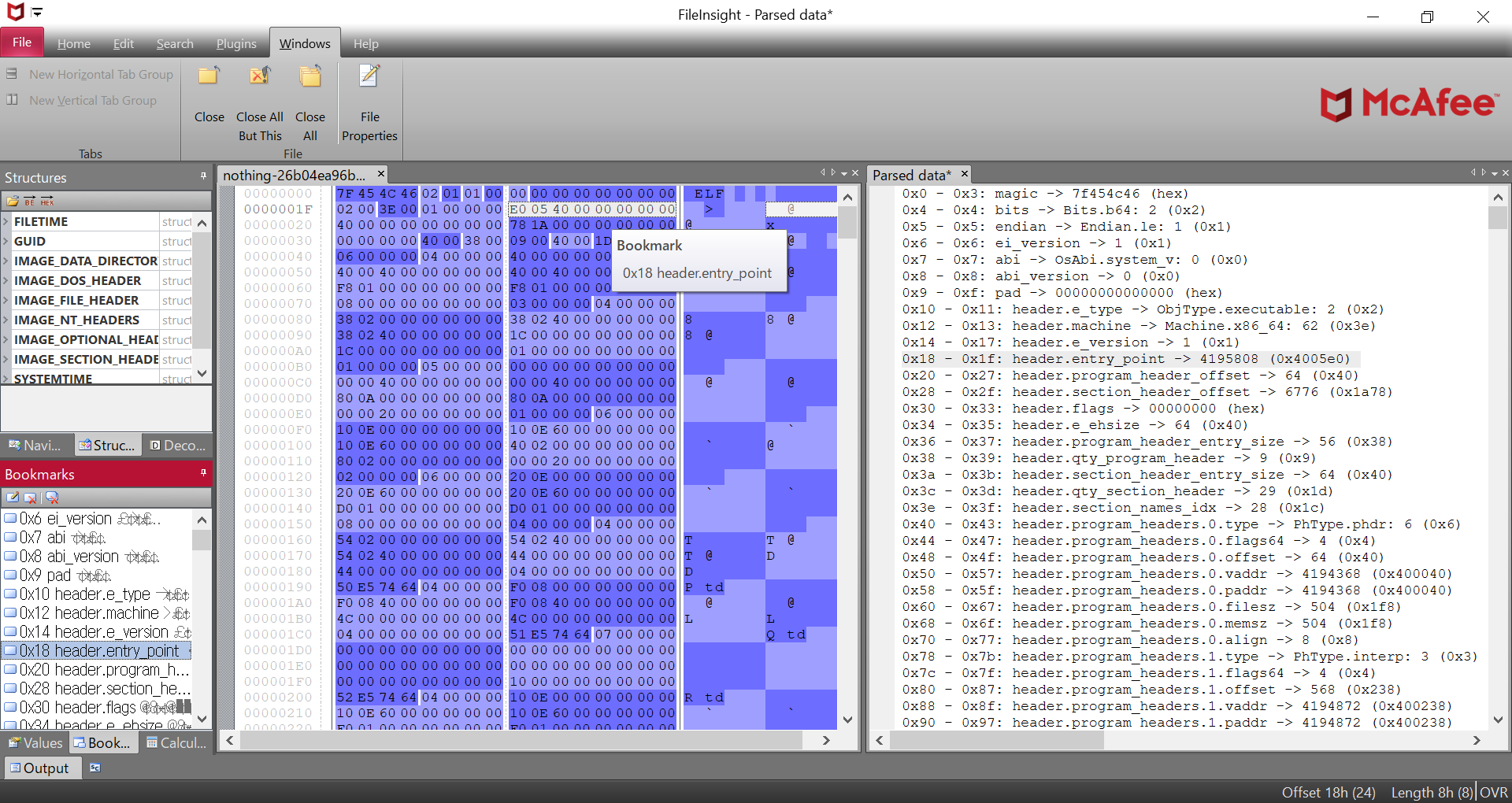
Parse file structure
Parse file structure of selected region (the whole file if not selected) with Kaitai Struct
Supported file formats: Gzip, RAR, ZIP, ELF, Mach-O, PE, MBR partition table, BMP, GIF, JPEG, PNG, Windows shortcut
Show metadata
Show metadata of selected region (the whole file if not selected) with ExifTool
Strings
Extract text strings from selected region (the whole file if not selected)
String type
Identify type of strings such as API keys and cryptocurrency wallet addresses in the selected region (the whole file if not selected) with lemmeknow
Search operations
Regex extraction
Search with regular expression in selected region (the whole file if not selected) and extract matched regions as single concatenated region
Regex search
Search with regular expression in selected region (the whole file if not selected) and bookmark matched regions
Replace
Search with regular expression in selected region (the whole file if not selected) and replace matched regions with specified data
XOR hex search
Search XORed / bit-rotated data in selected region (the whole file if not selected)
XOR text search
Search XORed / bit-rotated string in selected region (the whole file if not selected)
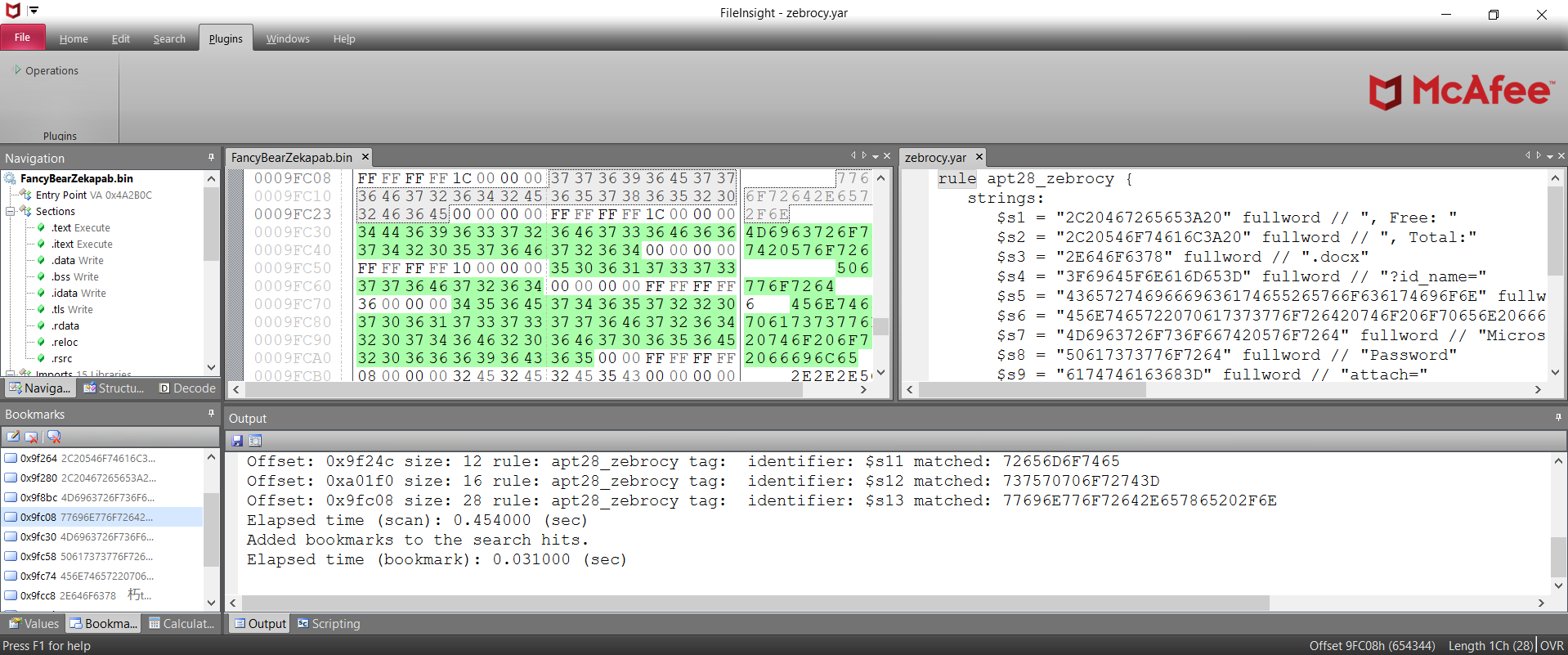
YARA scan
Scan selected region (the whole file if not selected) with YARA.
Visualization operations
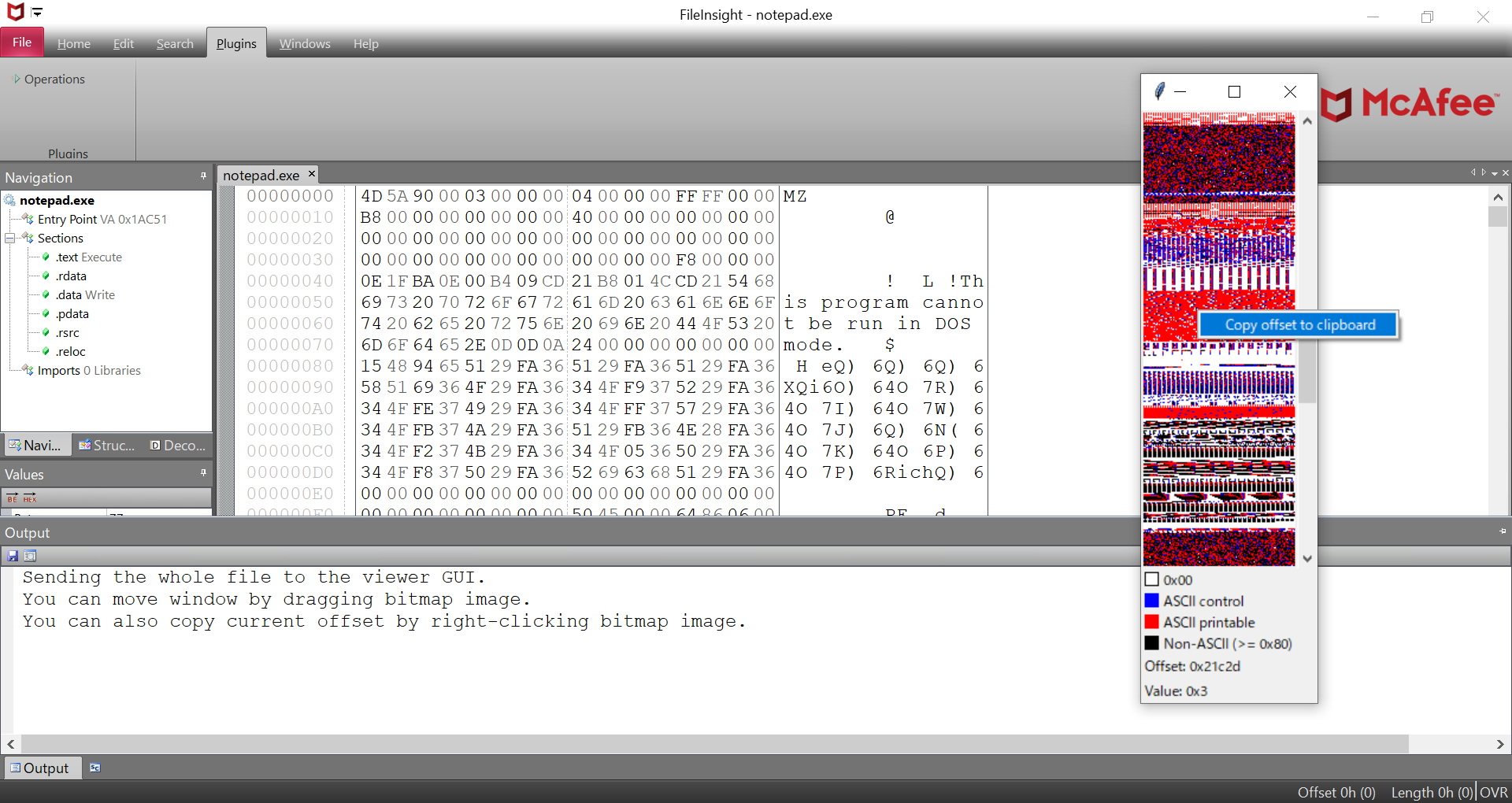
Bitmap view
Visualize the whole file as a bitmap representation
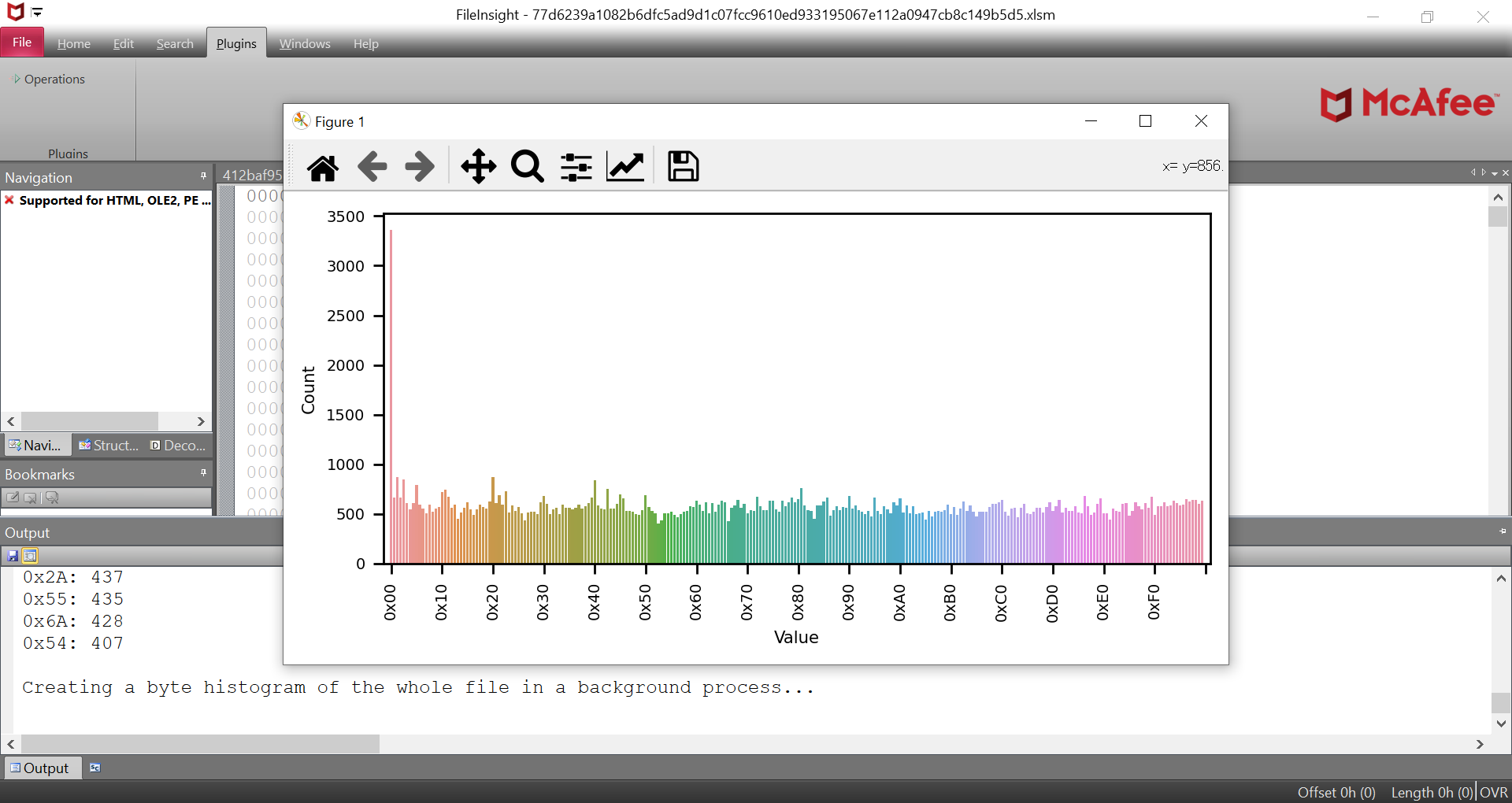
Byte histogram
Show byte histogram of selected region (the whole file if not selected)
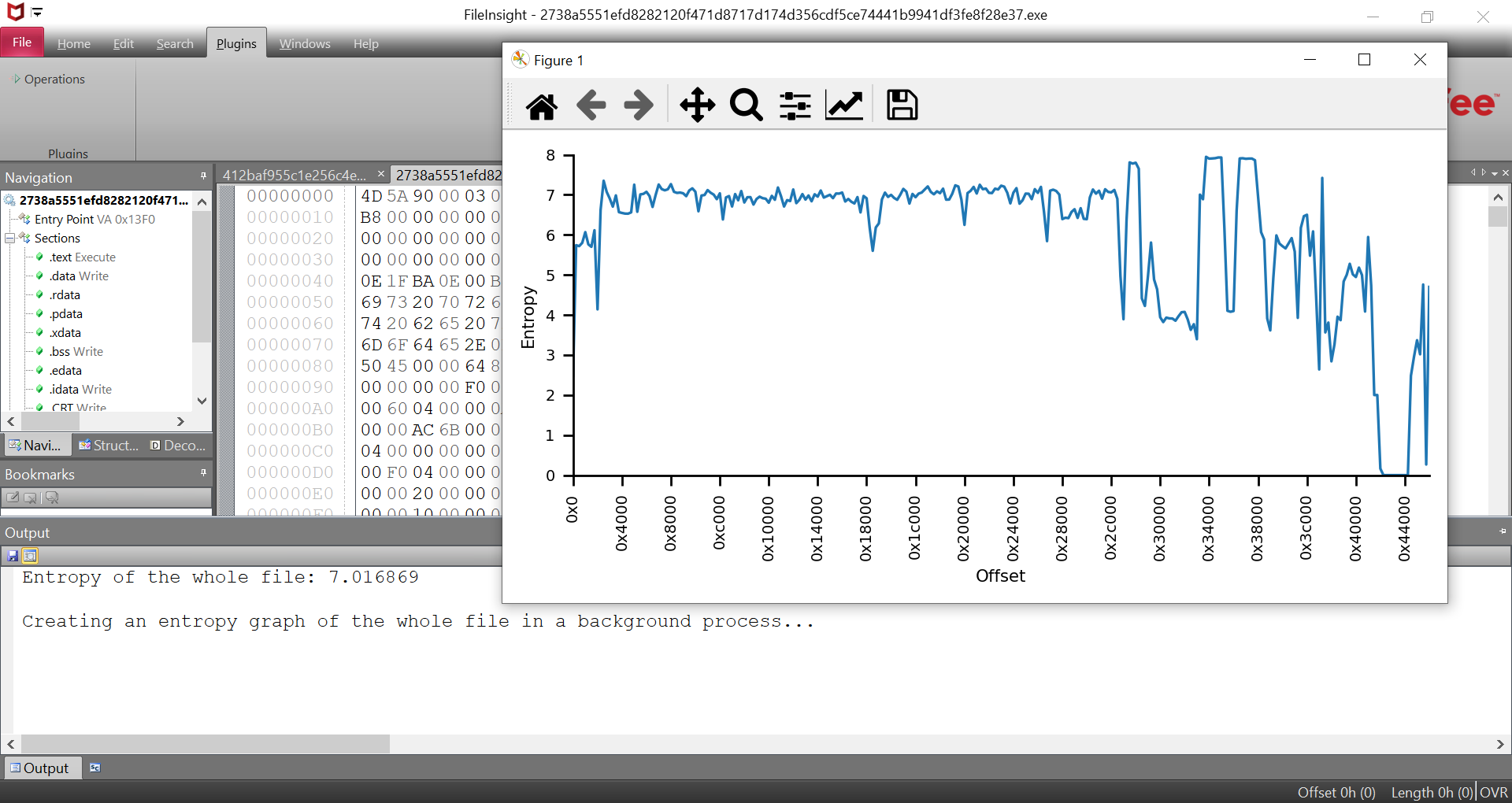
Entropy graph
Show entropy graph of selected region\n(the whole file if not selected)
XOR operations
Simple XOR
XOR selected region with specified XOR key
Decremental XOR
XOR selected region while decrementing XOR key
Incremental XOR
XOR selected region while incrementing XOR key
Null-preserving XOR
XOR selected region while skipping null bytes and XOR key itself
XOR with another file
XOR selected region with the content of another file as XOR key
XOR with next byte
XOR selected region while using next byte as XOR key
XOR with next byte (reverse)
Reverse operation of "XOR with next byte" plugin
Guess multibyte XOR keys
Guess multibyte XOR keys from selected region (the whole file if not selected) based on revealed keys that are XORed with 0x00
Visual encrypt
Encode selected region with visual encrypt algorithm that is used by Zeus trojan
Visual decrypt
Decode selected region with visual decrypt algorithm that is used by Zeus trojan