
Skip to content
KitploitKITPLOIT
ToolsBlog
Submit
ToolsBlog
Submit

Hacking, PenTest, and Cybersecurity Tools for Your Security Arsenal!

Kitploit is a directory of hacking, cybersecurity, and pentesting tools. Discover the latest project updates to find vulnerabilities, analyze systems, automate testing, and strengthen your security.

··Feeds·Contact·Privacy·© 2026 Kitploit

Tool Directory

Categories

View all categories
Loading categories
ligolo-iwa — A Ligolo-ng JavaScript agent working inside Chrome & Chromium-based browsers by leveraging Isolated Web Applications. | Kitploit
Tools/GitHubGitHub/nicocha30/ligolo-iwa
Lateral MovementWeb SecurityPenetration TestingRed TeamingRemote Access Tool
GitHubnicocha30/ligolo-iwa

ligolo-iwa

A Ligolo-ng JavaScript agent working inside Chrome & Chromium-based browsers by leveraging Isolated Web Applications.

View Repository
13574 months agoReviewed by Kitploit

Most Popular

View all →

Discover the most used tools by our community.

Explore all tools

Browse our collection of tools

View all tools →
Share
Website

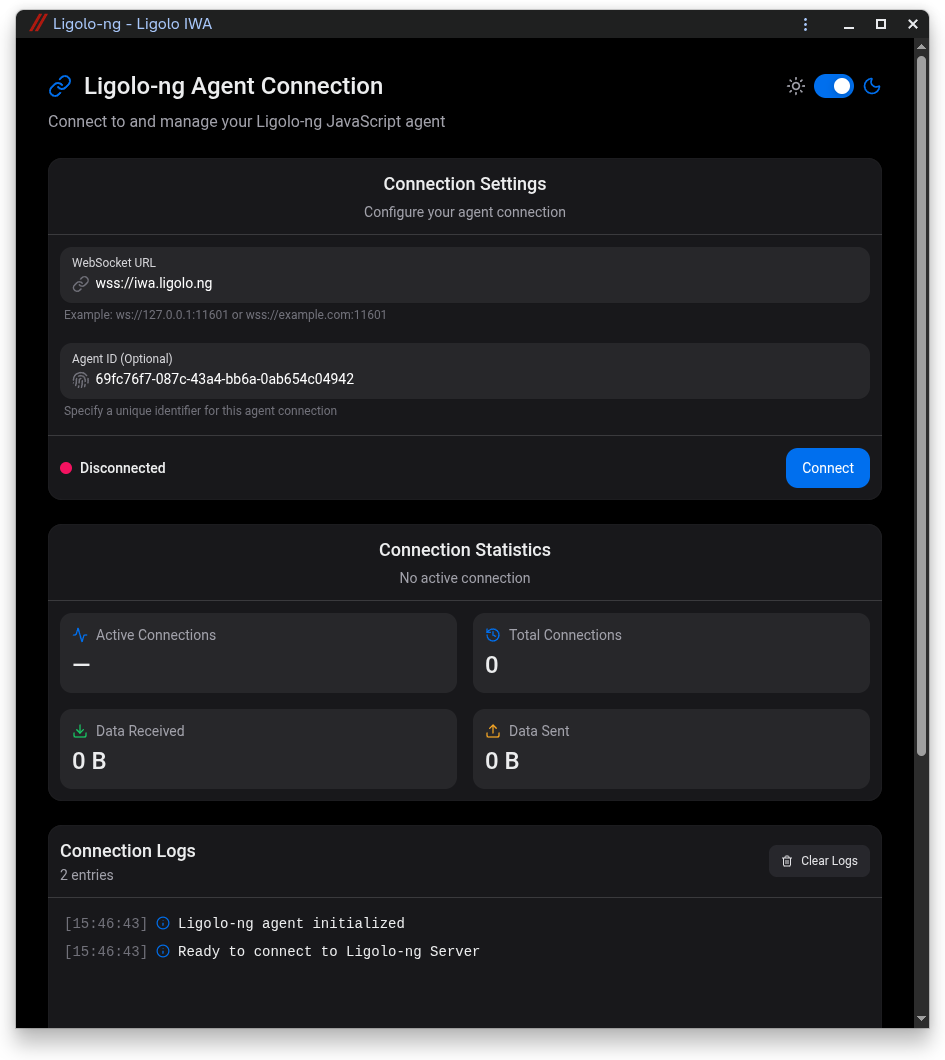
Ligolo-IWA

A Ligolo-ng JavaScript agent working inside Chrome/Chromium-based browsers by leveraging Isolated Web Applications.
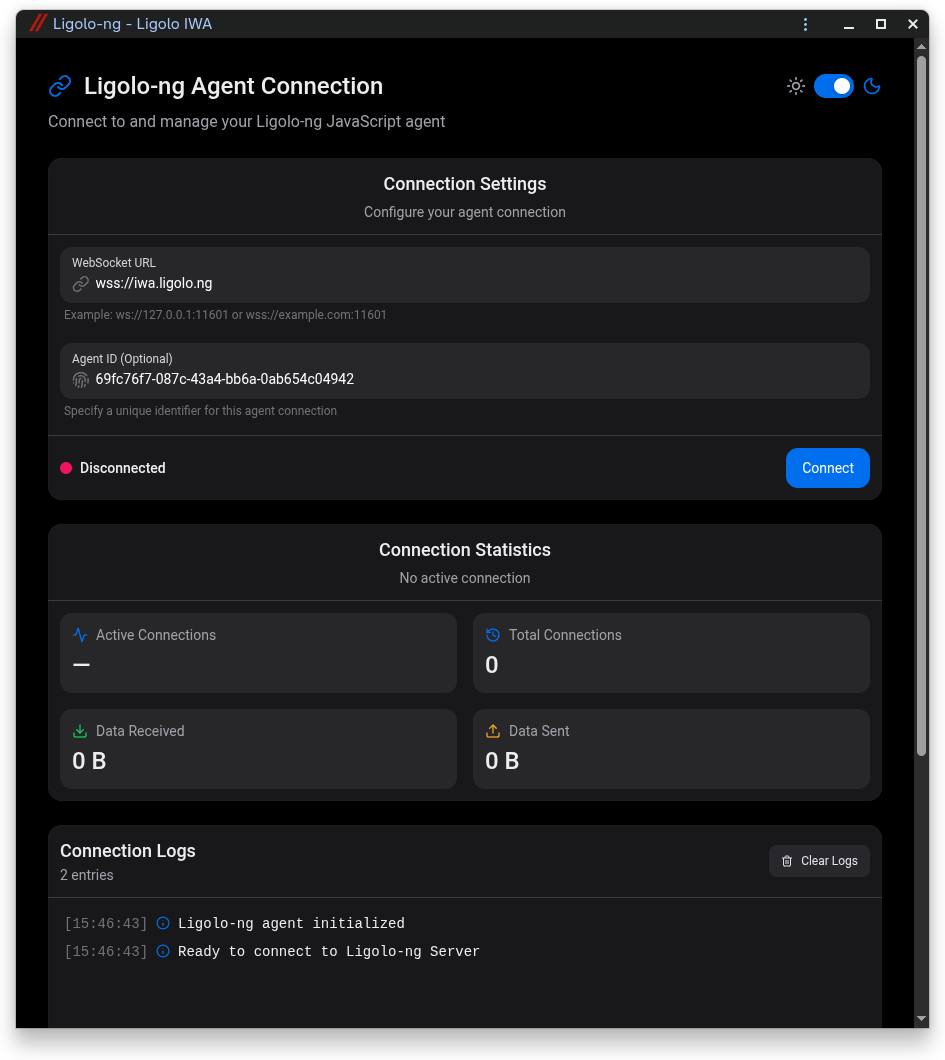
Ligolo-IWA

See the Ligolo-IWA doc for quick setup: Ligolo-IWA (Setup/Quickstart)

And don't forget to read the Ligolo-ng documentation: 📑 Ligolo-ng Documentation (Setup/Quickstart)

GPLv3

Local setup

Build the signed Isolated Web App bundle locally with:

root@kitploit:~
make

The signed artifact is written to out/ligolo-iwa.swbn.

Install on Chrome

Chrome's current IWA testing flow uses Web App Internals:

  1. Use Chrome 120 or later.
  2. Enable chrome://flags/#enable-isolated-web-app-dev-mode.
  3. Open chrome://web-app-internals.
  4. Choose Install IWA from Signed Web Bundle.
  5. Select out/ligolo-iwa.swbn.

Install on Edge

Due to current limitations in how Microsoft Edge handles the new Isolated Web App standard, installation is currently unsupported on this browser.

Download Tool