 nemec/snapchat-map-scraper
Scrapes public Snap Map locations to download and classify stories for investigative analysis, with randomized geolocation and automated review workflows.

This program can search Snapchat's public Snap Map at multiple locations and download all stories for later investigation and categorization. A lot is unknown about how Snapchat decides which videos show up at which "point" on the map, so the scraper can also randomize the geolocation where it scrapes from by a few hundred meters to hopefully convince the API to give you a few more relevant videos.
This has been tested on Linux, but should work on Windows/Mac as well with a video viewer installed.
git clone https://github.com/nemec/snapchat-map-scraper.git
cd snapchat-map-scraper/
python3 -m venv env  # create virtual environment
source env/bin/activate  # activate virtual environment
pip3 install -r requirements.txt
Follow each step in order. Also, ensure you have activated your virtual environment, otherwise the packages will be missing.
This database holds data related to one group of search queries. Since SQLite produces database files with little overhead, you should create a new database each time you want to sample data.
python3 story_downloader.py create snap.db
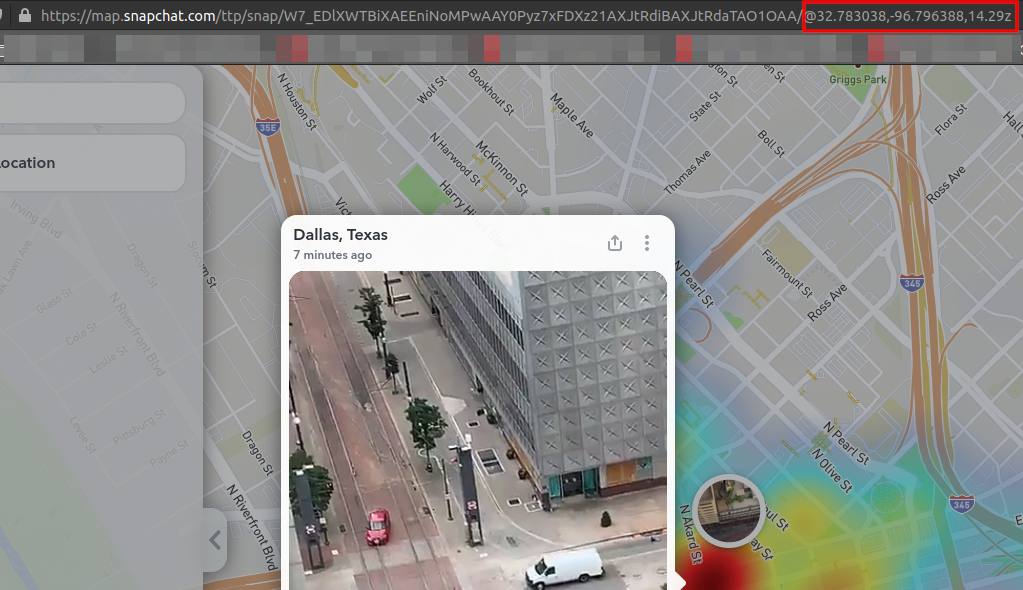
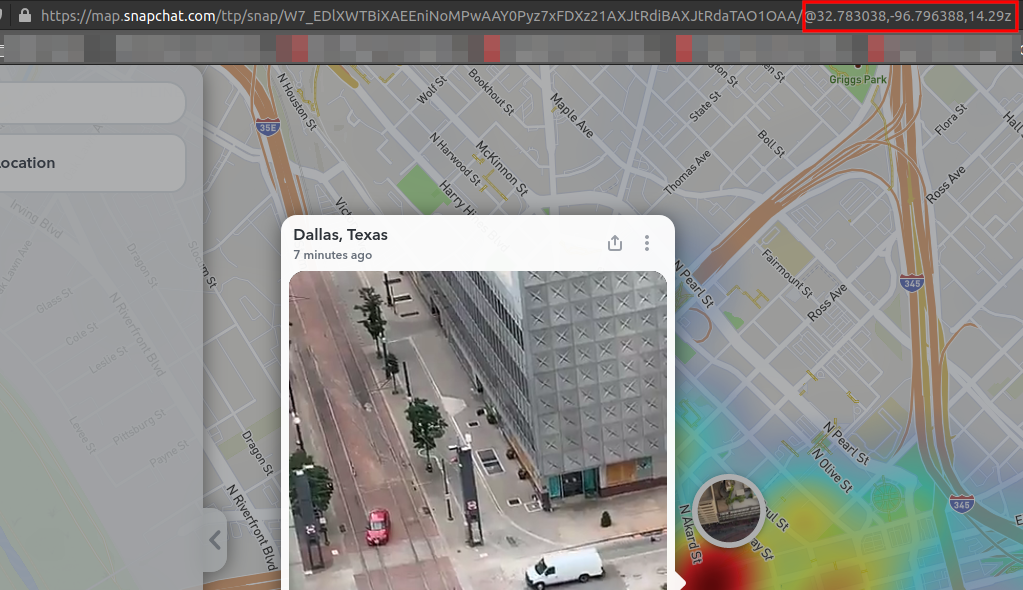
The add command will add a new location to the database. The program will later scrape and log snaps from all of the added locations so that you can track multiple spots at once. Find the latitude and longitude of your point of interest (this can easily be found on Snap Map, as seen below) and replace them in the command below. The label makes it easier to remember where a point is.
python3 story_downloader.py add --database snap.db --label "downtown dallas" 32.783038 -96.796388
# Added downtown dallas to database
The scrape command iterates through all of the added locations and downloads snaps at that location. Previews, videos, and overlays are all downloaded but the review command can only deal with video at the moment.
Optional arguments:
--randomize will randomize the geo location within 500m, intended to prompt
Snapchat's API to send new videos that it hasn't yet served. I have no idea
why Snapchat only sends a subset of the total videos for a single point,
probably to make the service more scalable.--repeat will cause the application to loop infinitely looking for new videos.
Leave it running overnight to collect as much as possible.--sleep will modify how long the application sleeps before repeating. Defaults
to 120 seconds and only takes effect if --repeat is included.python3 story_downloader.py scrape "downtown dallas"python3 story_downloader.py scrape --database snap.db --randomize --repeat
# Scraped 16 media from location downtown dallas
# Sleeping for 120 seconds...
The review command looks through all unreviewed videos and opens each one in a video player for review. Once you have closed the video player process, the CLI will prompt you for a "classification". This can be any text describing the situation in the video or a tag, etc. If the video is irrelevant, leave the classification blank and just hit "Enter". Once all remaining videos are classified, the application will exit. Depending on your operating system,
python3 story_downloader.py review --database snap.db
# Classify or leave blank: police protesters
# 15 remaining
# Classify or leave blank:
# 14 remaining
# Classify or leave blank: fire
# 13 remaining
# ...
The export command will copy all videos which are "classified" to a new folder for further review/editing/publishing.
python3 story_downloader.py export --database snap.db export/
# 3 video(s) exported
ls export/
# 2020-05-29-04:26:30-fire.mp4
# 2020-05-30-12:26:57-crowd.mp4
# '2020-05-30-21:16:22-line of people.mp4'
