 nccgroup/burpimportsitemap
Import To Sitemap is a Burp Suite Extension to import wstalker CSV file or ZAP export file into Burp Sitemap

Import To Sitemap is a Burp Suite Extension to import wstalker CSV file or ZAP export file into Burp Sitemap. It also includes a contextual menu to send request/response items from any tab to the sitemap.
Released as open source by NCC Group Plc - https://www.nccgroup.com/
Developed by Jose Selvi
https://github.com/nccgroup/BurpImportSitemap
Released under AGPL see LICENSE for more information
To use it, you can compile your own jar file from the source code by running gradle fatJar. You can also download the jar file that was already compiled for you from here.
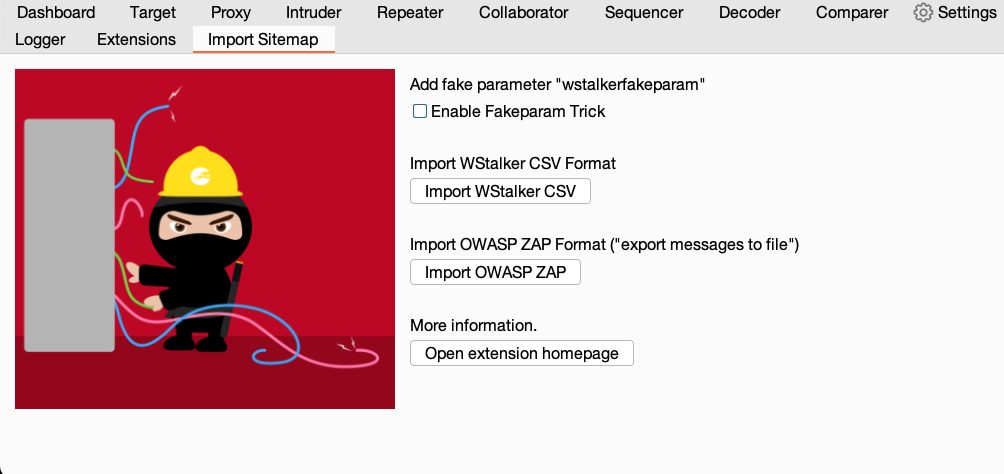
Once the extension has been loaded into Burp, an additional tab called "Import Sitemap" is added. This new tab has a number of buttons to select and load the CSV file.
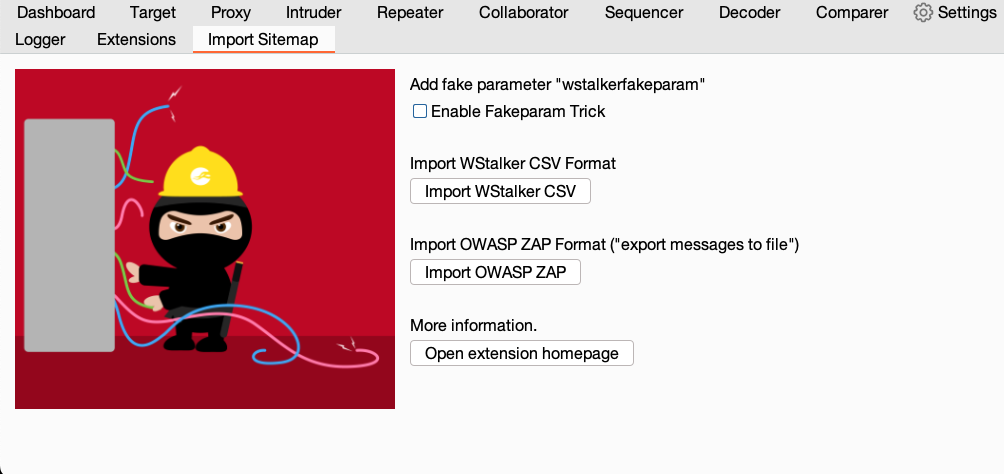
There is a checkbox called "Enable Fakeparam Trick", which is disabled by default and it is considered a legacy option. More information about this legacy option here.
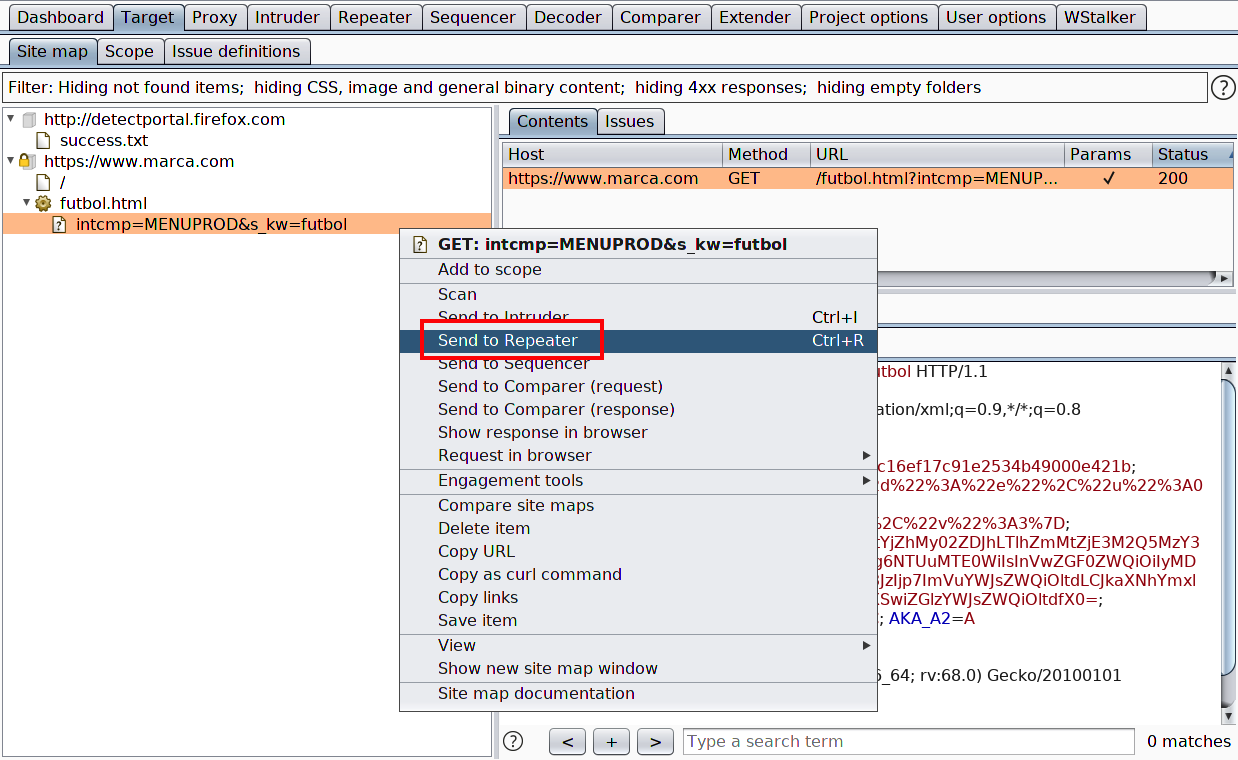
When selecting the CSV file, all the requests and responses are loaded into the SiteMap. From there we can inspect and export them into Repeater, Intruder, etc.
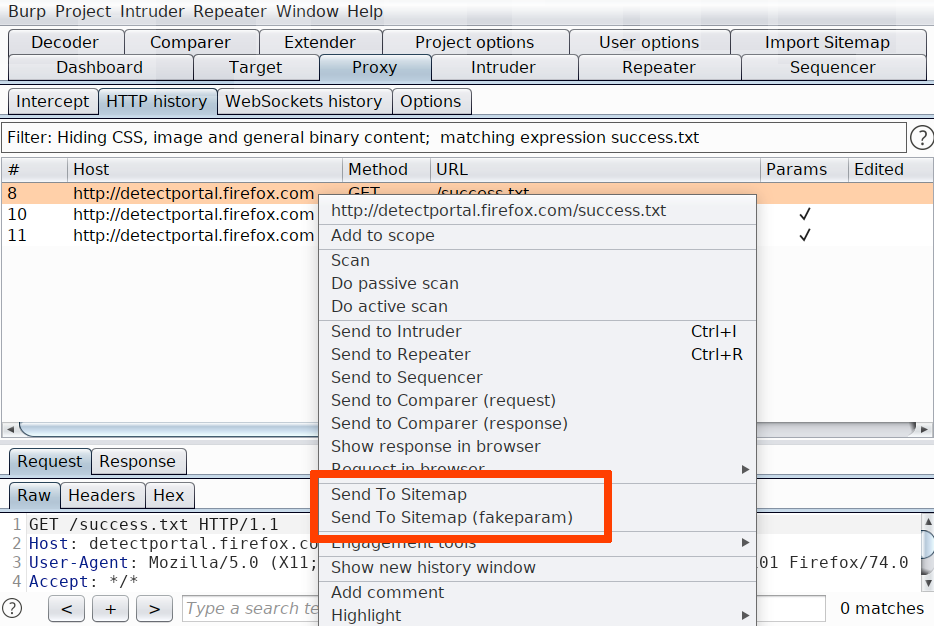
The extension also includes two contextual menus that allow to import requests/responses from any other tool. The "fakeparam" one will import as we had enabled the checkbox described above. This second option will probable be removed in further updated.