 mykethearchangel/term1b1tb0t
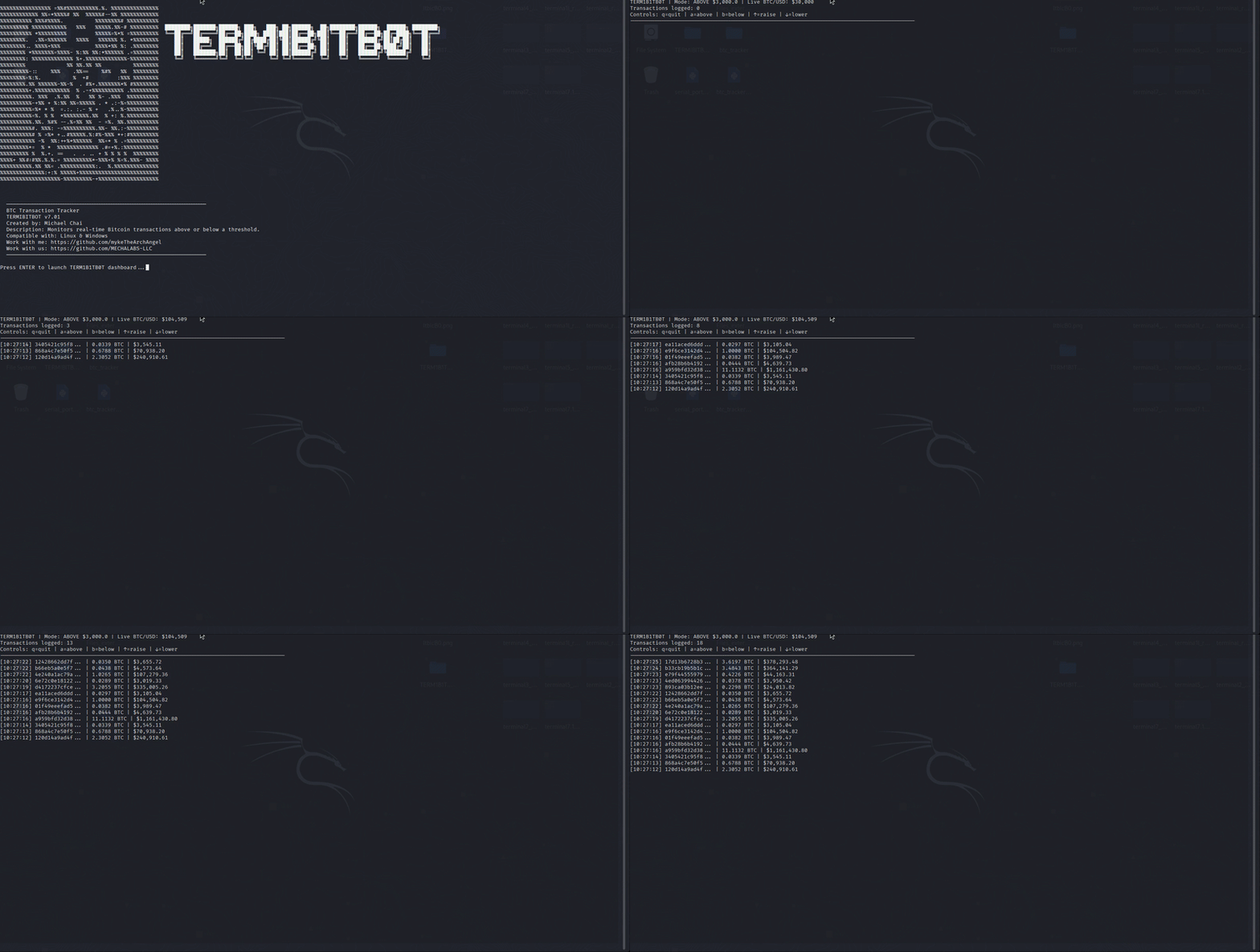
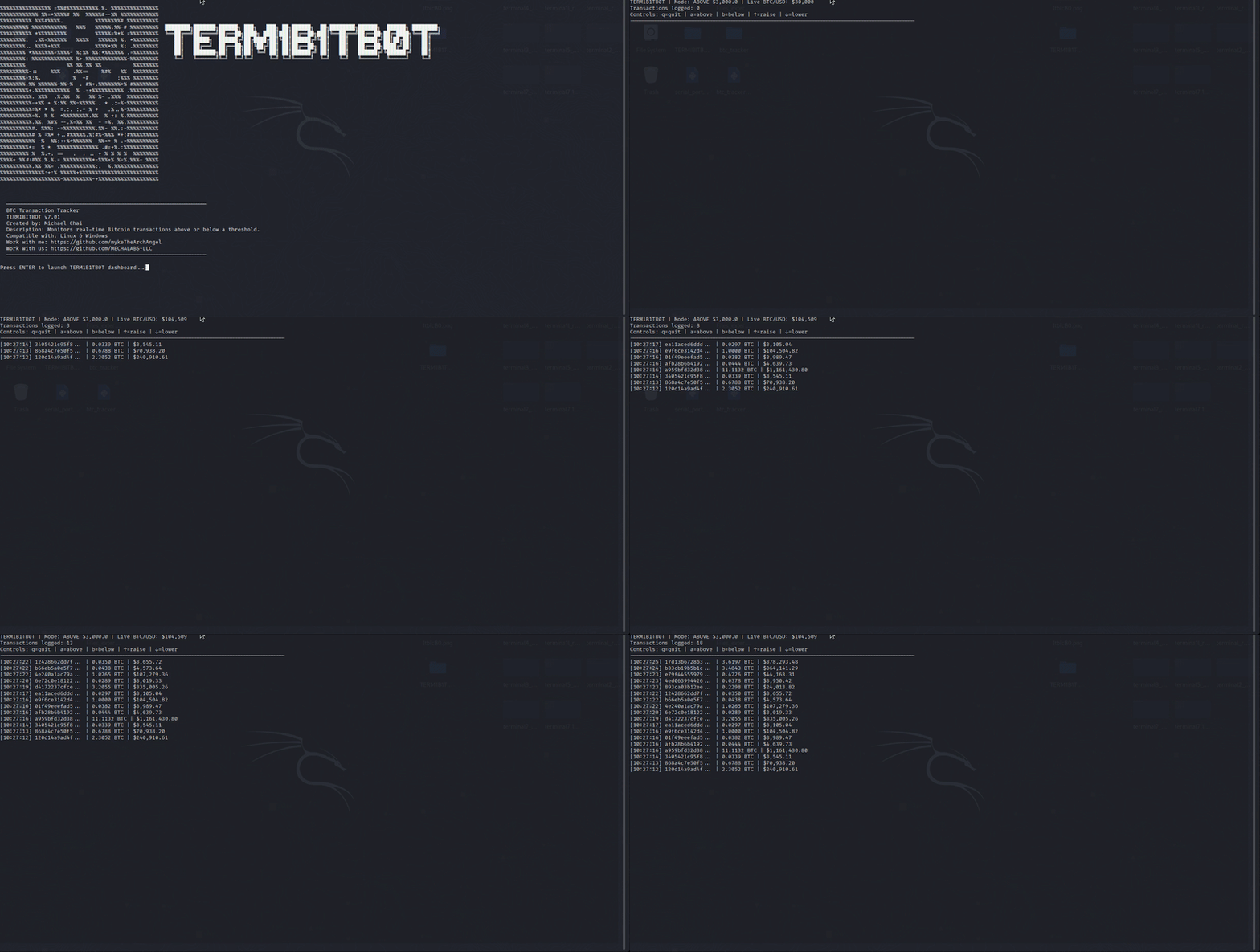
A terminal based tool that monitors real-time Bitcoin transactions above or below a specified threshold.

A basic tool that tracks Bitcoin transactions in real time above or below a particular price target using a websocket API on your terminal.
-Step 1: Install Python (if not already installed)
Download from python.org
During install → make sure to check ✅ “Add Python to PATH”
-Open Windows Terminal / PowerShell
-Navigate to your bot folder
cd \Users\<YourPCName>\Desktop\TERM1B1TB0T
-Step 2: Install dependencies (Only needed once)
pip install requests websocket-client
-Step 3: Run it
python TERM1B1TB0T.py above 1000
-₿ Close the Websocket
CTRL + C
Set up a Virtual Environment for the Bot
This is normal on Linux (or Debian-based distros with strict Python environments).
You'll run into Python’s PEP 668 restriction,
which prevents you from installing packages system-wide using pip3 to avoid breaking your OS-installed Python packages.
-If you haven’t already:
-Run:
mkdir -p ~/TERM1B1TB0T
cd ~/TERM1B1TB0T
-Run:
python3 -m venv btc-env
-This creates a folder btc-env/ inside your project that contains an isolated Python environment.
source btc-env/bin/activate
-If successful, your terminal will now look something like:
(btc-env) username@kali:~/TERM1B1TB0T$
-This means you’re inside the virtual environment.
-While the virtual environment is active, install the required library:
pip install websocket-client
-This installs the package only inside your virtual environment — not system-wide.
-install requests:
pip install requests
-Still inside the virtual environment, start it with:
python TERM1B1TB0T.py above 500
CTRL + C
deactivate
source ~/TERM1B1TB0T/btc-env/bin/activate
pip list
which python (should point inside btc-env)
-Activate your virtual environment first:
source ~/TERM1B1TB0T/btc-env/bin/activate
-Run the bot with a custom price limit (in USD):
python TERM1B1TB0T.py above 5000
-That will only log BTC transactions worth more than $5000.
-If You Don’t Pass a Value
If you run:
python TERM1B1TB0T.py
…it will default to $1000.
After it's been running a while:
Open high_value_btc_tx.log in a text editor to see the stored transactions.
