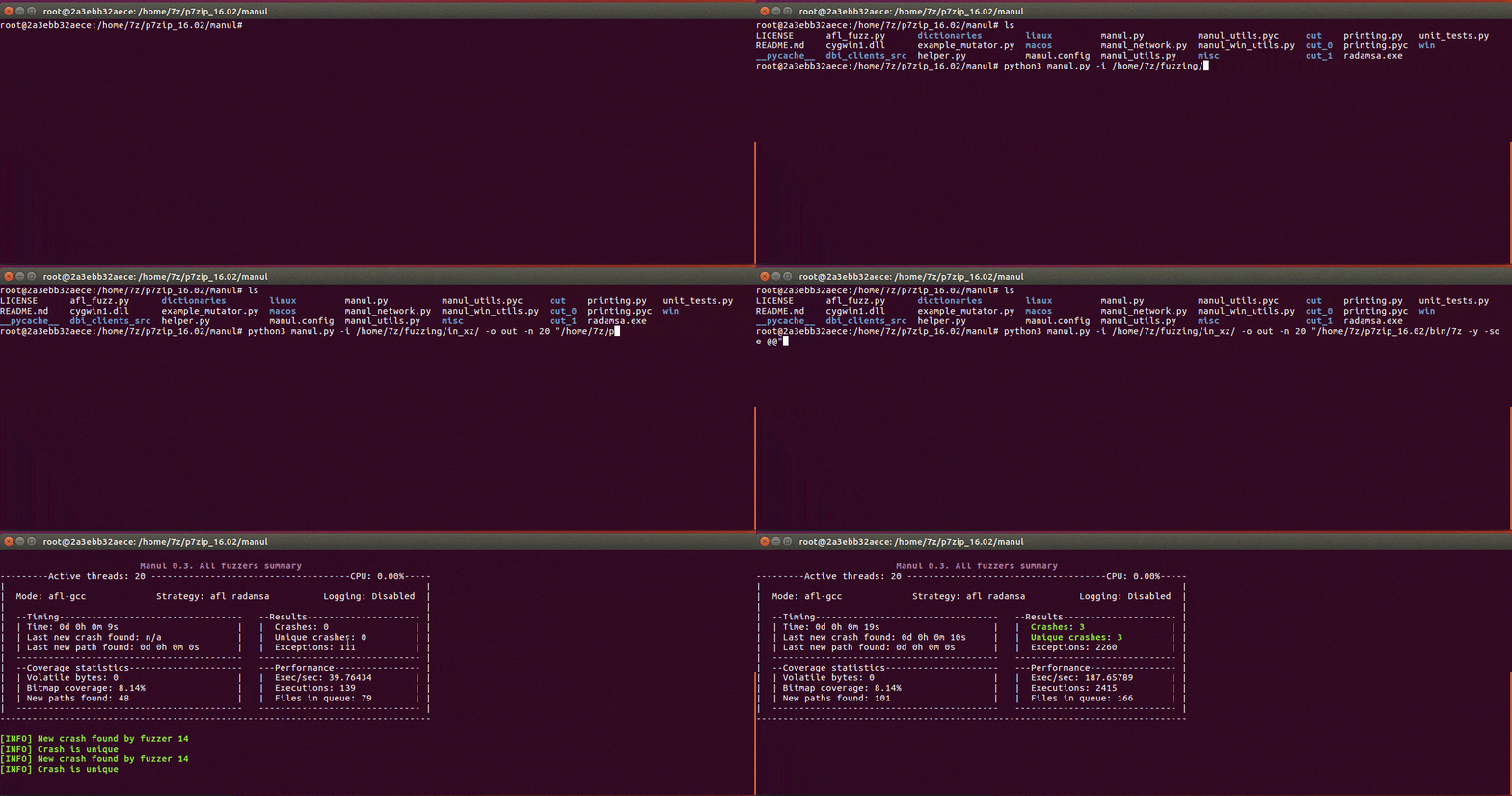
 mxmssh/manul
Manul is a coverage-guided parallel fuzzer for open-source and blackbox binaries on Windows, Linux and MacOS


Manul is a coverage-guided parallel fuzzer for open-source and black-box binaries on Windows, Linux and macOS (beta) written in pure Python.
pip3 install psutil
git clone https://github.com/mxmssh/manul
cd manul
mkdir in
mkdir out
echo "AAAAAA" > in/test
python3 manul.py -i in -o out -n 4 "linux/test/test_afl @@"
sudo apt-get install gcc make git wget
git clone https://gitlab.com/akihe/radamsa.git && cd radamsa && make && sudo make install
There is no need to install radamsa on Windows, Manul is distributed with radamsa native library on this platform.
| CVE IDs | Product | Finder |
|---|---|---|
| CVE-2019-9631 CVE-2019-7310 CVE-2019-9959 | Poppler | Maksim Shudrak |
| CVE-2018-17019 CVE-2018-16807 CVE-2019-12175 | Bro/Zeek | Maksim Shudrak |
If you managed to find a new bug using Manul please contact me and I will add you in the list.
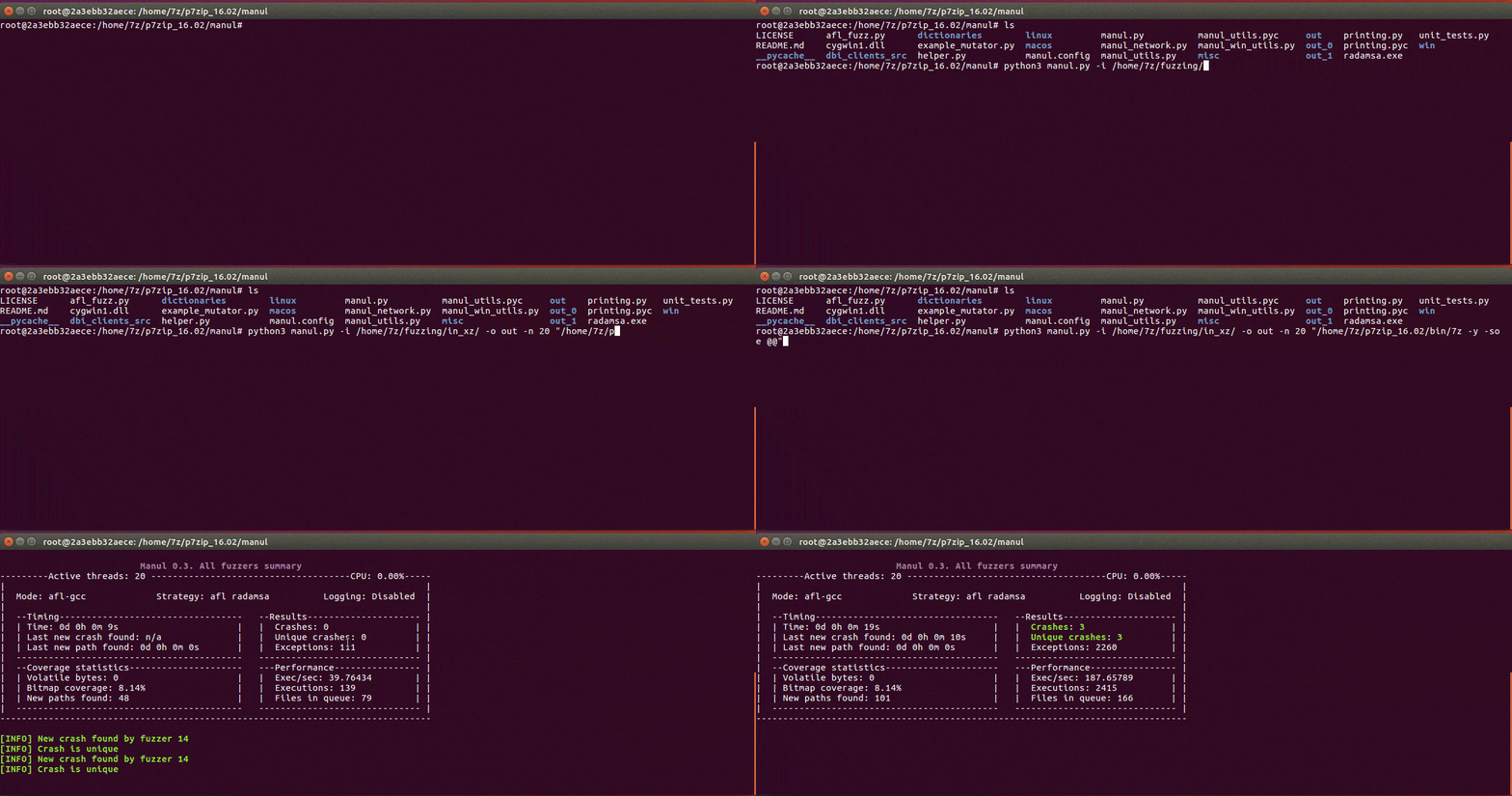
pip install pywin32) on Windows platform (required for DBI persistence mode only).Currently, Manul supports two types of instrumentation: AFL-based (afl-gcc, afl-clang and afl-clang-fast) and DBI.
Instrument your target with afl-gcc or afl-clang-fast and Address Sanitizer (recommended for better results). For example:
CC=afl-gcc CXX=afl-g++ CFLAGS=-fsanitize=address CXXFLAGS=-fsanitize=address cmake <path_to_your_target>
make -j 8
USE_ASAN=1 CC=afl-clang-fast CXX=afl-clang-fast++ cmake <path_to_your_target>
make -j 8
See these instructions for more details.
You don't need to instrument your target in this mode but you need to download the latest version of DynamoRIO framework for Windows or Linux.
Manul is distributed with x86/x64 precompiled clients for Linux and Windows. You can find them in the following folders:
linux/dbi_32|dbi_64/libbinafl.so (DynamoRIO client)
win/dbi_32|dbi_64/binafl.dll
Unfortunately, DynamoRIO is not officially supported on MacOS.
You can find the latest DynamoRIO release packages at DynamoRIO download page.
You have to uncomment the following lines in the manul.config file and provide correct path to DynamoRIO launcher and client.
# Choose DBI framework to provide coverage back to Manul ("dynamorio" or "pin"). Example dbi = dynamorio
dbi = dynamorio
# If dbi parameter is not None the path to dbi engine launcher and dbi client should be specified.
dbi_root = /home/max/DynamoRIO/bin64/drrun
dbi_client_root = /home/max/manul/linux/dbi_64/libbinafl.so
dbi_client_libs = None
Additionally, you can increase performance of your black-box fuzzing campaign by using persistent in-memory fuzzing. In this mode, you should instruct Manul to instrument particular function (yes, you need to find it by disassembling your binary) and it will run it in a loop by uncommenting the following lines:
dbi_persistence_mode = 1
dbi_target_module = afl_test
dbi_target_method = open_file
#dbi_target_offset = 0x3198 # optionally you can provide offset of this function instead of name
dbi_fuzz_iterations = 1000
winAFL authors provide a very good explanation on how it actually works here. Manul uses a large portion of winAFL instrumetation library's code to communicate and instrument a target.
IMPORTANT NOTE: You should use 32-bit launcher and 32-bit client to fuzz 32-bit binaries and 64-bit launcher and 64-bit client for 64-bit binaries!
To compile instrumentation library, you need to use the latest version of DynamoRIO. The source code of instrumentation library can be found in dbi_clients_src located in the Manul main folder.
64-bit Linux

cd dbi_clients_src
wget <DynamoRIO-x86_64-Linux-X.XX.XXXX-X.tar.gz> - download the latest DynamoRIO
tar xvf DynamoRIO-x86_64-X.XX.XXXX-X.tar.gz
mkdir client_64
cd client_64
cmake ../dr_cov/ -DDynamoRIO_DIR=/home/max/manul/dbi_clients_src/DynamoRIO-x86_64-Linux-X.XX.XXXX-X.tar.gz/cmake
make
32-bit Linux
cd dbi_clients_src
wget <DynamoRIO-i386-Linux-X.XX.XXXX-X.tar.gz> - download the latest DynamoRIO
tar xvf DynamoRIO-x86_64-X.XX.XXXX-X.tar.gz
mkdir client_64
cd client_64
CFLAGS=-m32 CXXFLAGS=-m32 cmake ../dr_cov/ -DDynamoRIO_DIR=/home/max/manul/dbi_clients_src/DynamoRIO-i386-Linux-X.XX.XXXX-X.tar.gz/cmake
make
On Windows, the easiest way to compile the library would be to install Visual Studio (tested on 2017 & 2013 versions), launch VS20XX Cross Tools Command Prompt and run the following commands:
64-bit Windows
cd dbi_clients_src
<Download and extract the latest version of DynamoRIO>
mkdir client_64
cd client_64
cmake -G"Visual Studio 15 Win64" ..\dr_cov\ -DDynamoRIO_DIR=C:\Users\max\manul\dbi_clients_src\DynamoRIO-Windows-XXXX.XX.X.X\cmake
cmake --build . --config RelWithDebInfo (or just Debug if needed)
32-bit Windows
cd dbi_clients_src
<Download and extract the latest version of DynamoRIO>
mkdir client_32
cd client_32
cmake -G"Visual Studio 15" ..\dr_cov\ -DDynamoRIO_DIR=C:\Users\max\manul\dbi_clients_src\DynamoRIO-Windows-XXXX.XX.X.X\cmake
cmake --build . --config RelWithDebInfo (or just Debug if needed)
Manul initially supported Intel PIN coverage-guided fuzzing but due to low performance and high maintainance overhead, this is not supported anymore.
The most frequently used options can be provided via the command line. The more options are supported using configuration file (manul.config).
Example: python3 manul.py -i corpus -o out_dir -n 40 "target @@"

positional arguments:
  target_binary  The target binary and options to be executed (don't forget to include quotes e.g. "target e @@").

optional arguments:
  -h, --help     show this help message and exit
  -n NFUZZERS    Number of parallel fuzzers
  -s             Run dumb fuzzing (no code instrumentation)
  -c CONFIG      Path to config file with additional options (see Configuration File Options section below)
  -r             Restore previous session

Required parameters:
  -i INPUT       Path to directory with initial corpus
  -o OUTPUT      Path to output directory
Manul is distributed with default manul.config file where user can find all supported options and usage examples. Options should be specified in the following format Format: <option_name> = <value>. Symbol # can be used to ignore a line.
dict = /home/max/dictionaries/test.dict. AFL mutation strategy allows user to specify a list of custom tokens that can be inserted at random places in the fuzzed file. Manul supports this functionality via this option (absolute paths preferred).
