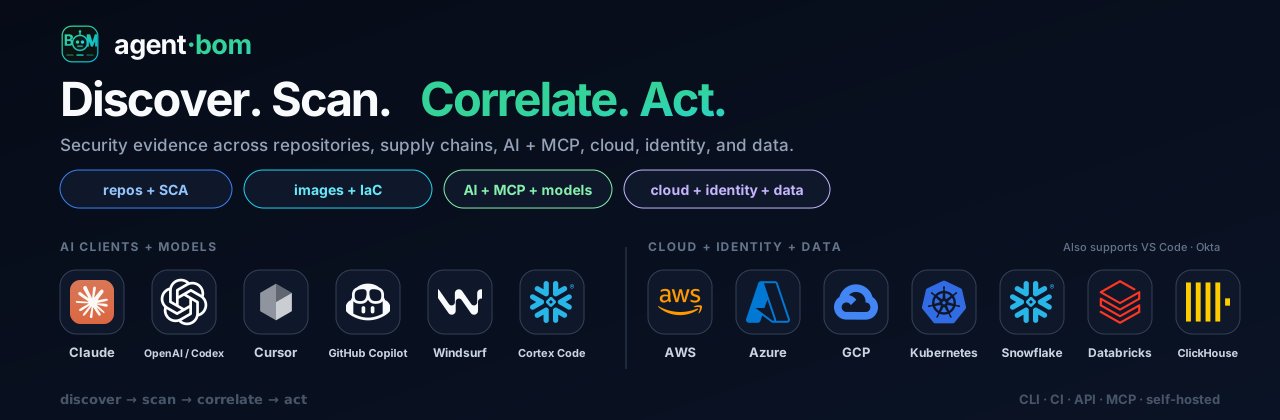

Open security scanner and self-hosted control plane for AI, MCP, and cloud. One evidence model — run scans in your environment, centralize findings, govern in your VPC.
Open security scanner and self-hosted control plane for AI, MCP, and cloud infrastructure.
15 package ecosystems · 16 compliance surfaces · 81 MCP tools · no account required
Quick start ·
Live demo ·
Docs
agent-bom scans repositories, developer endpoints, images, clusters, cloud and
data platforms, MCP servers, and runtime activity, then normalizes the evidence
into one Finding + UnifiedGraph model for prioritized investigation and action.
See how the evidence workflow works for commands, artifacts, and the boundary between collected, partial, and unavailable state.
Security engineering and GRC remain separate workflows: findings and reachability are not presented as audit certification. See product boundaries.
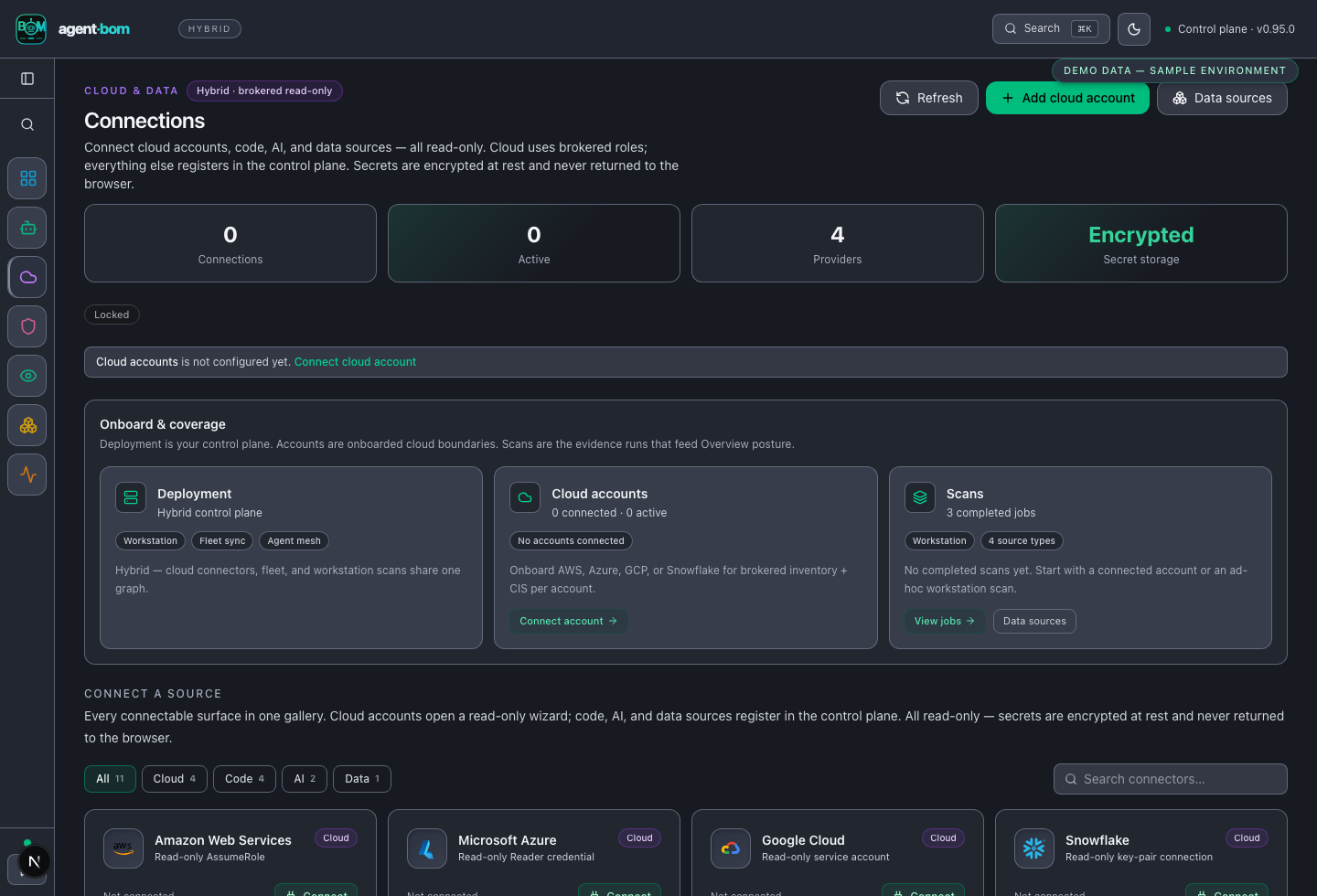
The gallery uses deterministic sample data, visibly labeled in the UI. It is product-state proof, not customer or advisory evidence.
| Overview | Findings |
|---|---|
![]() | ![]() |
Start here. This is the front door — two commands, no account, no config. Every other surface below (demo, self-host, Docker, Helm, MCP, CI action, SDKs) is an expansion path you reach for once this works.
pip install agent-bom
agent-bom scan .
The console shows inventory, findings, and reachable impact. agent-bom scan .
and agent-bom scan -p . are the same command; PATH is an alias for
--project.
A non-zero exit is a verdict, not a crash. scan exits 0 when nothing
matched a gate, and 1 when one did — a --fail-on-* threshold you set, a
known-malicious package, or a scan that did not complete. The report is printed
in full either way, and the last line names the gate that matched. Full
exit-code contract.
Save an artifact with agent-bom scan . -f sarif -o findings.sarif, or follow
the first-run guide for formats and CI use.
Use the curated, explicitly synthetic sample when you only want to inspect the output shape:
agent-bom scan --demo --offline
The sample intentionally contains a known-malicious package, which fails closed,
so exit status 1 is expected here and the printed report is complete.
Start the loopback control plane:
pip install 'agent-bom[ui]'
agent-bom serve
For a shared deployment, use the documented Docker or Helm path and configure real identity, TLS, PostgreSQL, encryption, and audit keys before exposing it.
Examples target this release candidate; confirm release availability before copying an exact pin. Otherwise, use the latest version shown on PyPI.
Deployment overview · Enterprise configuration · Cloud connections
Threat model · Release verification · Security policy · MCP security model
Stuck, or not sure where a question belongs? SUPPORT.md has the routing and an honest statement of what response to expect.
To contribute, start with CONTRIBUTING.md, AGENTS.md, and the open issues.
Apache-2.0 licensed.
| Role | Start here | Primary outcome |
|---|
| AI engineer | agent-bom scan . | Inventory agents, MCP servers, and models, and catch issues before they ship |
| Security engineer | pip install 'agent-bom[ui]' && agent-bom serve | Investigate exposure paths, identities, and evidence provenance |
| GRC / audit | agent-bom report compliance-narrative scan.json | Review control mappings and export evidence with explicit gaps |
| Leadership / CISO | pip install 'agent-bom[ui]' && agent-bom serve | Review posture, coverage, material risk, and change over time |
| Investigation | Remediation |
|---|
![]() | ![]() |
| Cloud and environment lineage | Agent mesh |
|---|---|
![]() | ![]() |
| You want to | Go to |
|---|
| See output without scanning your own code | agent-bom scan --demo --offline (expands "Try without a repository" below) |
| A dashboard on your laptop | Self-host |
| A shared deployment (Docker, Helm, EKS, Snowflake) | Self-host table |
| Gate a pull request | first-run guide §5 |
| Give an AI agent the tools | agent-bom mcp server — MCP server |
| Connect a cloud account | agent-bom connect aws — cloud connections |
| Target | Start here |
|---|
| Docker Compose | Platform compose — PostgreSQL, split secrets, migration job |
| Docker Compose (evaluation) | Pilot compose — loopback only, SQLite, no auth |
| Helm / Kubernetes | helm install agent-bom oci://ghcr.io/msaad00/charts/agent-bom --version 0.101.0 |
| EKS | Terraform module |
| Snowflake SPCS / Native App | scripts/deploy/install.sh snowflake-native · install guide |
| Air-gapped | Image bundle guide |
| Need | First action | Artifact or next step |
|---|
| GitHub CI | uses: msaad00/[email protected] | SARIF, PR summary, and a policy exit code |
| Cloud evidence | agent-bom connect aws | Stored connection reference; run scans from the control plane |
| Runtime gateway | agent-bom gateway serve --from-control-plane http://127.0.0.1:8422 --bind 127.0.0.1:8090 | Allow, warn, and block audit events |
| Agent interface | agent-bom mcp server | 81 MCP tools, 6 resources, and 8 workflow prompts |
| Agent distribution | Smithery manifest · Glama · MCP registry · Docker MCP | Registry-specific installation metadata |
MCP server mode exposes 81 MCP tools, 6 resources, and 8 workflow prompts, all read-first: discovery and analysis never mutate a scanned target.
Set YDC_API_KEY to enable the optional youcom_search MCP tool for live web
and news context alongside the local threat-intel database. It is the only tool
that sends your query to a third party, it is off unless the key is set, and the
request is pinned to the You.com origin over TLS — so the key cannot be
redirected to another host by configuration.
The CLI, Docker, API, Helm chart, MCP server, gateway, and SDK are distribution surfaces of the same product. The Snowflake SPCS / Native App lane runs inside the customer's Snowflake account; it is a customer-owned deployment target, not an agent-bom-hosted service. Snowflake and Snowpark also remain connector and runtime integrations for the other deployment profiles.
| Surface | Get it |
|---|
| Python package | pip install agent-bom — PyPI |
| Container | docker pull agentbom/agent-bom — Docker Hub |
| Kubernetes | helm install agent-bom oci://ghcr.io/msaad00/charts/agent-bom |
| GitHub Action | msaad00/agent-bom |
| MCP server | pip install 'agent-bom[mcp-server]' && agent-bom mcp server |
| MCP registries | Smithery manifest · Glama · MCP registry · Docker MCP |
| SDKs | Python · TypeScript · Go |