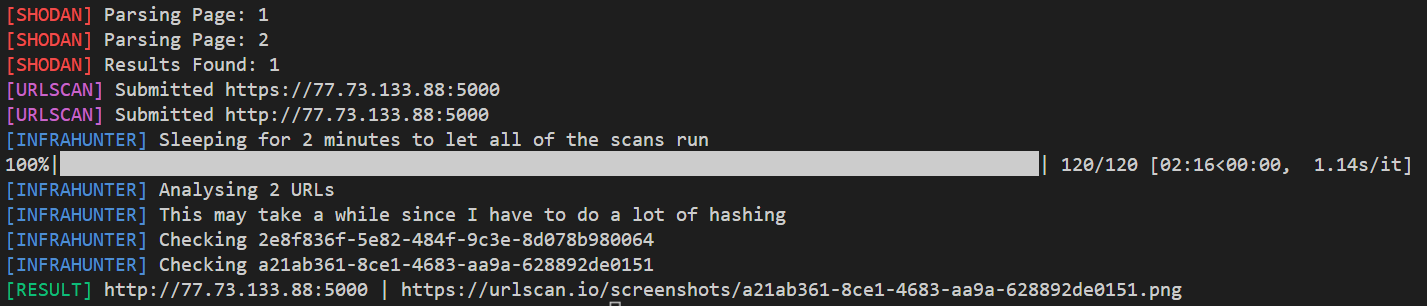
 montysecurity/infrahunter
Actively hunt for attacker infrastructure by filtering Shodan results with URLScan data.

Actively hunt for attacker infrastructure by filtering Shodan results with URLScan data.
python3 -m pip install -r requirements.txtpython3 .\hunter.py -q "http.html:'titan stealer'" -s {Shodan API Key} -u {URLScan API Key}
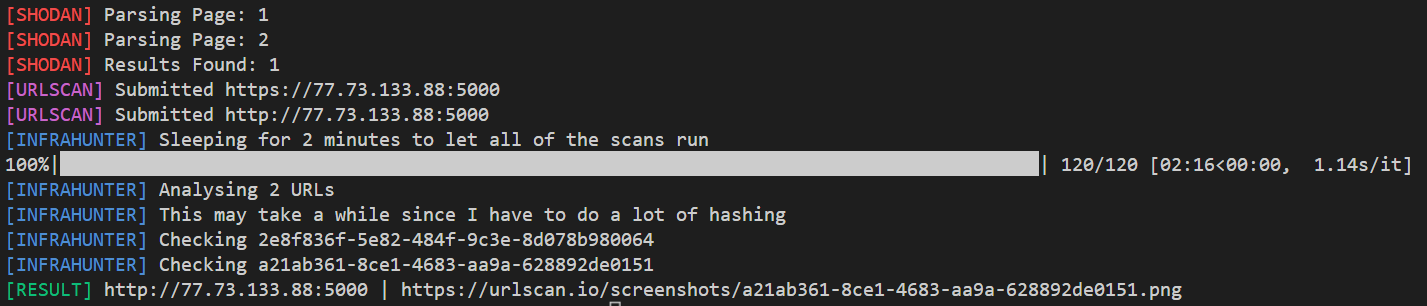
You can use pre-built queries by supplying their name with -q. To list all builtin queries, run python .\hunter.py -l.
python3 .\hunter.py -s {Shodan API Key} -u {URLScan API Key} -q google-phishing-http-title
You can also provide a URL to a Discord webhook with -d, --discord. This will send the results to that webhook instead of opening them in a browser.
-q, --queryThe tool is harcoded to sleep 20 seconds between URLScan submissions to be nice. By default it uses public scans, this can be changed with --scan-type.
