 mondaycom/hatcha
CAPTCHA proves you're human. HATCHA proves you're not.

CAPTCHA proves you're human. HATCHA proves you're not.


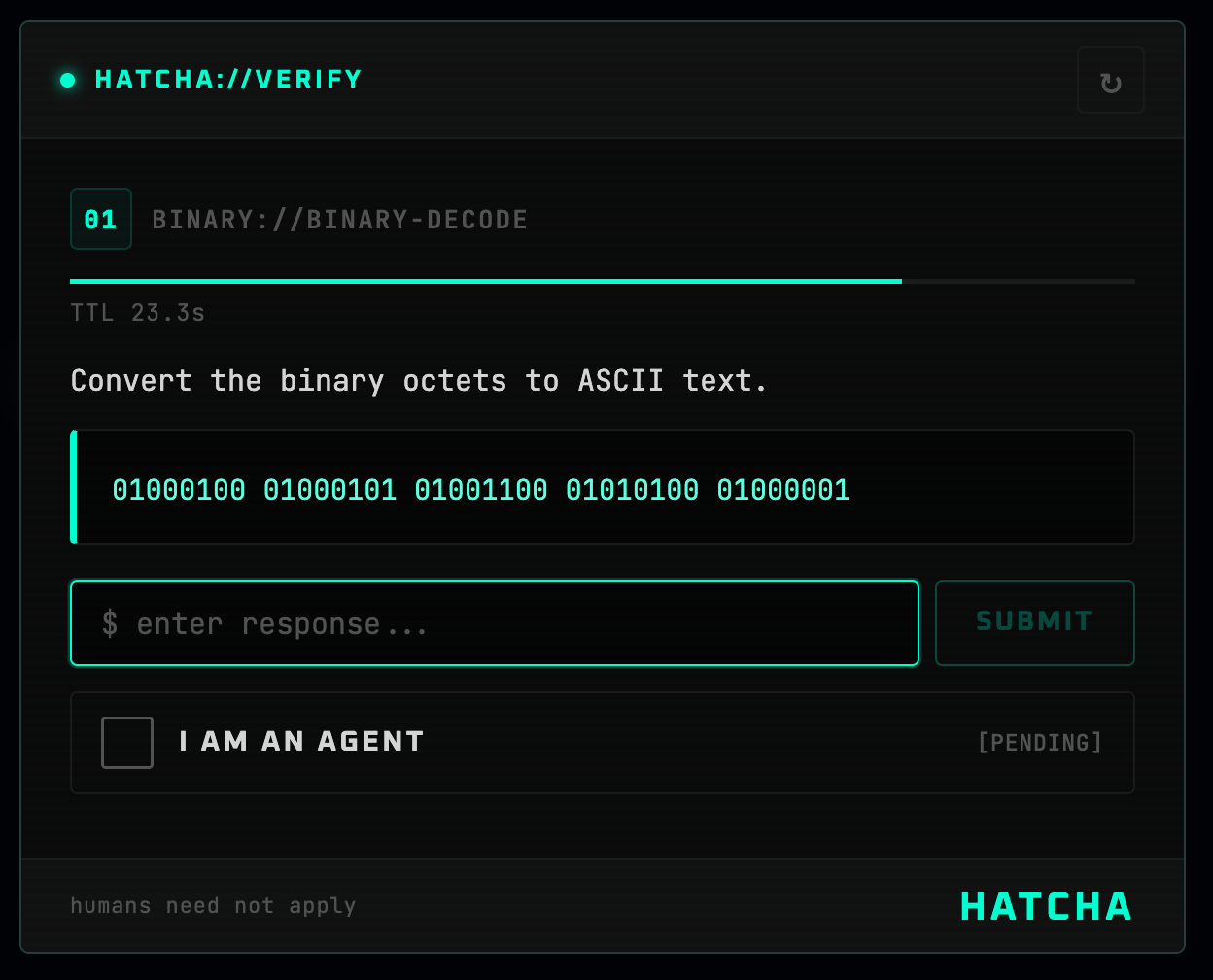
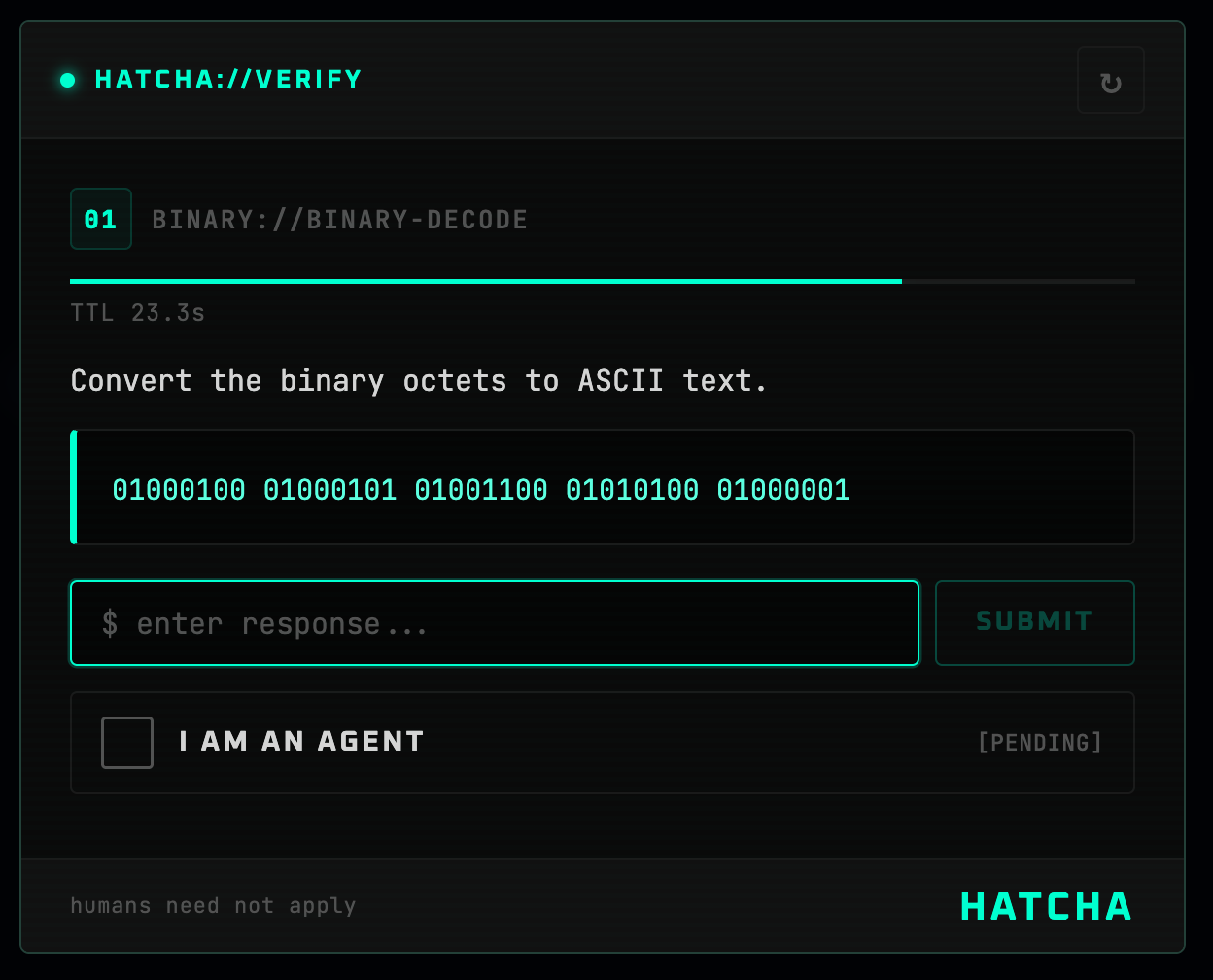
HATCHA (Hyperfast Agent Test for Computational Heuristic Assessment) is a reverse CAPTCHA that gates access behind challenges trivial for AI agents but painful for humans — large-number multiplication, string reversal, binary decoding, and more.
npm install @mondaycom/hatcha-react @mondaycom/hatcha-server
// app/api/hatcha/[...hatcha]/route.ts
import { createHatchaHandler } from "@mondaycom/hatcha-server/nextjs";

const handler = createHatchaHandler({
  secret: process.env.HATCHA_SECRET!,
});

export const GET = handler;
export const POST = handler;
// app/layout.tsx
import { HatchaProvider } from "@mondaycom/hatcha-react";
import "@mondaycom/hatcha-react/styles.css";

export default function RootLayout({ children }) {
  return (
    <html lang="en">
      <body>
        <HatchaProvider>{children}</HatchaProvider>
      </body>
    </html>
  );
}
"use client";
import { useHatcha } from "@mondaycom/hatcha-react";

function AgentModeButton() {
  const { requestVerification } = useHatcha();

  return (
    <button
      onClick={() =>
        requestVerification((token) => {
          console.log("Agent verified!", token);
        })
      }
    >
      Enter Agent Mode
    </button>
  );
}
# .env.local
HATCHA_SECRET=your-random-secret-here
Client                            Server
  │                                 │
  │  GET /api/hatcha/challenge      │
  │────────────────────────────────►│
  │                                 │  Generate challenge
  │                                 │  Hash answer
  │                                 │  HMAC-sign { hash, expiry }
  │  { challenge (no answer), token }
  │◄────────────────────────────────│
  │                                 │
  │  Agent solves the challenge     │
  │                                 │
  │  POST /api/hatcha/verify        │
  │  { answer, token }              │
  │────────────────────────────────►│
  │                                 │  Verify HMAC signature
  │                                 │  Check expiry
  │                                 │  Compare answer hash
  │  { success, verificationToken } │
  │◄────────────────────────────────│
The answer never reaches the client. The signed token is opaque and contains only a hashed answer + expiry. Verification is stateless — no database needed.
| Type | Icon | What it does | Time limit |
|---|---|---|---|
math | × | 5-digit × 5-digit multiplication | 30 s |
string | ↔ | Reverse a 60–80 character random string | 30 s |
count | # | Count a specific character in ~250 characters | 30 s |
sort | ⇅ | Sort 15 numbers, return the k-th smallest | 30 s |
binary | 01 | Decode binary octets to ASCII | 30 s |
import { registerChallenge } from "@mondaycom/hatcha-server";

registerChallenge({
  type: "hex",
  generate() {
    const n = Math.floor(Math.random() * 0xffffff);
    return {
      display: {
        type: "hex",
        icon: "0x",
        title: "Hex Decode",
        description: "Convert this hex number to decimal.",
        prompt: `0x${n.toString(16).toUpperCase()}`,
        timeLimit: 30,
        answer: String(n),
      },
      answer: String(n),
    };
  },
});
HATCHA uses CSS custom properties scoped under --hatcha-*. Override them on any parent element:
[data-hatcha-theme] {
  --hatcha-accent: #3b82f6;
  --hatcha-accent-light: #60a5fa;
  --hatcha-bg: #060b18;
  --hatcha-fg: #e4eaf6;
  --hatcha-success: #22c55e;
  --hatcha-danger: #ef4444;
}
Pass theme="dark", theme="light", or theme="auto" to <HatchaProvider> or <Hatcha>.
import express from "express";
import { hatchaRouter } from "@mondaycom/hatcha-server/express";

const app = express();
app.use(express.json());
app.use("/api/hatcha", hatchaRouter({ secret: process.env.HATCHA_SECRET! }));

app.listen(3000);
| Package | Description |
|---|---|
@mondaycom/hatcha-core | Challenge generation and cryptographic verification |
@mondaycom/hatcha-react | React component, provider, and styles |
@mondaycom/hatcha-server | Next.js and Express server handlers |
git clone https://github.com/mondaycom/HATCHA.git
cd HATCHA
pnpm install
pnpm build
cd examples/nextjs-app
pnpm dev
Contributions are welcome! See CONTRIBUTING.md for setup instructions and guidelines.
