 mohamedation/pwnedcheck
A command-line tool to check if passwords have been exposed in data breaches using the Have I Been Pwned (HIBP) API.

PwnedCheck is a command-line tool for checking whether passwords have appeared in known data breaches using the Have I Been Pwned API and supports encrypted Bitwarden vaults exports.


-hashed-bw-hide-v-statsYou can download a precompiled static binary tailored for your operating system directly from releases page:
pwnedcheck_x.x.x_linux_amd64.tar.gz (or arm64)pwnedcheck_x.x.x_darwin_amd64.tar.gz (or arm64)pwnedcheck_x.x.x_windows_amd64.zipLinux / macOS: Open your terminal inside the extracted directory, make the binary executable, and run it:
chmod +x pwnedcheck
./pwnedcheck -h
Windows: untested, but feedback is apprecieated
Open PowerShell or Command Prompt inside the folder containing the extracted pwnedcheck.exe and execute:
.\pwnedcheck.exe -h
Install the CLI into your Go bin directory:
go install github.com/mohamedation/PwnedCheck/cmd/pwnedcheck@latest
git clone https://github.com/mohamedation/PwnedCheck.git
cd PwnedCheck
make install
That installs the current host binary to your Go bin directory.
Use the Makefile to produce release binaries for Linux or macOS:
make build-linux
make build-macos
The binaries are written to dist/ with your current Go architecture in the filename.
If you want the binary copied into your Go bin directory with an OS-specific name, use:
make install-linux
make install-macos
Those commands install as pwnedcheck.
Run from source:
go run ./cmd/pwnedcheck -v god
Or run the installed binary:
pwnedcheck -i passwords.list -stats
Check a single password:
pwnedcheck password123
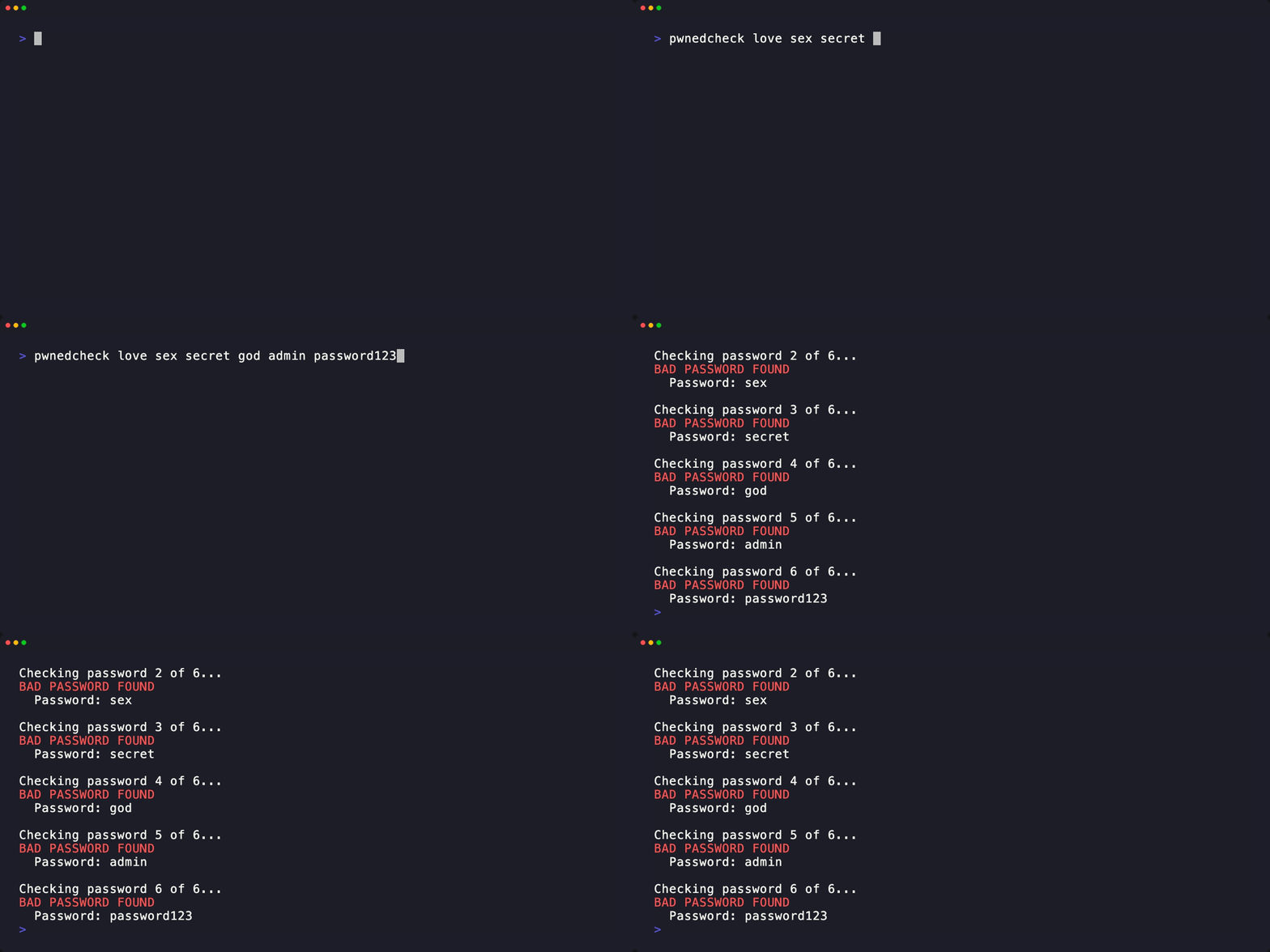
Check multiple passwords:
pwnedcheck love sex secret god
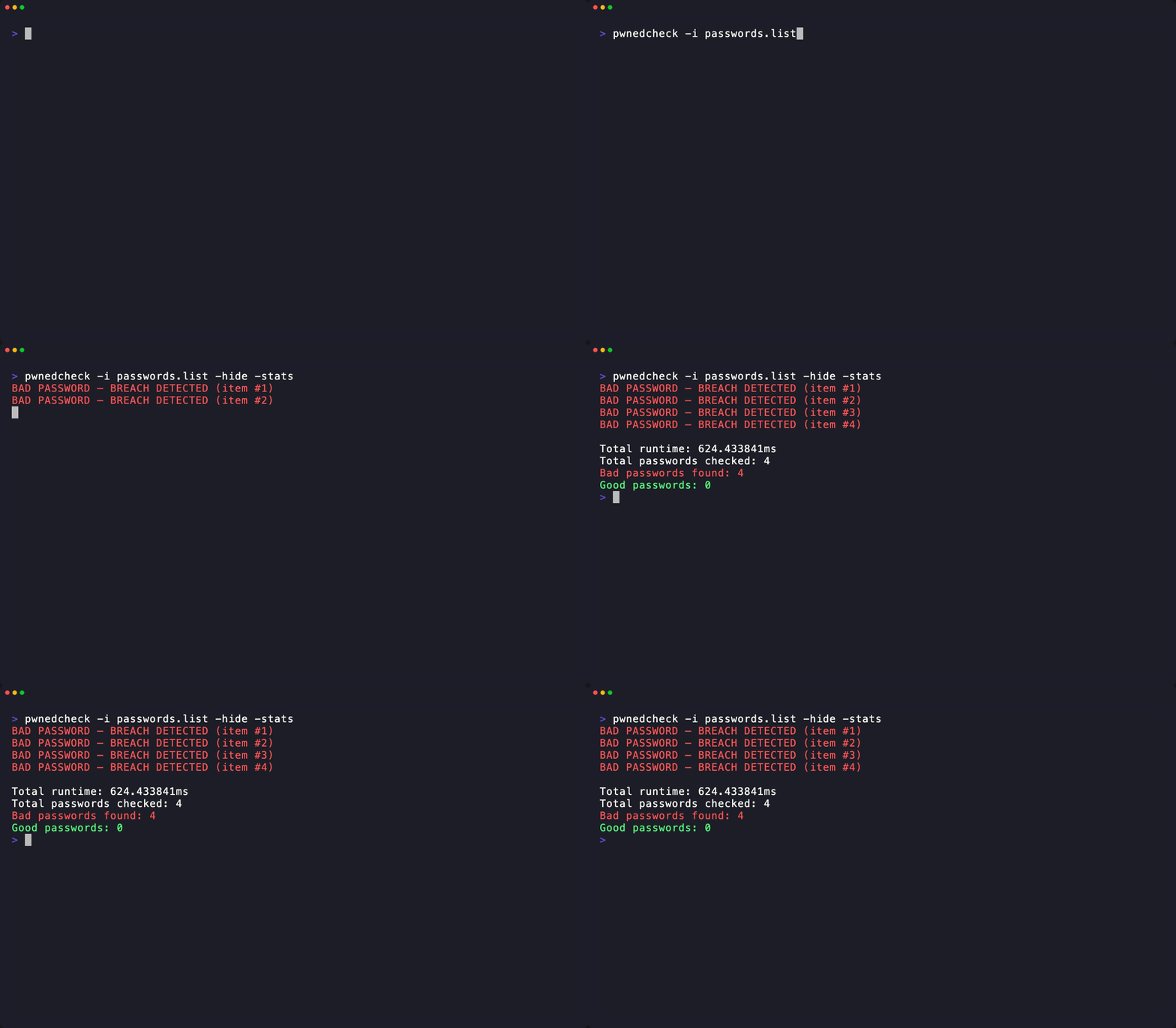
Check passwords from a file:
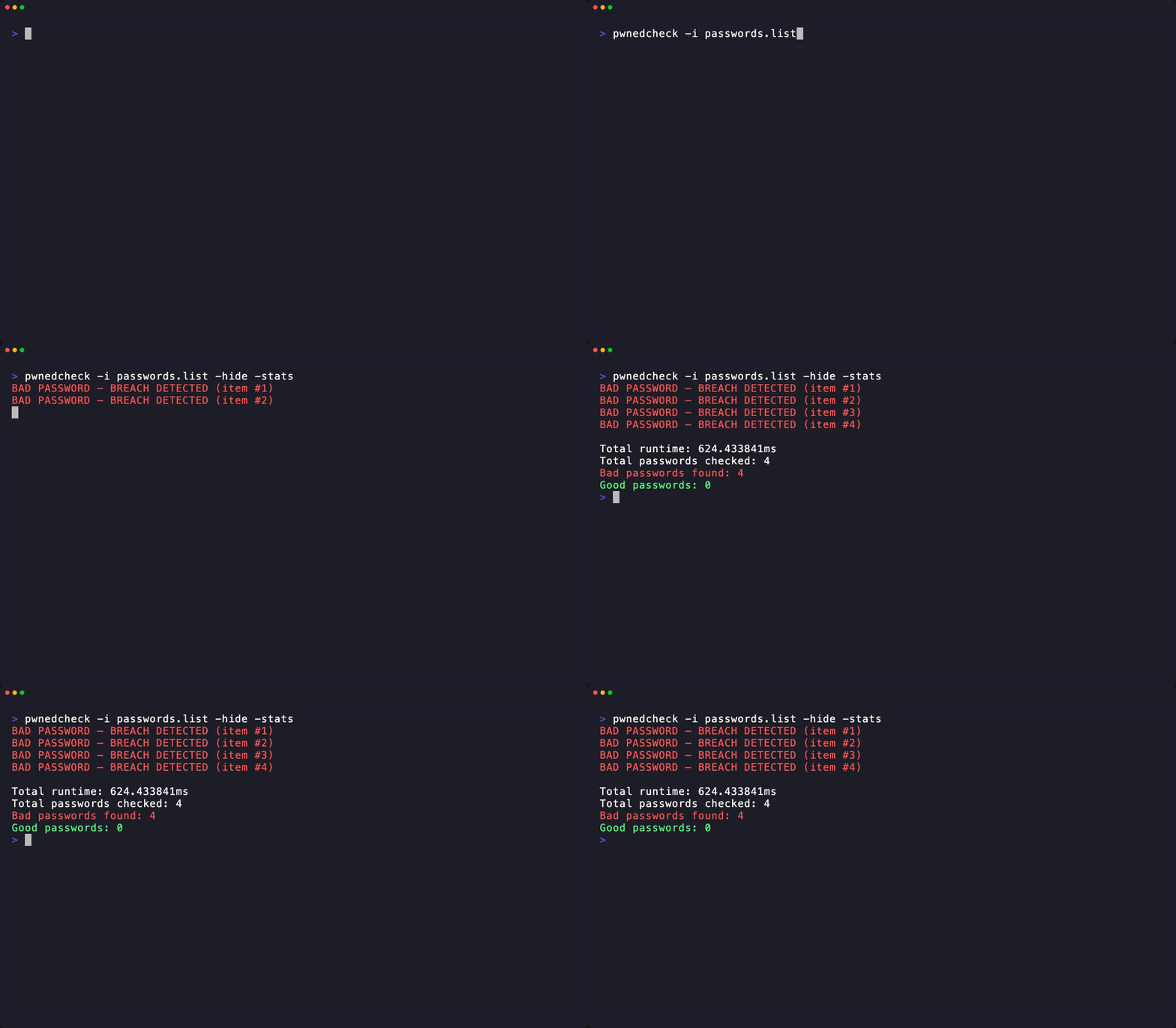
pwnedcheck -i passwords.list
Check pre-hashed SHA-1 values:
pwnedcheck -hashed -i passwords.list
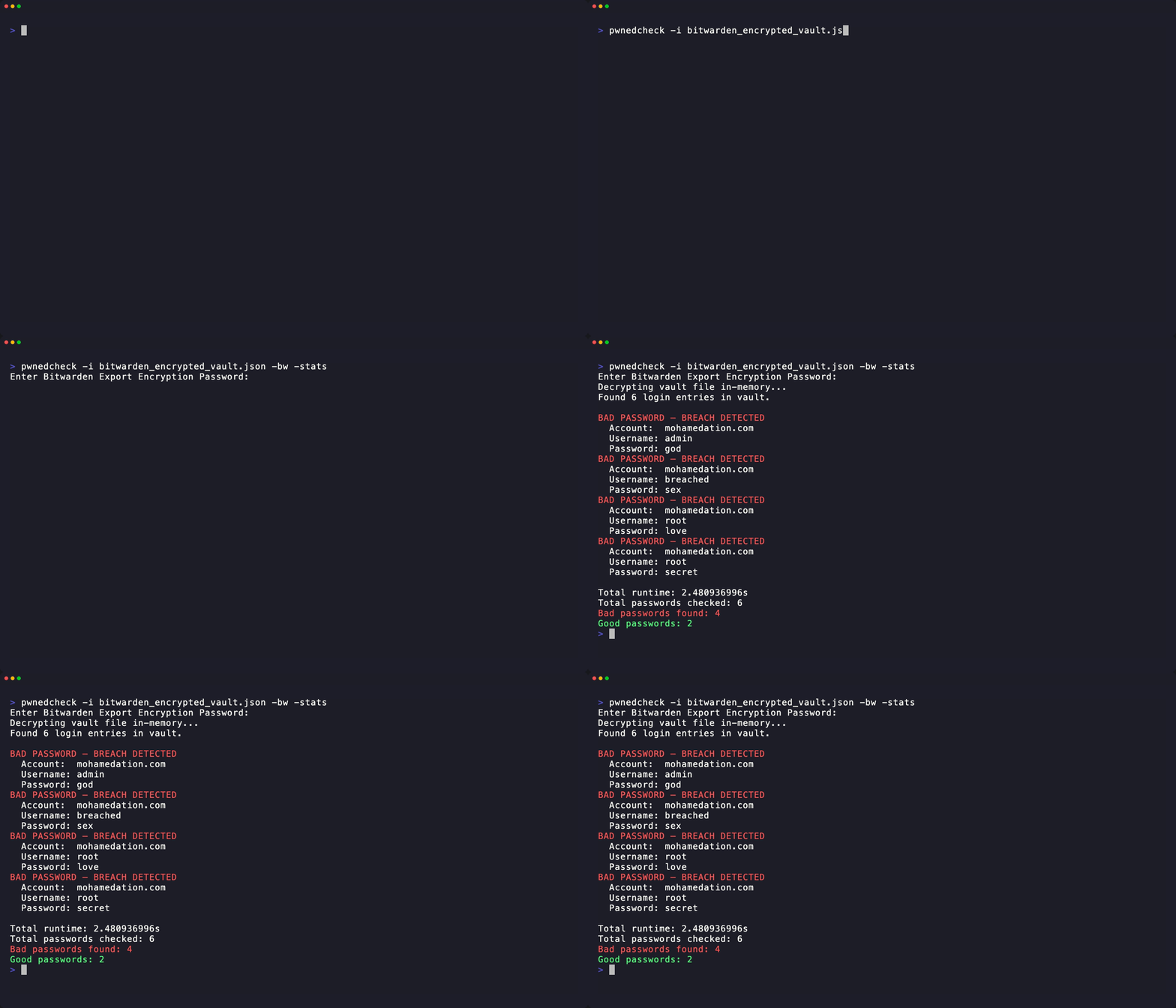
Check a Bitwarden encrypted export:
pwnedcheck -bw -i bitwarden_encrypted_export.json -hide -stats
Enable verbose HIBP request logging:
pwnedcheck -v password123
-i, --input <string> : Input file containing passwords or JSON export (default "passwords.txt")-bw, --bitwarden : Treat input file as a Bitwarden password-protected encrypted JSON export-H, --hashed : Treat input as pre-computed SHA-1 hashes instead of plaintext-x, --hide : Hide plaintext passwords from console output-s, --stats : Show runtime and result summary after completion-v, --verbose : Print each HIBP request and response status to show API diagnostics-c, --credits : Show credits-h, --help : Show helpPwnedCheck uses the k-anonymity approach used by HIBP:
[1/2] Checking...
BAD PASSWORD — BREACH DETECTED (item #1)
	Password: 123456

Total runtime: 1.5s
Total passwords checked: 2
Bad passwords found: 1
Good passwords: 1
cmd/pwnedcheck: CLI entrypoint and flag parsinginternal/checker: run loop and output formattinginternal/hibp: HIBP client and password hashinginternal/bitwarden: Bitwarden export decryption