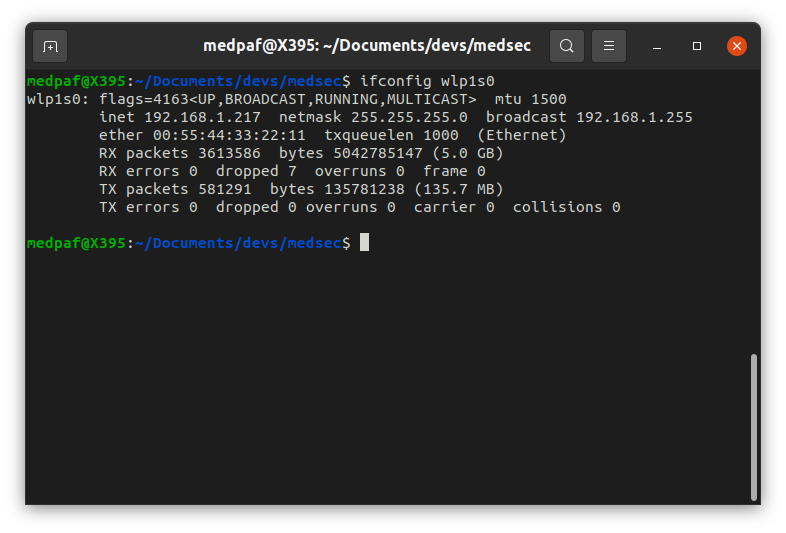
Network, recon and offensive-security tool for Linux.




Hawk is a network and pentest utility that I developed so that I could perform different kinds of tasks using the same suite, instead of jumping from one tool to another.
Currently, this script can perform a variety of tasks such as ifconfig, ping, traceroute, port scans (including SYN, TCP, UDP, ACK, comprehensive scan, host discovery (scan for up devices on a local network), MAC address detection (get MAC address of a host IP on a local network), banner grabbing, DNS checks (with geolocation information), WHOIS, subdomain enumeration, vulnerability reconnaissance, packet sniffing, MAC spoofing, IP spoofing, SYN flooding, deauth attack and brute-force attack (beta).
Other features are still being implemented. Future implementations may include WAF detection, DNS enumeration, traffic analysis, XSS vulnerability scanner, ARP cache poisoning, DNS cache poisoning, MAC flooding, ping of death, network disassociation attack (not deauth attack), OSINT, email spoofing, exploits, some automated tasks and others.
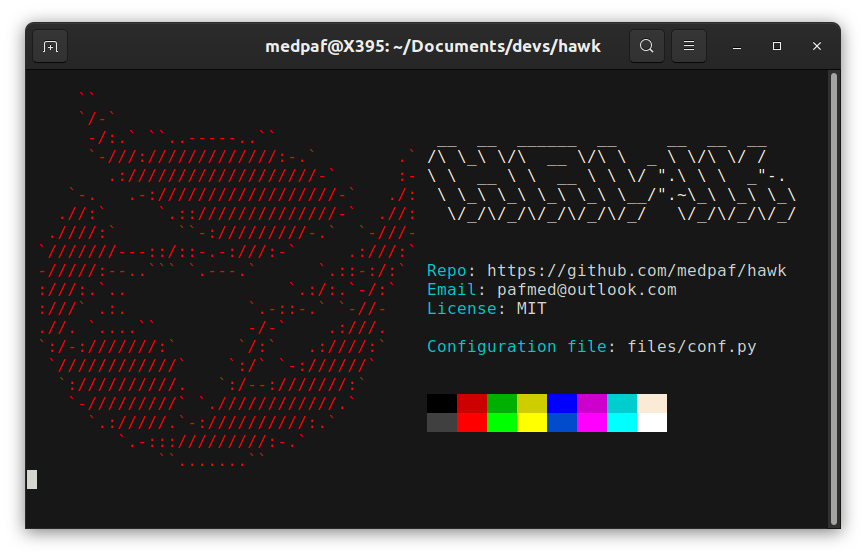
Note that currently, this script only runs well on Linux. If you try it in on Windows or macOS, it may run, but numerous errors will appear.
This script was tested on:
To install the necessary packages so that the script can run withouth any problems simply run the setup.sh script with root privileges. Currently, this installation script is only supported on Debian, Red Hat and Arch based distros that has the apt, dnf and pacman package manager respectively (Ubuntu, Kali Linux, Parrot OS, Debian, Pop!_OS, Linux Mint, Deepin, Zorin OS, MX Linux, Elementary OS, Fedora, CentOS, Red Hat Enterprise Linux, Rocky Linux, AlmaLinux, Oracle Linux, ClearOS, Arch, Black Arch, Manjaro, etc). On most systems, to install Hawk simply run the following commands:
git clone https://github.com/medpaf/hawk.git
cd hawk
sudo sh setup.sh
Then, simply follow the instructions. Please ignore the error messages that appear during installation.
However, if you are using any other Linux distro with a different package manager, please install the packages manually using your distro's package manager. Depending on the specific distro used, some of the required packages to run this script might be already installed on your machine.
If you wish to know the necessary packages, look the setup.sh file.
After the installation, to run the program, simply navigate to the project's directory and run the hawk.py file using python. Running the script as root is recommended for better performance and to avoid permission errors. The used command is the following:
sudo python3 hawk.py
To make configurations, simply go to the configuration file at files/conf.py and edit it.
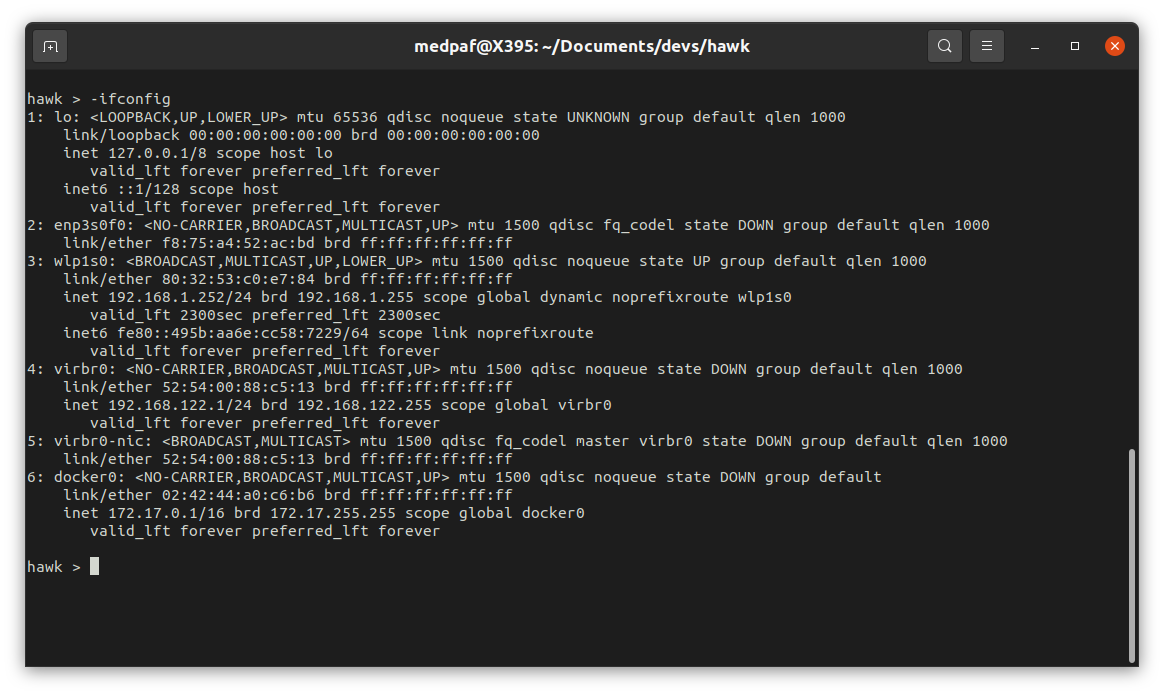
If you want to display your system's current TCP/IP network configuration, type the following command:
-ifconfig
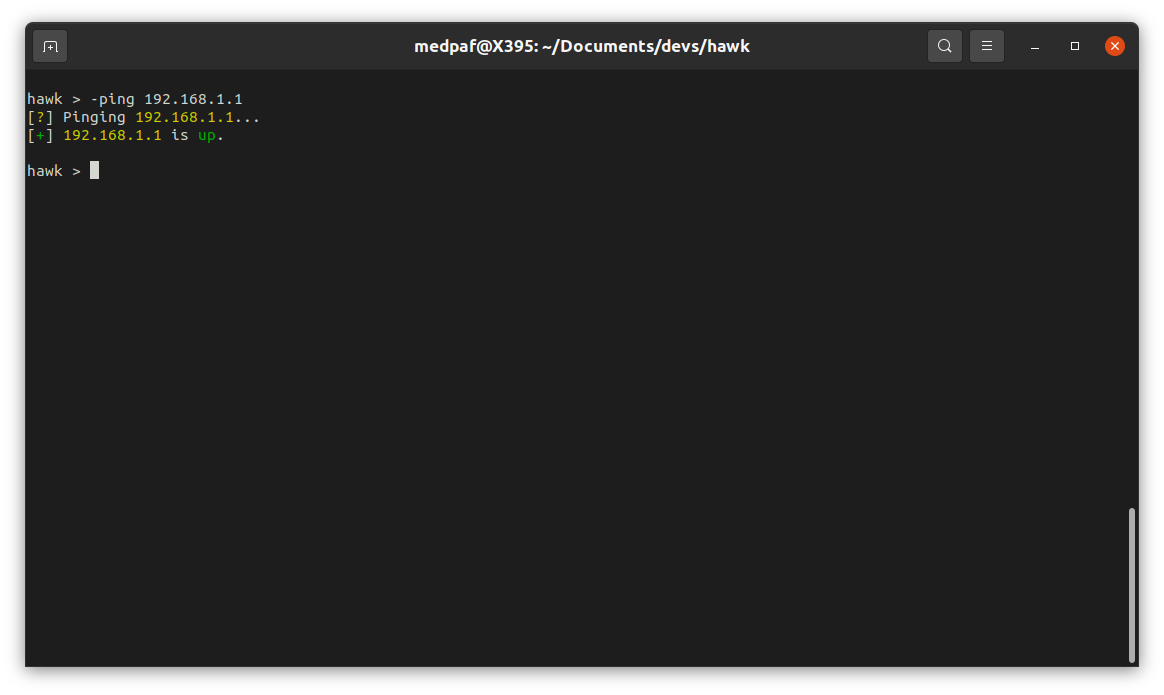
To send ICMP packets to one or more hosts to check connectivity, simply type:
-ping <HOST(s) IP/FQDN>
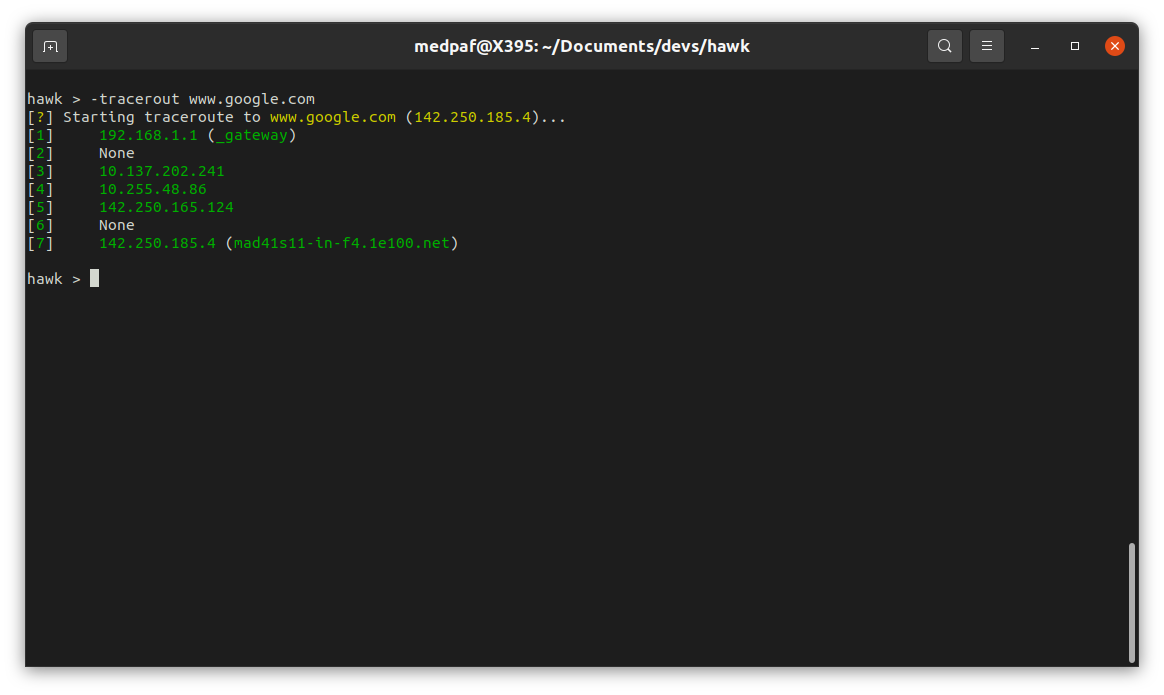
To diagnose route paths and measure transit delays, use the -traceroute command:
-traceroute <HOST IP/FQDN>
Scanning ports helps detect potential security breaches by identifying the hosts connected to your network and the services running.
Multiple scan types are supported, including TCP SYN (-scansyn) [also known as stealth scan], TCP Connect (-scantcp), UDP (-scanudp), TCP ACK (-scanack) and comprehensive scan (-scan).
-scan -host <HOST(s) IP/FQDN>
-scan -host <HOST(s) IP/FQDN> -p <PORT(s)>
If you wish to scan a IP range and/or port range, use one of the following commands:
-scan -host <HOST(s) IP/FQDN> -prange <START PORT> <END PORT>
-scan -iprange <START IP> <END IP> -p <PORT(s)>
-scan -iprange <START IP> <END IP> -prange <START PORT> <END PORT>
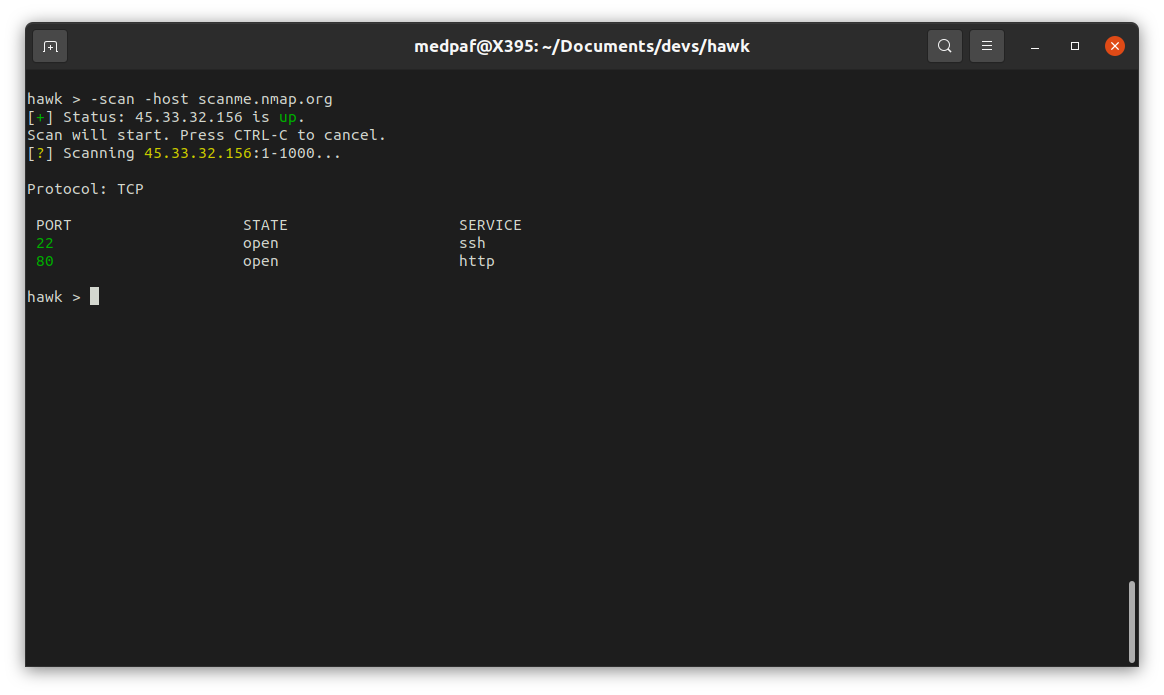
After this scan, it is possible to see that both 22 (SSH) and 80 (HTTP) ports are open.
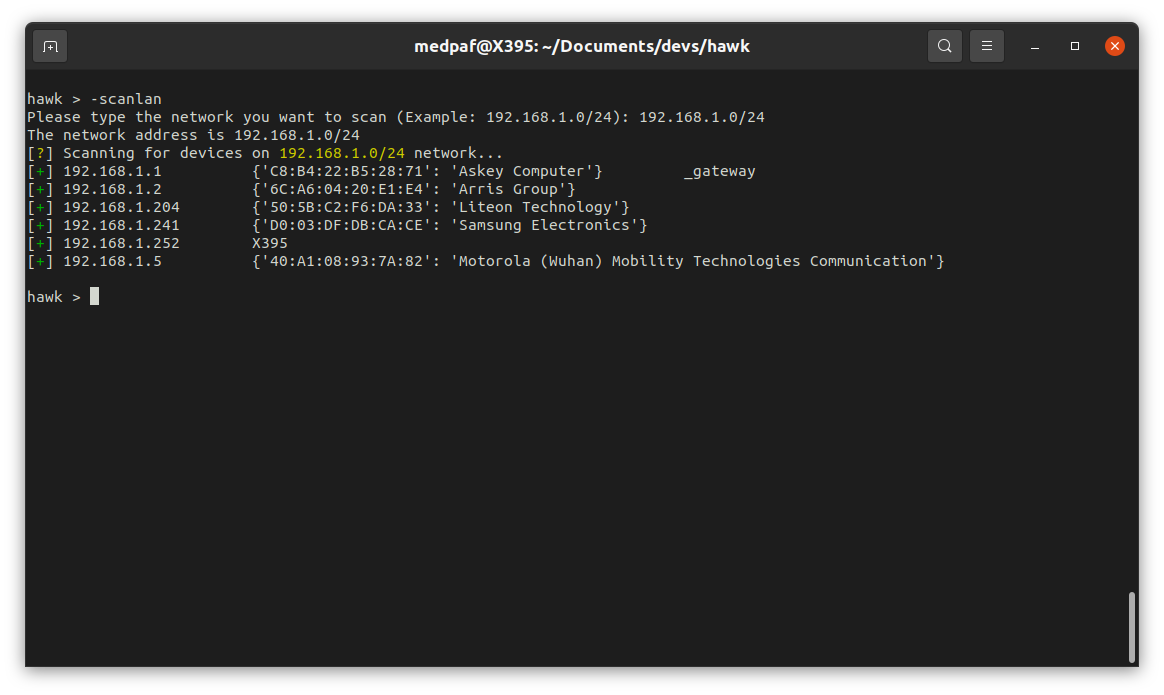
To look for current up devices on a given network type the following command:
-scanlan
Then type the network you want to scan.
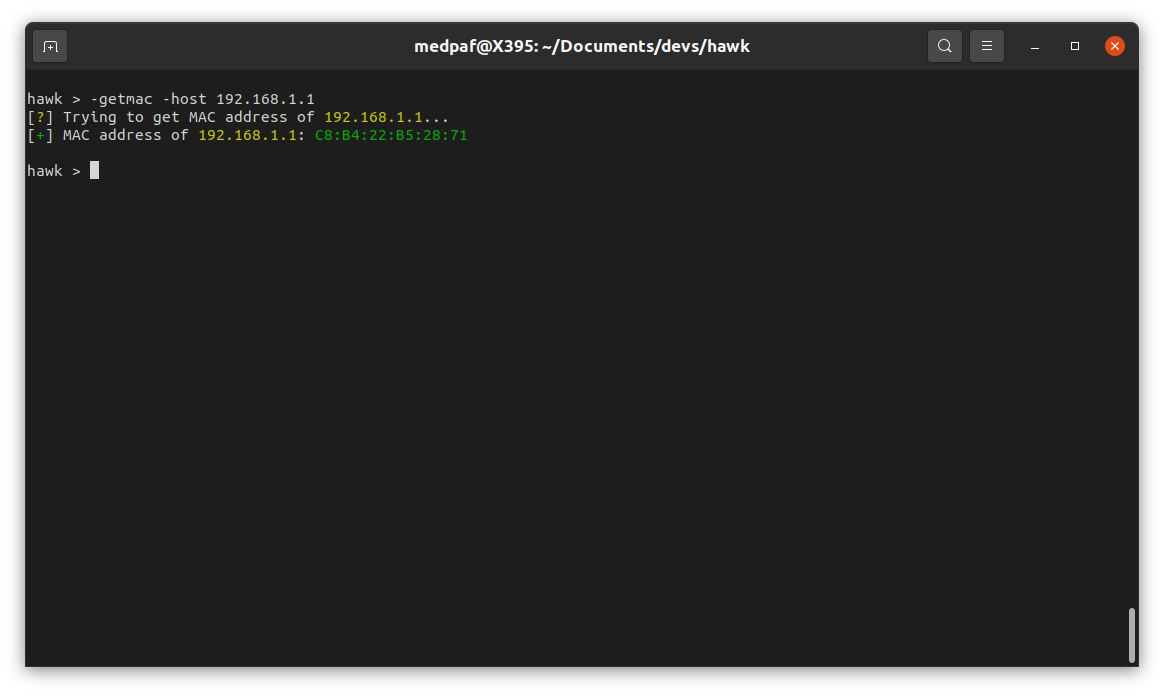
To get a MAC address of one or more live hosts on the LAN, use the command:
-getmac -host <HOST(s) IP>
Version detection, or banner grabbing, is a reconnaissance technique that retrieves a software banner information. This banner usually contains important information about a network service, including but not limited to, it’s software name and version. FTP, Web, SSH, and SMTP servers often expose vital information about the software they are running in their banner.
A banner attack usually starts off with a enumeration scan to find open ports. Once you identified a service you want to target, you can send specific packets and inspect the traffic for the specified information.
To perform banner grabbing, depending on your specific needs, type one of the following commands:
-grab -host <HOST(s) IP/FQDN> -p <PORT(s)>