 mcdulltii/obfdetect
IDA plugin for automated detection of obfuscated code and control-flow flattening in binaries using heuristic analysis and dominator tree visualization.



Authored by: mcdulltii
Automatically detect obfuscated code and other state machines
Scripts to automatically detect obfuscated code and state machines in binaries.
Implementation is based on IDA 7.4+ (Python3). Check out the following blog posts for more information on the Binary Ninja implementation:
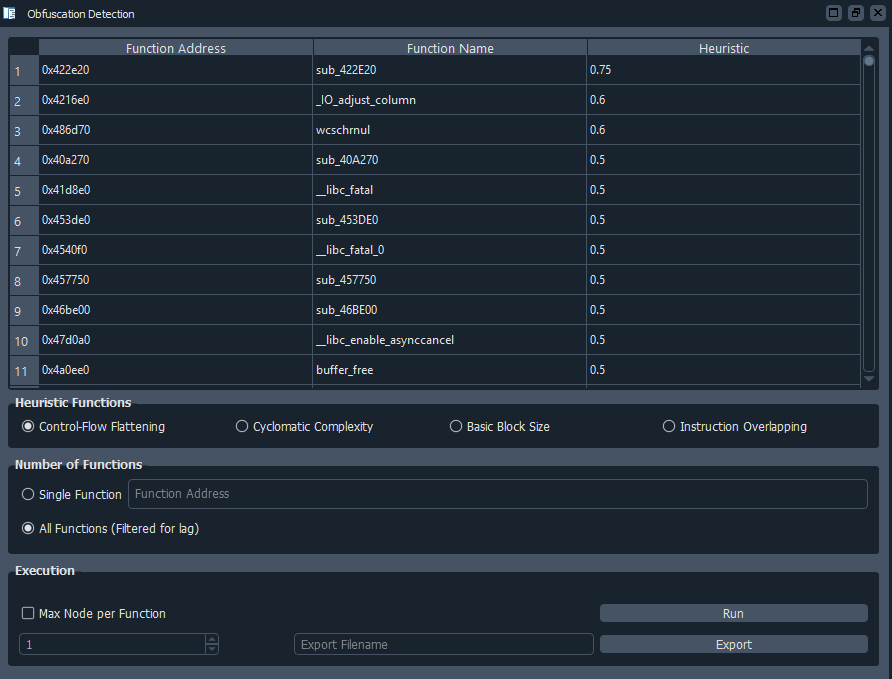
Heuristic values are generated based on the above blog posts, and are sorted (when run in All Functions mode) top down based on their heuristic complexities.
Due to the recursive nature of plotting a dominator tree of every found function within the binary, the implementation and runtime overhead is expensive, though threading has been implemented.
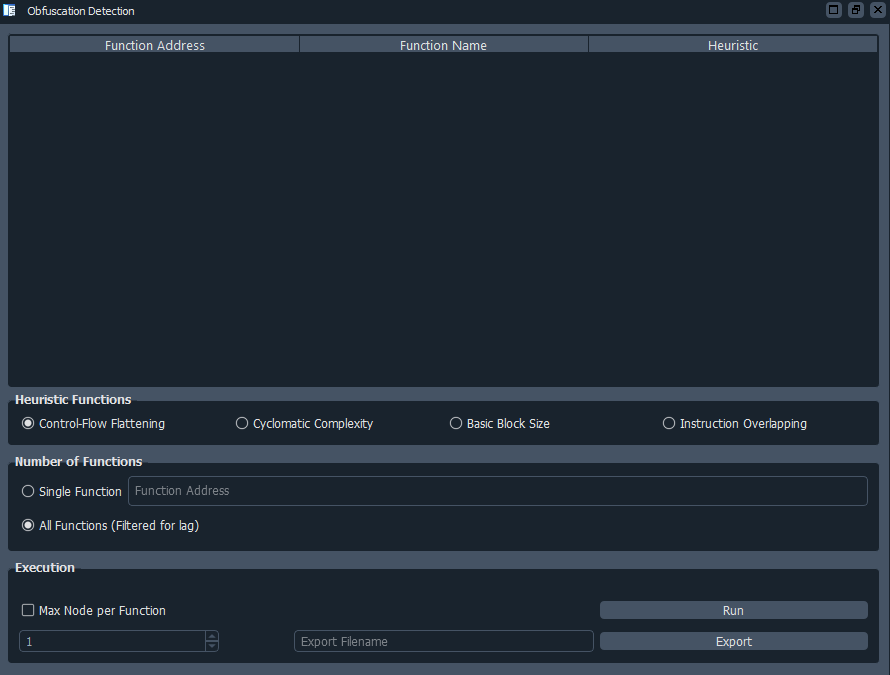
Using PyQt to visualize the plugin, users are able to further customize the heuristic function analysis on the binary.
PyQt5
Copy the obfDetect directory and obfDetect.py into the IDA Plugins directory.
When IDA has successfully finished loading a binary, the script will print out its banner into the IDC/Python console.
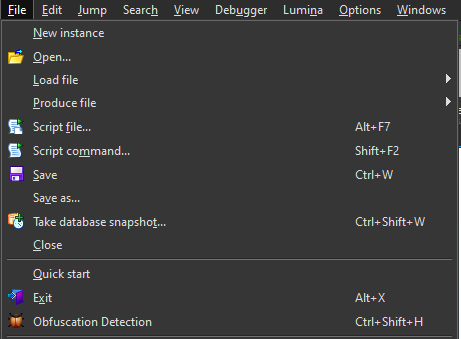
The script can be run via the File toolbar as shown below. Alternatively, Ctrl-Shift-H.
Function names in output table can be renamed using n, and will thus update IDA's function names specified by its function address
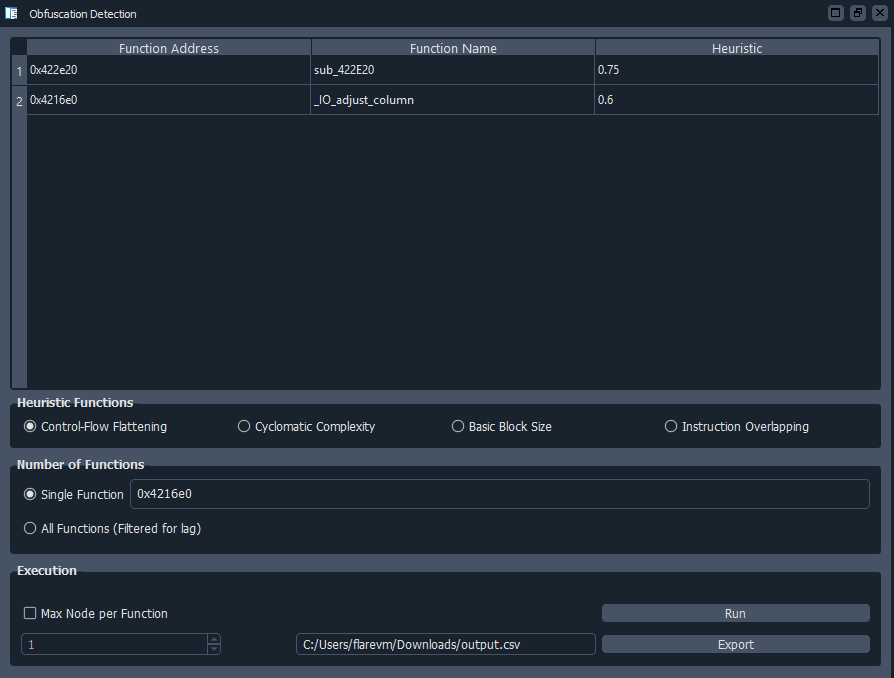
Export filename input box when clicked, will open a file selection pop-up which can be navigated into a custom save location
Run button to start analysisExport filename input box to select export location, and click Export button to export table to csv format