 makuga01/dnsfookup
DNS rebinding toolkit

DNS Rebinding freamwork containing:
It lets you create dns bins like a burp collaborator
but it adds a bit more features...
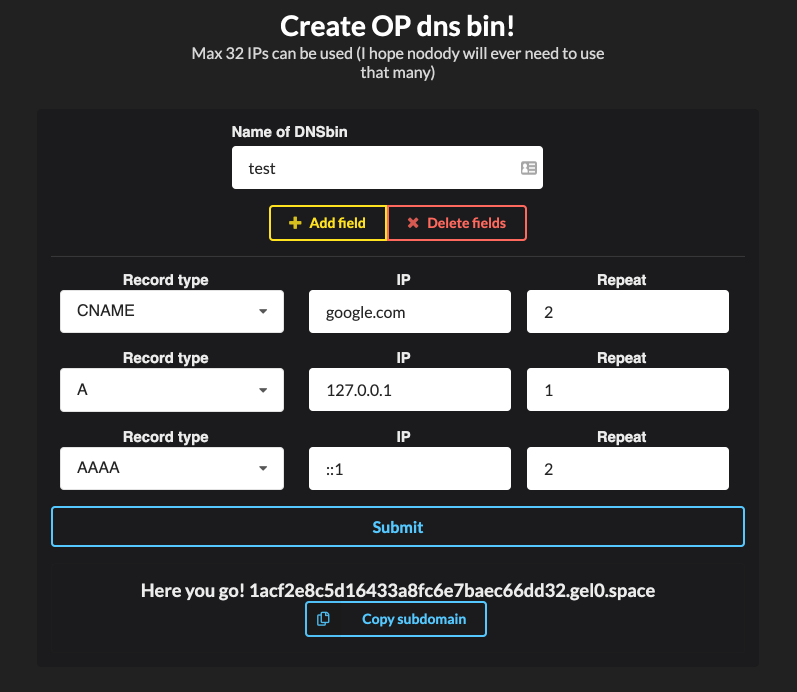
You can specify what ips/domains should the created subdomain resolve to and how many times, for now it A,CNAME and AAAA record are supported
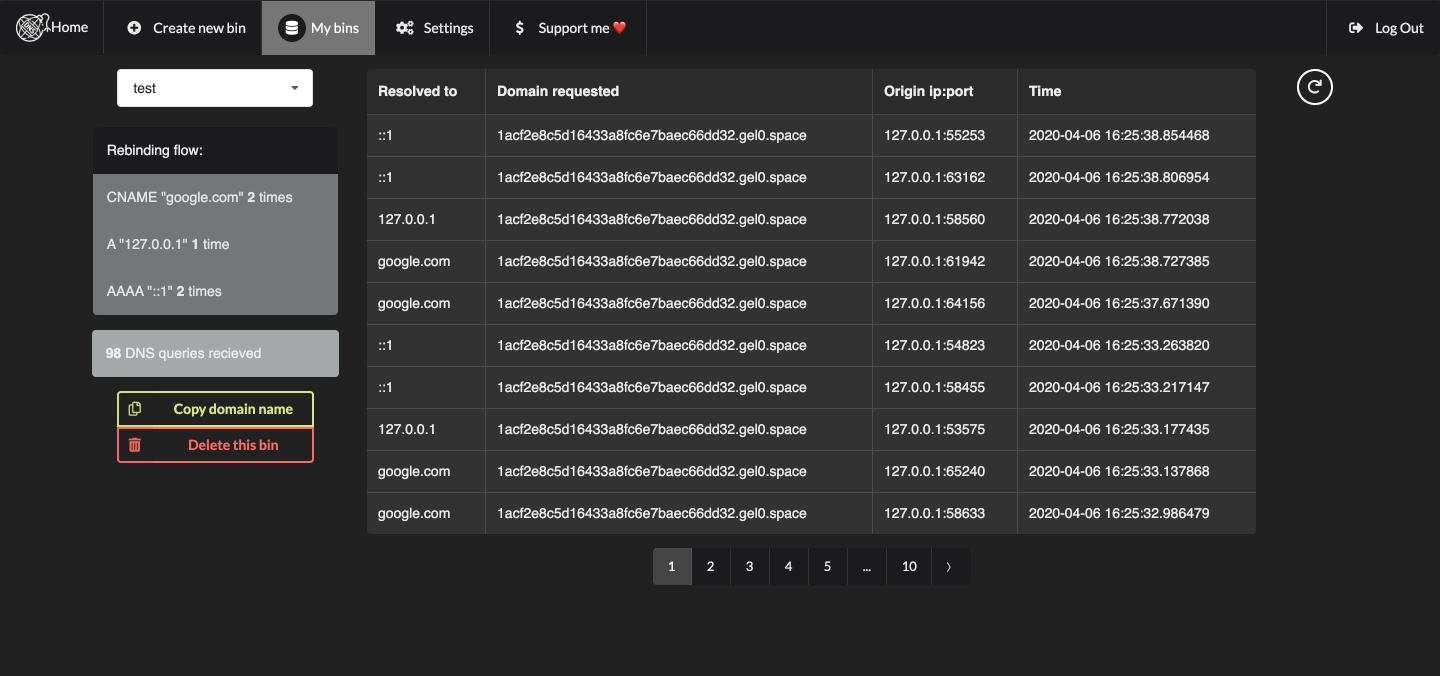
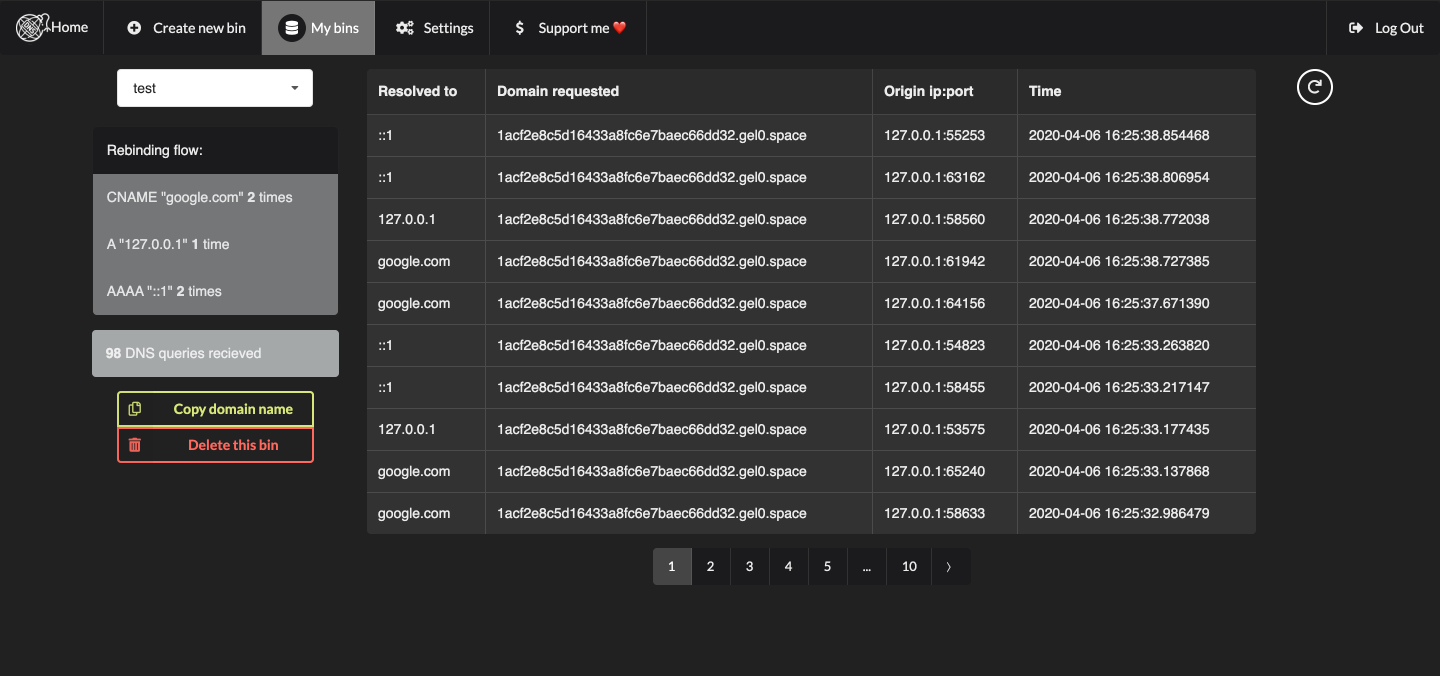
Then you can see where it was requested from, what did it resolve to,... in logs
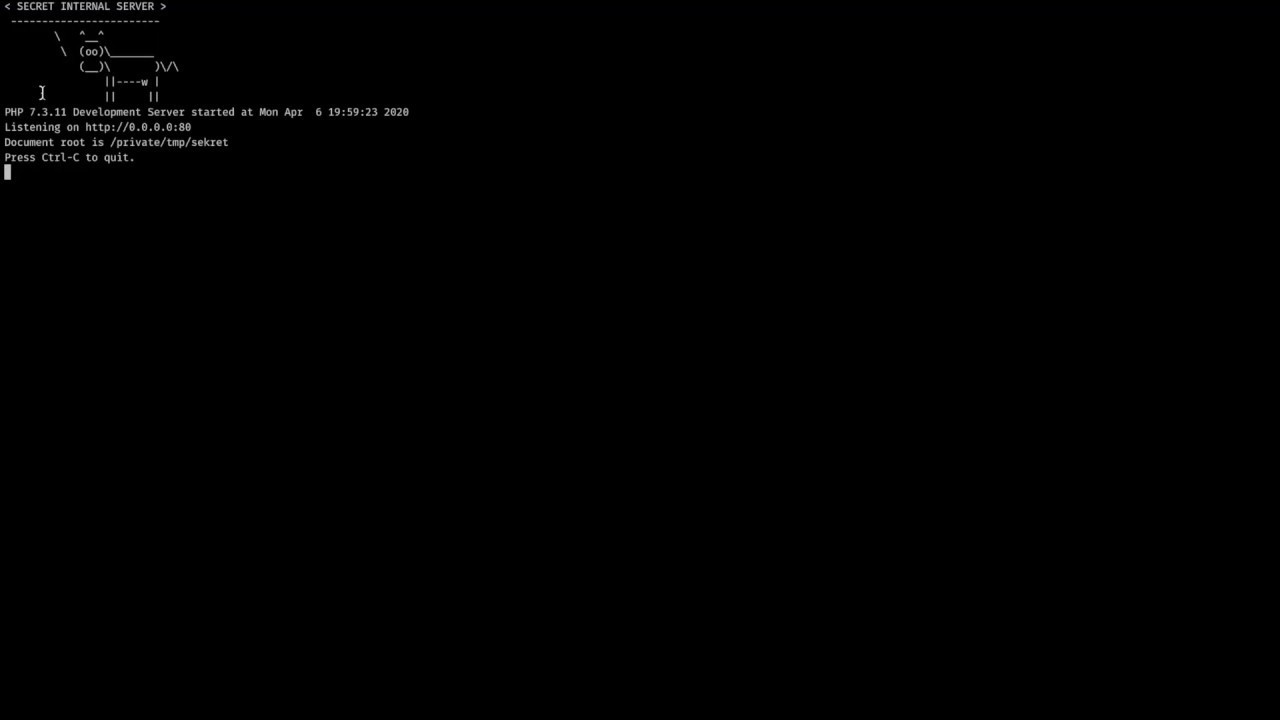
Source of the vulnerable application is from https://github.com/makuga01/dnsFookup/tree/master/vulnerableApp
First of all, check the configuration in config.yaml
You also should not forget to change all passwords and keys inside the config
# First edit config.yaml as you please
# Don't forget to change the JWT secret!
vim config.yaml

# Install python & docker-compose
apt install docker-compose python3-pip
sudo apt-get install libpq-dev python-dev

#Set up postgres and redis
sudo docker-compose up

#in ./BE
pip3 install -r requirements.txt

python3 dns.py # to start the dns server

# for testing purposes development server is enough I think
FLASK_APP=app.py
FLASK_ENV=development
flask run

# Install npm
curl -sL https://deb.nodesource.com/setup_10.x | sudo -E bash -
apt -y install nodejs make gcc g++

# then in ./FE
npm install
npm start
If you have a bit of free time, please contribute, it means a lot to me :D
Let me know on keybase
