 m0bilesecurity/rms-runtime-mobile-security
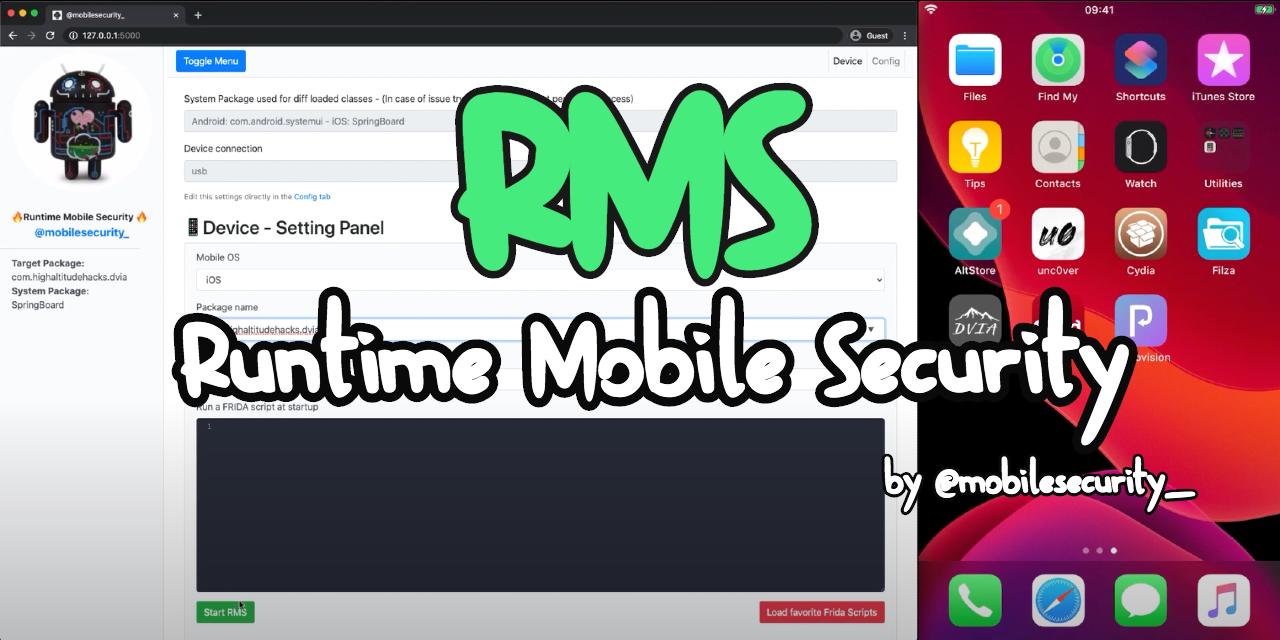
Runtime Mobile Security (RMS) 📱🔥 - is a powerful web interface that helps you to manipulate Android and iOS Apps at Runtime

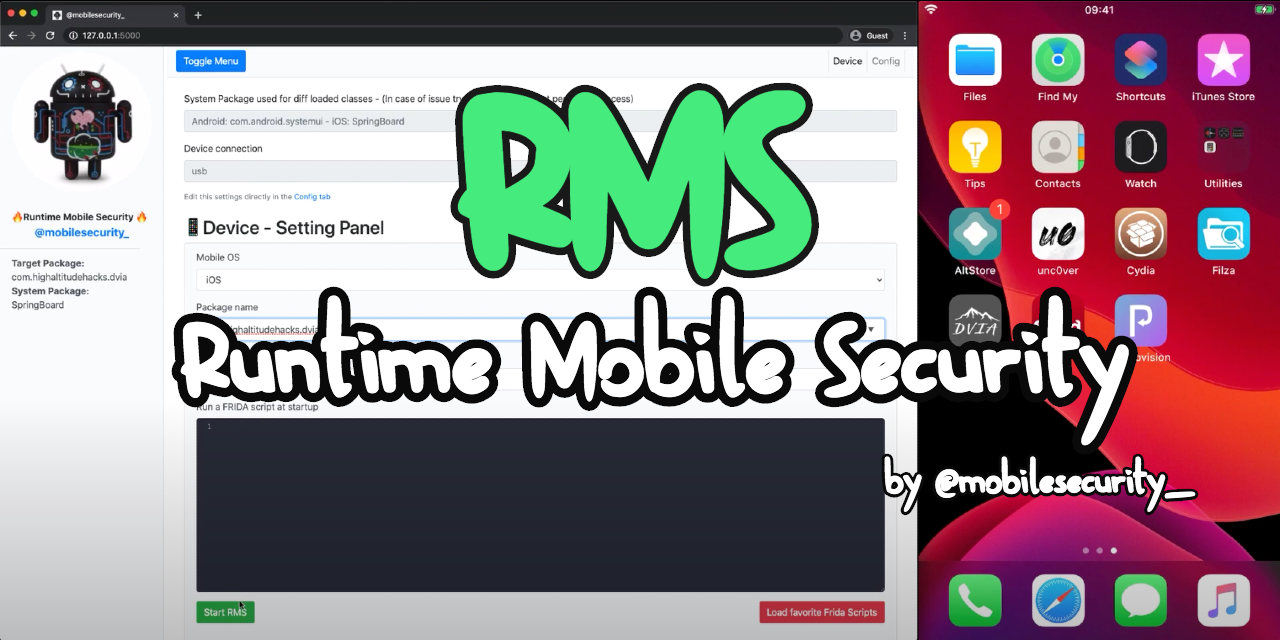





Runtime Mobile Security (RMS), powered by FRIDA, is a powerful web interface that helps you to manipulate Android and iOS Apps at Runtime.
With RMS you can easily dump all loaded classes and relative methods, hook everything on the fly, trace methods args and return value, load custom scripts and many other useful stuff.
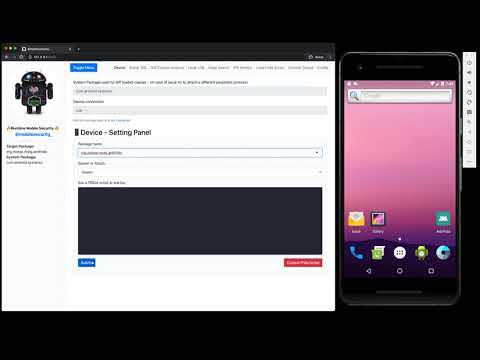
As suggested by the official FRIDA doc, please perform a quick smoke-test to make sure FRIDA is working properly on your test device.
By running the frida-ps -U command from your desktop, you should receive the list of the processes running on your connected mobile device.
Android                    | iOS
  PID NAME                 |  PID NAME
 1590 com.facebook.katana  |  488 Clock
 3282 com.twitter.android  |  116 Facebook
 …                            …
Some cool projects that can help you to auto install, update and run FRIDA on Android devices are:
They are not needed on iOS devices, since FRIDA starts just after the boot of the device (jailbreak mode).
npm install -g rms-runtime-mobile-securityrms (or RMS-Runtime-Mobile-Security)http://127.0.0.1:5491/NOTE
Default RMS port has been changed from 5000 to 5491 because since MacOS Ventura, port 5000 is the Control Center's default port. If you wish to change the default port, you can also run RMS with the --port parameter followed by the desired port number e.g. rms --port 9000
Follow the steps below if you want to develop new features for RMS 😉
git clone https://github.com/m0bilesecurity/RMS-Runtime-Mobile-Security.gitcd RMS-Runtime-Mobile-Securitynpm install (local installation)node rms.jsnpm install -g to install dependenciesnpm run compile to compile the frida-agentrms to run RMS (anywhere)NOTE: If you add new features to the agent (/agent/RMS_core.js), please remember to recompile the code by running npm run compile or directly via the frida-compile command (frida-compile agent/RMS_core.js -o agent/compiled_RMS_core.js)
Runtime Mobile Security (RMS) supports Android and iOS devices.
It has been tested on MacOS and with the following devices:
It should also work well on Windows and Linux but some minor adjustments may be needed.
NOTE RMS attachs a persistence process called com.android.systemui on Android and SpringBoard on iOS devices to get the list of all the classes that are already loaded in memory before the launch of the target app. If you have an issue with them, try to find a different default package that works well on your device. You can set another default package via the Config Tab or by simply editing the /config/config.json file.