 lxf746/outlook-auto-register
Automated Outlook account registration tool using pure HTTP protocol with PerimeterX captcha solving, proxy pool management, and email token retrieval for bulk account creation.

Pure-protocol Microsoft Outlook bulk registration · PerimeterX solver · Web console · Proxy pool / account pool / liveness checks


What it solves · Screenshots · Quick start · Proxy · Anti-ban guide · 中文 · Tiếng Việt
Repository:
lxf746/outlook-auto-register
For learning and research only. Not for commercial misuse. You are responsible for complying with Microsoft Terms of Service and any consequences of use.
In one line: Pure-protocol Outlook bulk registration + web console — from PX solving and proofs binding to Graph mail verification, fully visualized.
Most Outlook registration scripts only answer “how to send HTTP requests”. Gaps remain: PerimeterX, proxy rotation, recovery-mail proofs, post-registration token usage, batch ops, and liveness checks. This project wires the full pipeline.
| Typical scripts | Outlook Auto Register | |
|---|---|---|
| Implementation | Browser automation / partial protocol | Pure HTTP (Fluent Web API + PX solver), no browser |
| Captcha | Manual / single vendor | captcha.run press/silent; CapSolver / EzCaptcha supported |
| Proxy | Single HTTP_PROXY | SQLite proxy pool: health check, success stats, sticky binding |
| Proofs | Often skipped (high ban rate) | External IMAP recovery pool / Cloudflare catch-all |
| Output | Plain text credentials | 4-segment / 6-segment combo + SQLite storage |
| Operations | None | Web console: batch register, account pool, liveness, keepalive |
| Mail read | IMAP-dependent | Graph / Outlook REST / Thunderbird scopes |
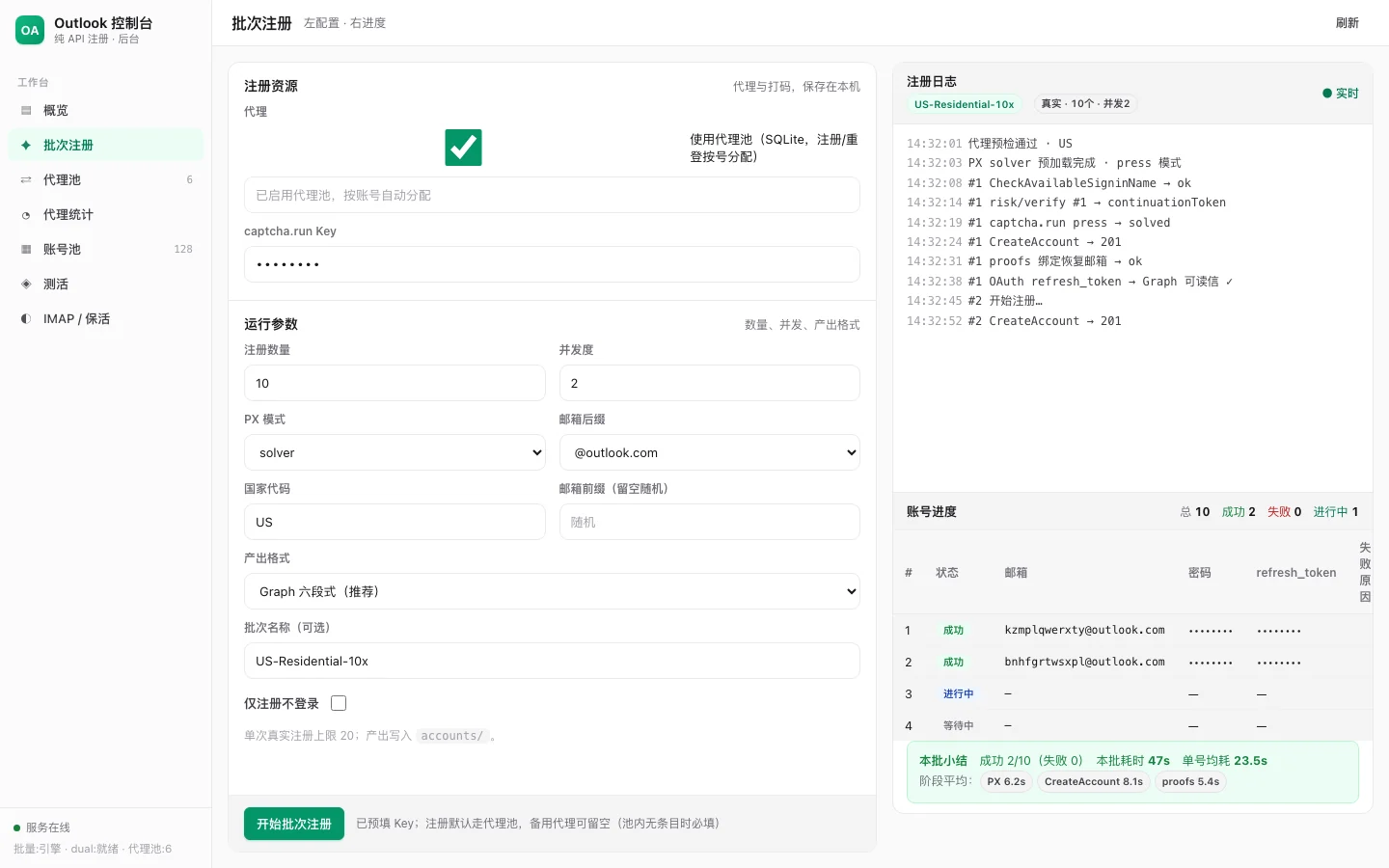
Configure on the left; SSE stream on the right: proxy check → PX → CreateAccount → proofs → Graph-readable token. Per-batch timing summary at the bottom.
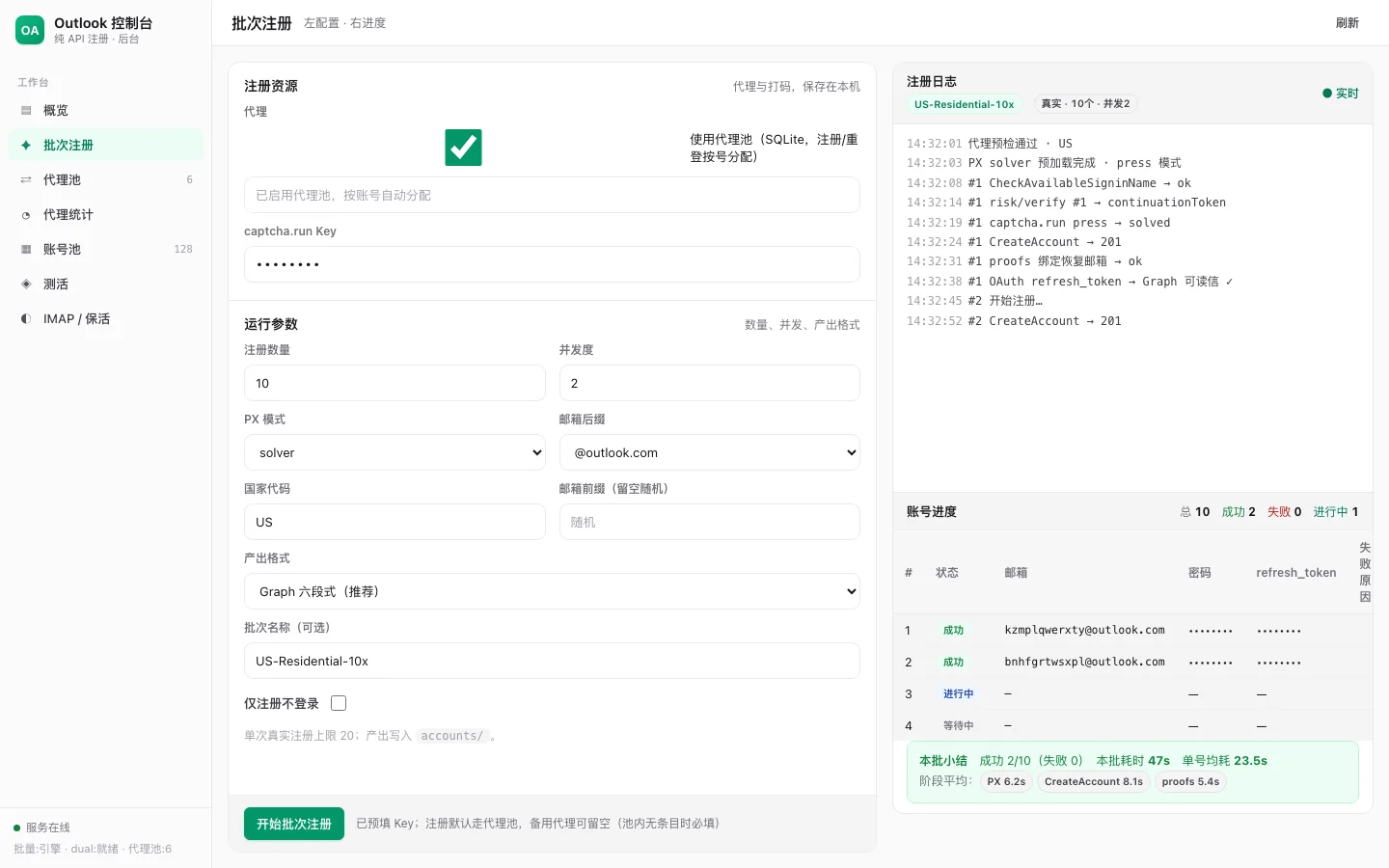
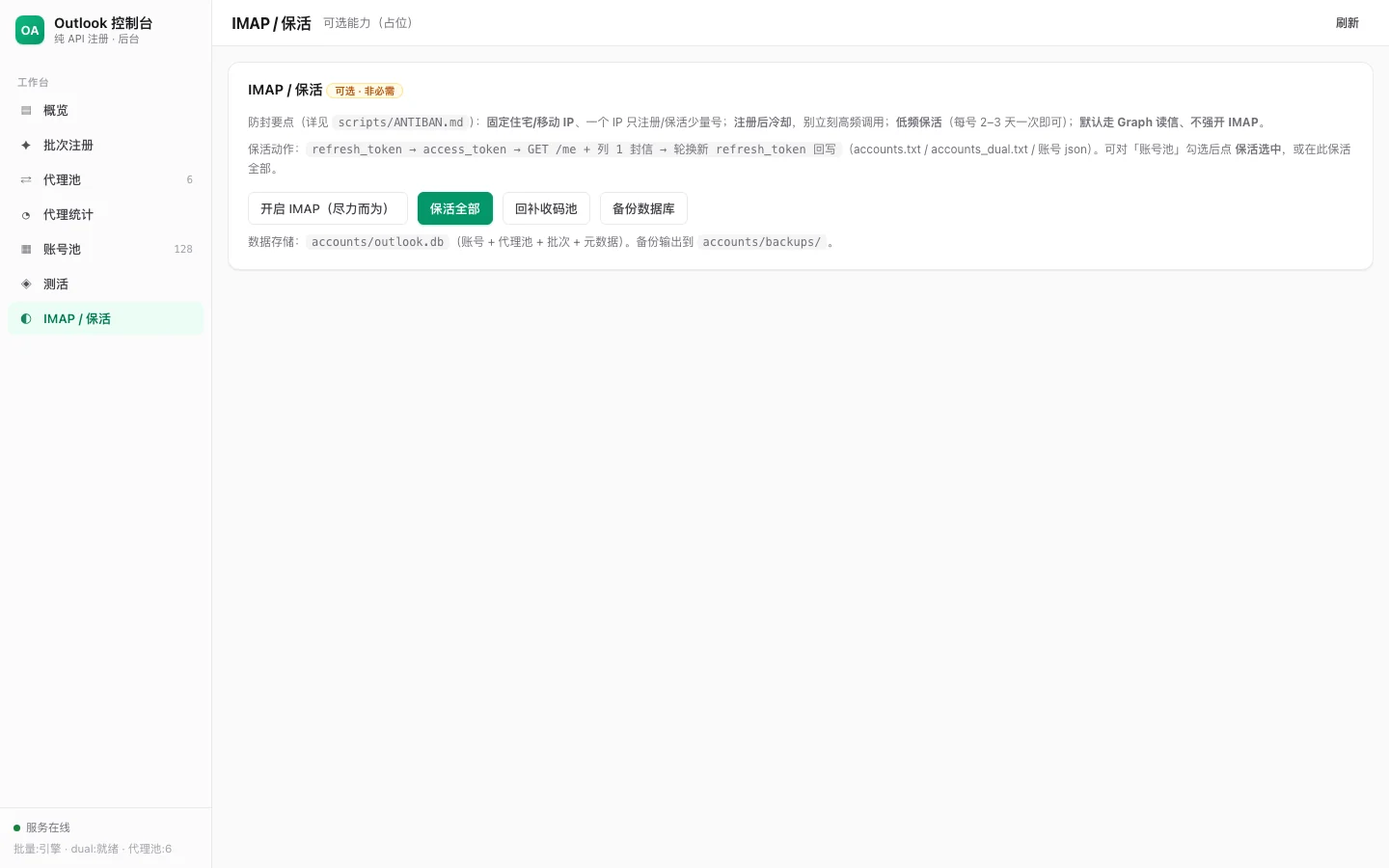
Routes by scope to Graph / Outlook REST / IMAP; supports batch keepalive and read-mail self-check.
Registration
cf_domain; no default skipOperations
refresh_token renewal + mail verifyCaptcha & mail
.env as fallbackOAuth login (PKCE)
→ signup.live.com/signup (parse ServerData)
→ CheckAvailableSigninName
→ risk/initialize
→ humanSensorUrl + PX collector preload
→ risk/verify #1 (px metadata + msaRiskVerifySignature)
→ [riskChallengeRequired] captcha.run press/silent
→ risk/verify #2 (challengeSolution + px metadata)
→ CreateAccount
→ oauth20_authorize.srf (slt login)
→ [proofs] external recovery / CF catch-all / (OUTLOOK_SKIP_PROOFS=1 to cancel)
→ [optional] skip Passkey / obtain mail OAuth refresh_token
git clone https://github.com/lxf746/outlook-auto-register.git
cd outlook-auto-register

python3 -m venv .venv && source .venv/bin/activate
pip install -r requirements.txt

cp .env.example .env
# Edit .env: recovery pool, CF domain, etc. (captcha key recommended via web UI → DB)
.venv/bin/uvicorn main:app --host 0.0.0.0 --port 8890
Open http://127.0.0.1:8890:
host:port:user:pass or {sid} rotating template)Dry-run is on by default on first use. Uncheck before real registration.
OUTLOOK_MAIL_TOKEN_MODE=login_exe python main.py \
  --proxy 'gate.example.com:1000:user:pass-US-{sid}' \
  --country US -v

REG_PROXY_RETRIES=6 python main.py --count 10 --concurrency 2 \
  --country US --proxy 'gate.example.com:1000:user:pass-US-{sid}' -v

python main.py --skip-login
python main.py --no-mail-token
python scripts/ez_selftest.py
python scripts/captcha_run_selftest.py
| Mode | Format | Description |
|---|---|---|
graph | 4-segment | email----password----client_id----refresh_token |
graph_recovery / login_exe | 6-segment | above + recovery_email----recovery_password (recommended) |
dual | 6-segment | above + login_client_id----login_refresh_token |
OUTLOOK_MAIL_TOKEN_MODE)| Mode | Description |
|---|---|
graph | Graph API mail read |
outlook_rest | Outlook REST API |
login_exe / recovery | Thunderbird scopes (seller-style) |
dual | Dual tokens: Graph + login SSO |
OUTLOOK_RECOVERY_BACKEND=imap
OUTLOOK_EXTERNAL_RECOVERY_POOL_FILE=/path/recovery_pool.txt
OUTLOOK_RECOVERY_IMAP_HOST=imap.your-recovery-host.com

OUTLOOK_RECOVERY_BACKEND=cf_domain
OUTLOOK_CF_DOMAIN=your-domain.com
OUTLOOK_CF_WORKER_API_URL=https://apimail.your-domain.com
Do not bulk-skip proofs in production (OUTLOOK_SKIP_PROOFS=1 is debug-only).
